If you have installed it and activated it
in myeventon>>>>settings>>>>>shortcodes
there is the shortcode generator that you click it and it creates the shortcodes for you
Replies for tickets on suppota
If you have installed it and activated it
in myeventon>>>>settings>>>>>shortcodes
there is the shortcode generator that you click it and it creates the shortcodes for you
Can you help troubleshoot this a little more?
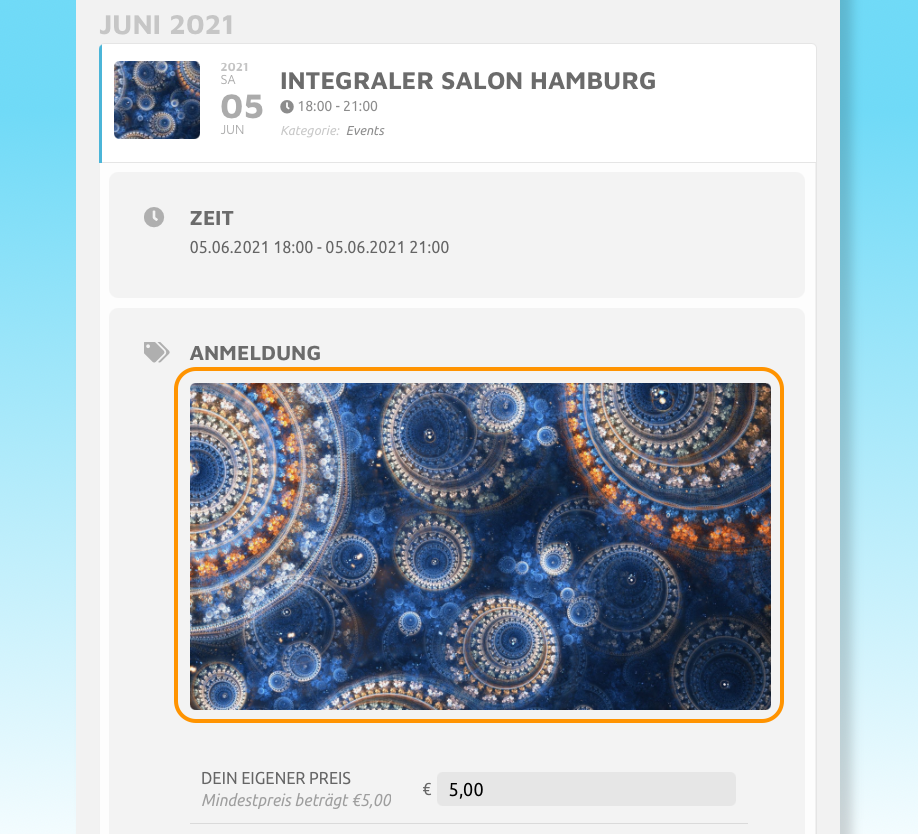
okay, thanks but now I have another image problem. will make new ticket…
Carl I am sorry for the delay. I have been working on this solution all day and still havent been able to finish it as I was hoping for. It is quite a bit complex as far as coding goes. If you would like to share FTP access I can upload the beta version when I have of the variations and options addon. Also please share wp-admin access. This ticket is private now.
Loco translate is a standalone plugin that just uses the text data from EventON, so we aren’t sure what the issue was. Just make sure not to use HTML tags, special symbols and anything like that.
Hello,
Please go to Edit Event > Tickets > add Ticket Image:

The only option available is EventON Settings > Time Settings > Allow universal event time format on eventCard > add the correct data according to this guide: https://www.php.net/manual/en/datetime.format.php
Hello,
Your shortcode shows 6 events on our test server: https://dev2.myeventon.com/26847-2/
Could you please try the instructions mentioned in this documentation to make sure your issue is indeed coming from eventon.
Event Details:
You can also use Custom Details for this: https://docs.myeventon.com/documentations/setup-use-custom-meta-fields-events/