Hello,
1. Please go to https://dev.myeventon.com/wp-admin/admin.php?page=evoics > try adding it to ICS File URL – ONLY If you are using ICS file from external source.
2. If you enable
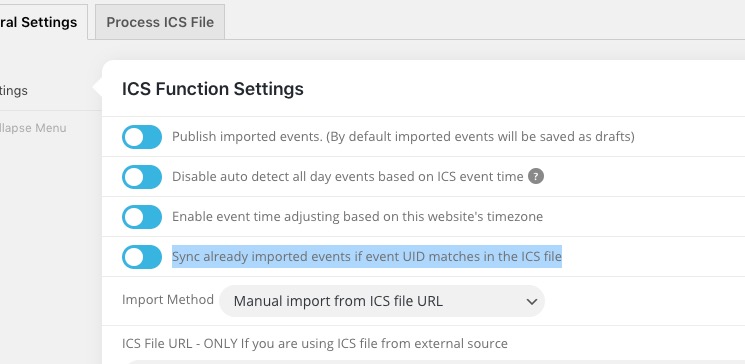
ICS Import updates events with the latest info.
Replies for tickets on suppota
Hello,
1. Please go to https://dev.myeventon.com/wp-admin/admin.php?page=evoics > try adding it to ICS File URL – ONLY If you are using ICS file from external source.
2. If you enable
ICS Import updates events with the latest info.
Hello,
It seems there is was an issue with the shortcode:
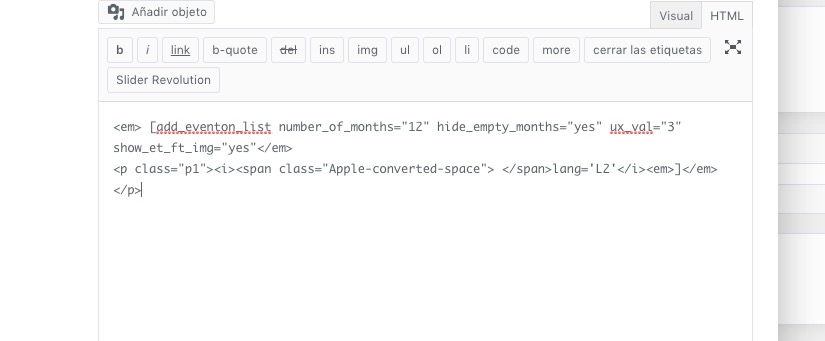
Please check now and make sure that you are following this guide: https://docs.myeventon.com/documentations/setup-language-corresponding-events/
Hello,
Please contact the plugin developers about this. We don’t really know how WP Fastest Cache plugin works so cannot help with this one.
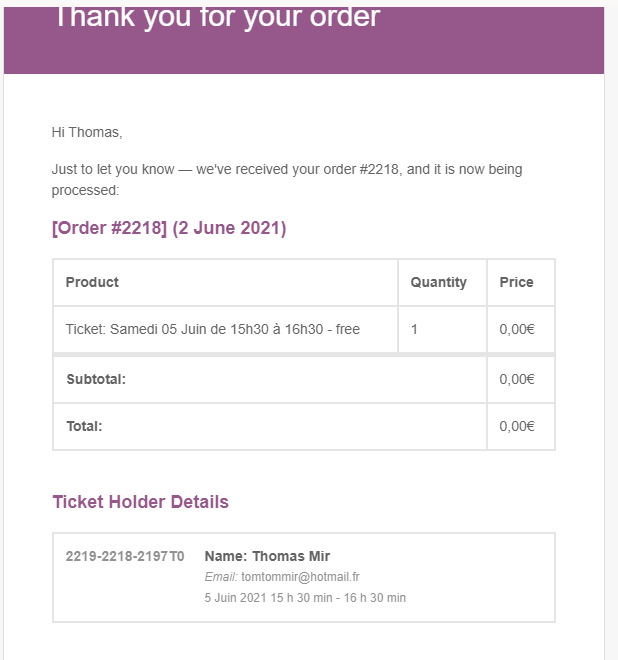
Just tried with the shortcode : [add_eventon_fc cal_id=”visite” wpml_l1=”fr” wpml_l2=”en”] and [add_eventon_fc cal_id=”visite” lang=”L2″ wpml_l1=”fr” wpml_l2=”en”] for the EN page. Still the same issue for the last step and mail 🙁
I changed one of the locations but no success
Did you change the existing one or added a new location from Edit Event?
…but what if it does not work later restart again ?
Not really sure. It seems that the issue was is in your Page Builder so hard to tell.
adresses will not be recognized if it only works with the format you mentionned)
You can put a notice “Add address in the following format”.
You can test it here : http://380.momothemes.com/233056-language-custom/
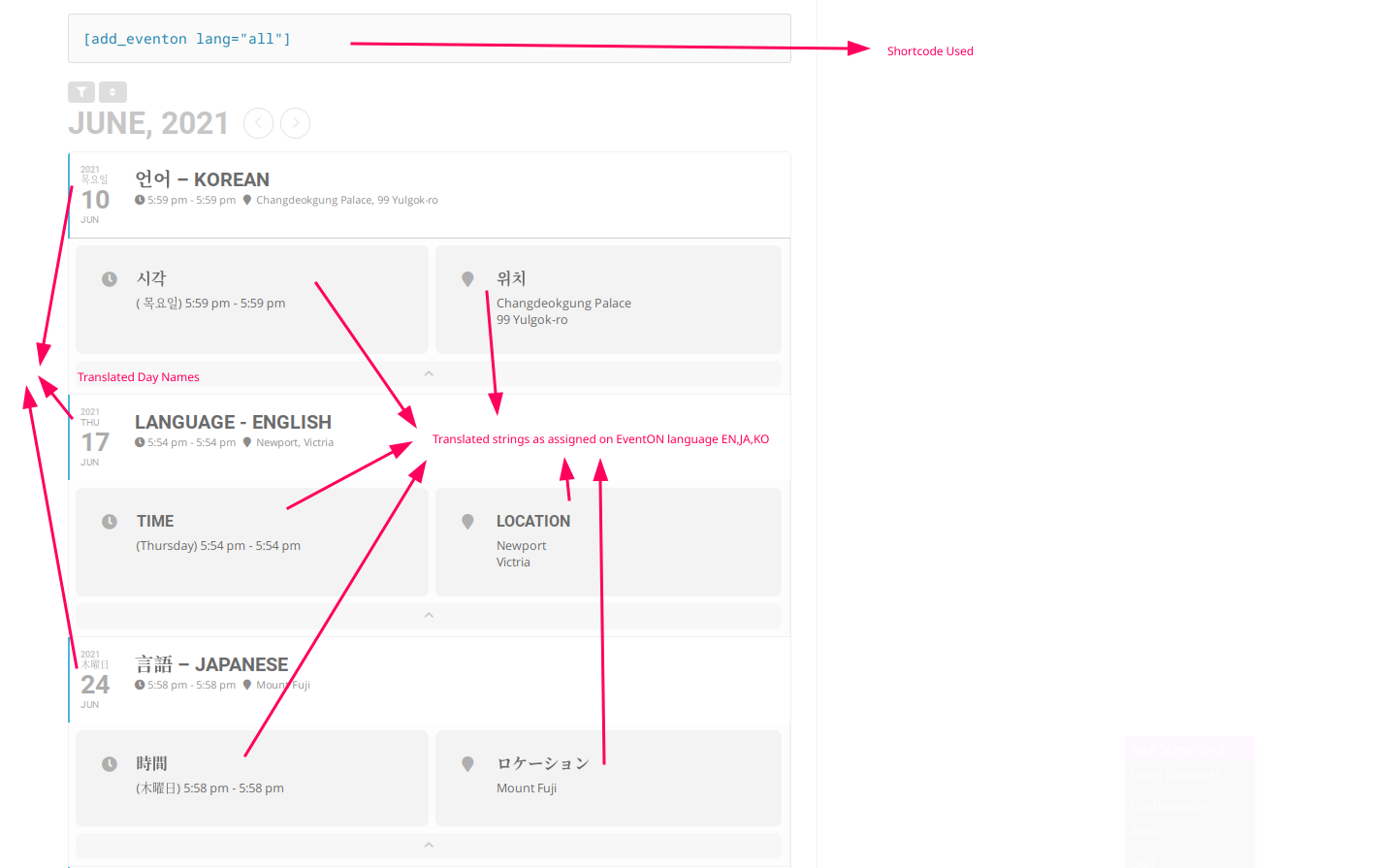
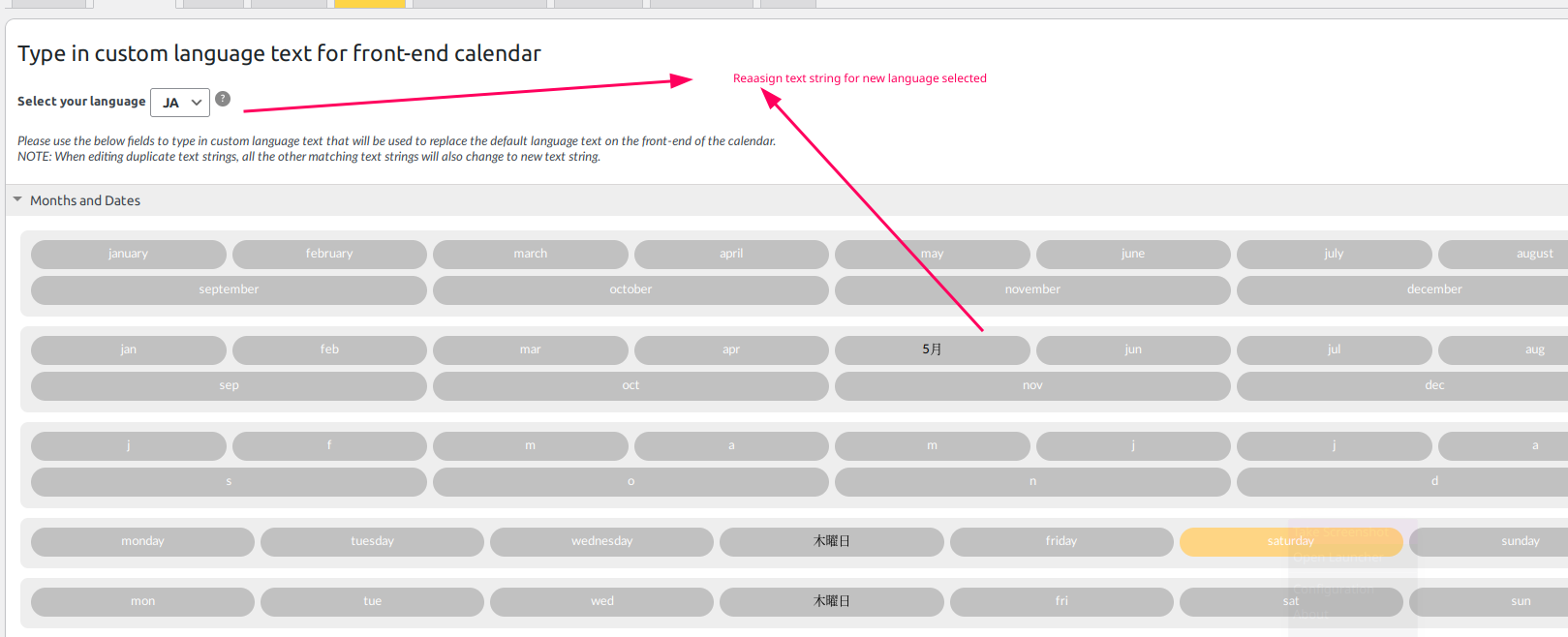
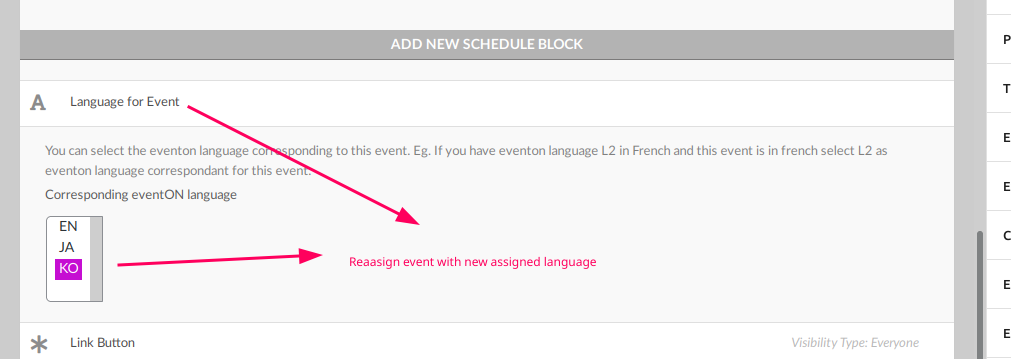
since ‘‘Activate custom language name with multiple languages.” will remove all instances of default L1,L2,L3 languages of EventON,
so you need to reassign text string for each language on language settings (screenshot). and reassign language for each event for corresponding new selected language(screenshot).
Hello,
Please go to wp-admin > Events > Edit Event > disable Event Completed.
Please try
[add_eventon_el el_type=”pe” number_of_months=”12″ event_count=”1″ event_count_list=”yes” month_order=”DESC”]
With EventON it should work this way. You follow https://docs.myeventon.com/documentations/wpml-eventon-front-end/ and add wpml_l1 and wpml_l2 to the shortcode. User clicks on an event and purchases a ticket what leads to Checkout in the correct language. Then user supposed to receive an email in the same language.
Your shortcode looks different from the default FullCal:
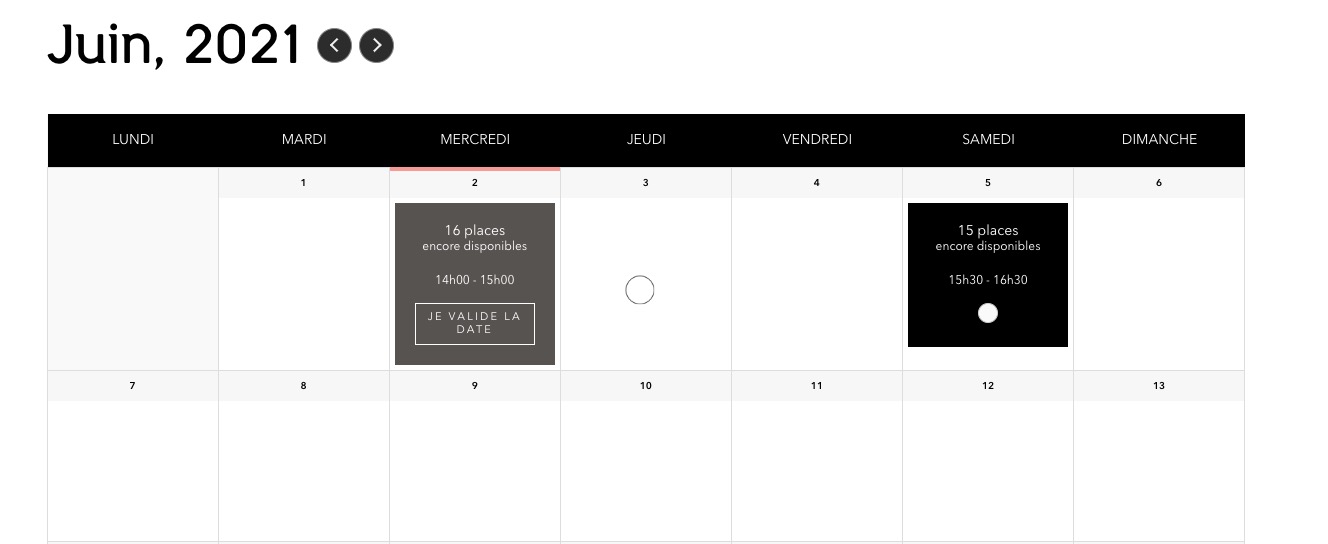
Could you try a regular shortcode with added wpml_l1 and wpml_l2?