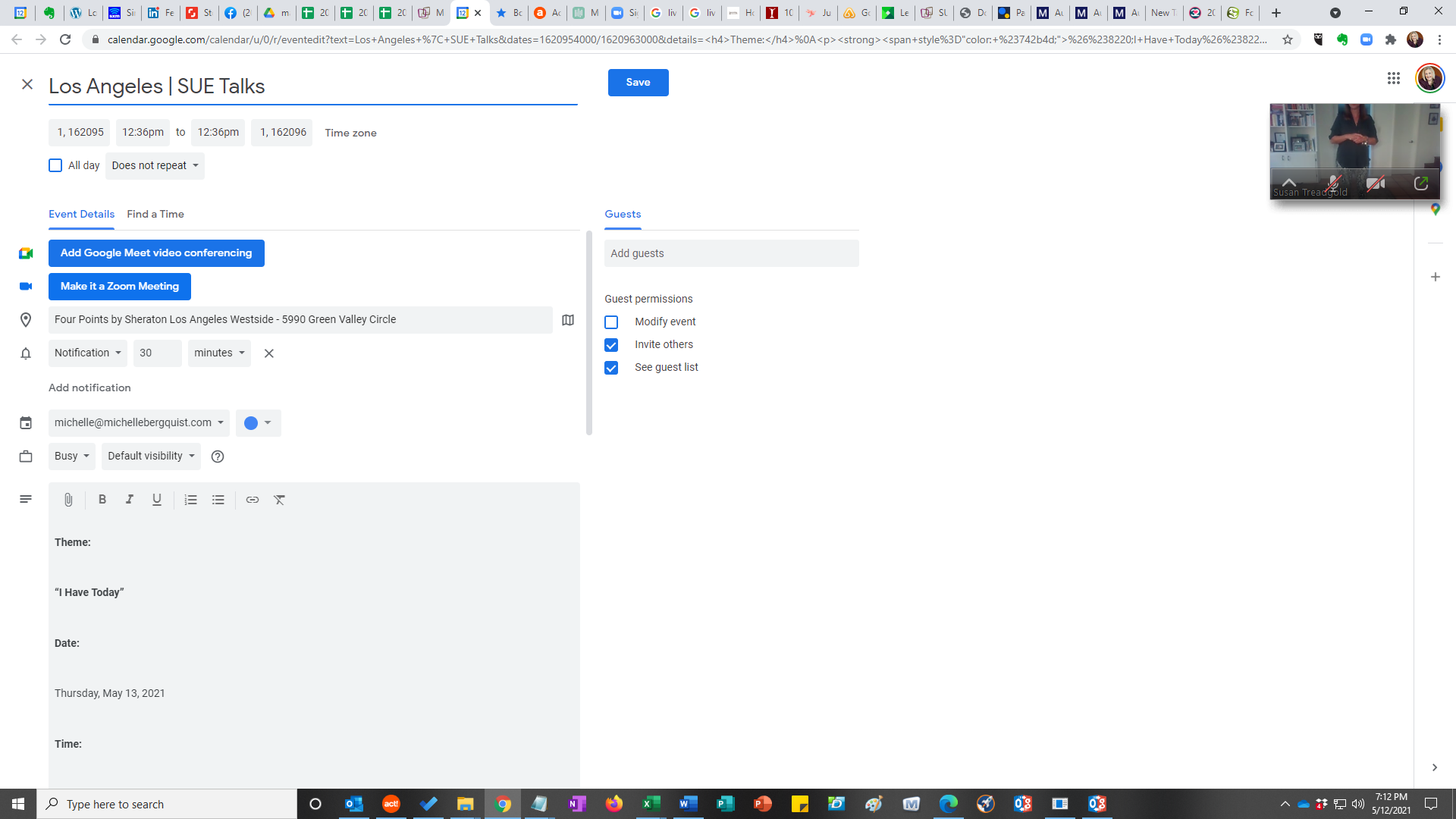
Google Calendar Issue
Replies for tickets on suppota
Google Calendar Issue
Hey Guys –
Our hotel opens tomorrow for the season, and I have no events calendar up on our site!
I really need to get this issue resolved so I can begin to upload all our events for the season and display the monthly calendar for all our guests.
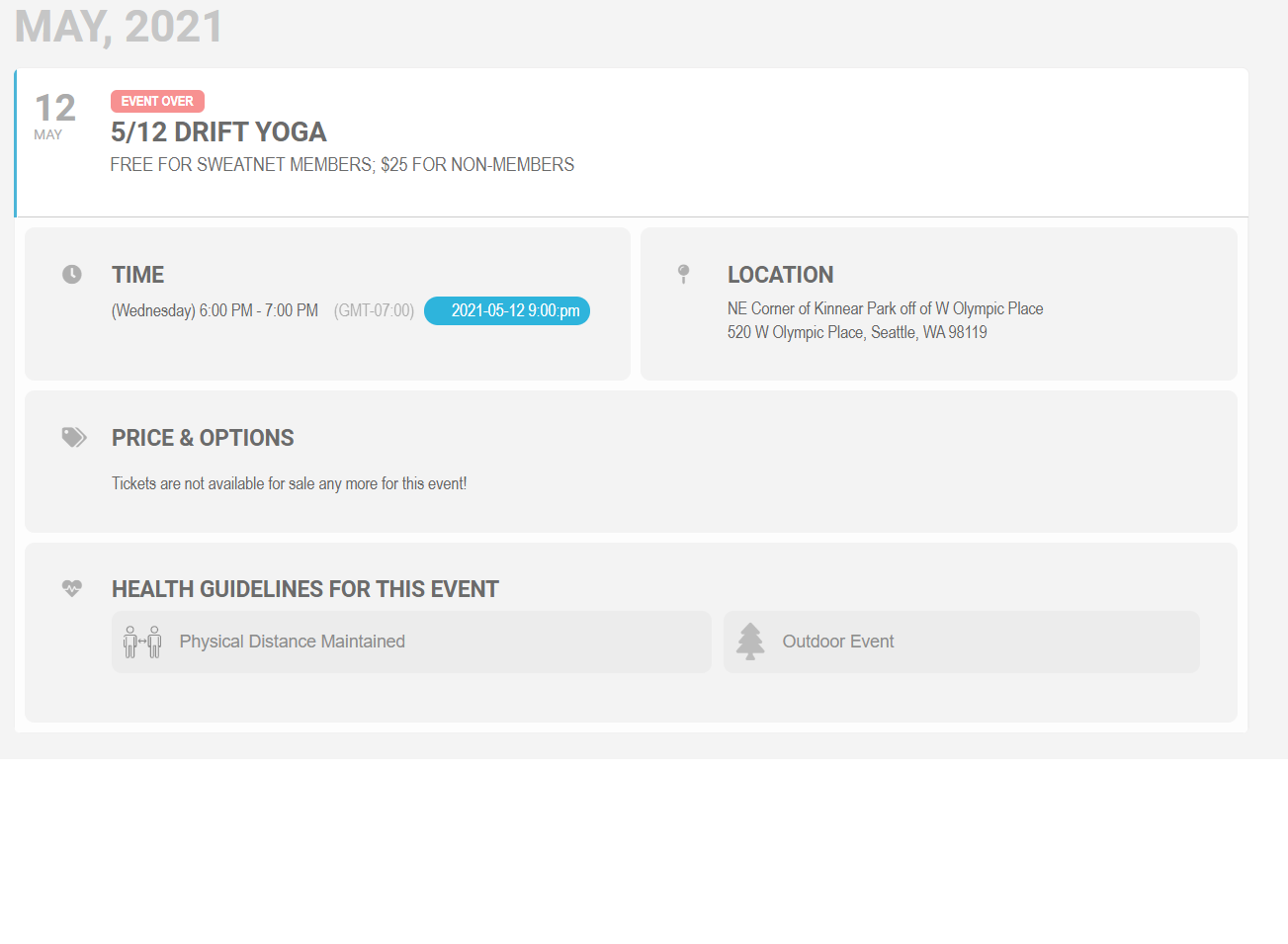
Here is an example. Note the time is 6:00PM (GMT -7). The display in my timezone shows that this should be 9:00 PM. The current time I took this screenshot is 8:00 PM.
We are glad your issue is resolved, if you have any further questions or concerns please create a new ticket.
If you have a moment, we would greatly appreciate if you could kindly leave us a review at codecanyon! from your account > downloads. Cheers!
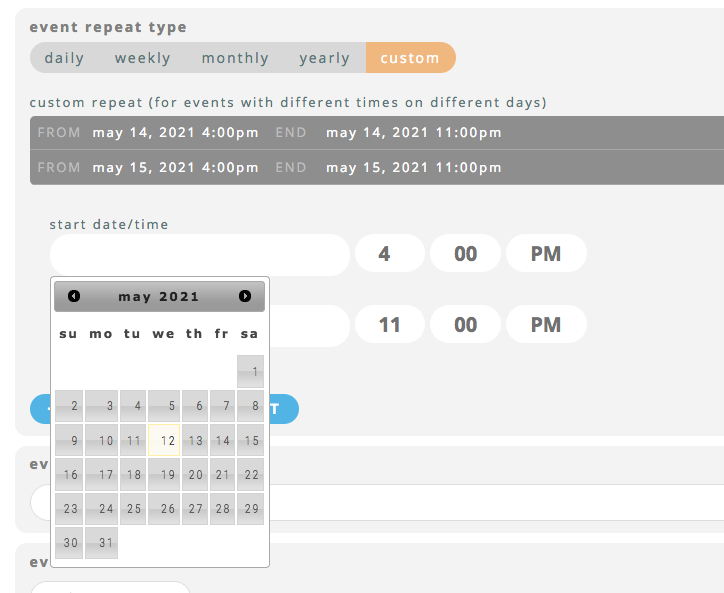
See, this is it working right on the start date time. Only after I click around on the end date and come back to it.
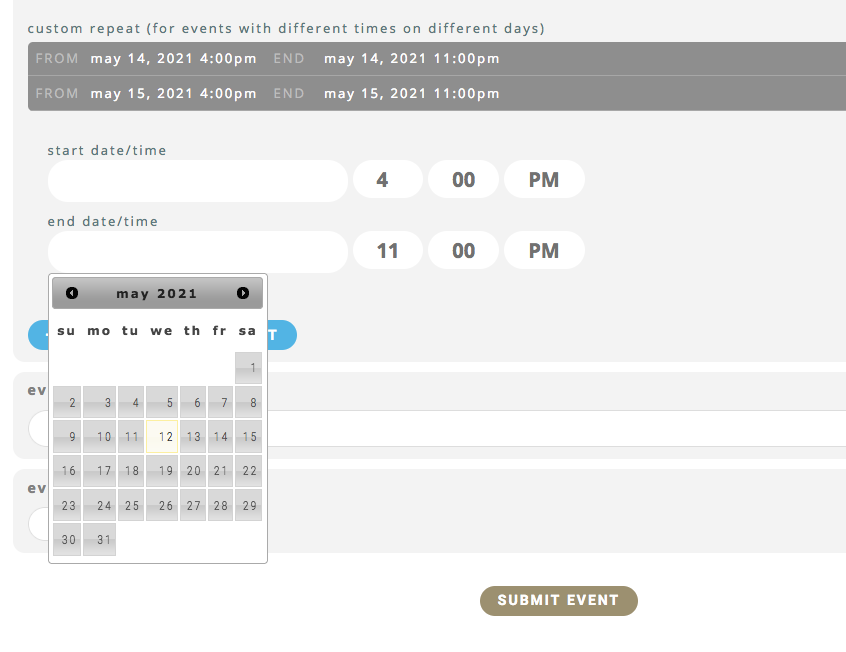
Okay, I just tried it again and it works but it is weird. It doesn’t work the first time around. Then if I click of it, then click on the end time and go back, it suddenly then lets me add it. But I’m not sure I can tell my customer to click around like that all crazy to get it to work. She will get so confused because there is something hinky about it.
Screenshot attached. This was after I clicked around on it.
It showed up on my end date and then I went back to the start date and it was okay to add.
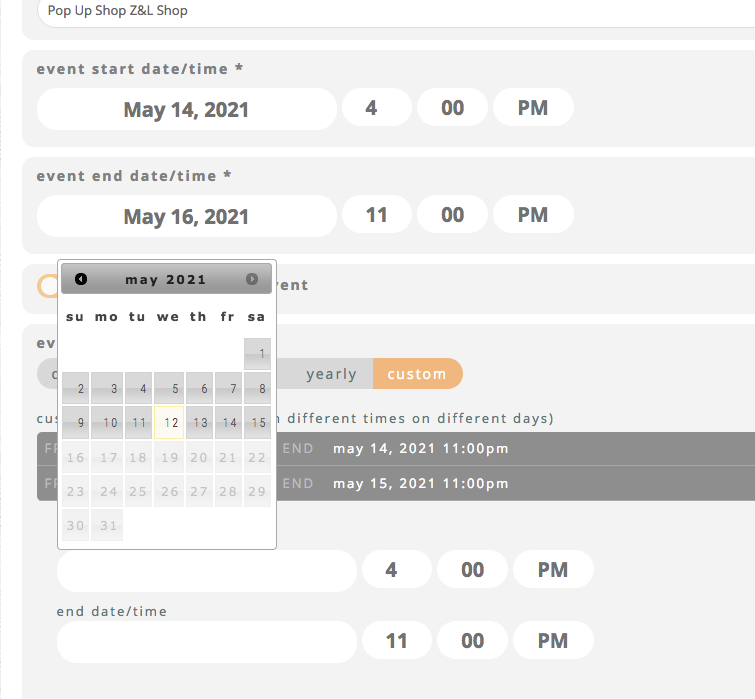
It’s still not working for me. I just tried it again. Same problem. You didn’t put in the times that I am putting in. You put in 1:00am. not sure if that matters. But mine still does not work.
Screenshot attached. This is a new screenshot.
YES,Sidebar cant show at homepage
Hey Elena,
Both would require customizations 🙂
You can send me a customization request from Customize EventON Page.
Let me know if any more questions
Hey Shawn,
I have reescalated this, so it can be done as quick as possible!