Hi, do you have any news about this?
Archives: Replies
Replies for tickets on suppota
Reply to: tickets(237531)
Hi
It worked.
Thanks
Javier
Reply to: tickets(237688)
Hello,
You can find links to organizers by going to wp-admin > Events > Event Organizer. Unfortunately, not sure how to link them. However, you can send us a customization request from Customize EventON Page.
Reply to: tickets(237674)
Also I can see bullets on the front:
Reply to: tickets(237674)
Hello,
Could you please update EventON to 3.1.5?
To update eventon to latest version: If you are unable to do autoupdate, you can go to codecanyon your account > download and get the latest eventon version as zip file. Then you can go to your website, deactivate old eventon, activate (Do not delete eventon settings & data when EventON is uninstalled) from eventon settings, delete old eventon, install new one and activate. This link will further explain the process it. Also you can follow us on twitter to get real-time announcements on updates!
Reply to: tickets(211339)
Hey Javi,
We are still reviewing yes, we will be able to update you soon
Reply to: tickets(237729)
Hello,
Could you replace slides_visible = “3” with slides_visible = “5”? Unfortunately, 5 is the highest number you can input.
Could you tell me how to solve the problem…
You can make them Featured from Edit Event and then add only_ft=”yes” to your shortcode to Show only featured events.
Reply to: tickets(237588)
I was able to add May 15-16: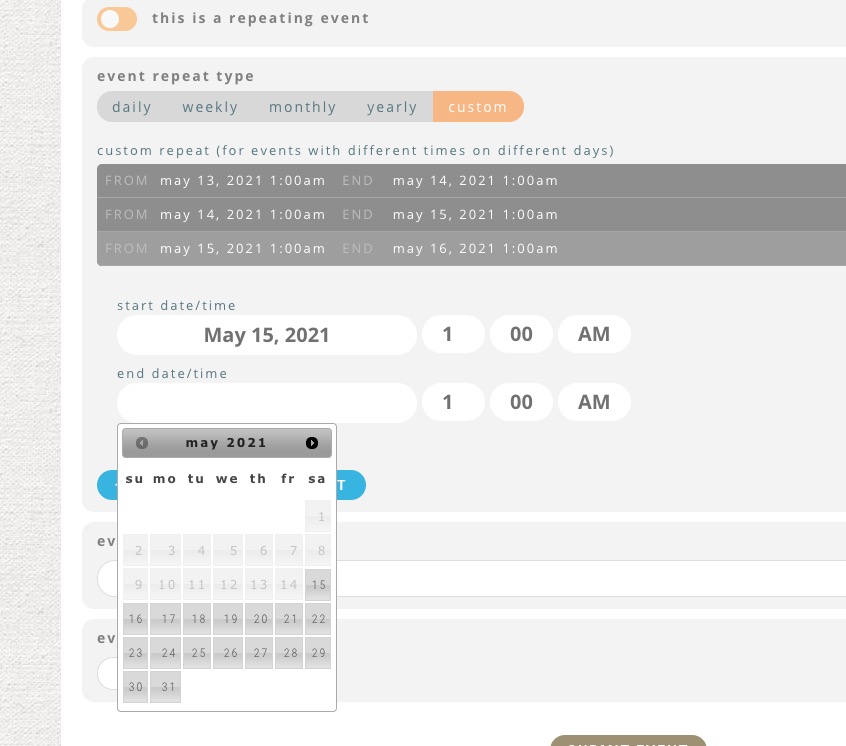
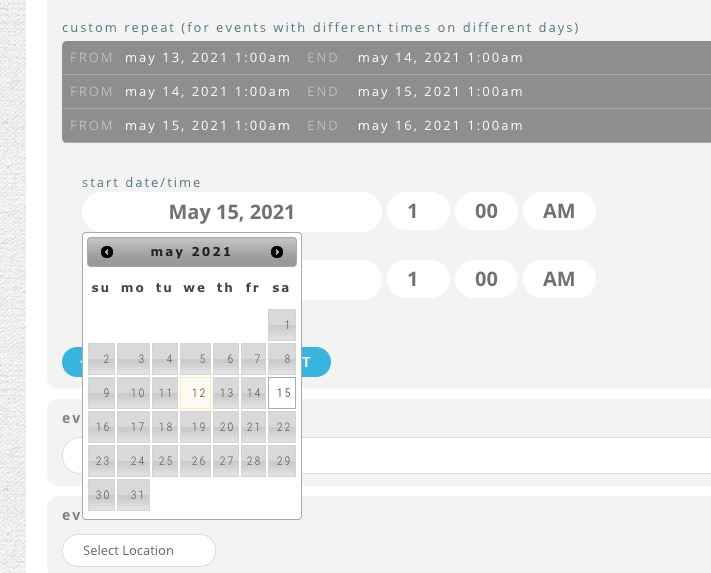
As you can see I can add any date I want.
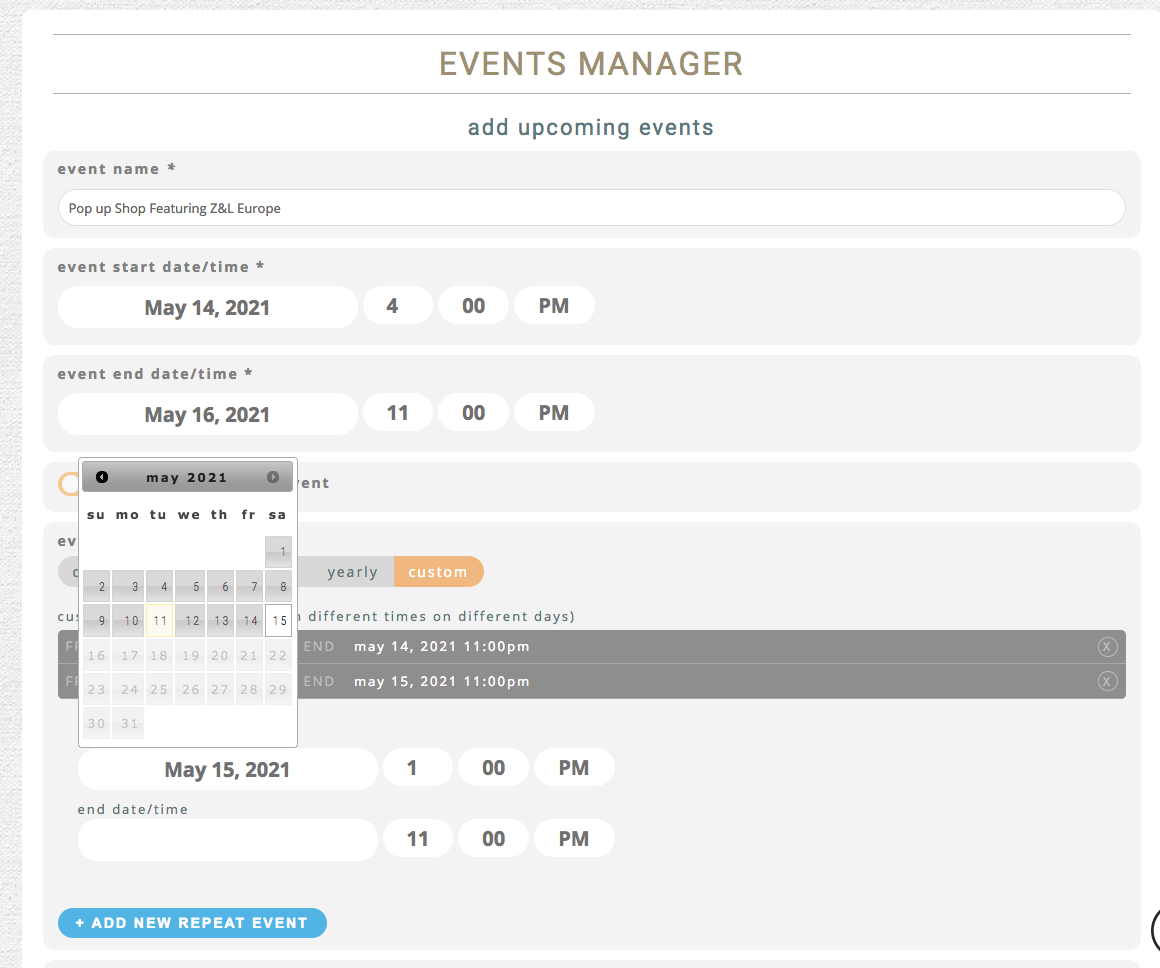
On this screenshot you clicked on Start or End date? https://helpdeskx.s3.amazonaws.com/wp-content/uploads/2021/05/12121108/event-on-ss.png
Reply to: tickets(237744)
Hello,
Unfortunately, we don’t have any access to your CodeCanyon account. Please contact them about the issue.
Reply to: tickets(237711)
Hello,
This is possible to be done! It is something have done it already for many customers.
You can send me customization request from Customize EventON Page.
Let me know if any questions.