Ok. Just please answer me why the option Show Featured Image does not work?
Archives: Replies
Replies for tickets on suppota
Reply to: tickets(239299)
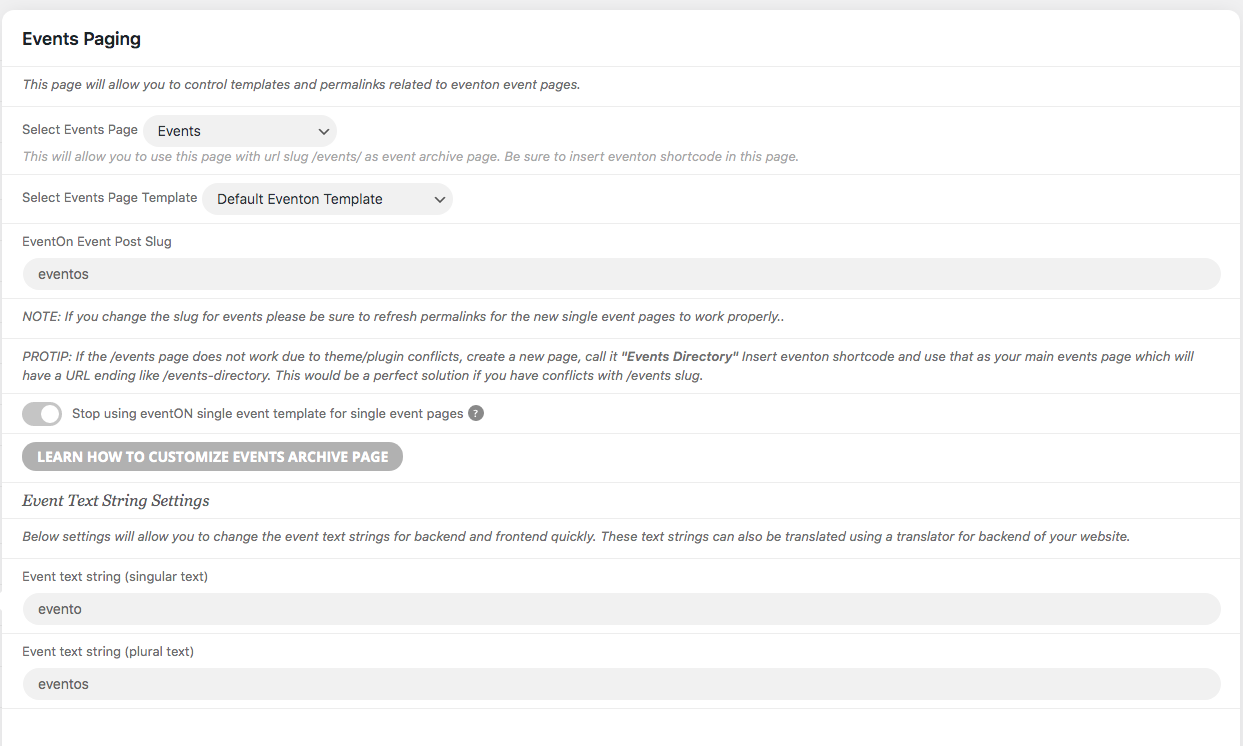
Hi, we try to change the slug butthe error continues. I dont’t know if we are doing well your instructions
Thanks
Reply to: tickets(238366)
1. I am not sure what you are trying to achieve. Could you elaborate? Do you want to hide it completely? Or will this work for you:
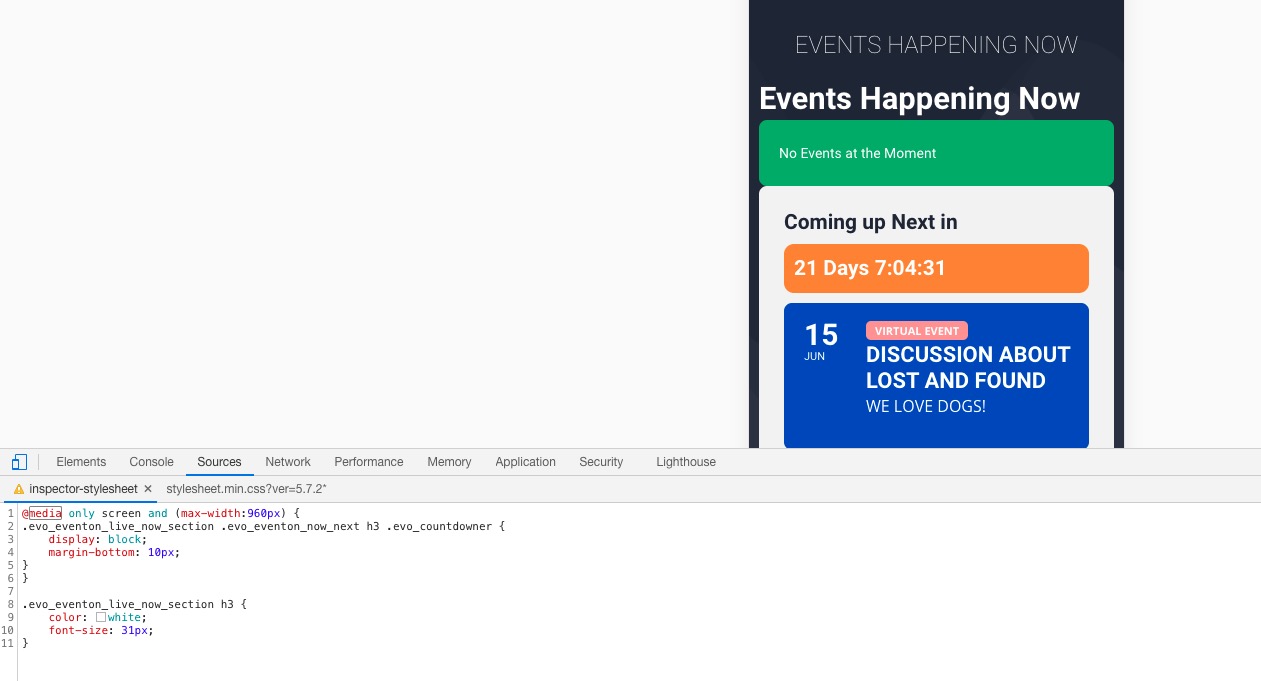
2. Please add this CSS code to EventON > Styles (If you don’t see any change, EventON > Scripts & Styling > turn off Write styles to header > save settings > turn on Write styles to header):
@media only screen and (max-width:960px) { .evo_eventon_live_now_section .evo_eventon_now_next h3 .evo_countdowner { display: block; margin-bottom: 10px; } }
3. Please go to EventON Settings > Scripts & Styling > enable “Disable JQuery Mobile script”.
Reply to: tickets(238724)
Reply to: tickets(239165)
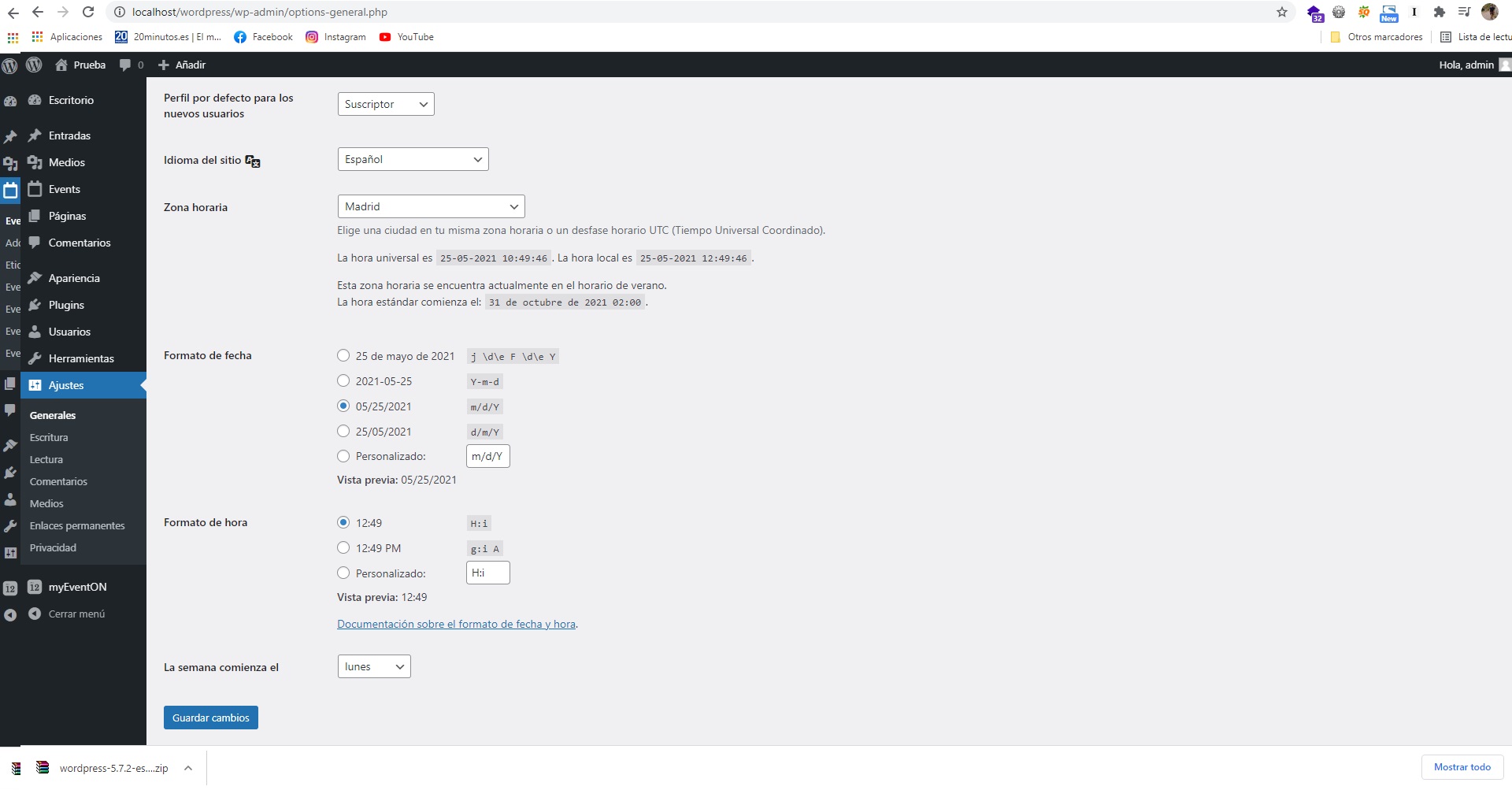
Not works.
I have selected several types of dates and it does not work
Reply to: tickets(239258)
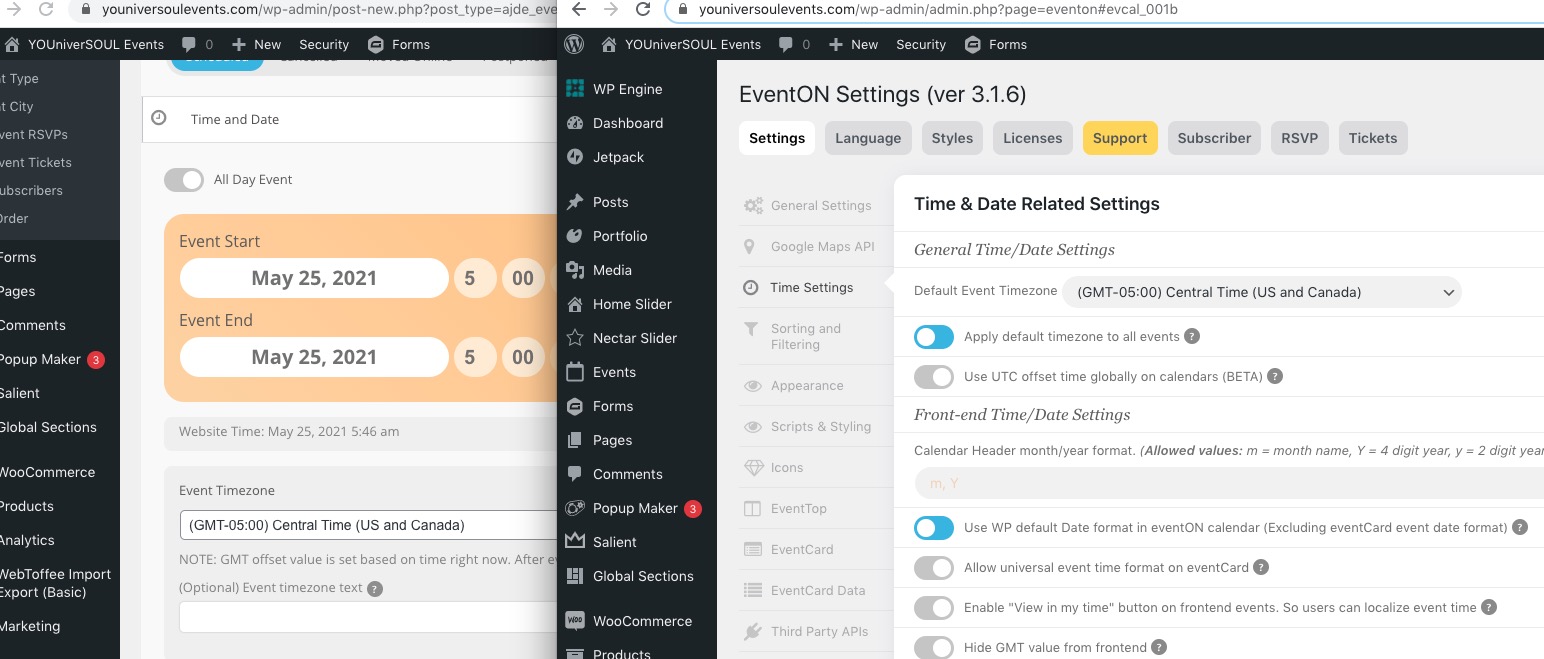
I tried to create a new event and it has GMT-5 timezone, similar to Default Event Timezone:
Reply to: tickets(239294)
Hello,
Unfortunately, the only option is to customize the source code. You can send us a customization request from Customize EventON Page.
Please also note, EventON doesn’t use iOS’s elements in any way, it’s just a similar design.
Reply to: tickets(238361)
Instead of [add_eventon, could you try [add_eventon_list
Reply to: tickets(239106)
Hello,
Please add cal_init_nonajax=”yes” to your shortcode.
Could you also try going to EventON Settings > Appearance > change Current Theme to Dark? If you don’t see any change, EventON > Scripts & Styling > turn off Write styles to header > save settings > turn on Write styles to header.
Reply to: tickets(239306)
Hello,
Could you go to EventON Settings > EventTop > enable Event Start/End Year? Please also note that we unable to provide customizations. You can send us a customization request from Customize EventON Page.