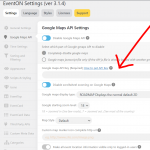
see screenshot go to myeventon>>>>settings>>>>>google maps api
you will need to Untoggle the disable button and put the api key into that field
heres instructions on getting the key https://developers.google.com/maps/documentation/javascript/get-api-key
note you will need to add credit card info to google however you get 25K free loads a month before they charge money
Hi Oscar,
Could you please try the instructions mentioned in this documentation to make sure your issue is indeed coming from eventon.
Hi Ashan,
thanks for your patience. I let my client do as much digging in the history as she could and she said:
Was looking everywhere and here is the only name I could find:
Another thing that might be the issue is that our website used to be myauc.nl, maybe it’s worth checking that?
What is needed to customize this?
Further update:
What we had on that test was actually not correct: https://www.southtechschools.org/eventon-test/
We cleared the website cache and it looks like that test is now correct. We are checking with the school. That may have been the hangup.
I’m still wondering if we should activate the ICS Importer or should we wait for Basilis to advise us? Thanks for your help.
Randy
Further update:
What we had there was actually not correct: https://www.southtechschools.org/eventon-test/
We cleared the website cache and noticed a change. We think it may be correct now. We are checking with the school to verify.
I’m still wondering if we should activate the ICS Importer (it’s paid for) or should we wait for Basilis to advise us? No one has gotten back to us in a couple days now.
Thanks for your help.
Randy
For sure in will leave the best comment a you deserve it 100%. Have a great day!
Thank you – this is working now 🙂
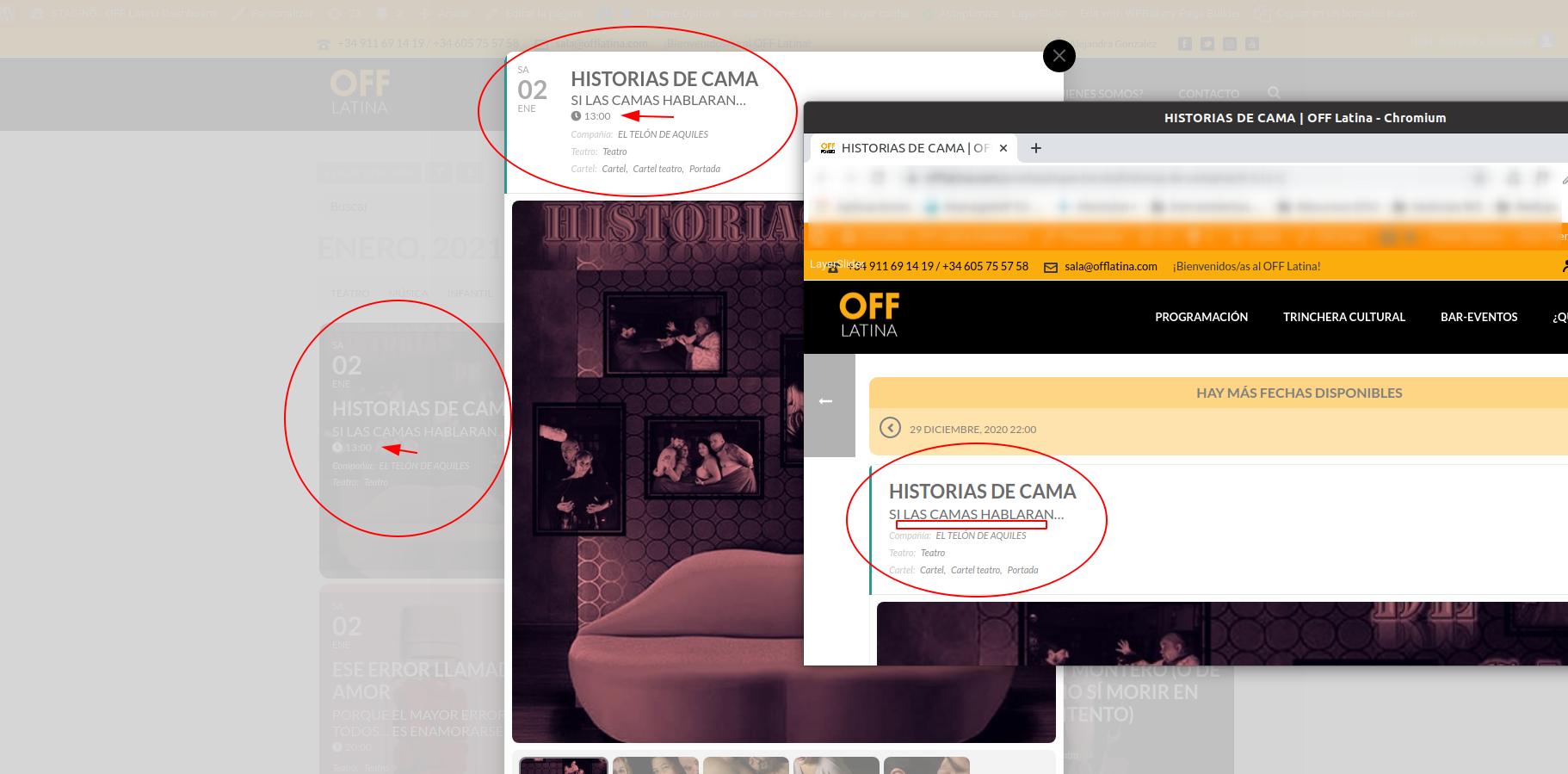
Thanks.
I add this code too:
.single-ajde_events span.evcal_desc_info { display: none !important } .single-ajde_events .eventon_events_list .eventon_list_event .evcal_event_subtitle {padding-bottom:10px !important; }
Is ok for you?