Hi Fabio,
I am happy to hear everything is all cleared up. If you have any other questions, please do not hesitate to reach out again.
Replies for tickets on suppota
Hi Fabio,
I am happy to hear everything is all cleared up. If you have any other questions, please do not hesitate to reach out again.
It is activated. But it doesn’t work on the order email an the Ticket pdf ….. To have the decrypted code i always have to re-generate the ticket pdf in the order and that is not normal…. (it didn’t do it before…)
Yes, you’re right… 🙁 I did some confusion.
I was talking about “EventON Slider Addon” plugin on my ticket, which is indeed an Envato Market item. It is not the same as your “Event Slider” add-on for EventON. I apologyze, I feel a little dumb! 🙂 You can close the ticket. Sorry again! Fabio
In this case you need to EventON Settings > QR Code > enable Disable encrypted ticket numbers on ticket. This way all new purchases will send emails with decrypted code.
Hello,
Slider is not available in EventON Settings because it doesn’t have any options that can be put there.
Please go to EventON Settings > ShortCodes > Generator > Event Slider:
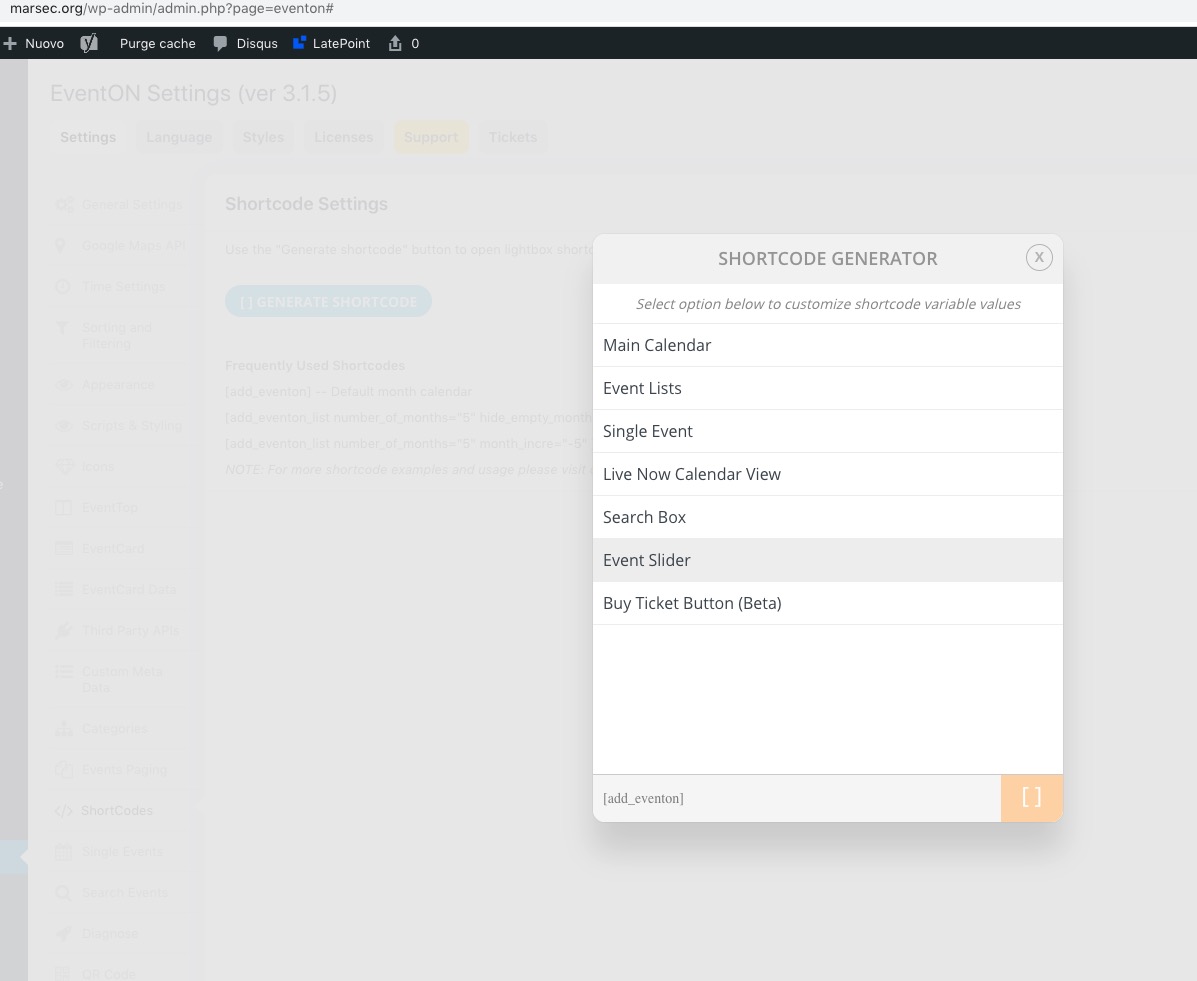
More info https://docs.myeventon.com/documentations/shortcode-generator/
I can correctly see the “Slider addon” label in MyEventON menu on the left in backend
Could you send us a screenshot?
We are glad your issue is resolved, if you have any further questions or concerns please create a new ticket.
If you have a moment, we would greatly appreciate if you could kindly leave us a review at codecanyon! from your account > downloads. Cheers!
I added the fix. Please check now with clean cache.
Solved. Thanks
Hi,
Ho, sorry, i want to send a decrypted number like this. 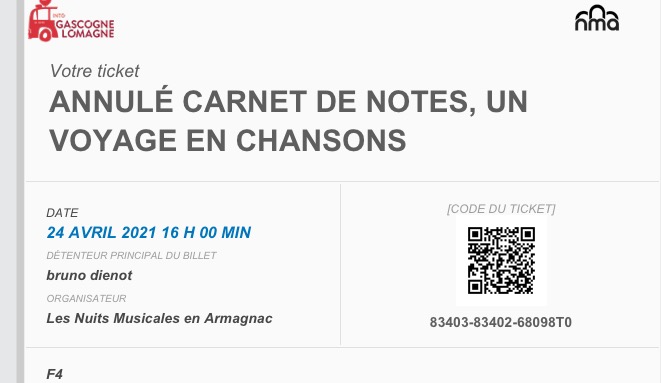
Hello,
Please add this CSS code to EventON > Styles (If you don’t see any change, EventON > Scripts & Styling > turn off Write styles to header > save settings > turn on Write styles to header):
.single-ajde_events span.evcal_cblock { display: none !important } .single-ajde_events .eventon_events_list .eventon_list_event .evcal_desc { padding-left: 15px !important; }