could you update eventon to 3.1.5
To update eventon to latest version: If you are unable to do autoupdate, you can go to codecanyon your account > download and get the latest eventon version as zip file. Then you can go to your website, deactivate old eventon, activate (Do not delete eventon settings & data when EventON is uninstalled) from eventon settings, delete old eventon, install new one and activate. This link will further explain the process it. Also you can follow us on twitter to get real-time announcements on updates!
and tickets to 1.9.3
To update eventon addons: You can download latest eventon addons from myeventon > my account. Then you can go to your website, deactivate old addon and install new one and activate then delete the old addon. This link will further explain the process. Also you can follow us on twitter to get real-time announcements on updates!
When I create a completely new event (fe 1st of June), in a cleared browser (I used Chrome this time), it all works fine in Chrome. I can even add the tickets of the other events (19th and 24th of May) and I actually see the tickets in the Cart.
But, when I then open a new clear Safari, I don’t see anything in the cart.
It is a mystery to me….
But I have done that already, even before I made the event. What am I doing wrong?
Hello,
I’m afraid your reply did not help me. I would like to capture customer details at ticket level. Is this possible?
I want to sell tickets for sport events for which I need to capture the Bdate, meal preference, etc… at ticket level.
And is it possible to sell multiple quantities of a same ticket and capture details for each single ticket? I’m using your RSVP plugin on another website and really like it so I hope I can also use tickets selling plugin for this other purpose.
Thx
Steph
Hi Infotainerdave,
Yes, I believe what we have here is correct: https://www.southtechschools.org/eventon-test/
No, we have not costomized anything about the way the calendar displays. The school uses Google calendar as their calendar, and we show that on the page. We use the ICS importer so that it shows correctly on the homepage. Then instead of automatic updates at 24 hours, we paid you to make the updates hourly.
I’m still wondering if we should activate the ICS Importer or should we wait for Basilis to advise us? Thanks for your help.
Randy
Hello, have you checked that before? Can we try this problem again with a new license? My client now wants an alternative plug-in to EventOn. That would of course be a shame for you, so I hope that you will help me quickly! Thx
what random question? I don’t see any random question
screenshot would help- but everything I see is supposed to be there
if the info on this calendar is correct:
https://www.southtechschools.org/eventon-test/
then the issue is what program you are using to display eventon
I have assigned Basilis to this ticket- he should be able to know whats going on with the ICS issues but was anything customized for the calendars itself as in the displays?
Hi,
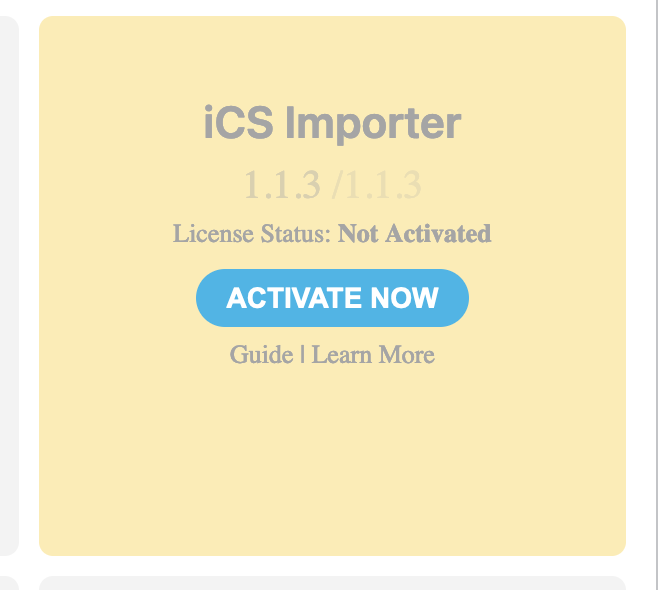
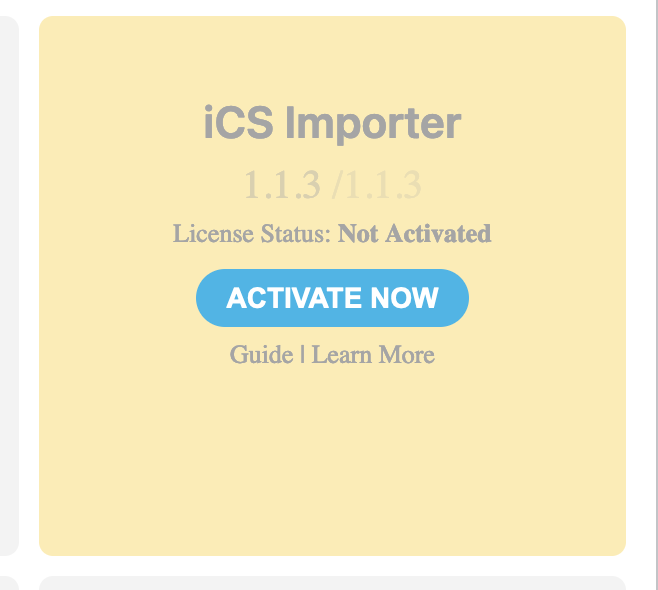
I have an update for you: I went into the back end and I see that the ICS updater is not activated anymore. See image attached. Maybe that’s the entire problem. But there’s a chance that when you customized us to updating hourly you shut off the existing updater on purpose. Can you please let me know if I should try activating the ICS Updater?
Randy