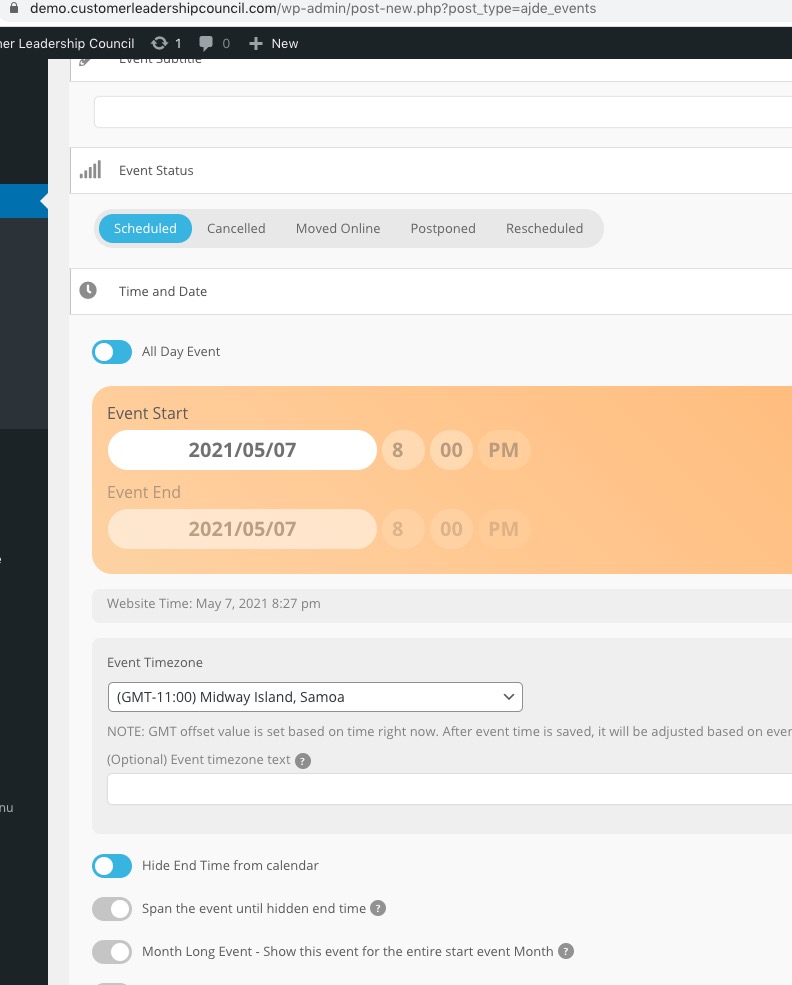
Hi again, I just thought of something. My theme has a custom login page where I can customize the look of the login page. I just checked the link to the login for the custom login page. Then I turned off the custom login page and looked at the link that way. There is a difference. The link without the custom login set up, it removes the “www” from the url. Could that be the problem?
Here are the two links. Without the custom login page, it removes the “www” from the URL
https://joiabeachmiami.com/wp-login.php?redirect_to=https%3A%2F%2Fwww.joiabeachmiami.com%2Fwp-admin%2F&reauth=1
https://joiabeachmiami.com/wp-login.php?redirect_to=https%3A%2F%2Fjoiabeachmiami.com%2Fwp-admin%2F&reauth=1
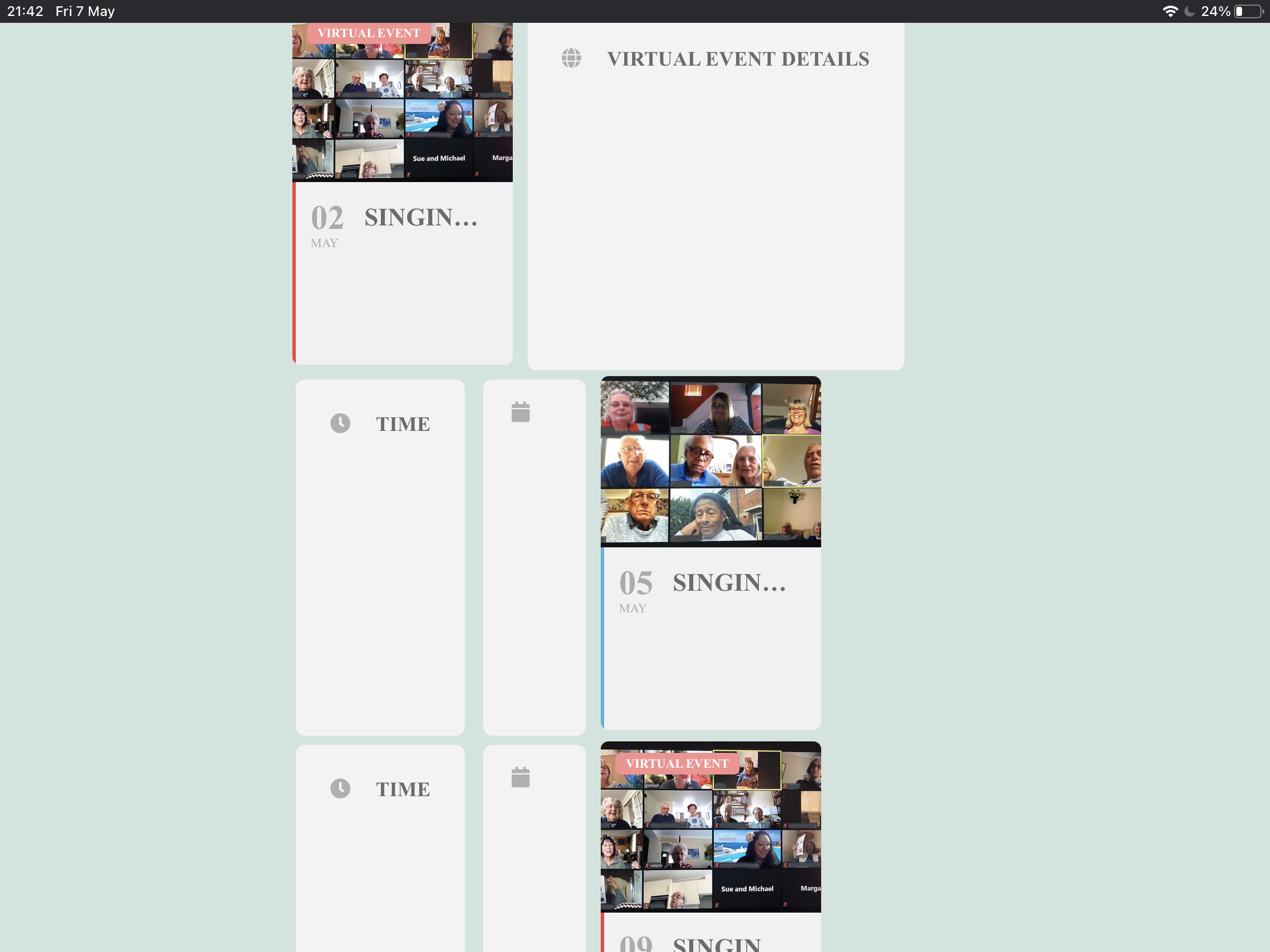
Same issue using 2021 theme
Thanks
My EventON RSVP is version 2.7.2
Today’s morning I updated EventON using WordPress Autoupdate to version 3.1.4
After having received your reply I downloaded EventON from Codecanyon and again I got version 3.1.4
Where can I find EventON 3.1.5??
The users are just myself and the marketing manager for Joia Beach. It’s only us and eventually maybe one more person that they are hiring to just handle events. So they may end up using the action user form and event list the most.
I just have my marketing manger and myself to log in through https://www.joiabeachmiami.com/wp-admin
I don’t do anything different to the site or have any other plugins that would affect it.
Username = noreply@myeventon.com
pwd = eventon-support
Hello,
Could you clean your browser cache?
On my side:
Could you update EventON to 3.1.5?
To update eventon to latest version: If you are unable to do autoupdate, you can go to codecanyon your account > download and get the latest eventon version as zip file. Then you can go to your website, deactivate old eventon, activate (Do not delete eventon settings & data when EventON is uninstalled) from eventon settings, delete old eventon, install new one and activate. This link will further explain the process it. Also you can follow us on twitter to get real-time announcements on updates!
You will also need username and password to the staging site:
username: approach
password: shaggy-synonym
Still not working, I am afraid. Could you please try the instructions mentioned in this documentation to make sure your issue is indeed coming from eventon.
Ashan,
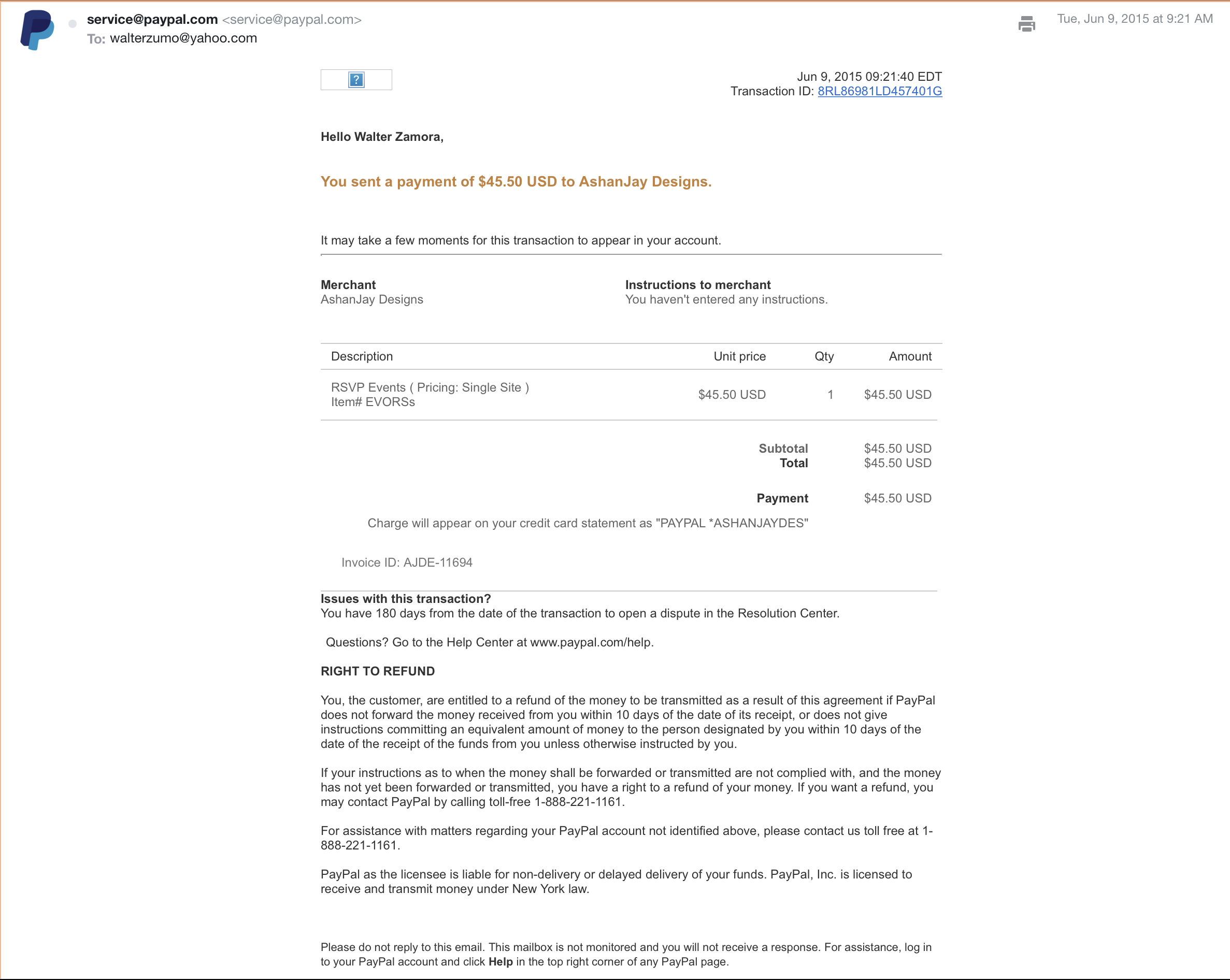
They have two emails: WL@waltlindveld.com (fullcal), waltezumo@yahoo.com (RSVP https://helpdeskx.s3.amazonaws.com/wp-content/uploads/2021/05/07055546/Screen-Shot-2021-05-07-at-8.46.49-AM.png).
The problem is that they don’t see them.