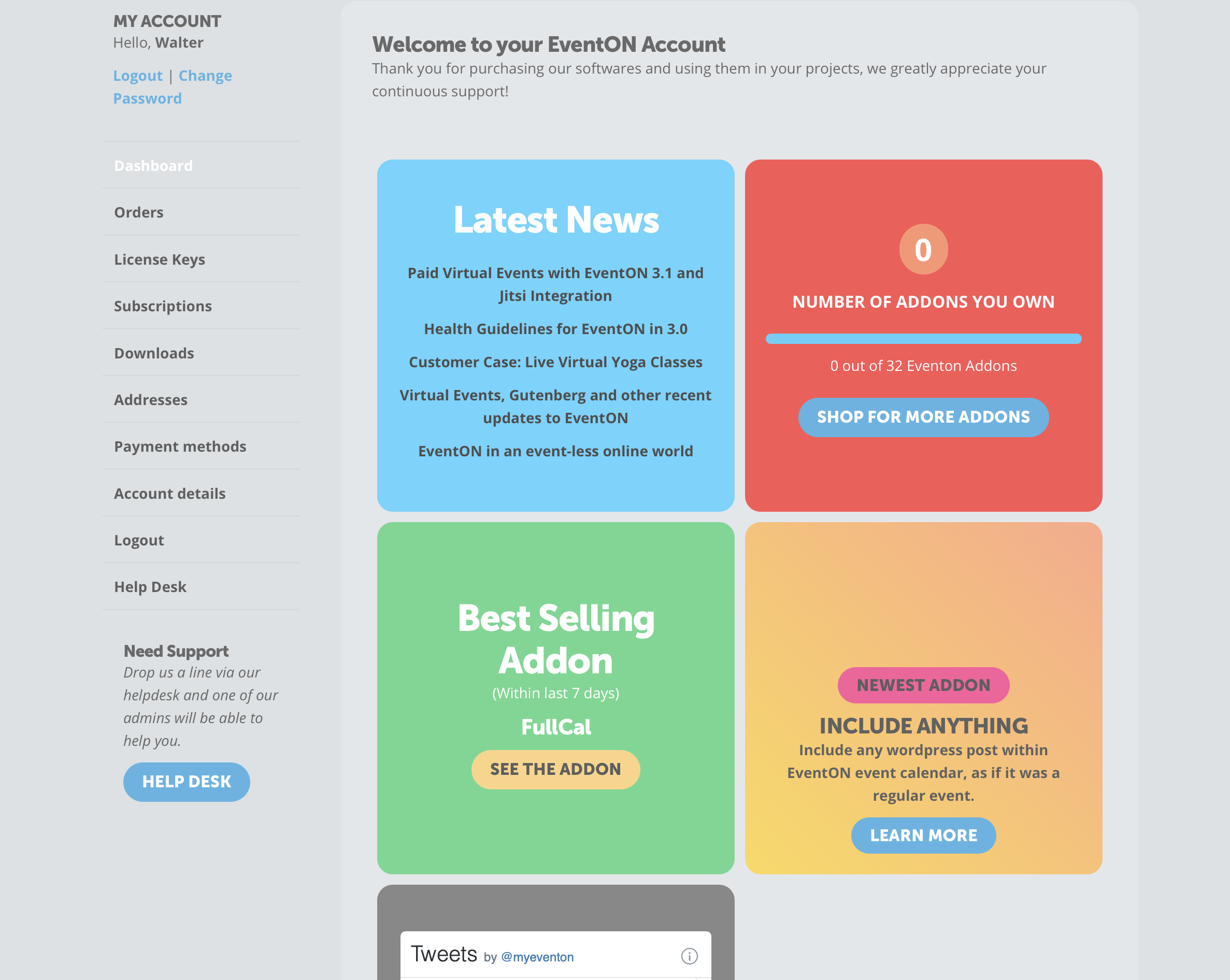
Thank you for your messages, I am going to assign this ticket to Ashan and he will be able to take it from here and find you a solution. Please allow some time for him to get back to you, we greatly appreciate your patience and thank you for being a eventon customer!
Archives: Replies
Replies for tickets on suppota
Reply to: tickets(236882)
Please go to EventON Settings > Single Events > disable Show social media share icons only on single events.
Reply to: tickets(236576)
Could you tell us more about how do your users login to your website? Isn’t https://joiabeachmiami.com/wp-login.php the correct link?
Reply to: tickets(237054)
Hello,
Please update EventON to 3.1.5 and RSVP add-on to 2.7.2.
To update eventon to latest version: If you are unable to do autoupdate, you can go to codecanyon your account > download and get the latest eventon version as zip file. Then you can go to your website, deactivate old eventon, activate (Do not delete eventon settings & data when EventON is uninstalled) from eventon settings, delete old eventon, install new one and activate. This link will further explain the process it. Also you can follow us on twitter to get real-time announcements on updates!
To update eventon addons: You can download latest eventon addons from myeventon > my account. Then you can go to your website, deactivate old addon and install new one and activate then delete the old addon. This link will further explain the process. Also you can follow us on twitter to get real-time announcements on updates!
Reply to: tickets(236859)
Hello,
Please update EventON to 3.1.5 and RSVP add-on to 2.7.2.
To update eventon to latest version: If you are unable to do autoupdate, you can go to codecanyon your account > download and get the latest eventon version as zip file. Then you can go to your website, deactivate old eventon, activate (Do not delete eventon settings & data when EventON is uninstalled) from eventon settings, delete old eventon, install new one and activate. This link will further explain the process it. Also you can follow us on twitter to get real-time announcements on updates!
To update eventon addons: You can download latest eventon addons from myeventon > my account. Then you can go to your website, deactivate old addon and install new one and activate then delete the old addon. This link will further explain the process. Also you can follow us on twitter to get real-time announcements on updates!
Reply to: tickets(232525)
Hello,
Is there any news?
Reply to: tickets(236576)
Thanks about the calendar dates for the custom days. I will take a look and change how I was working it. I didn’t understand how to use it properly.
On the deactivating plugins, that will require me to have to take the site down to a maintenance page. I cannot do that when the restaurant is live and especially through the weekends. So I’ll have to look next week when I can do it really late one night.
I still do not understand what other plugin would be causing the problem of logging in and not being routed to the Control panel. If there is as plugin conflict, your plugin will have to go because there is no other plugin that we can do without. This is frustrating because I really hope that I can get this form working for my customer. My customer is a marketing manager for this high profile restaurant and she needs quick easy access to add events. I only need administrators to have access.
Reply to: tickets(236882)
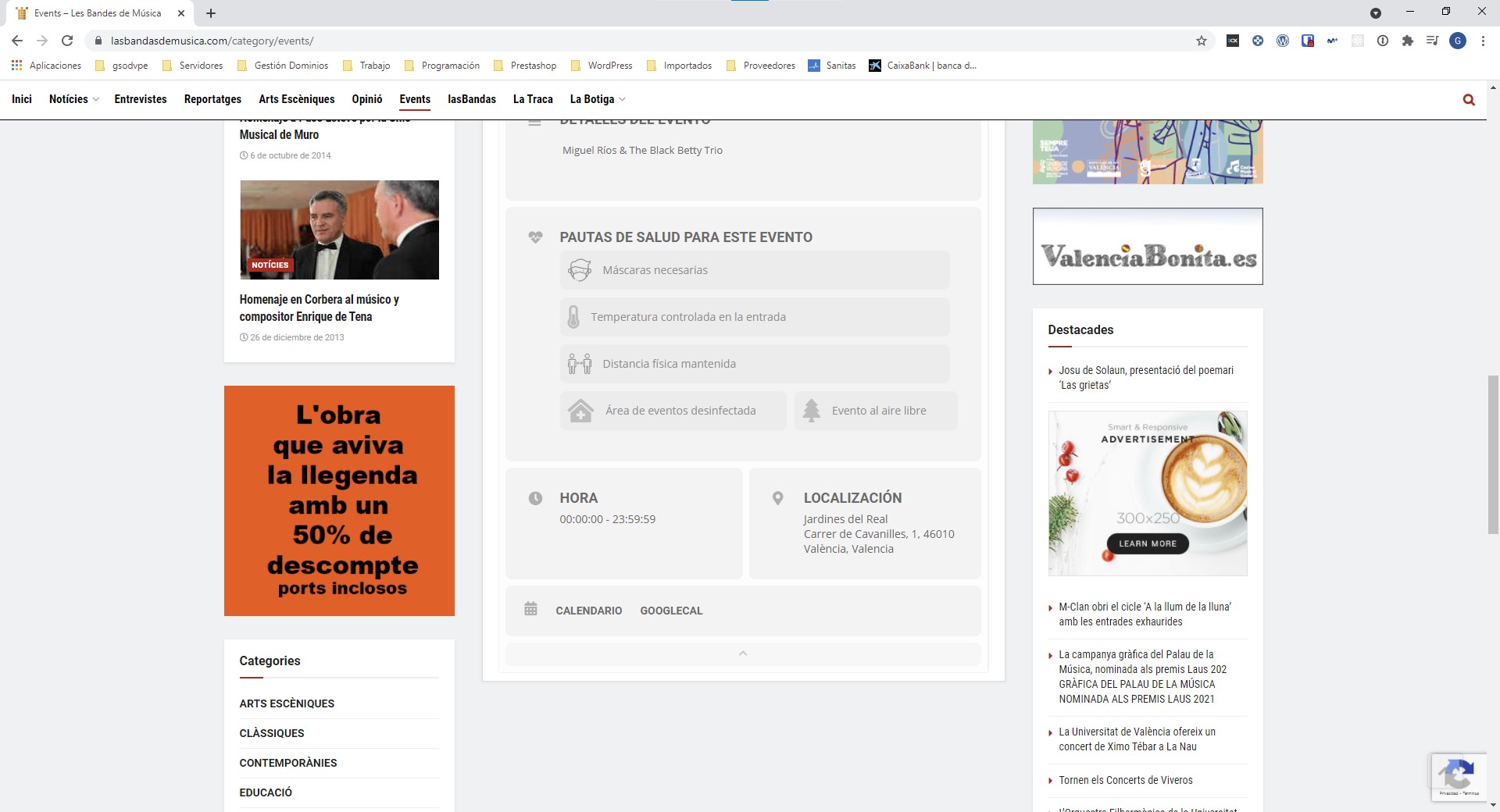
Hello, I have updated the component, I have introduced a new event, but we still do not see the section of sharing in networks …, you can tell me if you can review something, thank you.
Reply to: tickets(236844)
Reply to: tickets(236844)