Hello,
…not realizing and not understanding that my map is automatically saved, although I do not like to save it…
Could you elaborate more? Are you referring to Event Map add-on?
Please check https://docs.myeventon.com/documentations/terms-and-conditions-and-refund-policy/ > 7. Subscriptions & Automatic Renewal > 7.4 Subscription Refunds. A renewal reminder mail was sent before the charge was made. We had given you opportunity to cancel if you didn’t want the renewal.
If you want to refund add-ons themselves, please send us order ids.
Hi Jonathan,
I have assigned your ticket to the developer who was handling the customization and he will get back as soon as possible.
Hello,
There is no direct compatibility with ActiveCampaign or Zapier.
You can download attendees (with emails) by going to Edit Event > RSVP > Download (CSV).
Try on https://dev.myeventon.com/wp-admin/
Hello,
Please cancel your subscription: https://docs.myeventon.com/documentations/how-to-cancel-addon-subscription-before-auto-renew/
Thank you for your messages, I am going to assign this ticket to Ashan and he will be able to take it from here and find you a solution. Please allow some time for him to get back to you, we greatly appreciate your patience and thank you for being a eventon customer!
I can show you dokan info only because I have played around with it but We don’t offer support for non eventon products sorry- We have never used WCFM never even tested it-
see video below
So you would need to add the following to your calendar shortcode to overide the event color with the event type color
etc_override=”yes”
so in total you need:
eventon (which you have)
Action User (which you also have)
a version of Dokan (up to you based on your budget and needs) https://wedevs.com/dokan/pricing
Woocommerce is free download https://wordpress.org/plugins/woocommerce/
and the eventon tickets addon https://www.myeventon.com/addons/event-tickets/
everything else is cosmetic or nice to have but not essential
let us know if these videos are helping you
the only thing that doesn’t work with WCFM is registering, like EventOn and Dokan. Can you help with this?
https://portal.kijuaa.de/woocommerce-seiten/mein-konto/
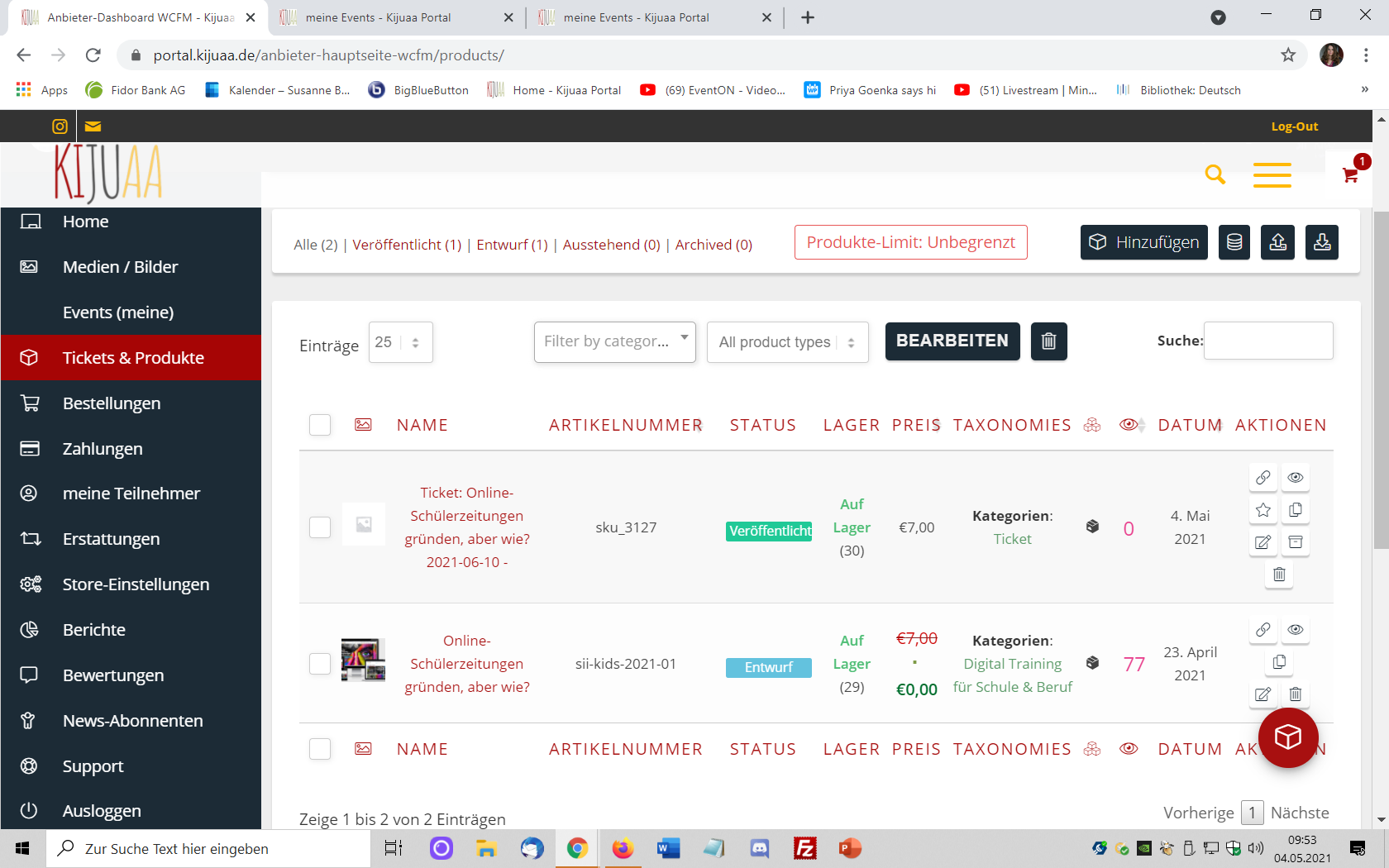
Yippee, yeah, yeah 🙂
WCFM-Marketplace (Wc Lovers) and EventOn work together! Looks like it at least – enter event including enter ticket as vendor works. I have not made a payment yet.
Look: https://portal.kijuaa.de/events/online-schuelerzeitungen-gruenden-aber-wie/
Vielen lieben Dank für den weiteren Support.
Du kannst das Ticket gerne schließen.
Wir werden uns bei unserem Anbieter an einen Server anschließen.
Liebe Grüße
Hello,
i also have played with the timezone setting of the event during my troubleshooting. It does nto seem to affect the “registration is closed for this event” time i set.
I changed my event not to “GMT+2 Brussels”. This is the same setting as the default timezone of my website in wordpress. Still same result : does not seem to work correctly.
It is not 4-th of May 9h15 AM on the website.
Todays event ‘ “Training Jeugd 2” of 4-th may starting at 17h30.
I had to set “registration is closed for this event” to 1070 minutes (+- 18 Hours) to get the event closed for registration. Normally i shoudl have set it to 17h30 -> 9h15 = +- 8hours = +- 480 minutes for it to close at 9h15. Which did not.
Regarding the text “registration is closed” : that was more a question : is there a text that can be shown in the event card whenever “registration is closed”. (similar to when you cancel an event for instance : there is a red text that is shown on the eventcard)
Regards,
Thierry