Hello,
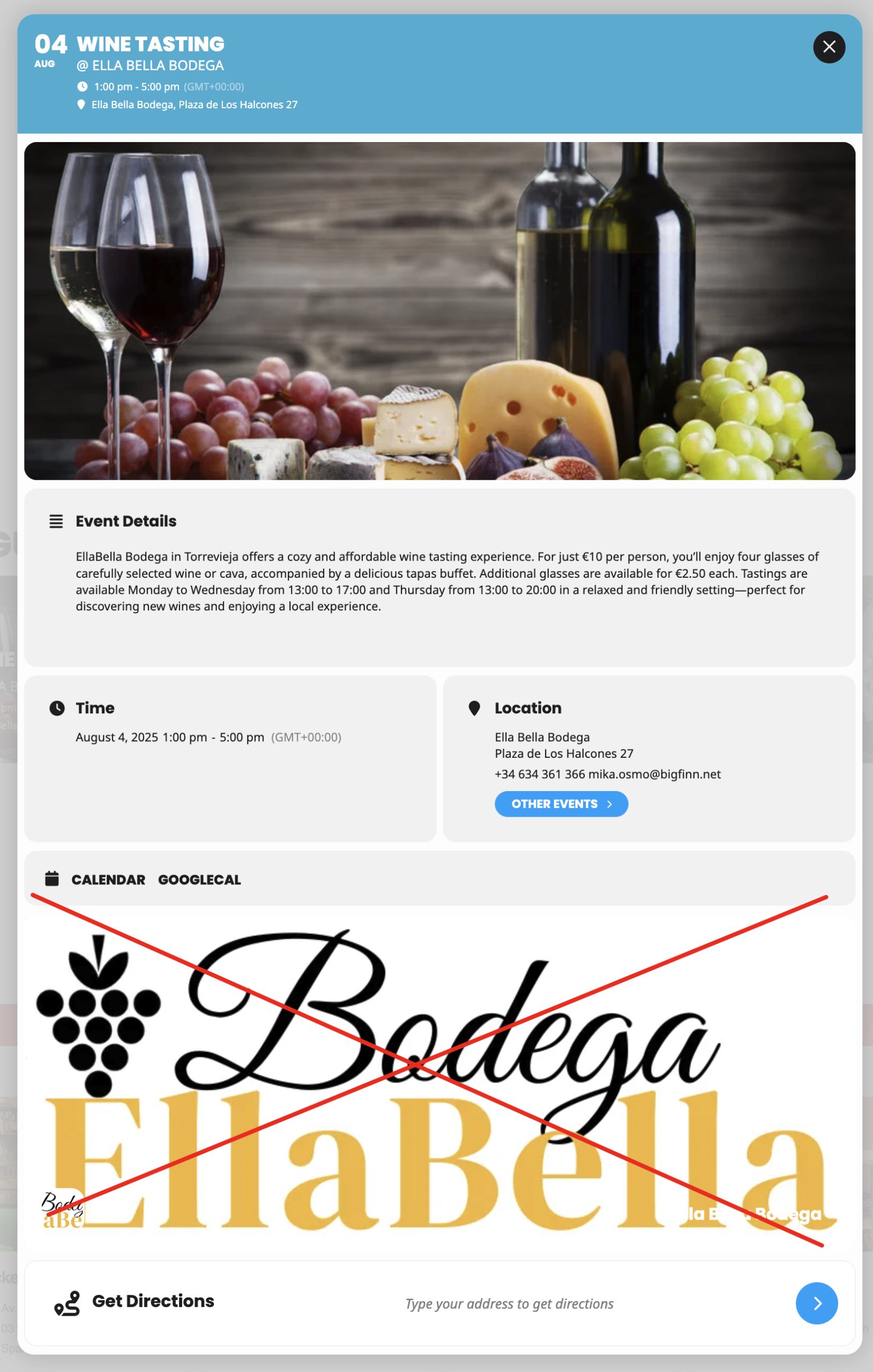
Please add this CSS code to EventON > Styles (If you don’t see any change, EventON > Scripts & Styling > turn off Write dynamic styles to header > save settings > turn on Write dynamic styles to header). You can also add this code to wp-admin > Appearance > Customize > Additional CSS.
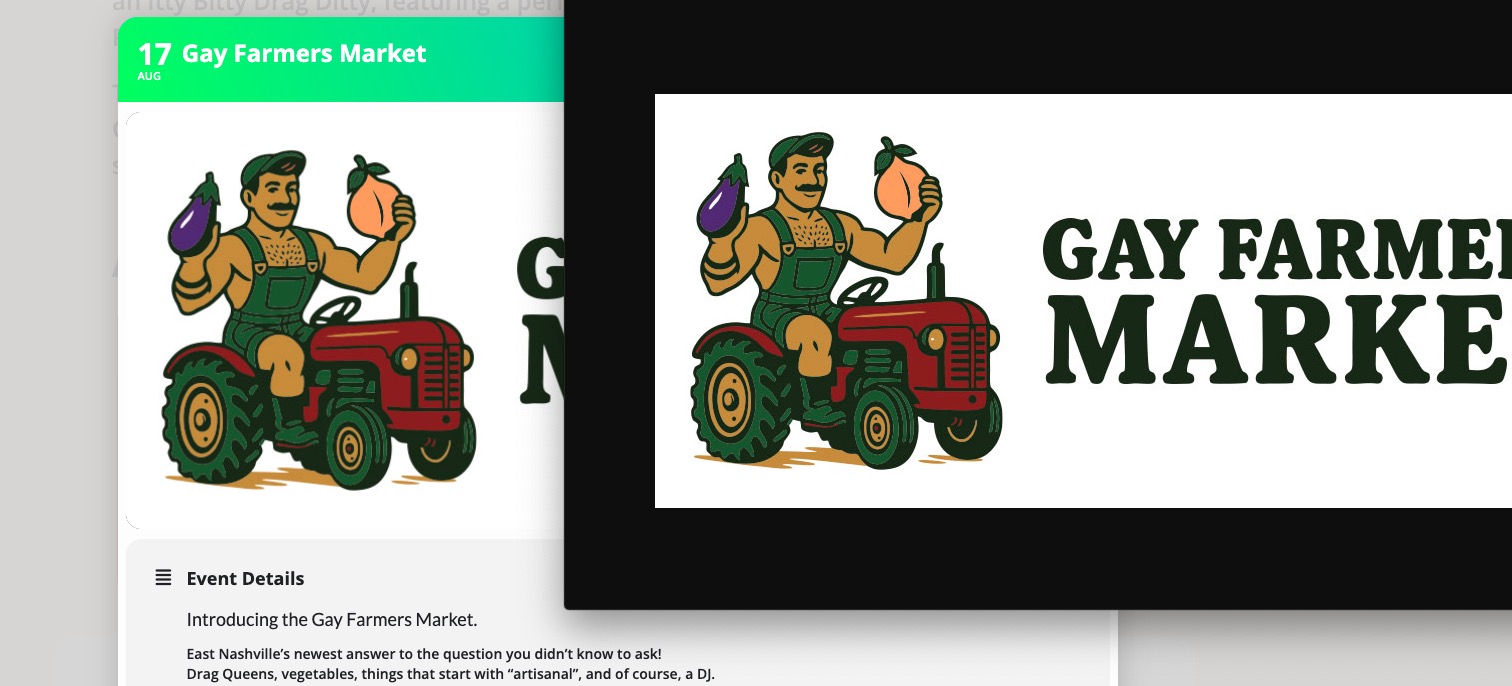
.evo_lightboxes .eventon_list_event .evo_metarow_locImg { display: none !important; }
1. I added the patch. Please check now and let me know.
Hello,
1. If you want to customize Single Event Page, please follow
https://docs.myeventon.com/documentations/customize-single-events-page/
the main list isn’t clicking through to the event page
Please apply the patch from Ashan in this ticket
https://helpdesk.ashanjay.com/ticket/open-in-single-event-page-in-new-window/
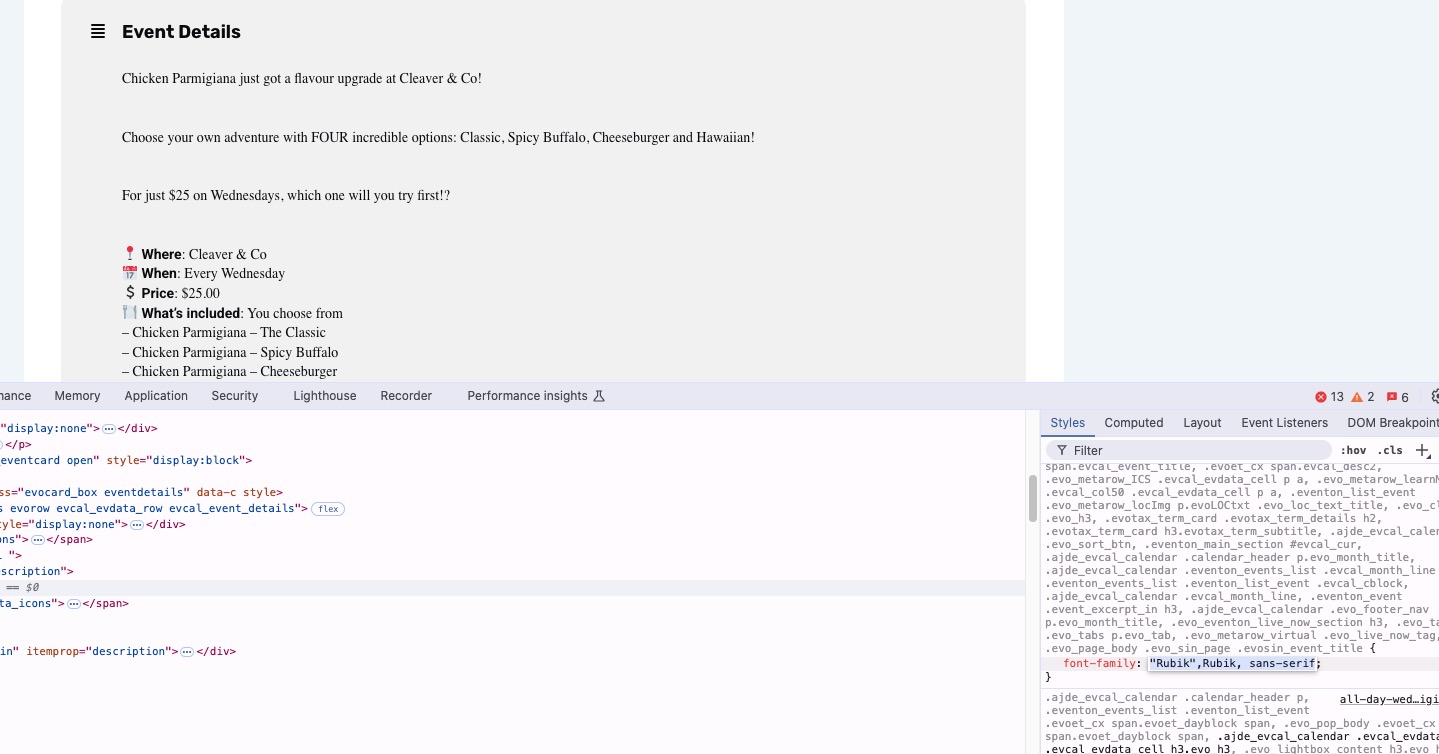
2. I changed “Primary Calendar Font family”, and EventON changed the styling correctly:
Could you make sure that the font itself is loaded on the website?
Please also note that you need to load the default font and the bold weight as well.
3. fixed_month=”7″ is what causing the issue. Please either remove it or change to fixed_month=”08″.
1.
The Event card page is there – the main list isn’t clicking through to the event page
https://new.cleaverandco.co.nz/events/all-day-wednesday-chicken-parmigiana/
2. This font are working on Safari – bit NOT on chrome – it keeps defaulting to some ‘other font’
NOTE THIS: “Disable font awesome fonts” – When i did this it worked!!! but sadly then i am left with no icons (as EventOn uses ‘Font awesome icons)
I also tried running a couple of CSS – which nearly works byt I end up throwing out the other tiles and fonts on the rest of the site
Titles: Rubik
Body: Roboto
Thanks
Hello,
Thank you for your great suggestion, at the moment it is not supported. However please create a new ticket and select Feature Request as category so others can vote on your idea and get it moved into development faster.
Hello,
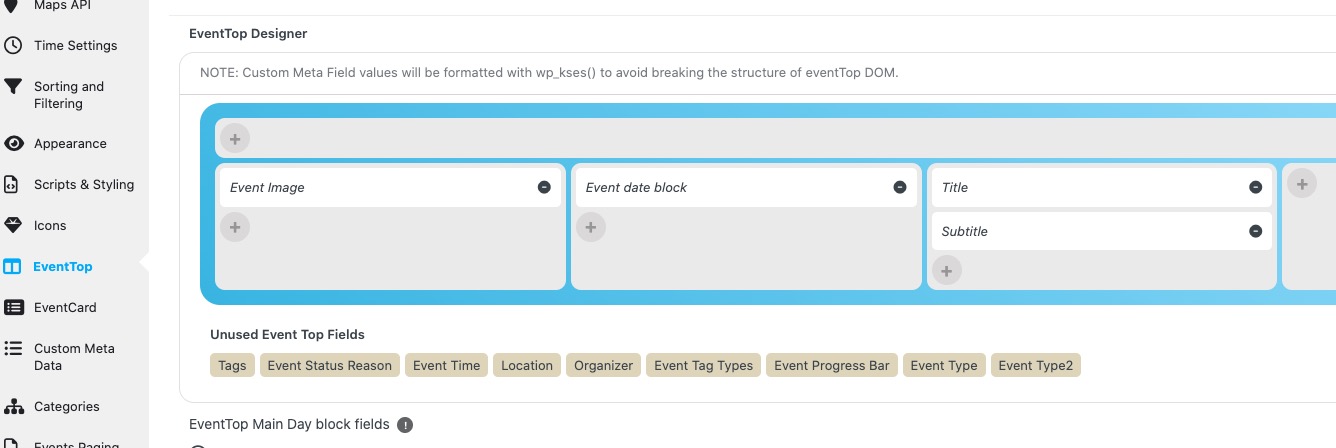
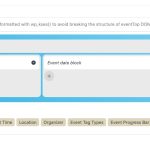
1. Please go to EventON > EventTop > add fields under Subtitle:
2. Could you elaborate more? On my side both images are identical:
3. Since you enabled Tile Design by adding tiles=”yes” to your shortcode, Slide Down isn’t available.
You set this ticket’s status to Resolved. Do you need our help still or infotainerdave’s solution helped you? Please let me know.
Ashan,
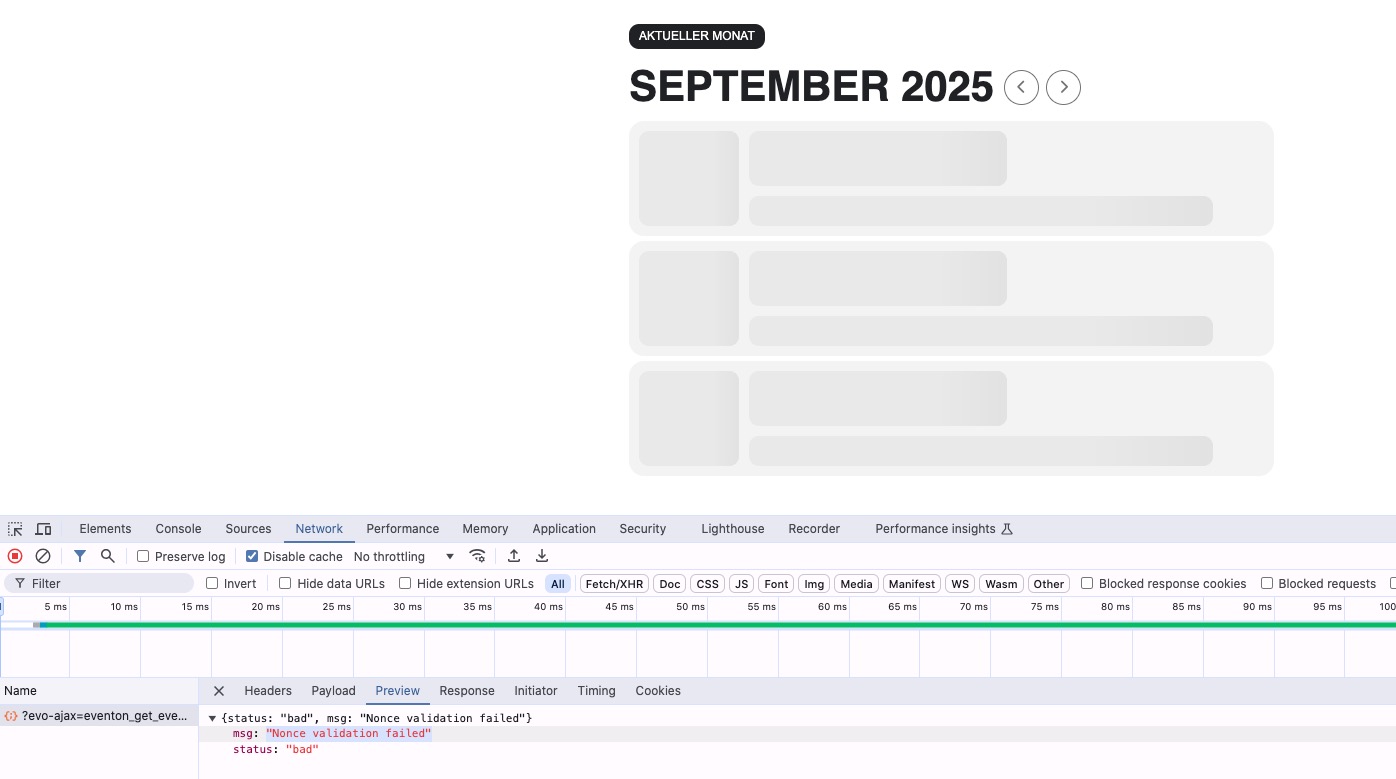
The latest version of EventON still has the issue. Please take a look at:
Reply to: 393482
Please login to
Log-in: https://www.solarserver.de:8443/wp-login.php
Admin user: eventon
Password: *nV(Q1NXIIh@Ga)uCP(JPmuT
And then check
https://www.solarserver.de:8443/termine-veranstaltungen-zu-erneuerbaren-energien/