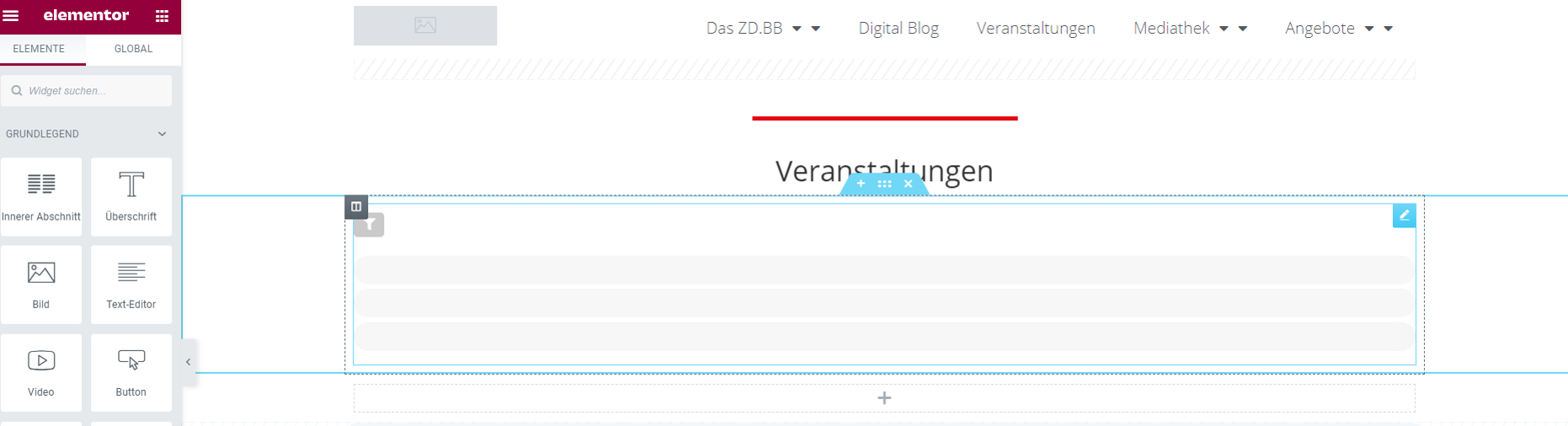
Attached please find the screenshot
Replies for tickets on suppota
Attached please find the screenshot
Thanks for your response. However, the rich snippet you’re referring to is a deeplink to a page “inside the EventON/Events” environment. As you see, the main page https://www.wplounge.nl/cursus-wordpress/ does not show the dates. That’s why I gave you the login data for our website… That’s the page that’s ranking on the most important keyword(s), so we need the rich data to appear…… Thanks in advance.
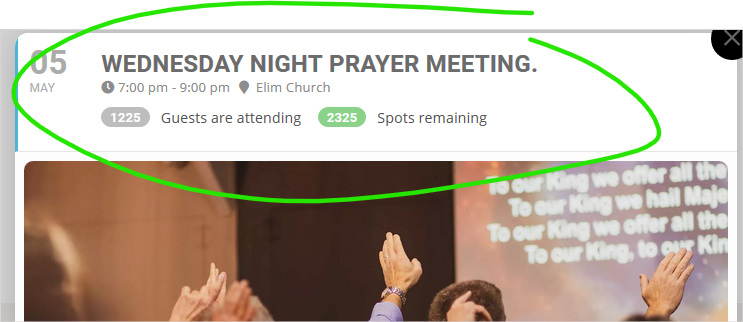
I have attached a screenshot of the issue.
we are unfamiliar with the other zoom plugins you’ll have to be more clear on the issue you are having
perhaps step by step how we re-create your issue
I have explained several times already. Customization job does not work like you think. And it is actually not a common sense like you keep saying.
So, open a new customization ticket and maybe one of our other staff will be interested in your work
Greetings once again. I am trying once again to get things up and running.
My log-in credentials now for my WordPress site are:
User Name: sara.k.schneider@gmail.com
Password: dqdL07R%AqDW!YG@
#1. I have purchased “Variations and Options” today but don’t see where I can start implementing this add-on, which I will need for the “Mountaineer,” “Black Gold,” “Morning Zephyr,” and “Knickerbocker” trainings. Can you please direct me where to start to look?
#2. I would also like to have people be able to enter their credit card information directly rather than go off to Paypal. How can I do this?
And (#3): if I decide to keep a Paypal option, how do I remove the “Pay Later” option?
(#4). Finally, I was afraid I wouldn’t be able to get everything the way I wanted it myself so I hired someone from Fiverr to help, but he wasn’t able to adjust it. I am hoping the “Variations and Options” add-on will take care of it! But could you please check to make sure that everything moves through from order, to cart, to checkout the way it is supposed to? And can you please send directions so that I can feel confident this is working before announcing it to my customers?
Thank you.
Sara
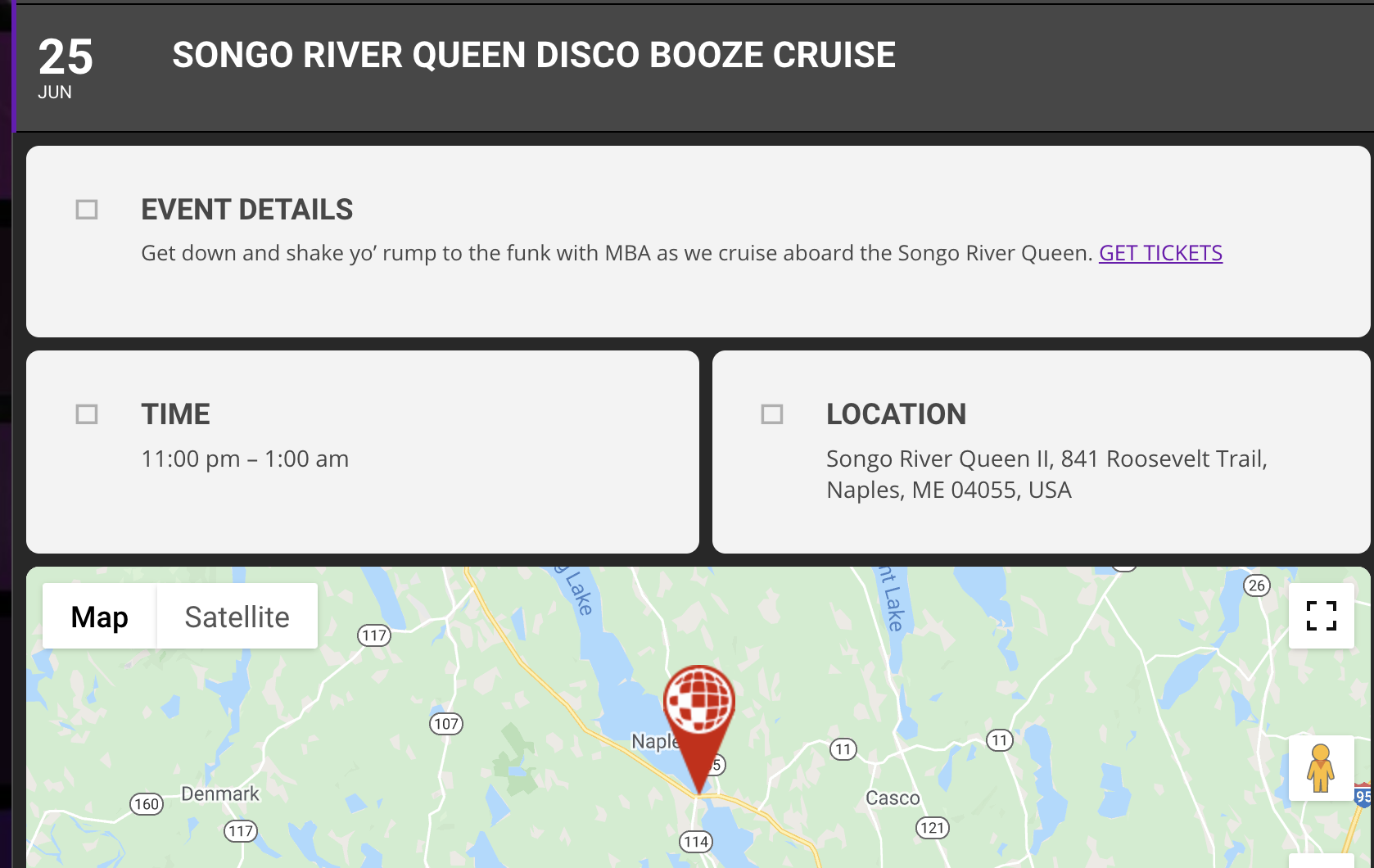
Hi,
Thanks for the reply. The Google maps are showing now. I followed your instructions for the font awesome icons fix and that didn’t work, they’re still not showing up (see screenshot).
I obviously went there but it does not meet the need because it adds a sidebar to those already existing on the page containing a single event and which normally should contain the widgets used on all the pages. Despite following this documentation https://docs.myeventon.com/documentations/customize-single-events-page/? this did not put the widgets back in the sidebars … Could it be that the documentation corresponds to a relatively old version of EventON ?
Hi! I was able to figure it out, thank you! One more question, I want to know if there is a way to import events off of a CSV or Google Calendar (or any other source, actually), so I don’t have to manually add a post every single time that an event is added to our calendar.
Thanks,
Ella
Could you go to https://www.inforumatik.com/wp-admin/admin.php?page=eventon#eventon_social > try enabling “Create Single Events Page Sidebar”?