Hi Norman,
You can hide the live event progress bar by going to myEventON > Settings > EventTop and enable “Hide live event progress bar with time remaining” option.
Replies for tickets on suppota
Hi Norman,
You can hide the live event progress bar by going to myEventON > Settings > EventTop and enable “Hide live event progress bar with time remaining” option.
Hi Sam,
I have removed the code for you and the spacing issue seems to be fixed. Please take a look and check if it’s fixed on your end.
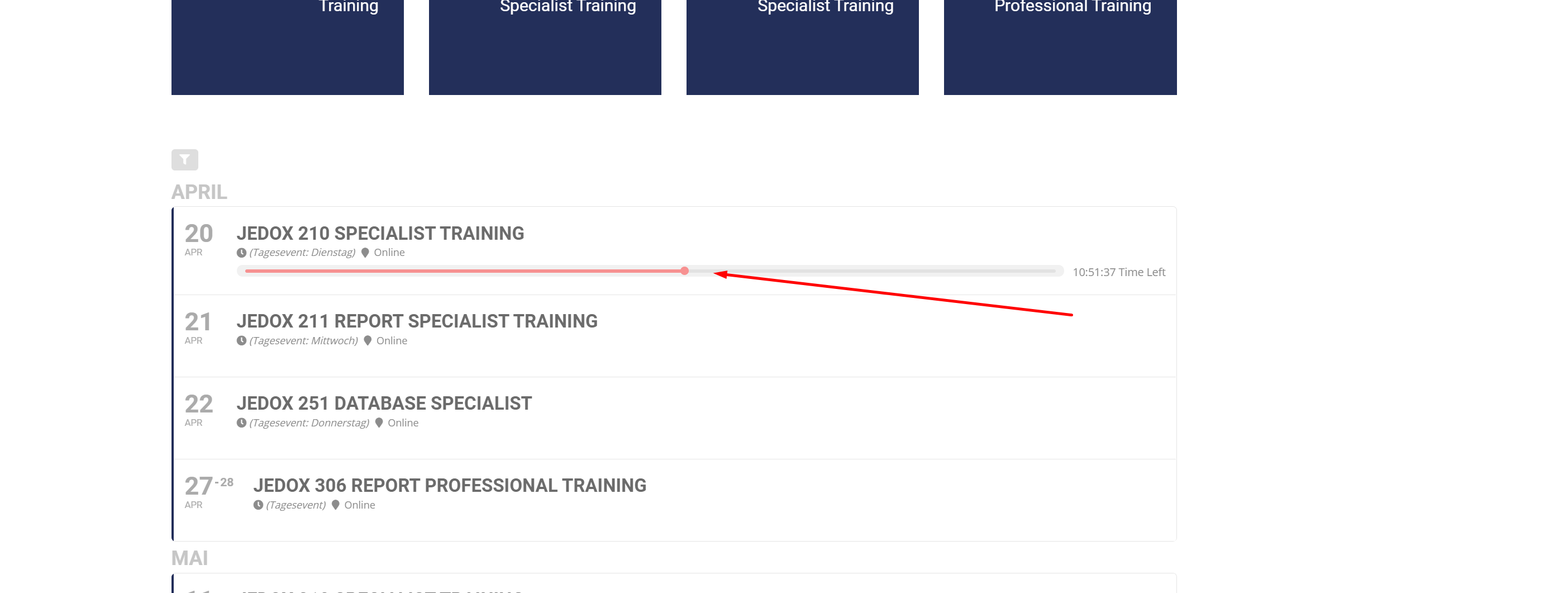
Cool its working…
how can i delete or hide this one..thats new 😉
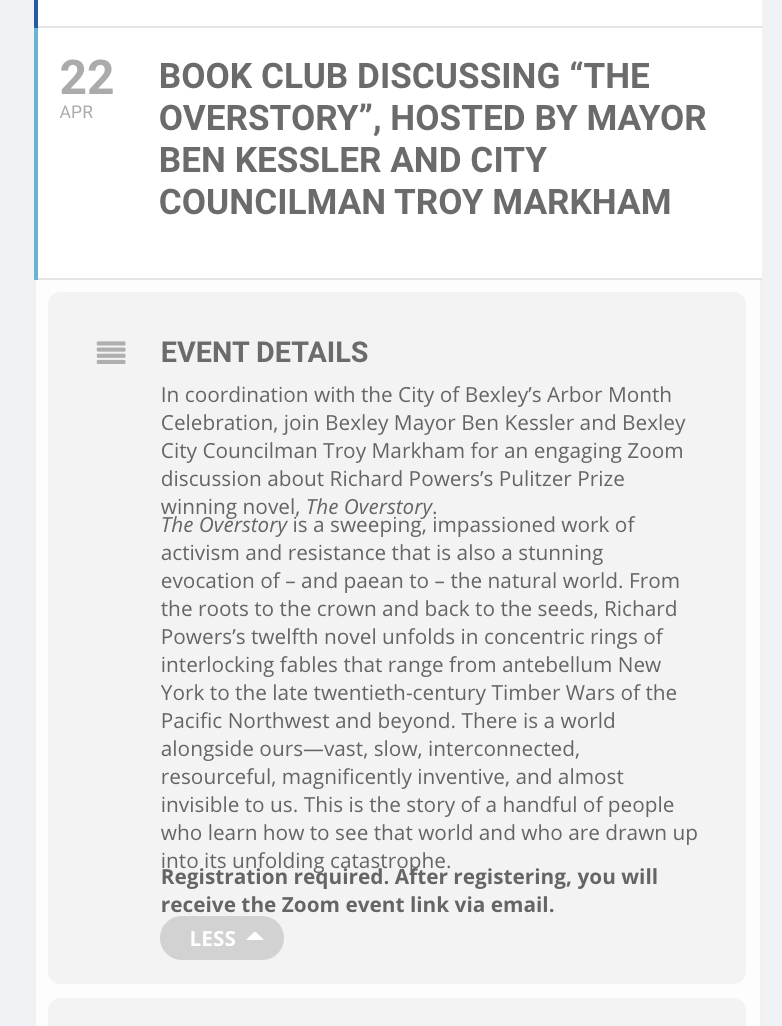
I toggled the “Select calendar event content filter type” to the other setting. I’m not sure how to remove the code that you added in with that previous ticket – are you able to help me with that? When I toggled the setting, it did seem to fix the spacing issues for some of the events, but not all of them (photo attached).
Hi Shawn,
Thanks for sending the email.
I am going to assign this ticket to Ashan and he will be able to take it from here. Please allow some time for him to get back to you, we greatly appreciate your patience.
Review is written – thanks
email associated with order is shawnmichaellang@gmail.com
I think it was the Geocoding API that was missing
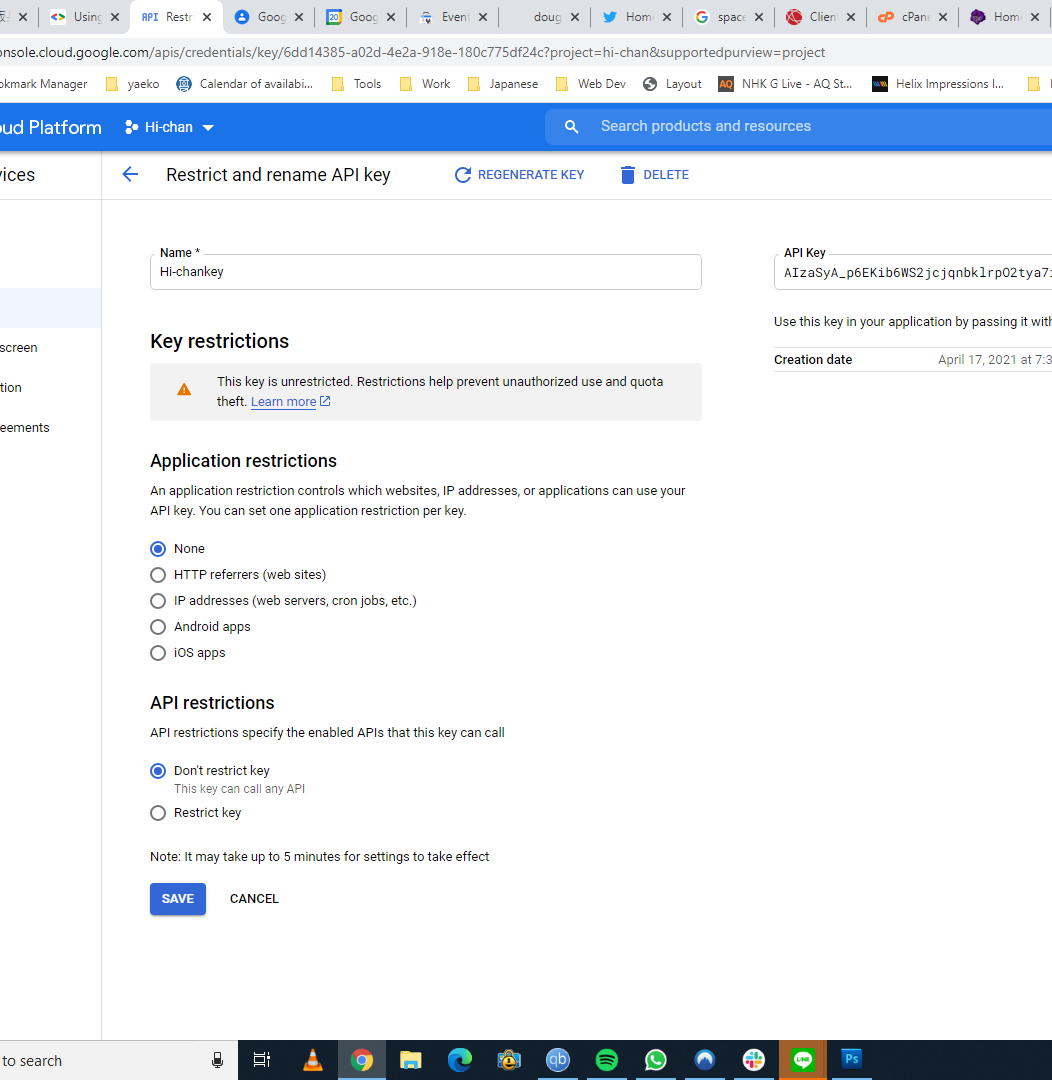
I enabled EVERY map API and it worked. A little different than the 3 shown in the tutorial but it’s working now. Finally. 🙂
Thanks for your help
Cheers
Doug
It can take up to 2 weeks but we will try to deliver it in a week. Invoice will be sent once the work is successfully completed. Thanks