Hello,
Could you try going to https://www.visitputnamwv.com/wp-admin/admin.php?page=eventon#evcal_001b and adjust the time with “Custom eventon only time offset value”?
Replies for tickets on suppota
Hello,
Could you try going to https://www.visitputnamwv.com/wp-admin/admin.php?page=eventon#evcal_001b and adjust the time with “Custom eventon only time offset value”?
Hi
Sorry to bother but just want to clarify what happening with this one.
On this page it works (august) shows 12 then the show more button is pressed then shows more and disappears. Perfect https://guide2.co.uk/herefordshire/whats-on-in-herefordshire-1/
On this page 12 events shown – i then press the button which shows more events (2) but the show more does not dissappear , many thanks
Hello,
In some cases, Google does show Rich results:
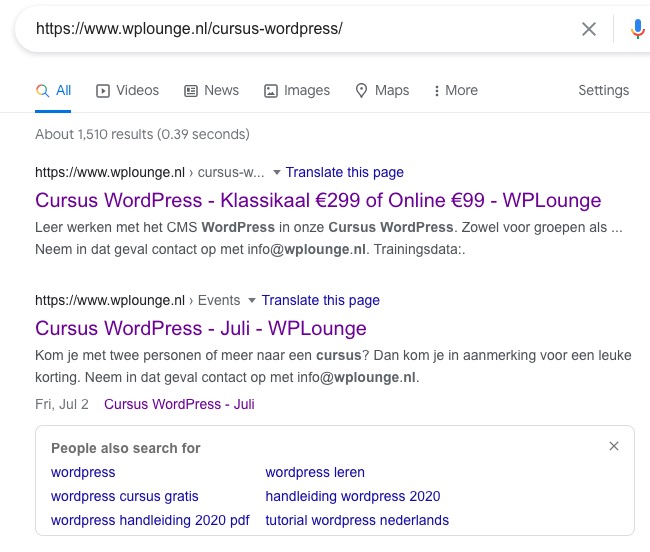
Please allow Google some time.
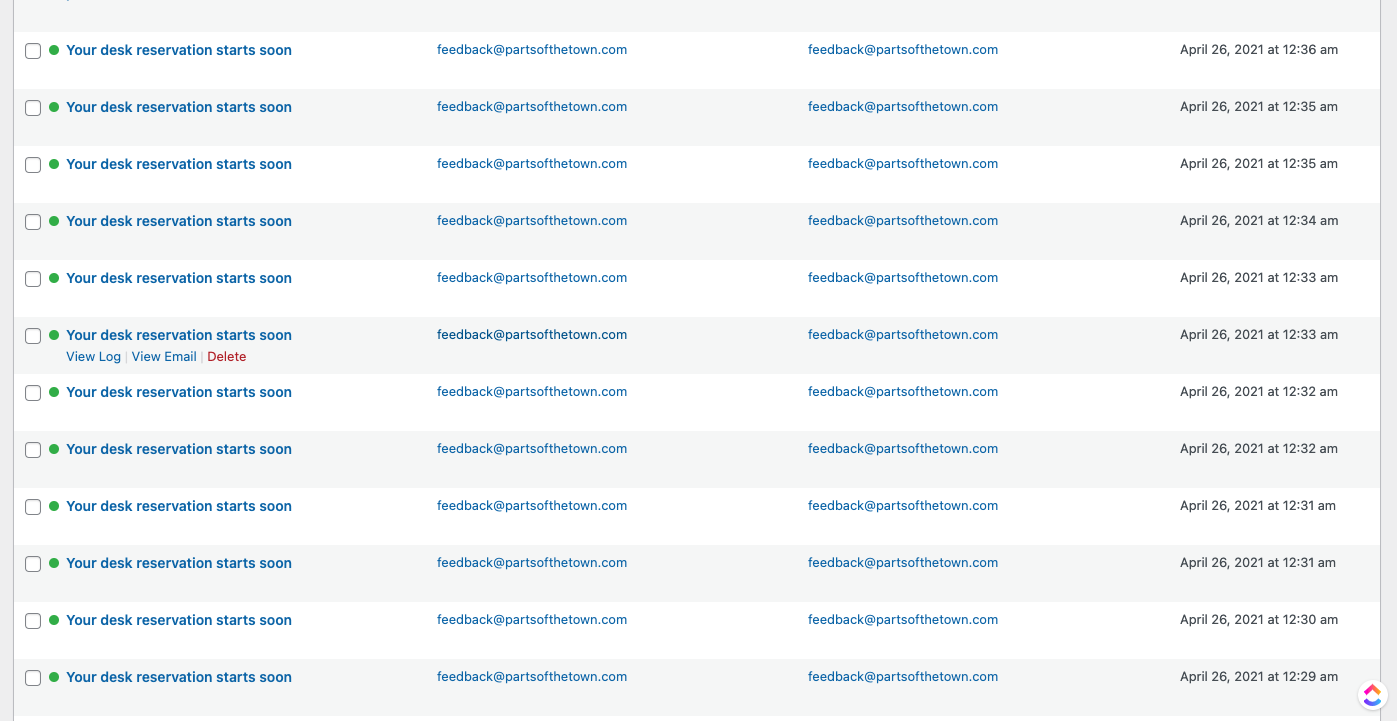
It seems that you have this plugin that also works with emails: https://partsofthetown.com/wp-admin/options-general.php?page=wcsc-options. Could you try to disable it? And also disable any other plugin that somehow can affect cron.
Could you also tell us where can we find this https://helpdeskx.s3.amazonaws.com/wp-content/uploads/2021/04/27091227/Screen-Shot-2021-04-27-at-11.12.08-AM.png?
Hello,
Thank you for your great suggestion, at the moment it is not supported. However please create a new ticket and select Feature Request as category so others can vote on your idea and get it moved into development faster. OR You can send us a customization job request by creating a new ticket in here and selecting Customization Request as the category.
Still need help. Every site I do with Eventon I run into this same issue.
I want to use /events/ as a page that I design with Divi, but Eventon overwrites it with a directory.
https://mychristway.com/
https://mychristway.com/wp-login.php
username: eventon
password: hM7s&EUX*s(zMBK3qO9ytyW5
Hi Gunnar,
Buyers can leave ratings and reviews in the ‘Downloads’ section of their account: http://codecanyon.net/downloads
You’ll only see the rate option if you are logged in using the account you used to purchase Eventon. You should be able to give a rating using the star buttons below the ‘download’ button – a new window will then open up where you can leave a review.
Hope this helps.
Hey There,
Do u still need help here, or we are good?
Hi Dean,
Could you try going to EventON Settings > Time Settings > enable Use WP default Date format in eventON calendar (Excluding eventCard event date format) > save > disable the option > save again?
Hi David,
Thank you for writing in. I am going to assign this ticket to Ashan and he will be able to take it from here. Please allow some time for him to get back to you, we greatly appreciate your patience and thank you for being a eventon customer!