Thanks for the walk-through and for the tips about the event sidebar and such. As much as I’d love to display a featured image, more details about classes, etc., my client is dead-set on having as little show up in those modals as possible. 🤷♂️ I may see if I can convince her to add a few details to the sidebar though to help promote events a little more and be more informative to users. A Featured Image is included except hidden from the EventCard so it does show up in the Rich Snippet for the event along with the meta details I added in Yoast SEO.
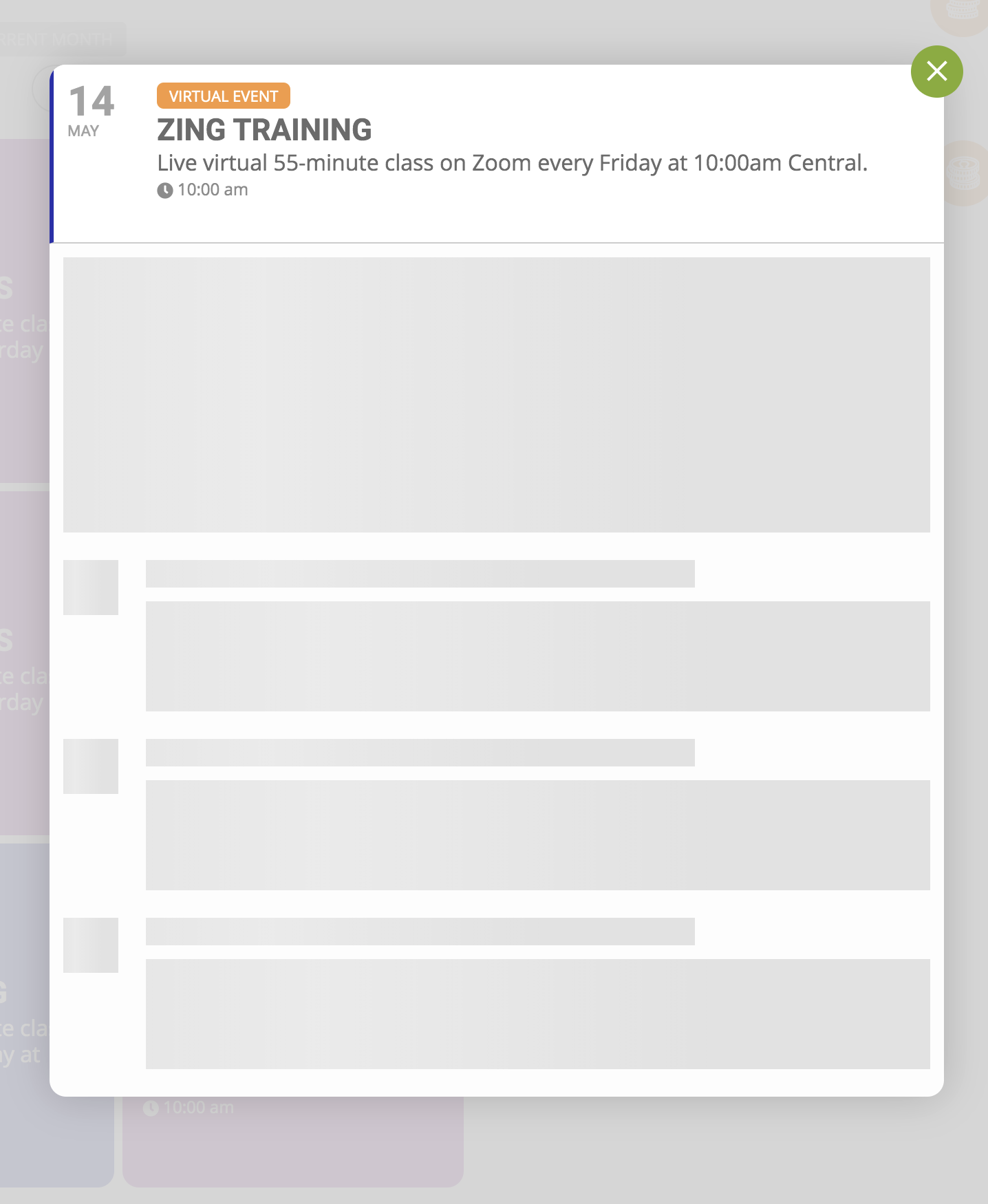
In any case, the Event Details box you enabled on the EventCard wasn’t what I was after. Again, specifically hidden at the client’s request, that box was turned off. The issue was that no info at all was appearing in the EventCard other than the EventTop details. No Virtual Event box, no Add Class purchasing box. Everything was greyed out, loading animation only, for the zwpadmin user. I left it for several minutes and nothing would load for that particular user, for any event. See attached.
However, as shown in the video, you being logged in as that user could view the EventCard info just fine. I tried it in multiple browsers, clearing the cache in each, and still couldn’t bring up those details. It must be localized to my machine so consider this a non-issue. I appreciate you taking the time to look into it though and offering the suggestions.