Please send us wp-admin access to your site as a private message for us to further assist your situation.
sorry we will check over your settings as it could be a number of reasons
Replies for tickets on suppota
Please send us wp-admin access to your site as a private message for us to further assist your situation.
sorry we will check over your settings as it could be a number of reasons
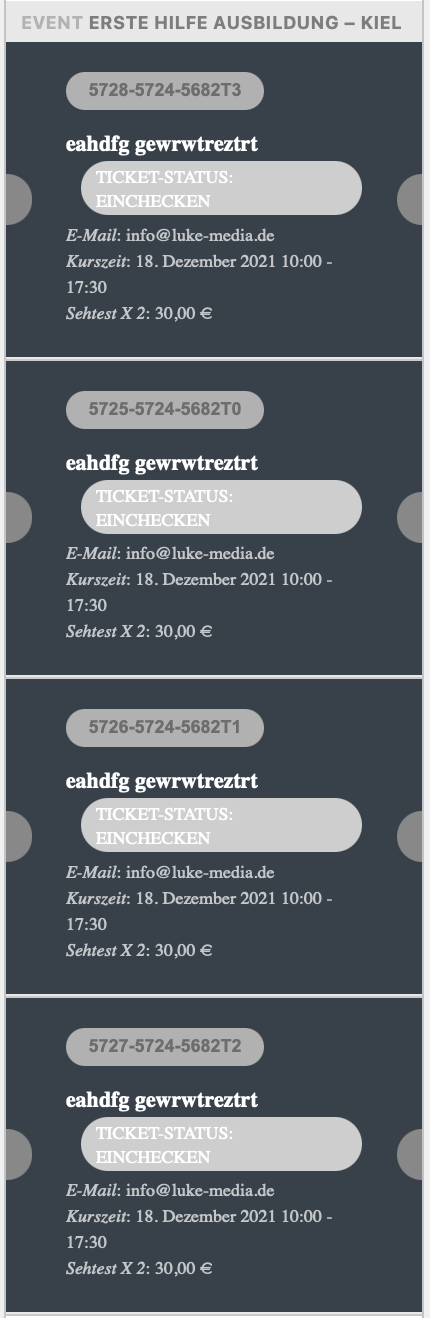
Hey,
thanks a lot for your answer!
ashan – issue with people adding commas instead of full stops in name any price
Thank you for your messages, I am going to assign this ticket to Ashan and he will be able to take it from here and find you a solution. Please allow some time for him to get back to you, we greatly appreciate your patience and thank you for being a eventon customer! Also please disable any IP blocking on your site if there are any.
Hello,
sorry, it doesn’t change anything
Hi Oscar,
Thanks for the response. However, I am still getting the 502 gateway error. If you have enabled IP address blocking please deactivate temporarily so that we can be able to troubleshoot the issue.
Hi there,
Could you please try the instructions mentioned in this documentation to make sure your issue is indeed coming from eventon.
Hi Franck,
Thanks for writing in and for choosing our plugin.
Could you please try the instructions mentioned in this documentation to make sure your issue is indeed coming from eventon?
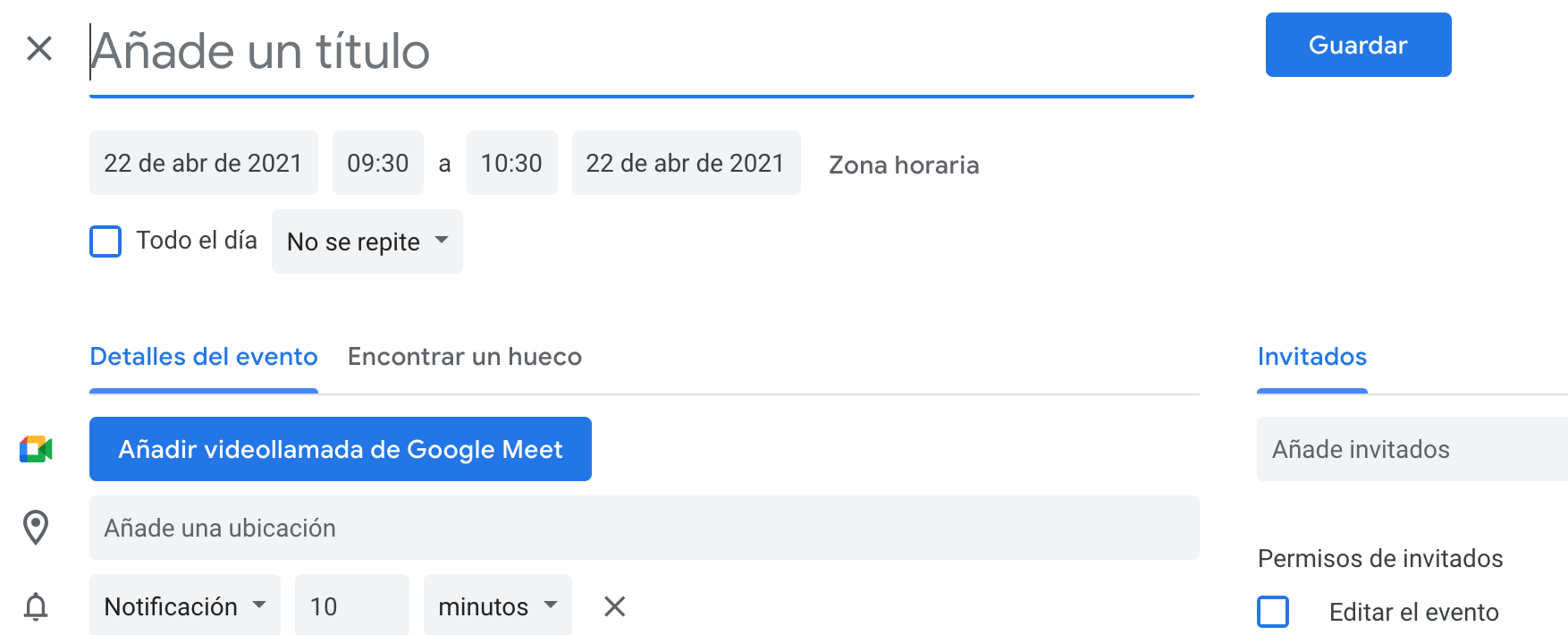
another capture
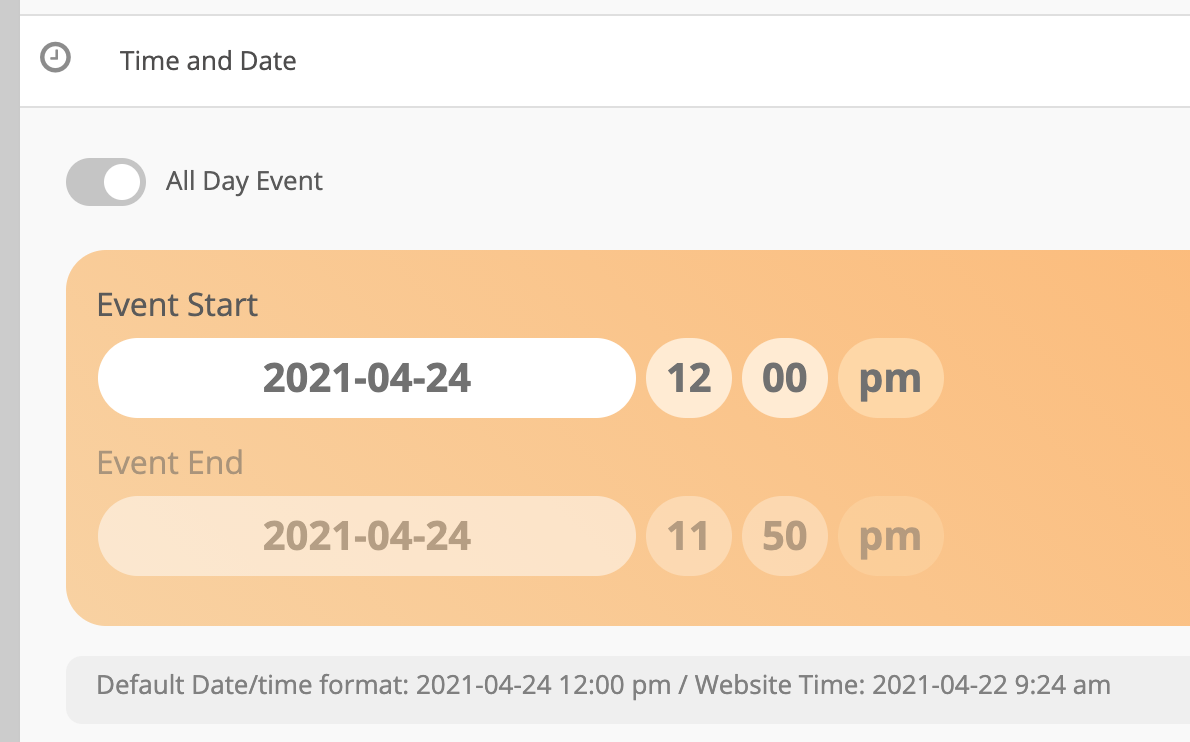
another capture