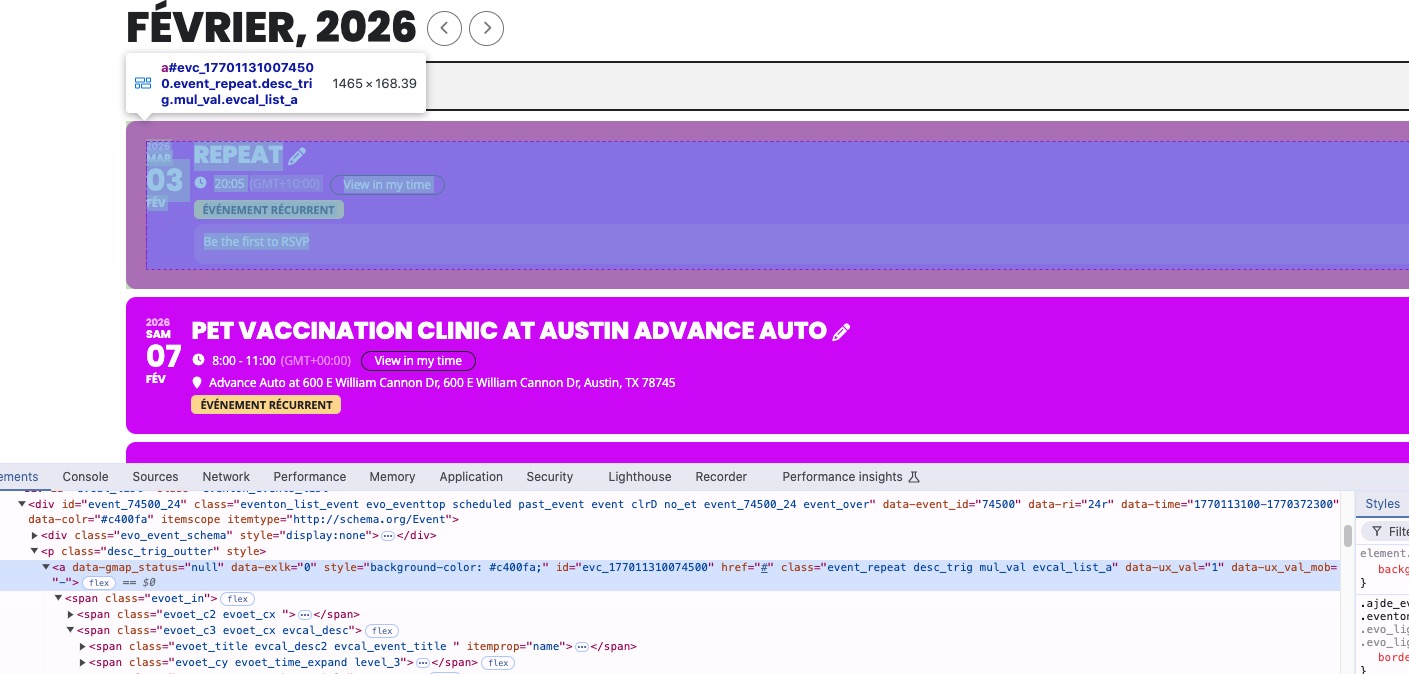
1. ”Write dynamic styles to header” can be found here:
https://carsoncarclub.com/wp-admin/admin.php?page=eventon#evcal_002sc
I added the code and now the text isn’t white anymore.
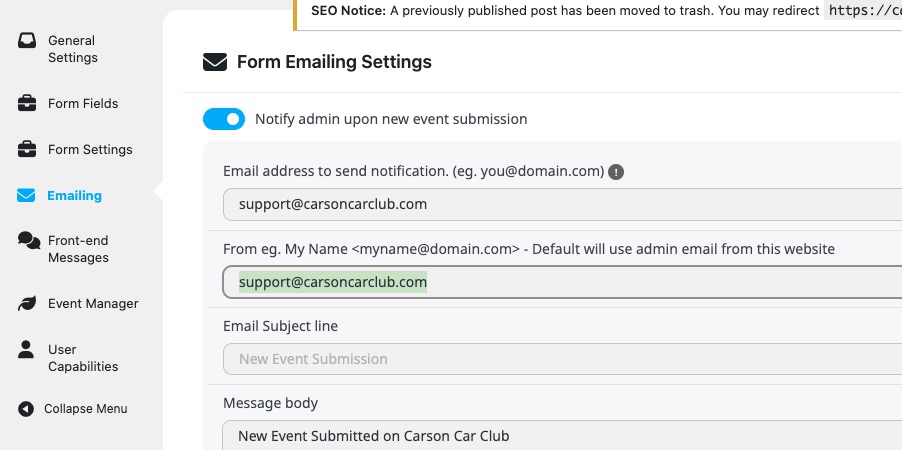
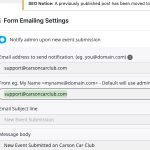
2. Is it possible to change one of emails, so they stop duplicating each other?
https://carsoncarclub.com/wp-admin/admin.php?page=eventon&tab=evoau_1#evoAU2
Please also add this code:
.evotax_term_card .evo_term_events, .evotax_term_card .evo_tax_details { background: none !important; } .tax-event_type header.page-header {display:none!important} .tax-event_type .evo_card_wrapper .evo_sidebar { margin-top: 48px; }
Ashan,
The same on dev2:
https://dev2.myeventon.com/test-172/
Hello,
The latest version of EventON is 5.0.6. Could you update?
To update eventon to latest version: If you are unable to do autoupdate, you can go to codecanyon your account > download and get the latest eventon version as zip file. Then you can go to your website > make sure ”Delete eventon settings & data when EventON is uninstalled” is Deslected from eventon settings, delete old eventon, install new one and activate. This link will further explain the process it. Also you can follow us on twitter to get real-time announcements on updates!
I am also going to escalate this ticket to development to help in here. Please allow us some time to address this, and we truly appreciate your patience. Thank you for being a valued EventON customer!
Thank you for letting us know about the solution!
We are glad your issue is resolved, if you have any further questions or concerns please create a new ticket.
We are glad your issue is resolved, if you have any further questions or concerns please create a new ticket.
Updating the memory limit did not resolve our issue. In fact, it broke your resolution when you changed the setting to display only the last 12 months of events.
We ended up uninstalling the Event-On and FullCal mods. We then deleted all the events. We reinstalled both latest versions mods and added new events and it now appears to be working as intended. We believe there was some event or mod-based corruption due to upgrading the mods to various versions over the course of several years. You can go ahead and close out this ticket and show it resolved.
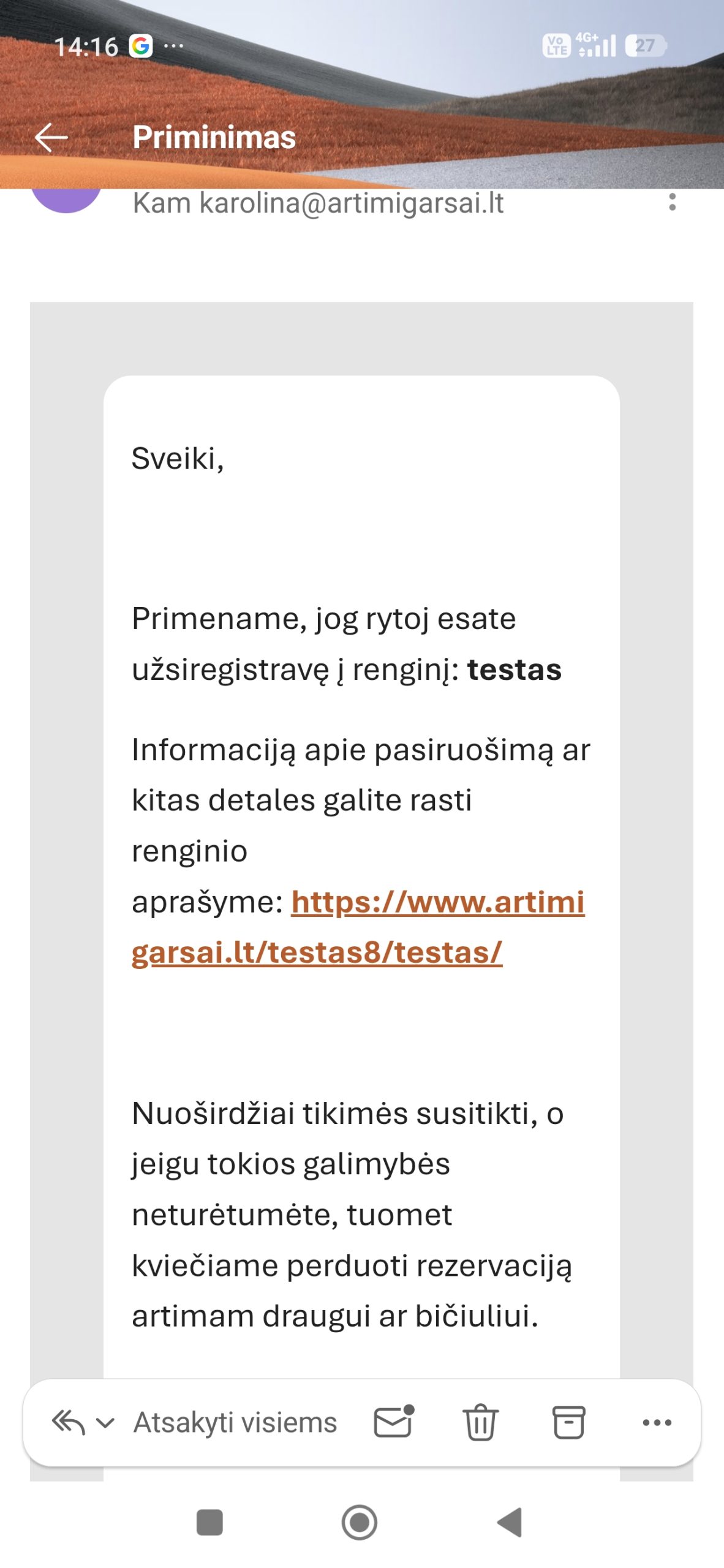
Thank you, I disabled the email and just left the woocommerce email and styled it with external plugin. So all good.
On mobile it is working! So sorry, it is ok. So i am left only with the main question.
1. Is it possible to style checkins page and change the color of events cards background? It is grey now, could not find where to change this, does not separate enough from background. Or if I could change the whole page background to white – would be also great. But cant edit the color, the checkins page is not listed in page list. Can you help?