Thank you for your messages, I am going to assign this ticket to Ashan and he will be able to take it from here and find you a solution. Please allow some time for him to get back to you, we greatly appreciate your patience and thank you for being a eventon customer! Also please disable any IP blocking on your site if there are any.
Archives: Replies
Replies for tickets on suppota
Reply to: tickets(233201)
login didn’t work for me
but could you clear your web browser cache (normally found in history)
also your wordpress cache as well- but mainly this would be a browser issue after the update
if that fails please double check the login so we can get in and test things out
Reply to: tickets(233057)
and also here is an alternative view for your home page- if you are using a dedicated events page this option might work for you
https://bluebarn.shop/eventon-test-2/
the first calendar would be for the home page, the second for your dedicated events page (if you have one)
Reply to: tickets(232977)
see video
how are you adding the form to the event- I can’t see any form or shortcode on the event
Reply to: tickets(233057)
OK so I have removed the second calendar and replaced it with the “show 3 events with click to load more”
heres a video on what I did for your own info
That load more button when clicked can in fact take them to a different page- so you could have a dedicated calendar page with the first shortcode showing all events
but on the home page – you have 3 events- and then if they click the view more button instead of loading more events- it takes them to the full calendar
heres how that could be done:
Reply to: tickets(233057)
Thank you. That test page looks good. However, I don’t need the “jump to months
area”. I plan to add a shortcode to my home page and would like to show only the next three upcoming events but would like an option for people to view the entire month. Can you set that up?
Reply to: tickets(232976)
so the answers
1: Limit maximum capacity count per each RSVP
this means that 1 person can have a maximum of 2 people (including themselves) to rsvp to the event (you can set that number to 5 if you want or any number- like for a grand parents day
or a business lunch where a ceo brings 2 secretaries (yeah I don’t know your business but whatever number you set- that is attendees plus the original person making the rsvp combined)
a networking event where you bring 2 guests whatever….
2 & 3
easier to just show you a video below
Reply to: tickets(233174)
no it wasn’t hacked please up date to the next version 3.1.4 – its got to do with how the emails were encoded
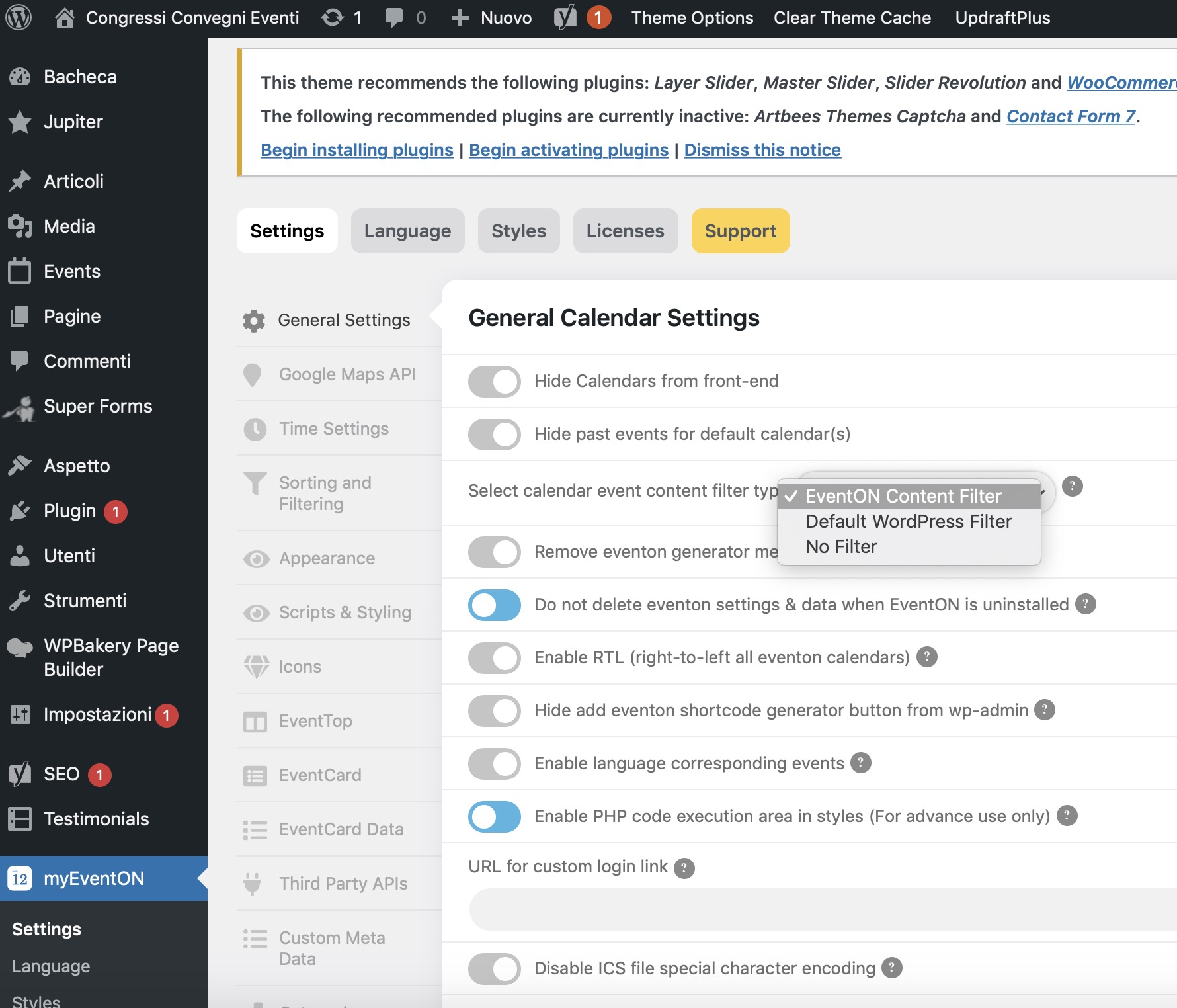
you will find a new option in myeventon>>>>settings at the bottom you can select encoding type
Reply to: tickets(232977)
Yes and ?
Reply to: tickets(233057)
https://bluebarn.shop/eventon-test/
SEE VIDEO BELOW