Thank u,
Can u please provide WordPress & FTP Details?
Replies for tickets on suppota
Thank u,
Can u please provide WordPress & FTP Details?
Hello again, I have not yet received the payment link. Can you resend it to viktoria@globalbusinessowners.com?
Thank you.
we have not forgotten about the customization- I have alerted the boss
Is this category issue because of the custom work done or thats what it has been from day 1
(sorry for the back and forth- I just need a clear picture of whats going on)
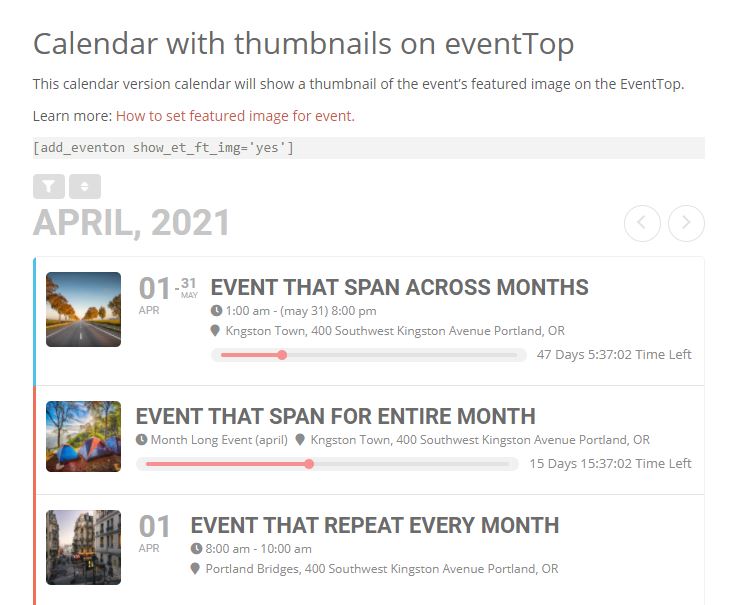
Hello again. Thanks for offering to help. I don’t have any issue adding events but I wasn’t able to figure out how to create the calendar that I wanted. I’ve attached the one I’d like to use.
website is bluebarn.shop/wp-admin
user: deb@bluebarnpet.com
pw: B!ndi2017
Hello, and thanks for the quick reply
well it started because the categorie 1 doesn’t work, I tried to use it but it always mix all the events despite the id associated you can see now you the first two calendars the first as the event type 1=id56 and it shows all the events I have generated the second one as only event type 1 and presents the same behavior , all the events are showing up from all categories!!!
if you use event type 0 it’s the same. Take a look now I’ve change the page to ilustrate the problem.
all the other categories from 2 to 8 work fine with the different id associated.
the third calendar the one that has this short code:
[add_eventon_list eventtop_style=’3′ hide_month_headers=”yes” hide_empty_months=”yes” show_year=”yes” accord=”no” number_of_months=”14″ event_count=”50″ event_past_future=”future” event_type_8=”52,” event_type_3=”13,” event_type_4=”14,” event_type_5=”11,” tiles=”no” etc_override=”no” show_et_ft_img=”no”]
don’t show anything at all.
The last one is the only one thas has a “normal” behaviour.
Please don’t forget the question that I also reported, the problem with the customization request.
thanks
JP
pff … sorry – now, it works
Almost there,
So If I want all there fields: evotx_price, evotx_sku, evotx_tix
do I duplicate the full code for every extra field? in the functions.php?
And change newfield to evotx_price, evotx_sku, evotx_tix ?
I appreciate your initial efforts but am very disappointed in the follow through. I believe I was clear in my needs and you failed to deliver. After numerous weeks and responses, I received no additional help to fulfill what you were supposed to deliver. I took it upon myself to fix it, and figured I’d share the proper code.
Here is the hook that you provided.
add_action( ‘wp_enqueue_scripts’, ‘highend_child_theme_enqueue_styles’, 15 );
function highend_ics_content($event)
{
$trigger = get_post_meta($event->ID, ‘_evcal_ec_f2a1_cus’,true);
echo “BEGIN:VALARMn”;
if ($trigger){
echo “TRIGGER:-PT”.$trigger;
}
echo “ACTION:DISPLAYn”;
echo “DESCRIPTION:n”;
echo “END:VALARMn”;
return $event;
}
add_action(‘evo_event_ics_content’, ‘highend_ics_content’);
And here is the hook that works. Note the backslash before n to create a line break. $trigger was also moved inside the quotes and n was added in the TRIGGER section.
add_action( ‘wp_enqueue_scripts’, ‘highend_child_theme_enqueue_styles’, 15 );
function highend_ics_content($event)
{
$trigger = get_post_meta($event->ID, ‘_evcal_ec_f2a1_cus’,true);
echo “BEGIN:VALARMn”;
if ($trigger){
echo “TRIGGER:-PT$triggern”;
}
echo “ACTION:DISPLAYn”;
echo “DESCRIPTION:Remindern”;
echo “END:VALARMn”;
return $event;
}
add_action(‘evo_event_ics_content’, ‘highend_ics_content’);
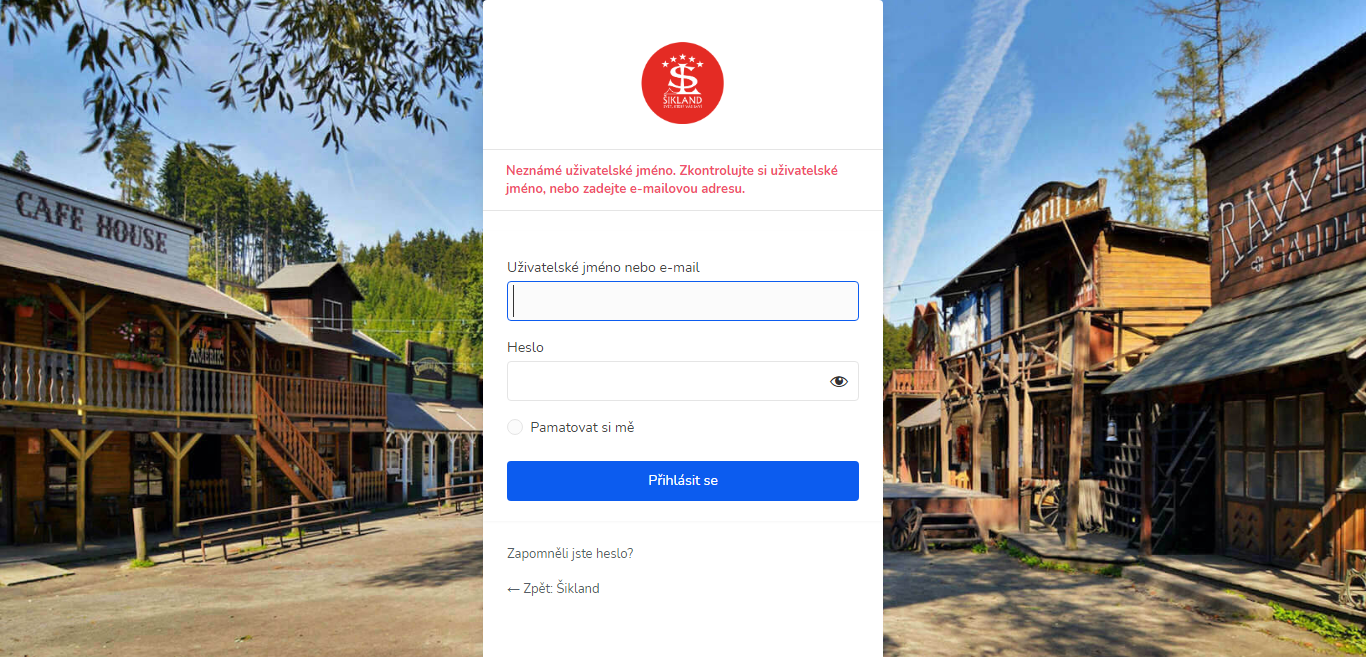
I am getting this