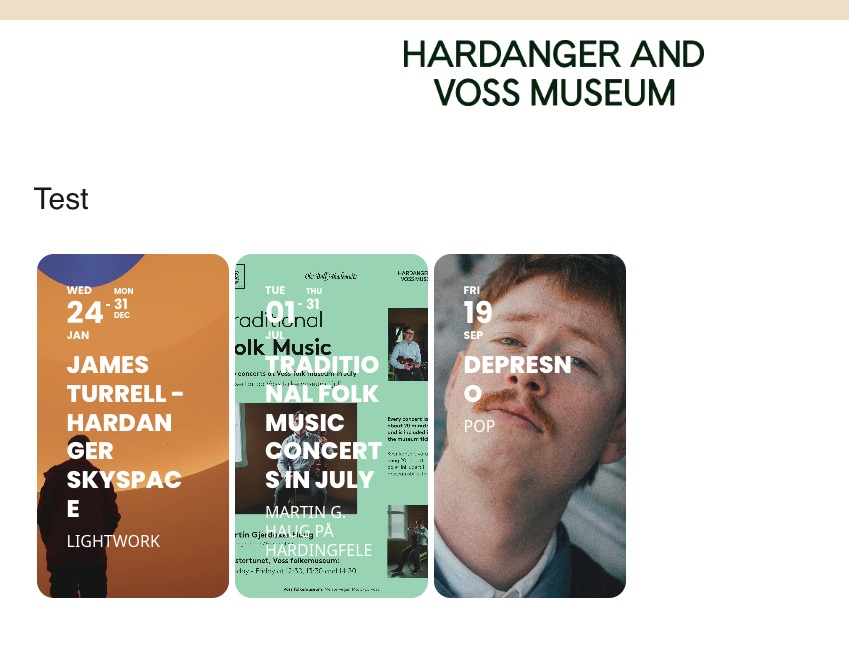
Since you are using WPML, there is no need to activate Enable language corresponding events.
So please disable it and also remove lang=”L1″ and lang=”L2″ from your shortcodes.
Test page in EN and NO I created:
https://hardangerogvossmuseum.no/en/test/
https://hardangerogvossmuseum.no/test/
All three events are visible in EN with disabled Enable language corresponding events:

My apologies, I just sent the user that was used for support a while back. It turns out there was no role associated with the user so that might be the problem. Anyway, to be sure this time I just deleted the user and readded it with the same password. I think it should work this time.
Ashan is waiting for a reply from patckstack to sort this out
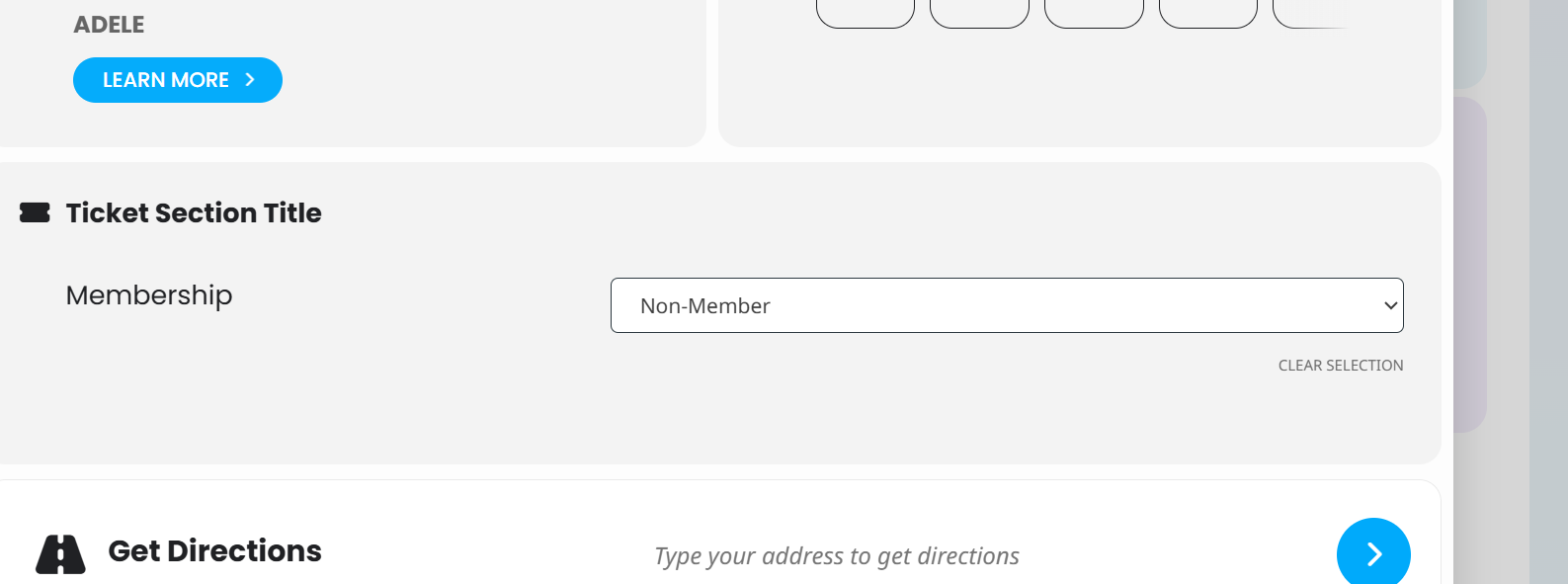
Hi thanks for your reply, when you select a future event, such as gundog class, 30 June, the pop-up event does not show the add to cart button.
It is the same for all events ( I have tried all on 30 June). In the pop-up the button is not appearing.
Hi Artem,
I see that it will work when I remove event_count=”6″ .
Unfortunately I cannot do this, because it damages my layout completely when showing 17 Events below.
Hello,
I am not logged-in and can purchase tickets without any issues from “Farm to Table Dinner” event.
Which event has the issue? Could you send us a link?
You cannot restore your password? Could you elaborate more on why you cannot access it?
As previously mentioned, we can’t access CodeCanyon. I provided you all purchase details.
We’ve cancelled our plugin subscription, and I suppose if CodeCanyon is unable to assist we’ll need to find a new Calendar plugin altogether.
After updating the plugin, the autoupdate should be working. Please update the plugin manually.
To update eventon to latest version: If you are unable to do autoupdate, you can go to codecanyon your account > download and get the latest eventon version as zip file. Then you can go to your website > make sure “Delete eventon settings & data when EventON is uninstalled” is Deslected from eventon settings, delete old eventon, install new one and activate. This link will further explain the process it. Also you can follow us on twitter to get real-time announcements on updates!
The issue is also that the update feature isn’t working.