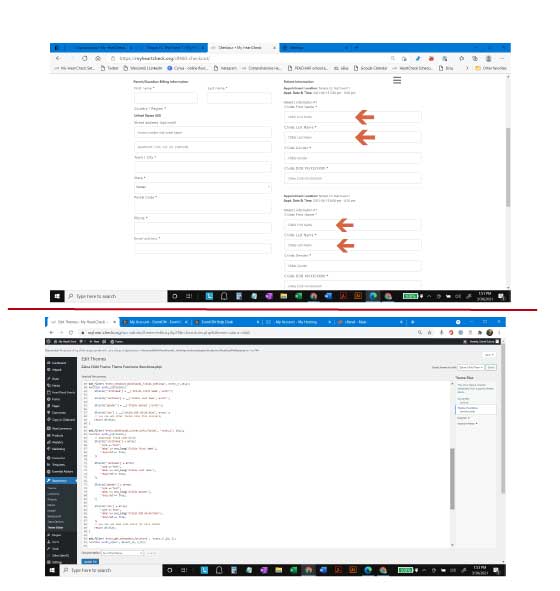
Screen shot is attached.
- https://myheartcheck.org/wp-login.php
user: Eventon
Pass: Event2018on
____________________________________
FTP Username: Ashan@myheartcheck.org
FTP server: ftp.myheartcheck.org
FTP & explicit FTPS port: 21Pass: Event2018on
Replies for tickets on suppota
Screen shot is attached.
user: Eventon
Pass: Event2018on
____________________________________
FTP Username: Ashan@myheartcheck.org
FTP server: ftp.myheartcheck.org
FTP & explicit FTPS port: 21
Pass: Event2018on
I was able to solve this. The fields didn’t disappear. They were moved to the sidebar on the right, but I didn’t realize.
I managed to move them back by clicking on the same arrow. Just a case of bad UX by WordPress.
When we register in WOOCOMMERCE, we put the date of birth in custom fields (using ad example “Profile Builder Pro”).
Then we need to see in CSV / Attendee list also that new custom field (or few others…)
So how to read that date of birth and put in the .csv file? The documentation is not enough to understand how its work, and with WooCommerce/subscribers fields could be transferred..
Thankyou
It is the chinese characters that are causing the issue in the link. we will need to do more research into find a better solution
I rolled back before you see these captions that you send, so It was no caché.
Next day I’ll get enough strenght to try a new update I’ll inform you.
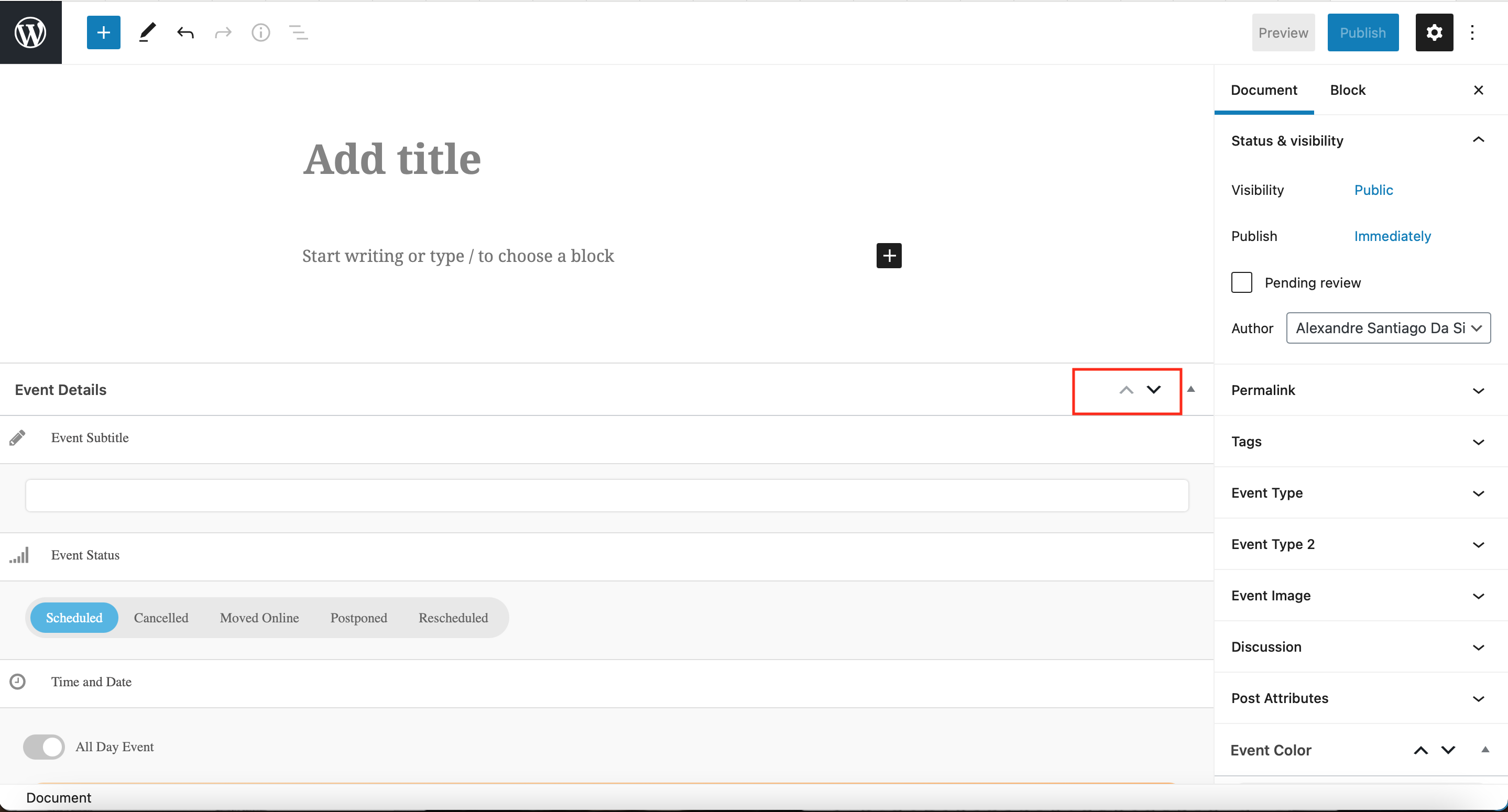
It is not a plugin error. Here is a screen shot of the screen before I changed it. I marked the field I clicked that hid the fields.
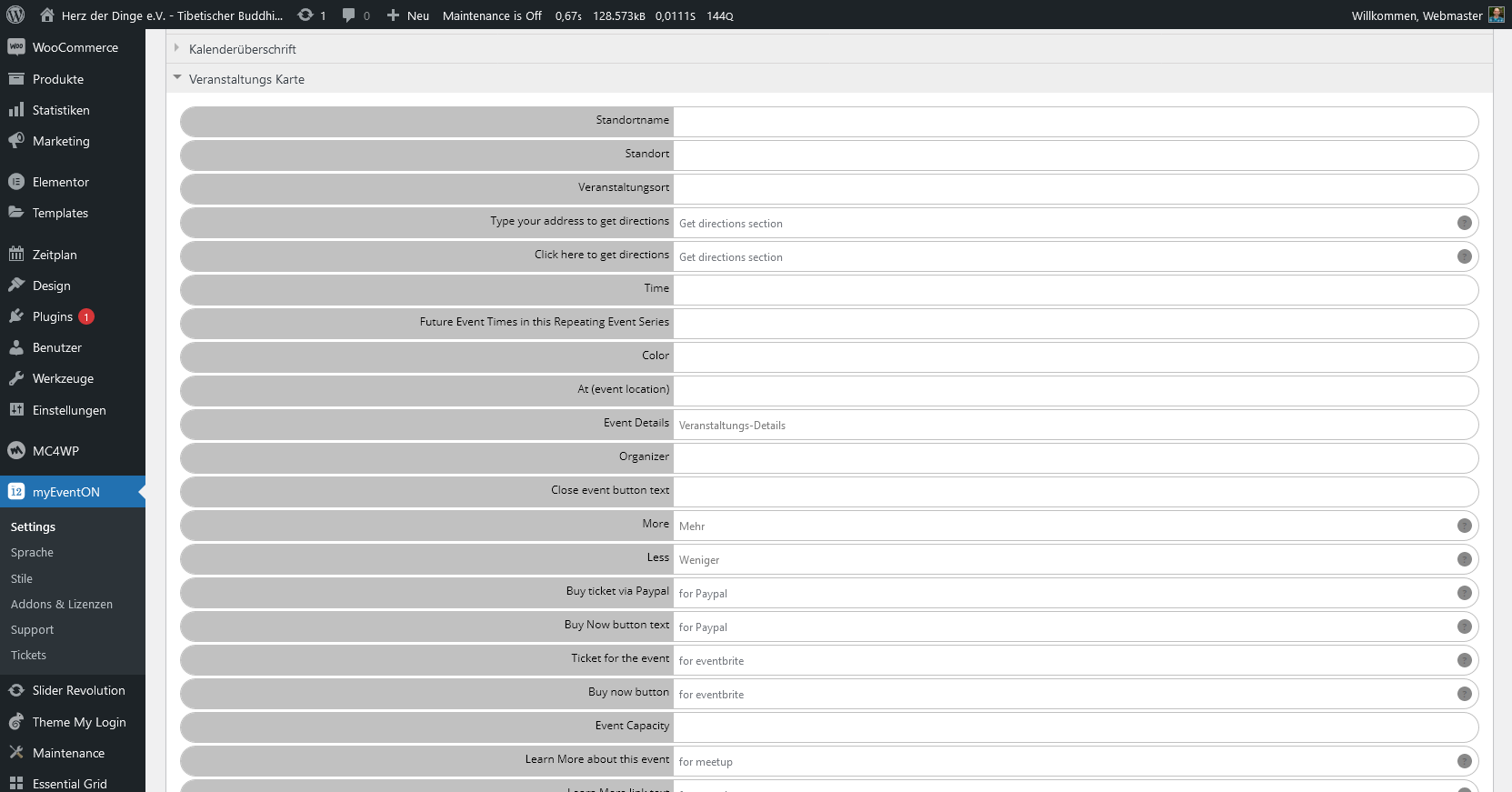
Grrr…. “Location” i cannot find in myEventON > Settings > Language …
I stop it now and wait till you answer.
Hello,
1. We cannot access your website: IT LOOKS LIKE YOU DON’T HAVE ACCESS TO THIS CONTENT.
Could you check?
2. Thank you for your great suggestion, at the moment it is not supported. However please create a new ticket and select Feature Request as category so others can vote on your idea and get it moved into development faster. OR You can send us a customization job request by creating a new ticket in here and selecting Customization Request as the category.
Could you please try the instructions mentioned in this documentation to make sure your issue is indeed coming from eventon.
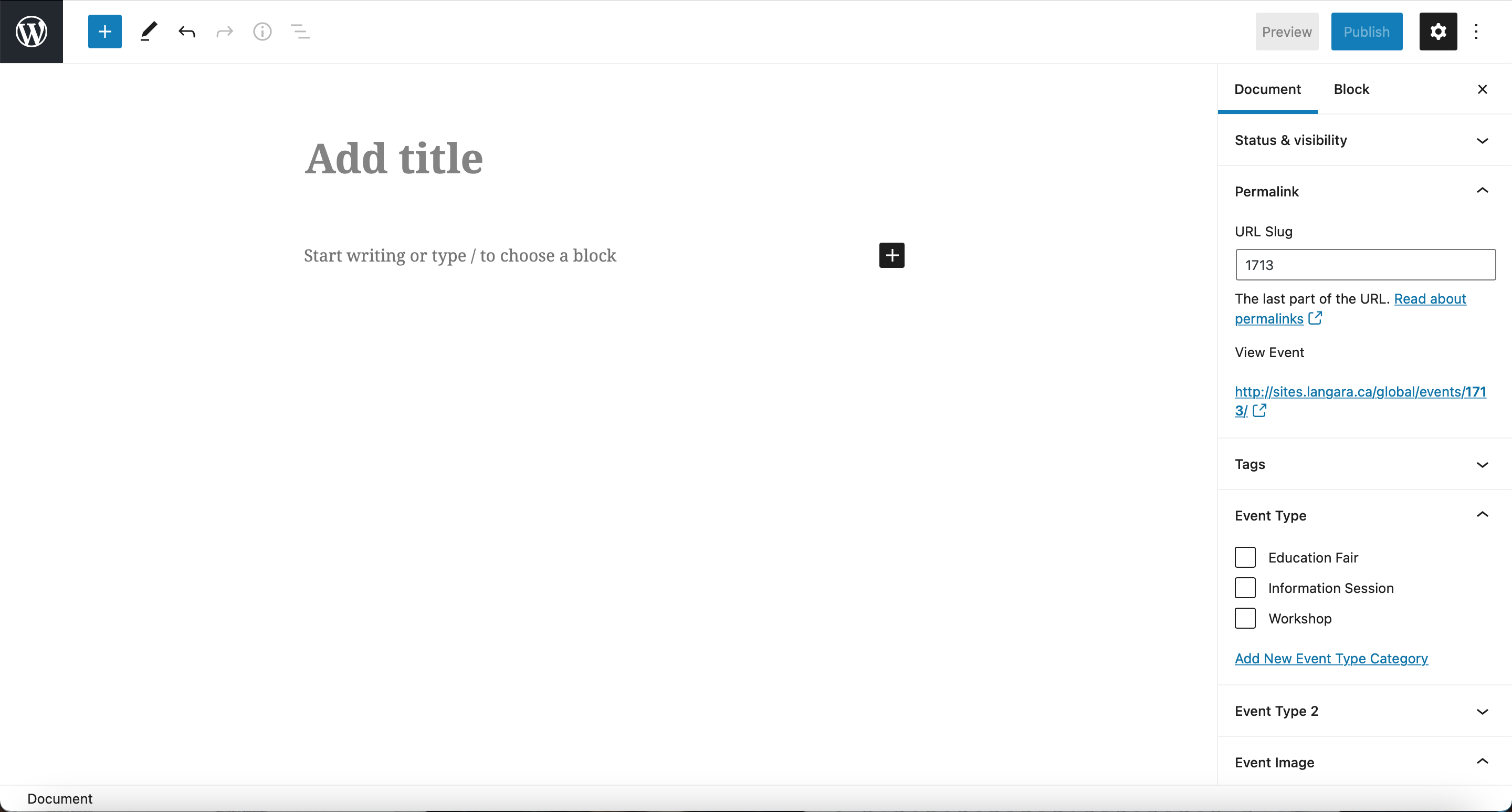
I cannot provide a user for you to access the backend of the site. Here is an image of the add new Event page on my backend.