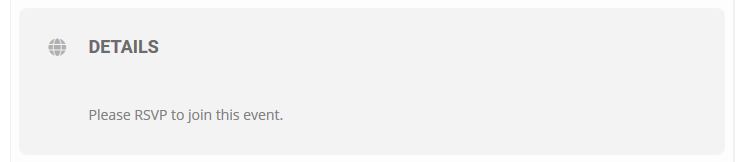
Hello,
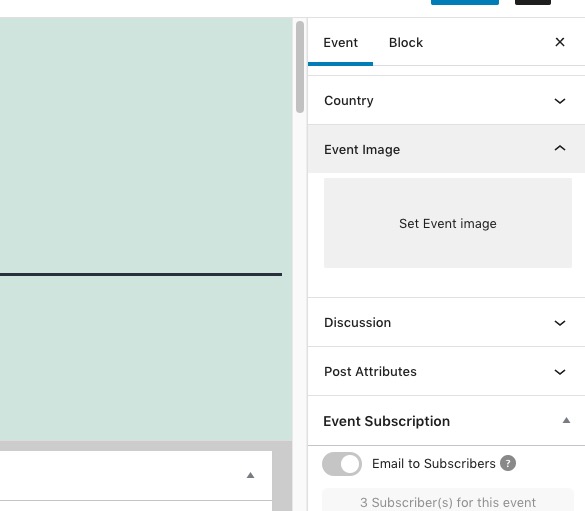
Please check Edit Event > Event Iimage:
Replies for tickets on suppota
Hello,
Please check Edit Event > Event Iimage:
Hello,
Thank you for your messages, I am going to assign this ticket to Ashan and he will be able to take it from here and find you a solution. Please allow some time for him to get back to you, we greatly appreciate your patience and thank you for being a eventon customer!
We are glad your issue is resolved, if you have any further questions or concerns please create a new ticket.
If you have a moment, we would greatly appreciate if you could kindly leave us a review at codecanyon! from your account > downloads. Cheers!
Worked like a charm. Thanks so much!
Hello,
Great! If you have any further questions or concerns please create a new ticket.
More info here https://helpdesk.ashanjay.com/ticket/v3-1-3-turns-emails-into-chinees/
For anyone waiting for a fix, this MAY work for you, it may not, use it at your own risk!!!
If you have access to change the files in your system, then in the plug-in folder, open the eventOn folder and then the includes folder.
Edit the class-evo-helper.php file and amend line 17 so that it says this (just add // at the beginning of what is there)
// add_filter( ‘wp_mail_charset’, array($this,’change_mail_charset’) );
This has stopped our woocommerce install from sending all our customers order confirmations will all the Chinese characters, I don’t know what else it may break it EventOn so use with care.
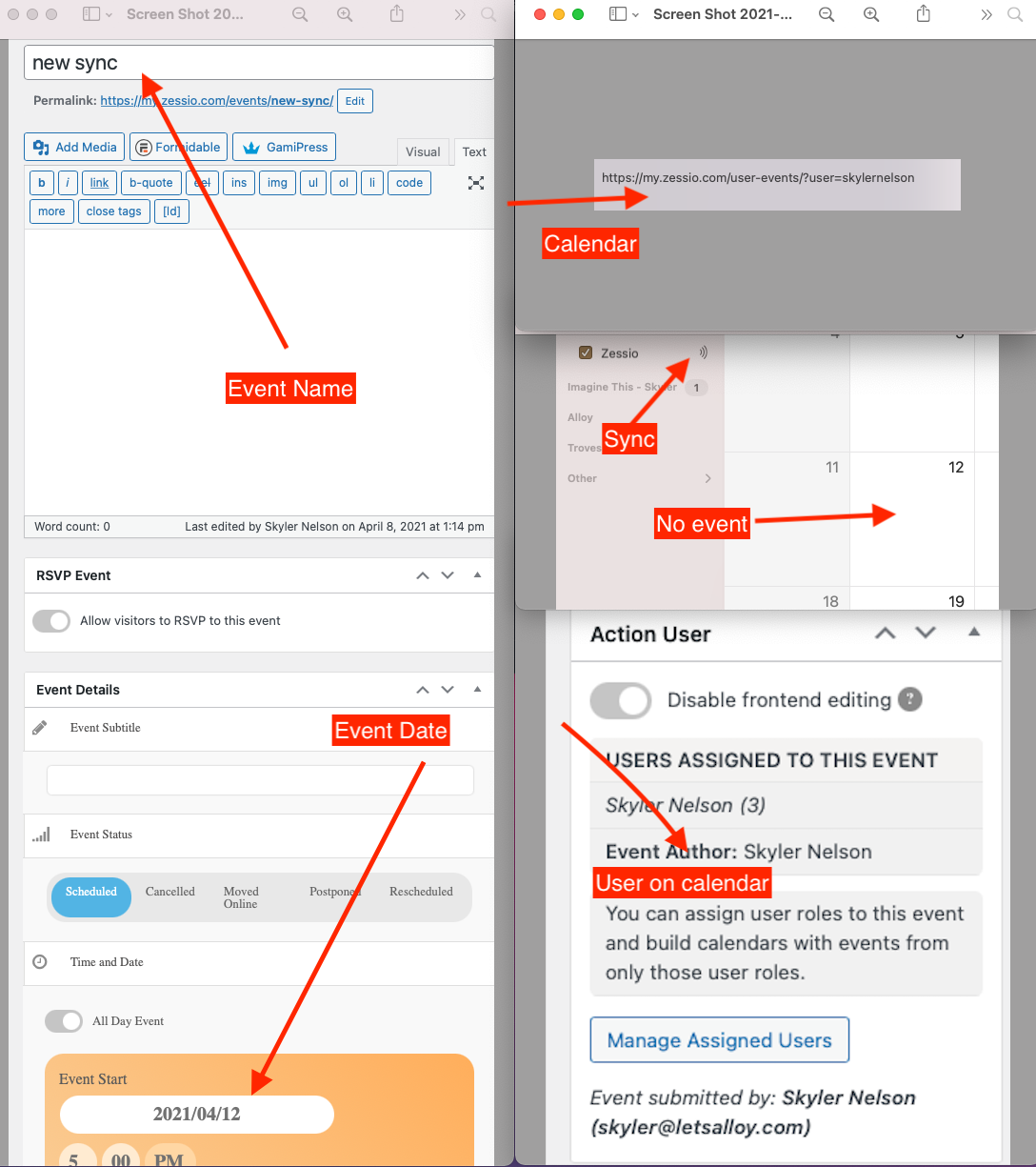
Apologies. I made some edits and I am able to get the calendar to connect. However. I cannot get any events to sync. Please see the screenshot.
Ok I think you mean classic vs block editor?
Yes now I have simpler code it seems to work here- is the main page working for you ?
Is it working on mobile?
thnx