Hello,
1. Please check:
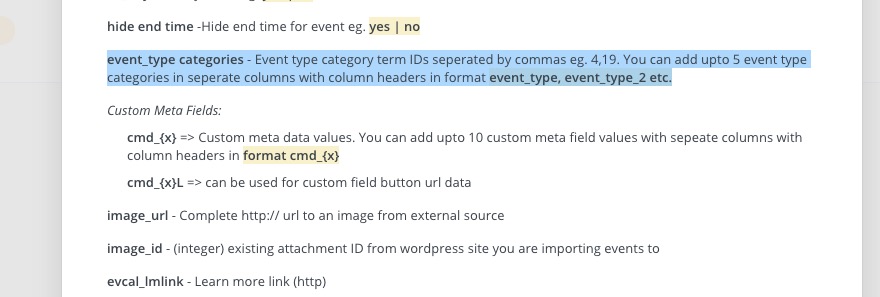
2. Please check these two fields:
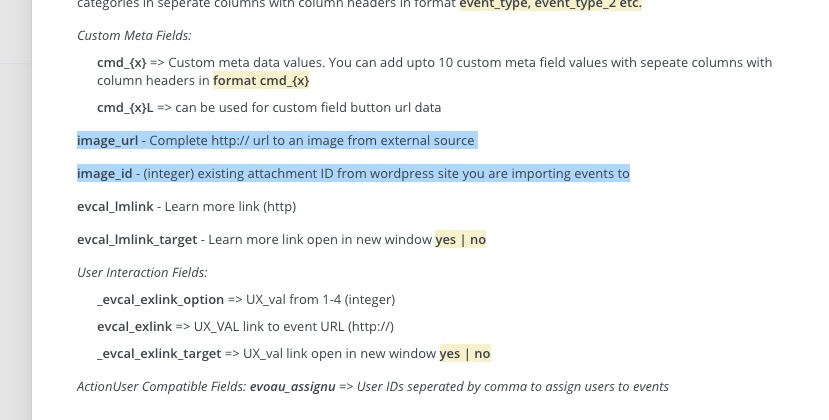
3. Please check https://docs.myeventon.com/documentations/import-additional-fields-using-hooks/
Replies for tickets on suppota
Hello,
1. Please check:
2. Please check these two fields:
3. Please check https://docs.myeventon.com/documentations/import-additional-fields-using-hooks/
Hello,
Please go to EventON Settings > Time Settings > add this to “Calendar Header month/year format”:
m Y
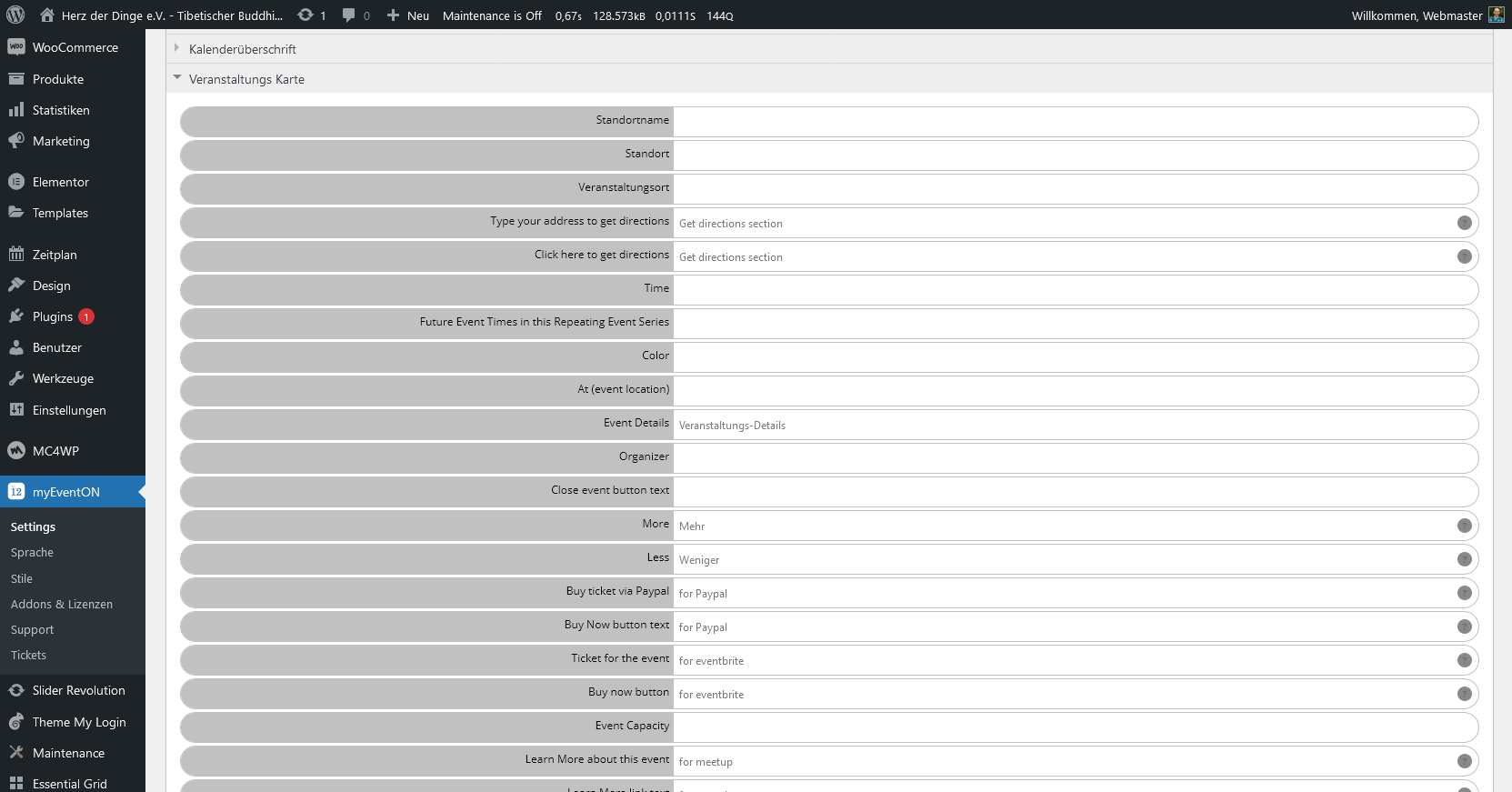
… some of the strings (see screenshot above) are already in german. The first you see on top e.g. “Standortname”. How can this be?
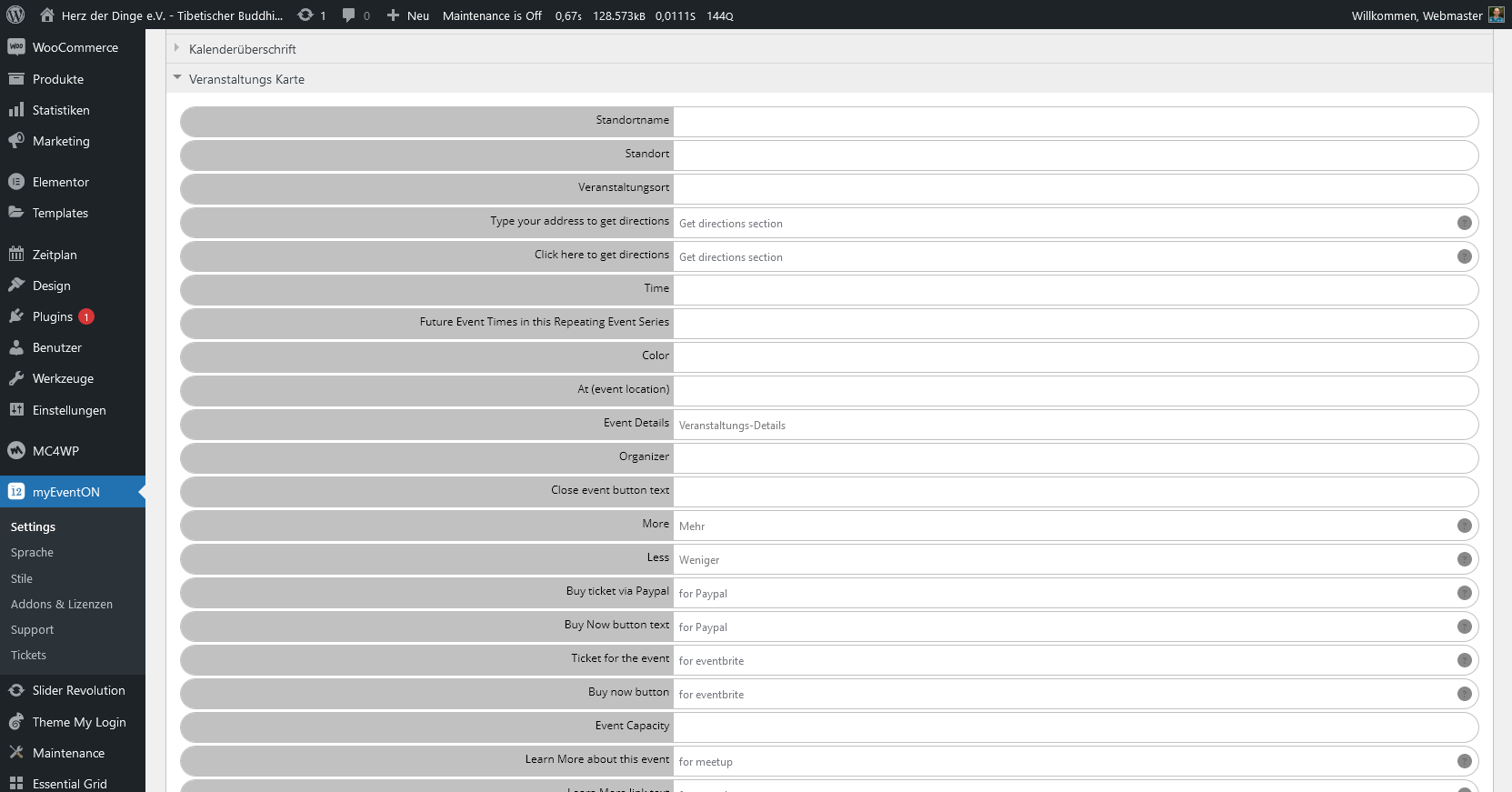
I translated “Event Details” now in myEventON > Settings > Language by hand. This works, but is this really the only way to translate your plugin? Manually translate every string?
Is ther no way to translate all by poedit in an …de_DE.mo file?
Ok. For example it would be nice to have “Event Details” in frontend-view of an event translated. 🙂
in myeventon>>>>settings>>>>shortcodes
you will find the shortcode generator
Main cal (what you are currently using) shows one month at a time with the ability to switch months
Events List shows however many months you wish to show (and you can hide empty months)
so choose events list and look at the options within that
as for updating
To update eventon to latest version: If you are unable to do autoupdate, you can go to codecanyon your account > download and get the latest eventon version as zip file. Then you can go to your website, deactivate old eventon, activate (Do not delete eventon settings & data when EventON is uninstalled) from eventon settings, delete old eventon, install new one and activate. This link will further explain the process it. Also you can follow us on twitter to get real-time announcements on updates!
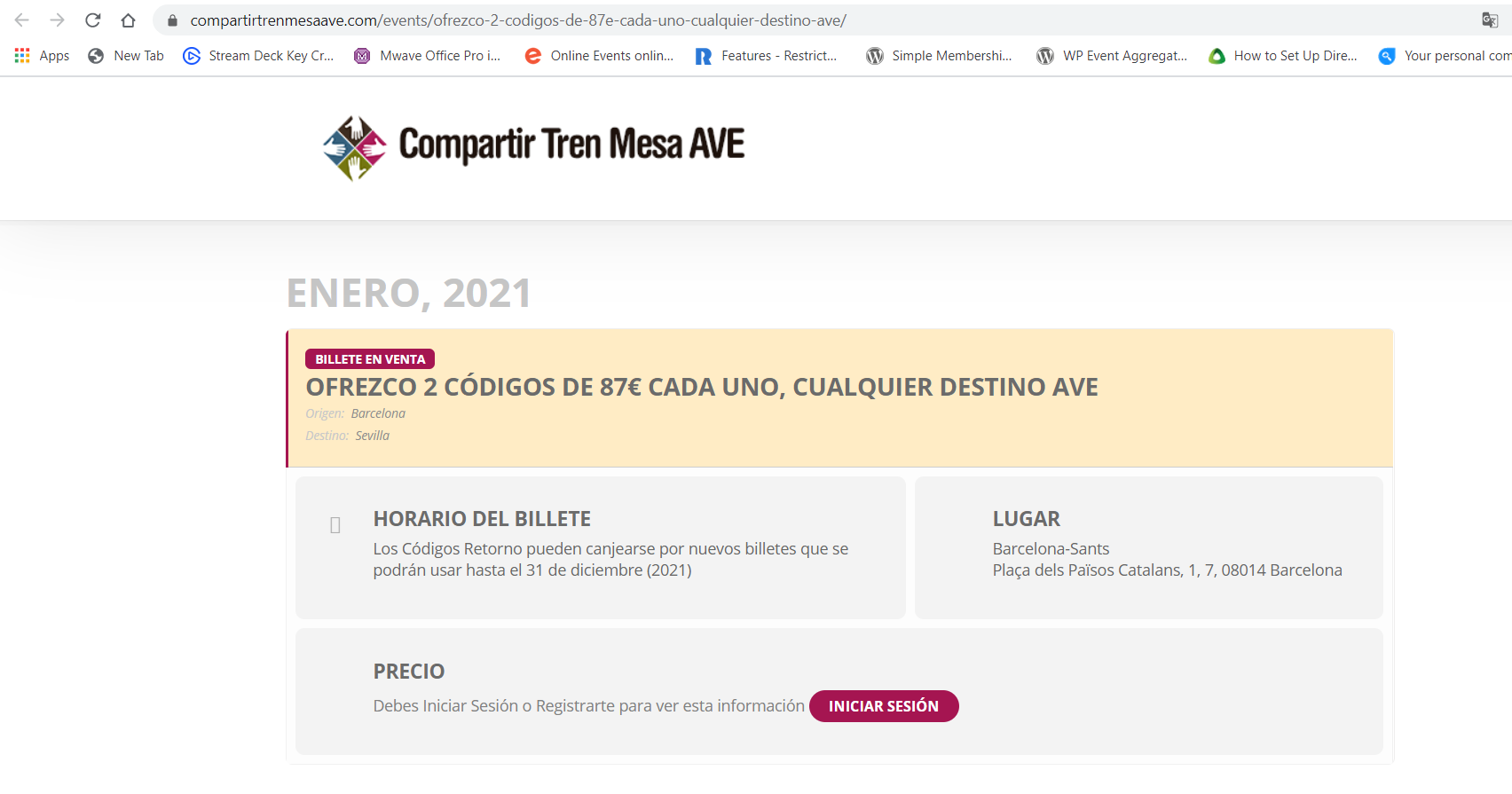
this is what i see logged out
so clear your browser cache
Thank you! That helped!
Hi Ambros,
Thank you for reaching out.
I am going to assign this ticket to Ashan and he will be able to take it from here. Please allow some time for him to get back to you, we greatly appreciate your patience.
Hi Candi,
To update eventon to latest version: If you are unable to do autoupdate, you can go to codecanyon your account > download and get the latest eventon version as zip file. Then you can go to your website, deactivate old eventon, activate (Do not delete eventon settings & data when EventON is uninstalled) from eventon settings, delete old eventon, install new one and activate. This link will further explain the process it.