Thank you for getting back to us. We’re running PHP 7.4.
Archives: Replies
Replies for tickets on suppota
Reply to: tickets(231871)
They are actually garbage but if you change the encoding in your email client to UFT-8 you will be able to read them.
Reply to: tickets(231963)
If I don’t have a cache plug-in, is there another place to clear the cache within WordPress?
Reply to: tickets(230434)
That did it! Thanks!
Reply to: tickets(232095)
i would be able to send you the details but the event is currently running live….. What would be the best option here?
Reply to: tickets(232095)
Hello,
Please send us wp-admin access to your site as a private message for us to further assist your situation.
Reply to: tickets(232090)
Hello,
Please check for latest version of Seats and Tickets from here Your issue might be related to an older version you are running and we might have resolved this already in the newer version update. If you are on latest version of our software and the issue still persist please let us know.
Reply to: tickets(229338)
Please follow https://docs.myeventon.com/documentations/how-to-show-various-information-in-eventtop/ and uncheck Event Type 2.
Filter/Sort buttons are supposed to be visible by default. Please make sure that EventON Settings > Sorting and Filtering > Globally Hide both Sort and Filter Icons and Bar on Calendar is disabled.
You can change the text by going to EventON Settings > Language > General Calendar. More info https://docs.myeventon.com/documentations/how-to-translate-calendar-front-end/
Reply to: tickets(232085)
Hello,
Could you tell us your version of PHP?
Reply to: tickets(232054)
Hello,
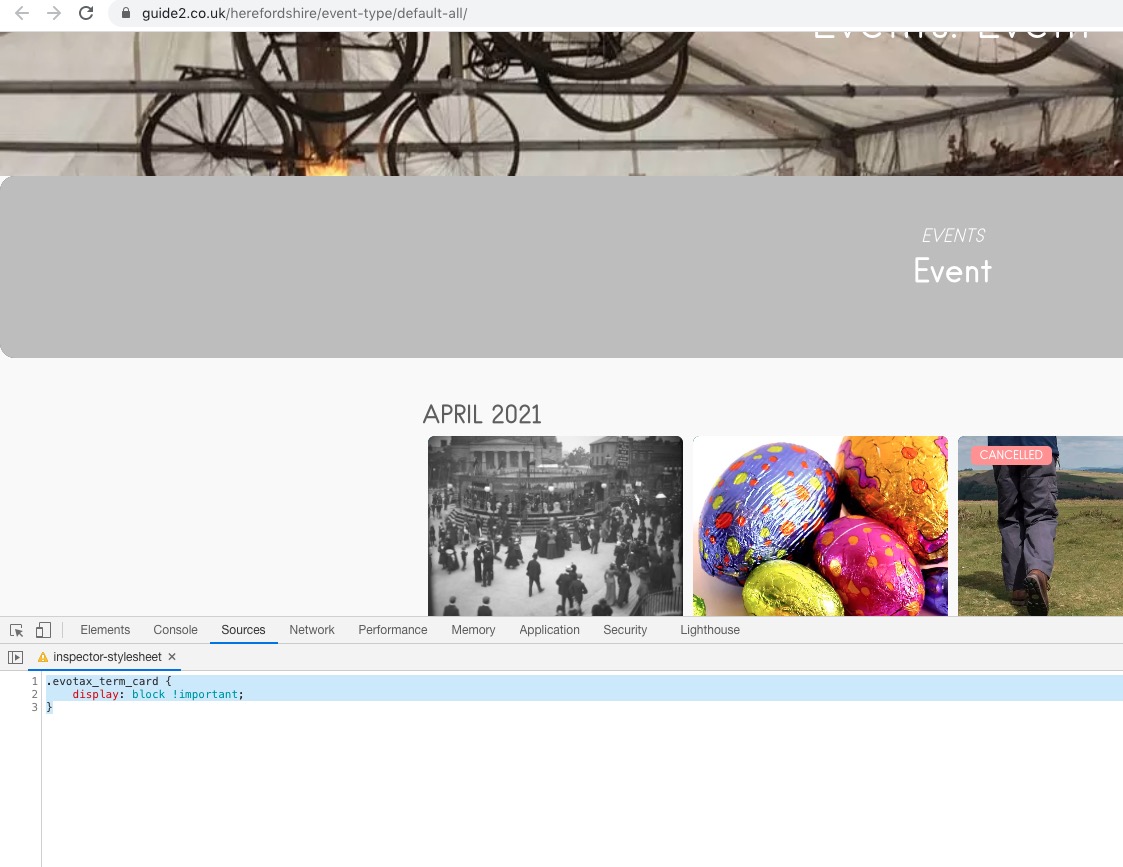
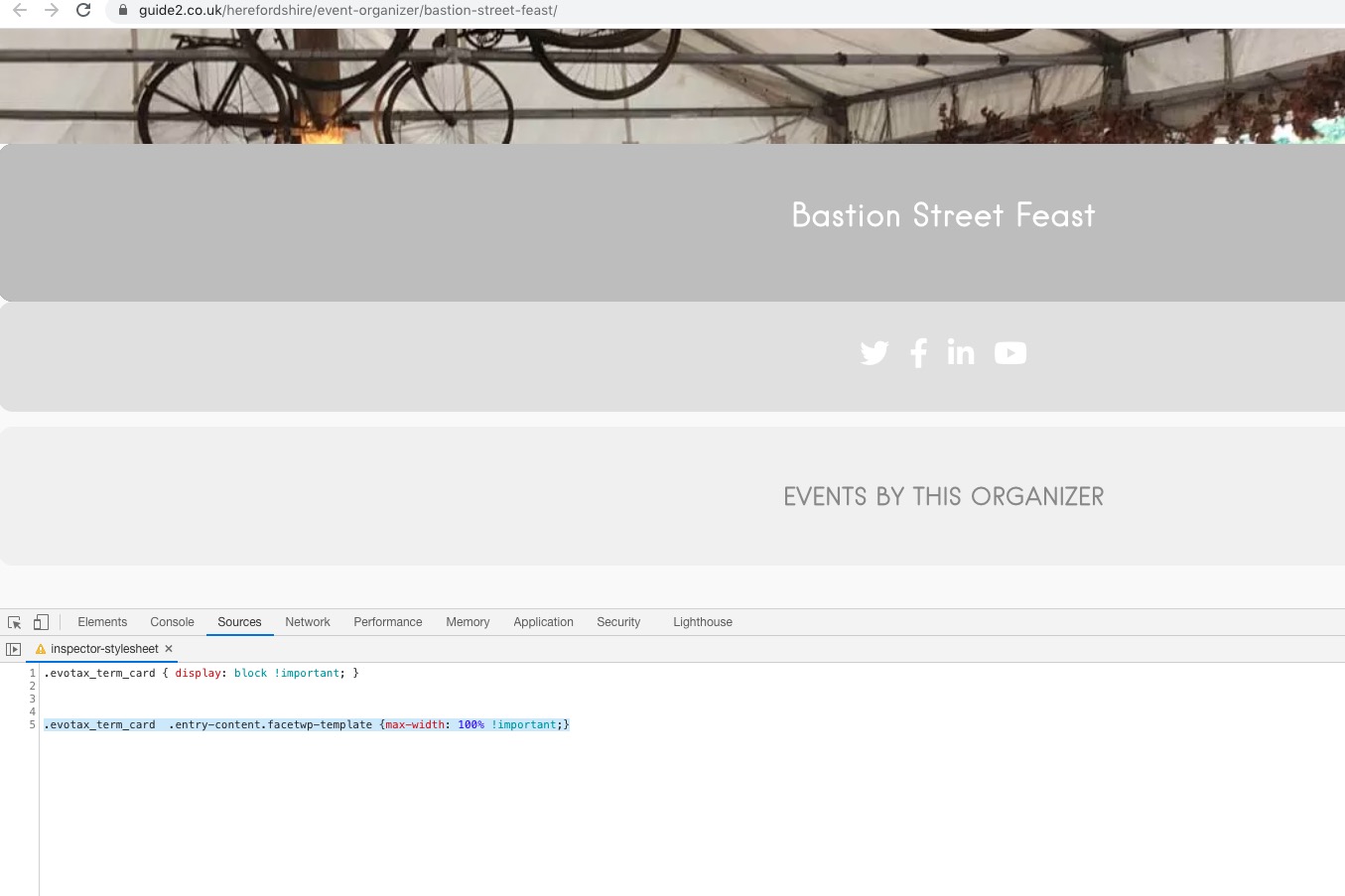
Please add this CSS code to EventON > Styles (If you don’t see any change, EventON > Scripts & Styling > turn off Write styles to header > save settings > turn on Write styles to header):
.evotax_term_card { display: block !important; }
.evotax_term_card .entry-content.facetwp-template {max-width: 100% !important;}