Hello,
Could you tell us your version of PHP?
Replies for tickets on suppota
Hello,
Could you tell us your version of PHP?
Hello,
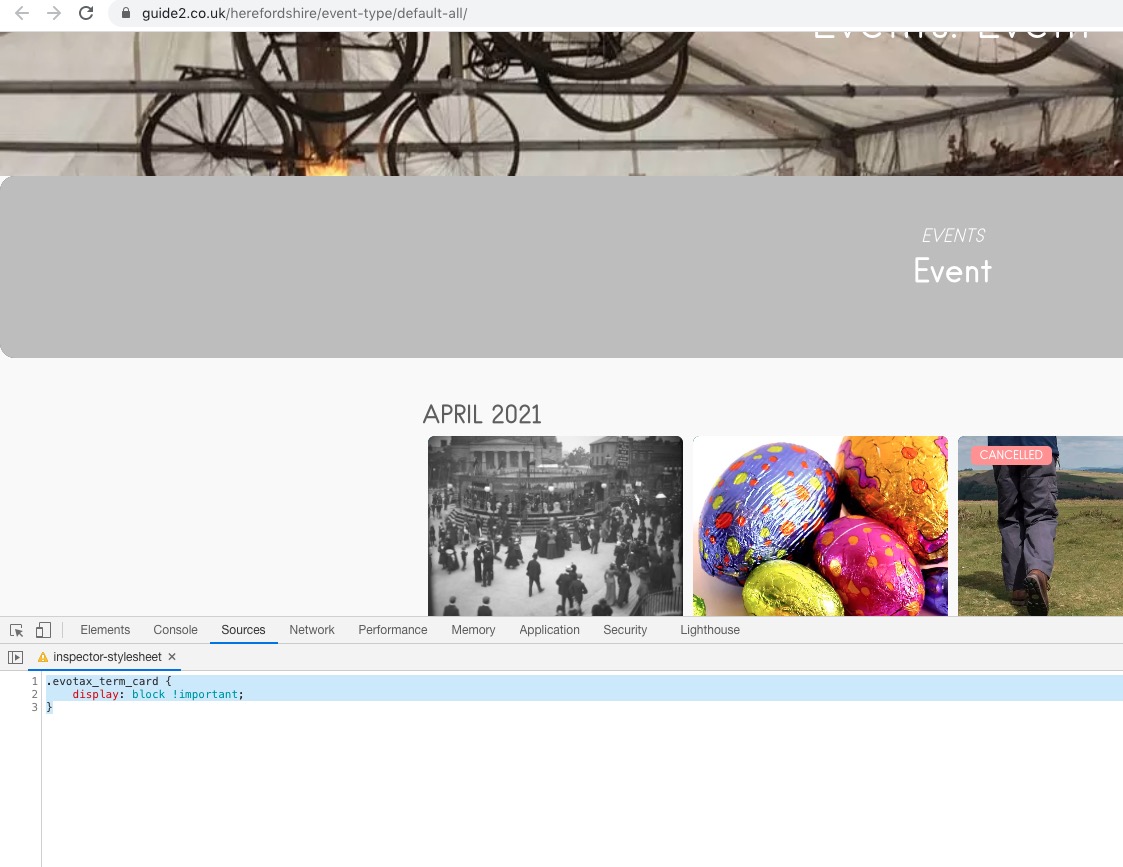
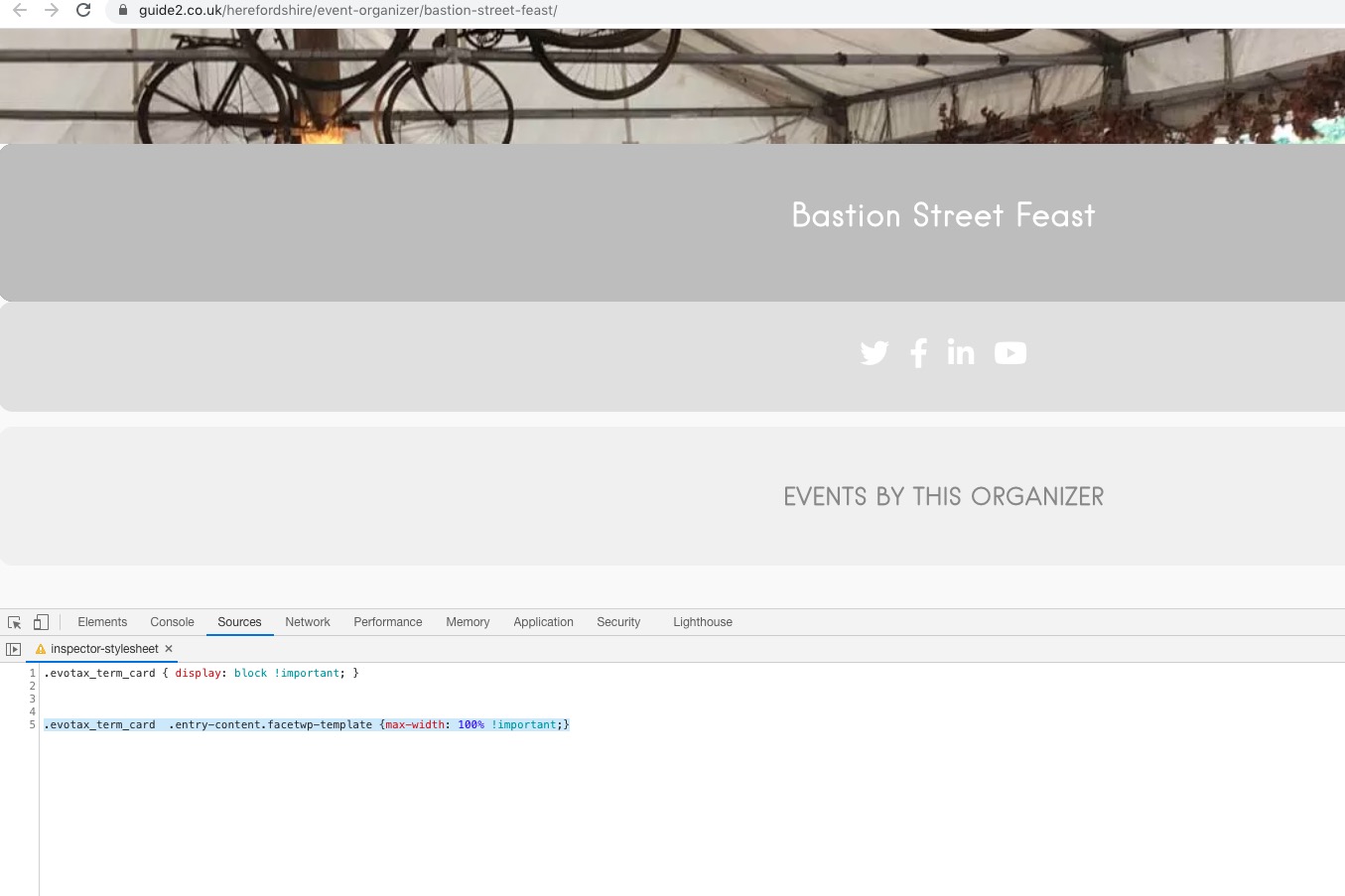
Please add this CSS code to EventON > Styles (If you don’t see any change, EventON > Scripts & Styling > turn off Write styles to header > save settings > turn on Write styles to header):
.evotax_term_card { display: block !important; }
.evotax_term_card .entry-content.facetwp-template {max-width: 100% !important;}
I’m afraid I found another issue: Some events have a link to a zoom meeting like this one:
and there shouldn’t be a rsvp option because they are free to attend by anyone.
but in the list view it says:
Ah. Damn. This is a membership site so that page isn’t public. It needs to live behind a paywall. Is there a work around for this?
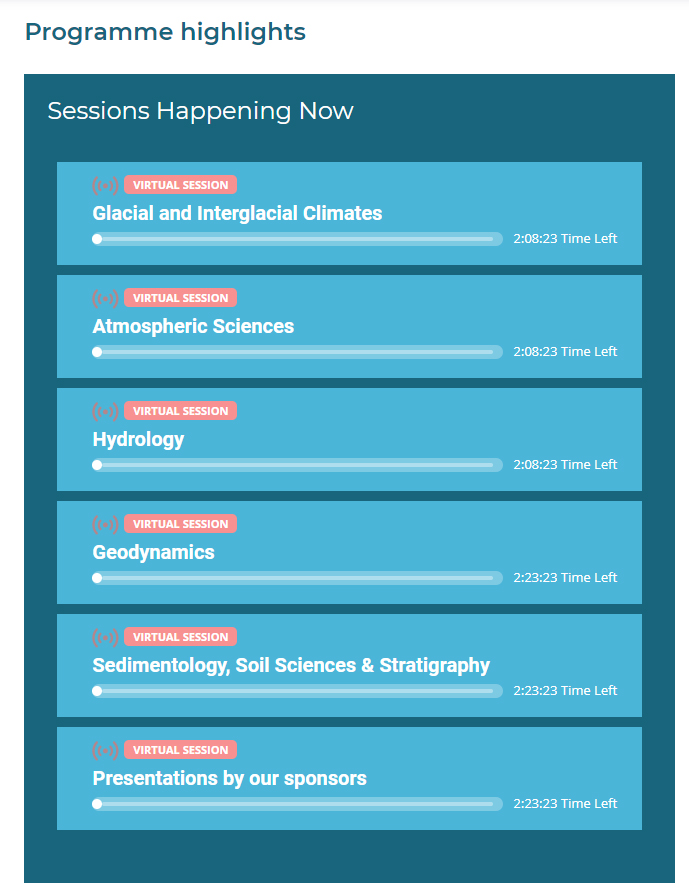
this is what i mean…. 2 hours added on top of the normalremaining hours 🙂
yes, search for “Was kostet unser Konsum”
Same here. All mails from WordPress are changing in chinese!
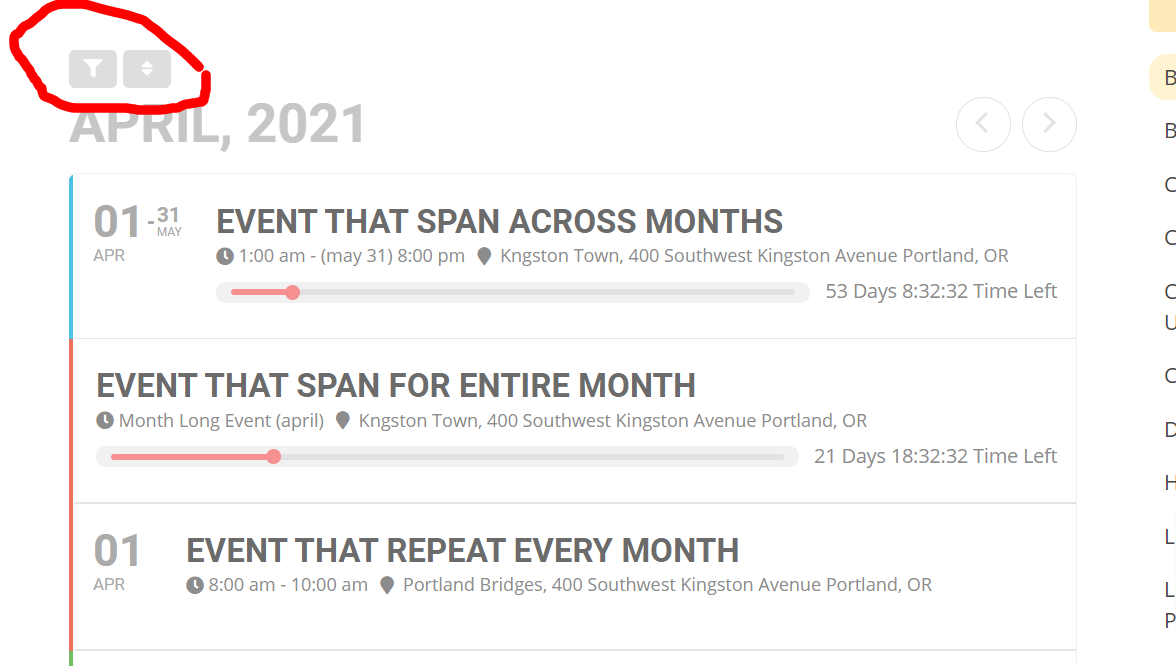
Also what is shortcode to add filter as shown on the demo, I have attached the screenshot for your reference.
Where can i change this text of Join the live stream on toggle?
Okay in that case i dont want to display event type here on the cards?
How can i hide that or remove that from displaying it from here