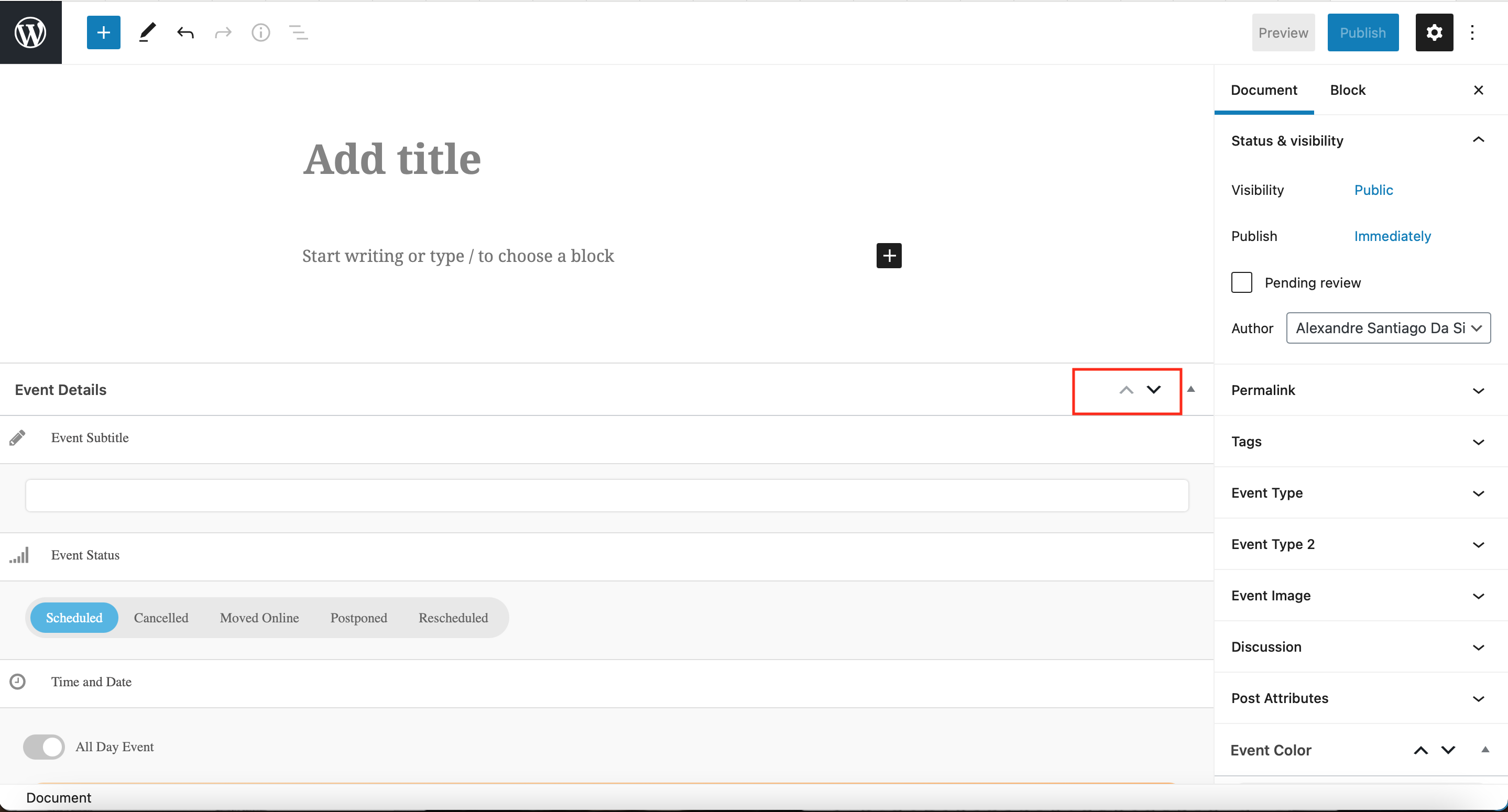
It is not a plugin error. Here is a screen shot of the screen before I changed it. I marked the field I clicked that hid the fields.
Replies for tickets on suppota
It is not a plugin error. Here is a screen shot of the screen before I changed it. I marked the field I clicked that hid the fields.
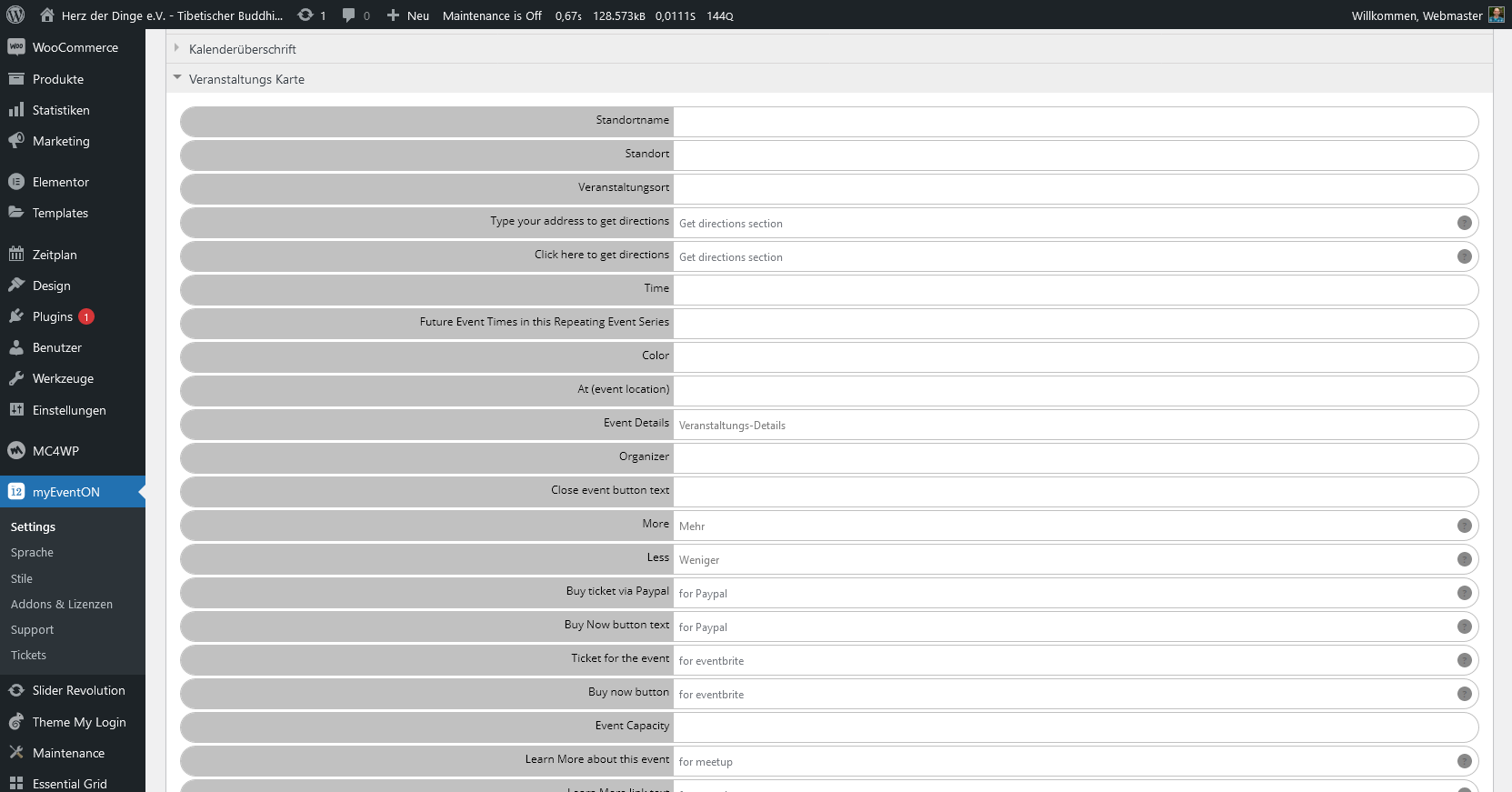
Grrr…. “Location” i cannot find in myEventON > Settings > Language …
I stop it now and wait till you answer.
Hello,
1. We cannot access your website: IT LOOKS LIKE YOU DON’T HAVE ACCESS TO THIS CONTENT.
Could you check?
2. Thank you for your great suggestion, at the moment it is not supported. However please create a new ticket and select Feature Request as category so others can vote on your idea and get it moved into development faster. OR You can send us a customization job request by creating a new ticket in here and selecting Customization Request as the category.
Could you please try the instructions mentioned in this documentation to make sure your issue is indeed coming from eventon.
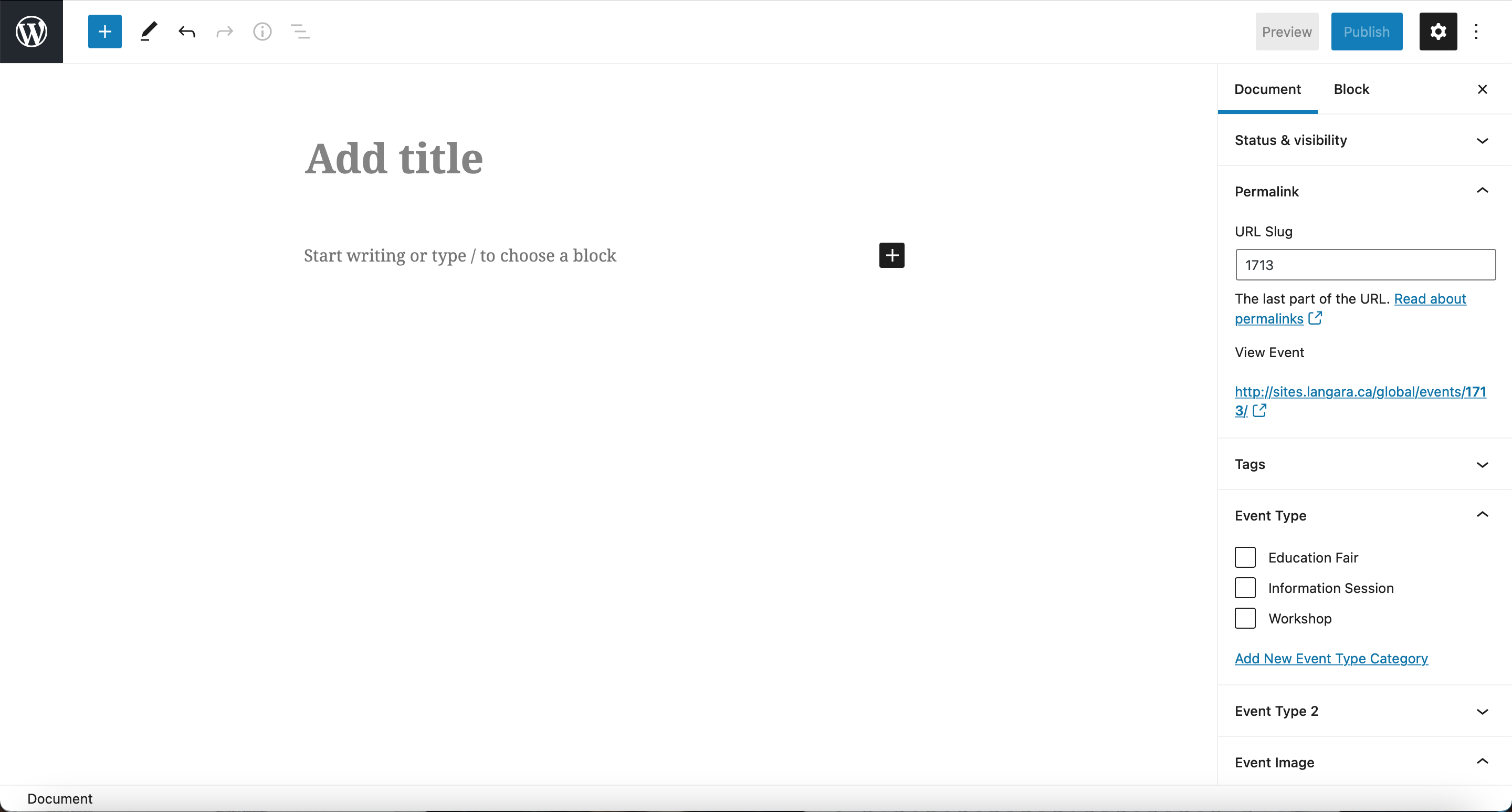
I cannot provide a user for you to access the backend of the site. Here is an image of the add new Event page on my backend.
Hi David,
Here the steps required:
1. Pay the Job
2. Please show me a screenshot the steps with the child first and last name so I can know exactly which fields to move to checkout
3. Provide WordPress Access
4. Provide FTP access
Hello,
Please send us wp-admin access to your site as a private message for us to further assist your situation.
Could you try cleaning your browser cache?
Basilis has accepted the job for 200
Hello,
Thank you for your messages, I am going to assign this ticket to Ashan and he will be able to take it from here and find you a solution. Please allow some time for him to get back to you, we greatly appreciate your patience and thank you for being a eventon customer! Also please disable any IP blocking on your site if there are any.
Ashan,
Please check Reply to: 230512