Hello,
Thank you for your messages, I am going to assign this ticket to Ashan and he will be able to take it from here and find you a solution. Please allow some time for him to get back to you, we greatly appreciate your patience and thank you for being a eventon customer! Also please disable any IP blocking on your site if there are any.
Hello,
Please follow this guide: https://docs.myeventon.com/documentations/how-to-add-additional-fields-to-download-attendees-csv-file/
You can also send us a customization job request by creating a new ticket in here and selecting Customization Request as the category.
Please follow this guide: https://docs.myeventon.com/documentations/customize-location-organizer-archive-page/
Add this to the shortcode:
tiles=”yes” tile_bg=”1″ tile_style=”1″
We are glad your issue is resolved, if you have any further questions or concerns please create a new ticket.
If you have a moment, we would greatly appreciate if you could kindly leave us a review at codecanyon! from your account > downloads. Cheers!
Hello,
Please contact CodeCanyon about this. Unfortunately, we don’t have any access to your CodeCanyon account.
Hello,
Please go to EventON Settings > Time Settings > add this to “Calendar Header month/year format”:
m Y
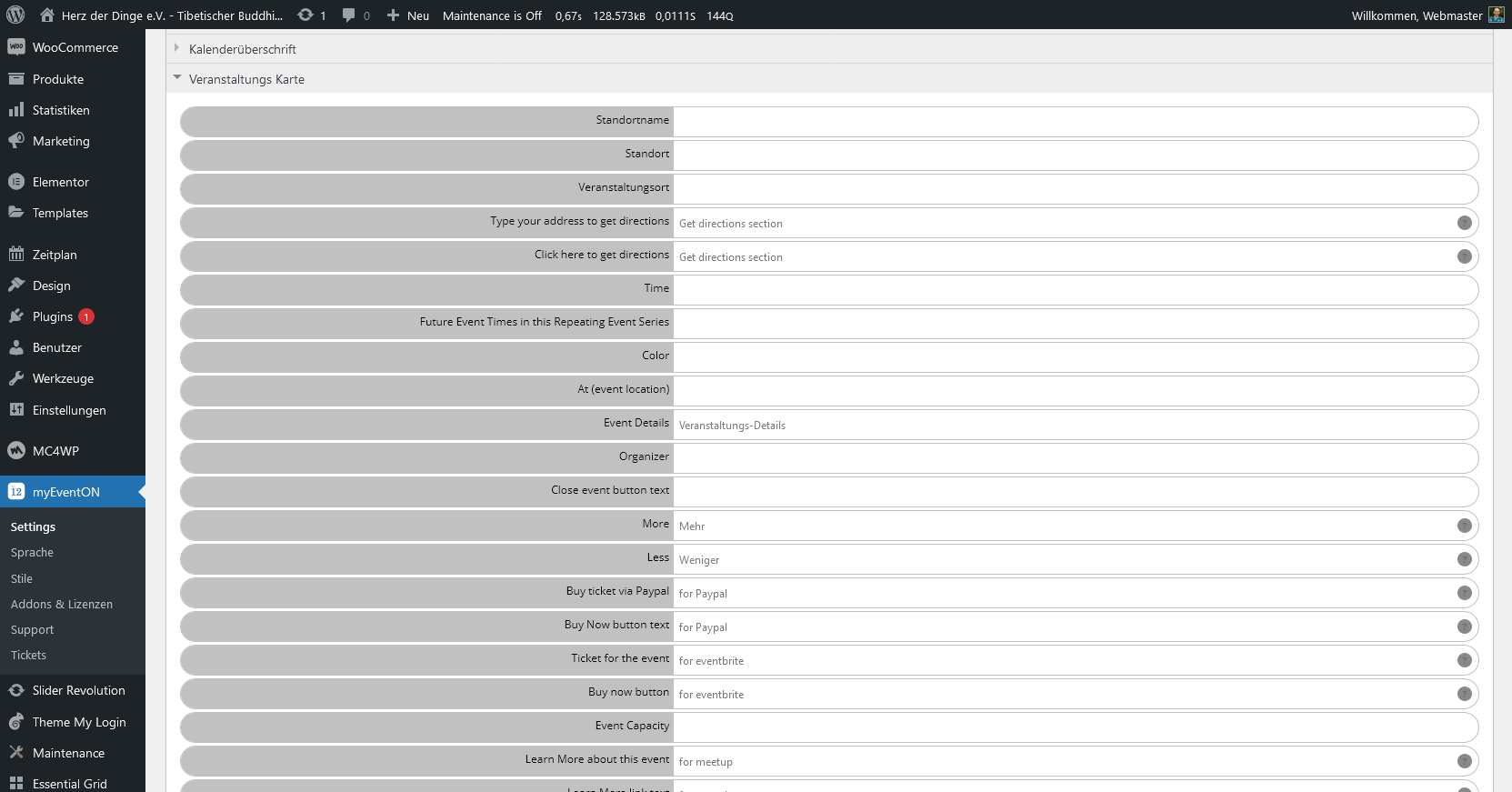
… some of the strings (see screenshot above) are already in german. The first you see on top e.g. “Standortname”. How can this be?
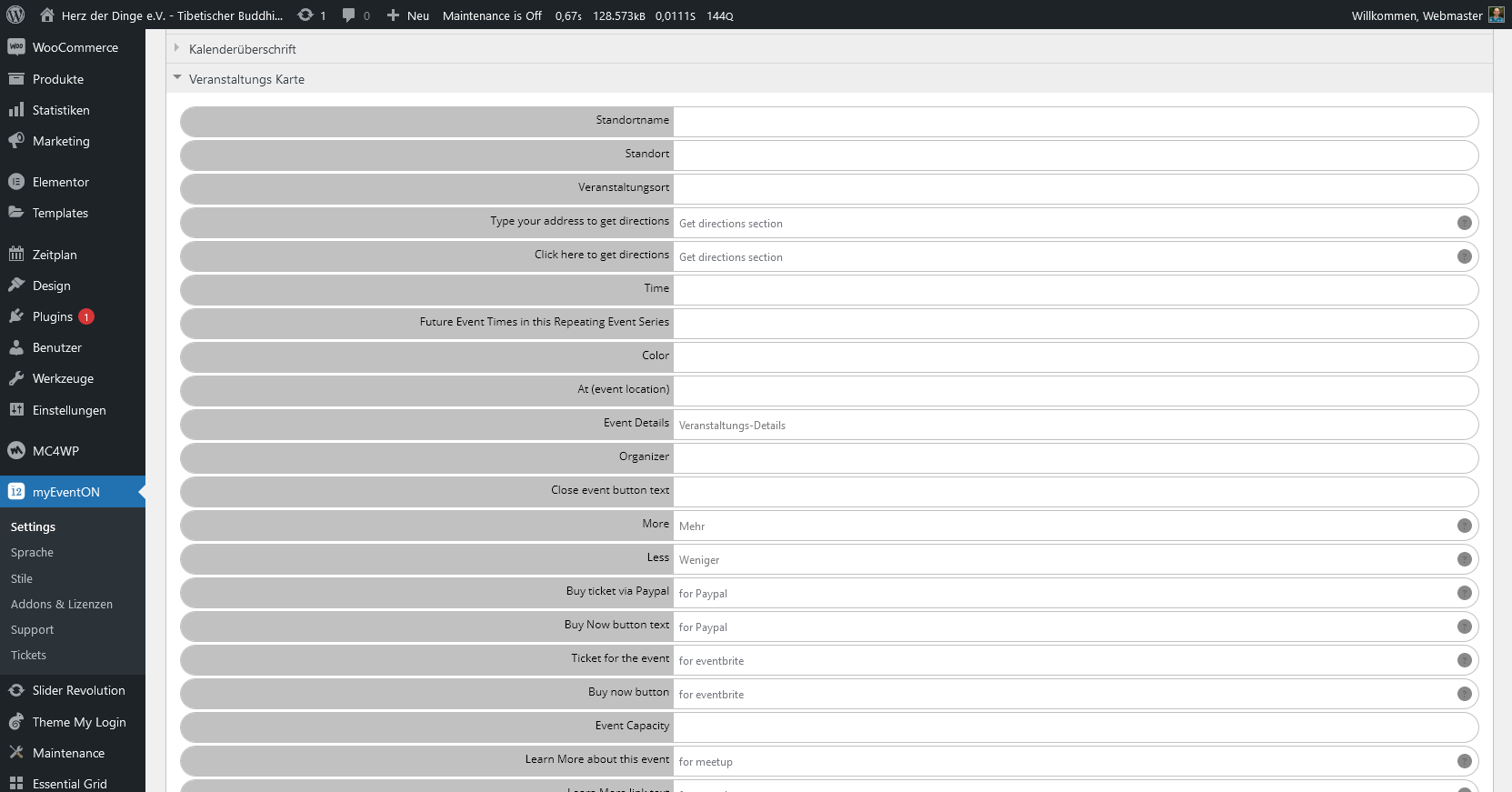
I translated now in myEventON > Settings > Language by hand. This works, but is this really the only way to translate your plugin? Manually translate every string?
Is ther no way to translate all by poedit in an …de_DE.mo file?
Ok. For example it would be nice to have “Event Details” in frontend-view of an event translated. 🙂