It’s still the same issue, I am afraid.
We are going to release a new version very soon with included fix.
Meanwhile, as a temporary solution, please try adding any of these to the search box shortcode:
ux_val=”3”
ux_val=”4”
Replies for tickets on suppota
It’s still the same issue, I am afraid.
We are going to release a new version very soon with included fix.
Meanwhile, as a temporary solution, please try adding any of these to the search box shortcode:
ux_val=”3”
ux_val=”4”
Hello,
here it is:
sandbox.ibiza-heute.de/wp-login.php
BKuehl
dho3ya0vUooq?davbk
We are glad your issue is resolved, if you have any further questions or concerns please create a new ticket.
If you have a moment, we would greatly appreciate if you could kindly leave us a review at EventON WordPress Page OR EventON > My Account > Downloads. Your review helps us a lot in continuing EventON improvements!
This worked, thank you!
No need to clear cache, I used incognito which has no cache.
It is still not fixed.
i unlocked the FTP for another 24 more hours so you should be all set.
Hi Dev
I have already followed all these settings already. The settings are made and the events are not visible.
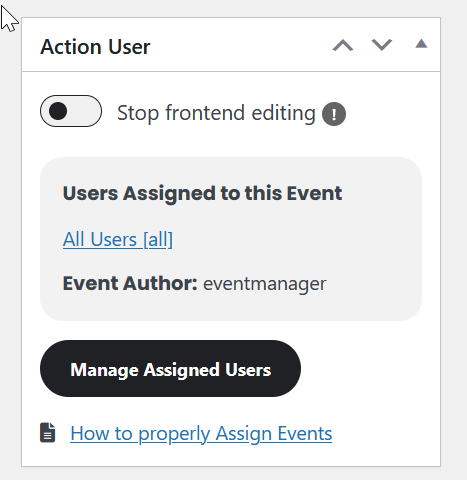
All users are assigned in the event:
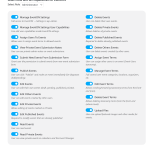
Event manager, users can see events (I do not want events to be edited)
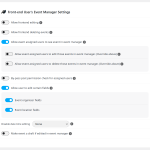
Yet I can’t see the events in the front end, only the one I’m the ”owner” of.
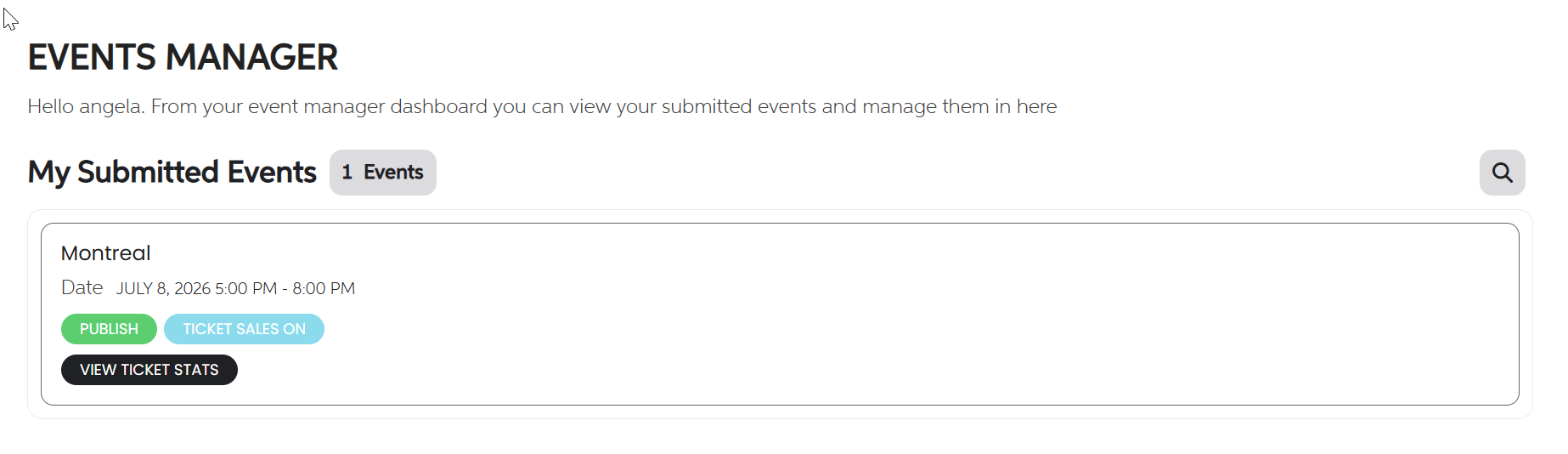
Your shortcode on our test site:
https://dev2.myeventon.com/test-244/
Hello,
After you enabled WP_DEBUG you see only this error?
Parse error: syntax error, unexpected ’=>’ (T_DOUBLE_ARROW) in /www/wp-content/plugins/eventON/includes/admin/settings/class-settings-designer.php on line 262
Could you please try the instructions mentioned in this documentation? Please start by changing to the default WP theme.
If you decide to update to wordpress 7.0, please re-download eventON 5.0.10
As for having to press the — to get the events settings in the event page, is indeed a odd arrangement in the new WP 7.0 version. However once you click it once it will save that prefernce for the future and you will see it open on page load.