Hello,
Please follow the instructions in this documentation to activate debug in your site to see any PHP errors recorded that can provide insight on to whats going on. Please reply with a link to debug.log file. If you are not able to do this please send us FTP access to your site so we can do this for you.
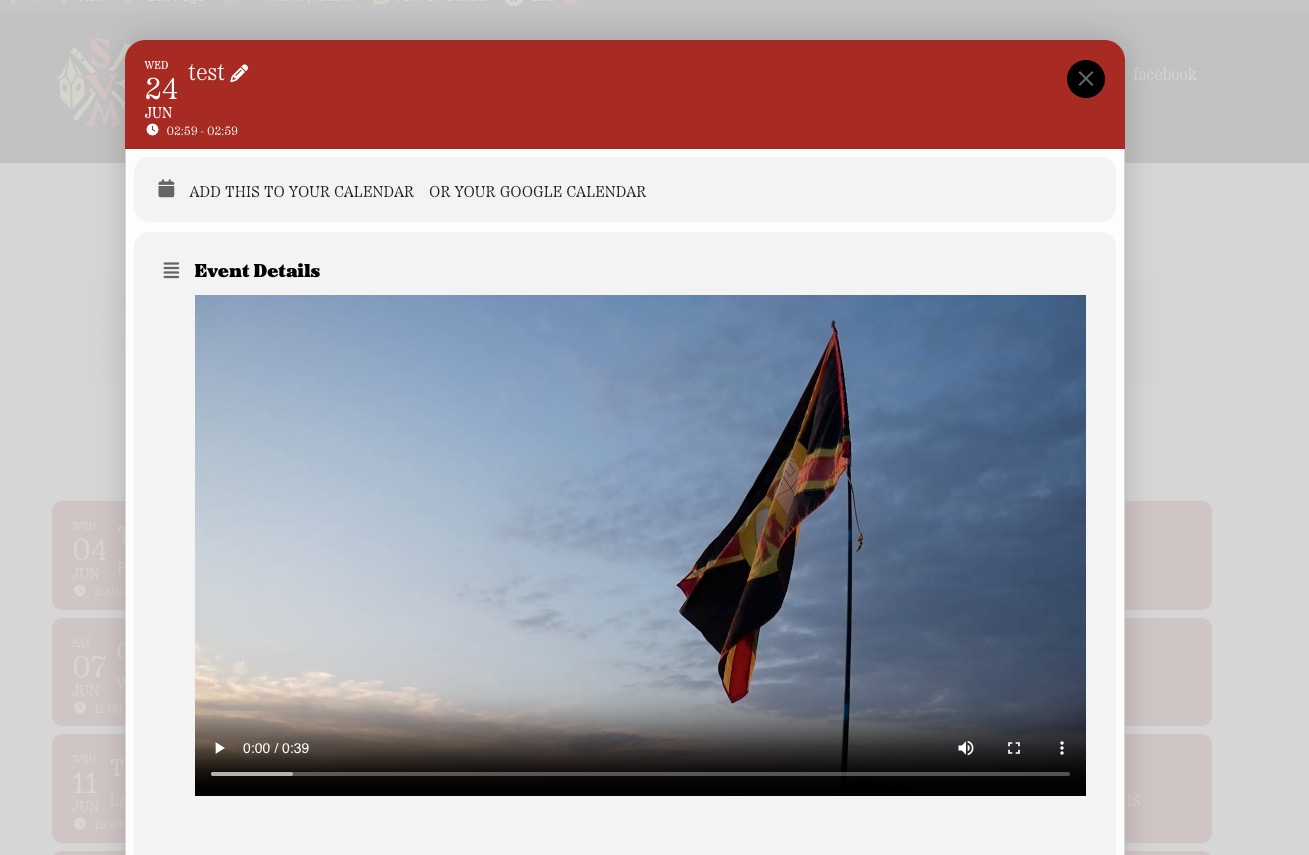
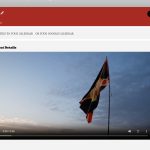
I added the video using the video element:
https://somptingvillagemorris.org.uk/wp-admin/post.php?post=6722&action=edit
Now the video is visible when you open an event as Lightbox:
Since you’ve managed to temporary fix the issue by manually completing order, could you update all add-ons that require updates?
I did tests on our test site and it autocompletes orders without issues.
We are sorry for the delay. Please send us wp-admin access to your site from “Access Info” box on right side menu, to further assist your situation.
I just did tests on our test site and it generates Lat/Long correctly. Maybe your location address is somehow causes this?
I am sorry for the delay. Please add this CSS code to EventON > Styles (If you don’t see any change, EventON > Scripts & Styling > turn off Write dynamic styles to header > save settings > turn on Write dynamic styles to header). You can also add this code to wp-admin > Appearance > Customize > Additional CSS.
.eventon_fullcal ul.evofc_ttle_events li { font-family: Museo !important; }
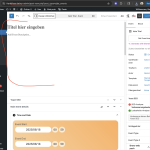
that is strange I jsut went into your website. and when I go there, this is what I see, the editor works just fine for adding new event.
Thank you sandra for letting us know. We will do our best in the next upcoming updates to incorporate those accessible elements into eventON.
Biggest problem is html elements need to be converted into <a> or <button> for them to be recognized via keyboard to be clickable..
Anyways we will keep you updated on our progress 🙂
Hello there, thank you for letting us know of this.
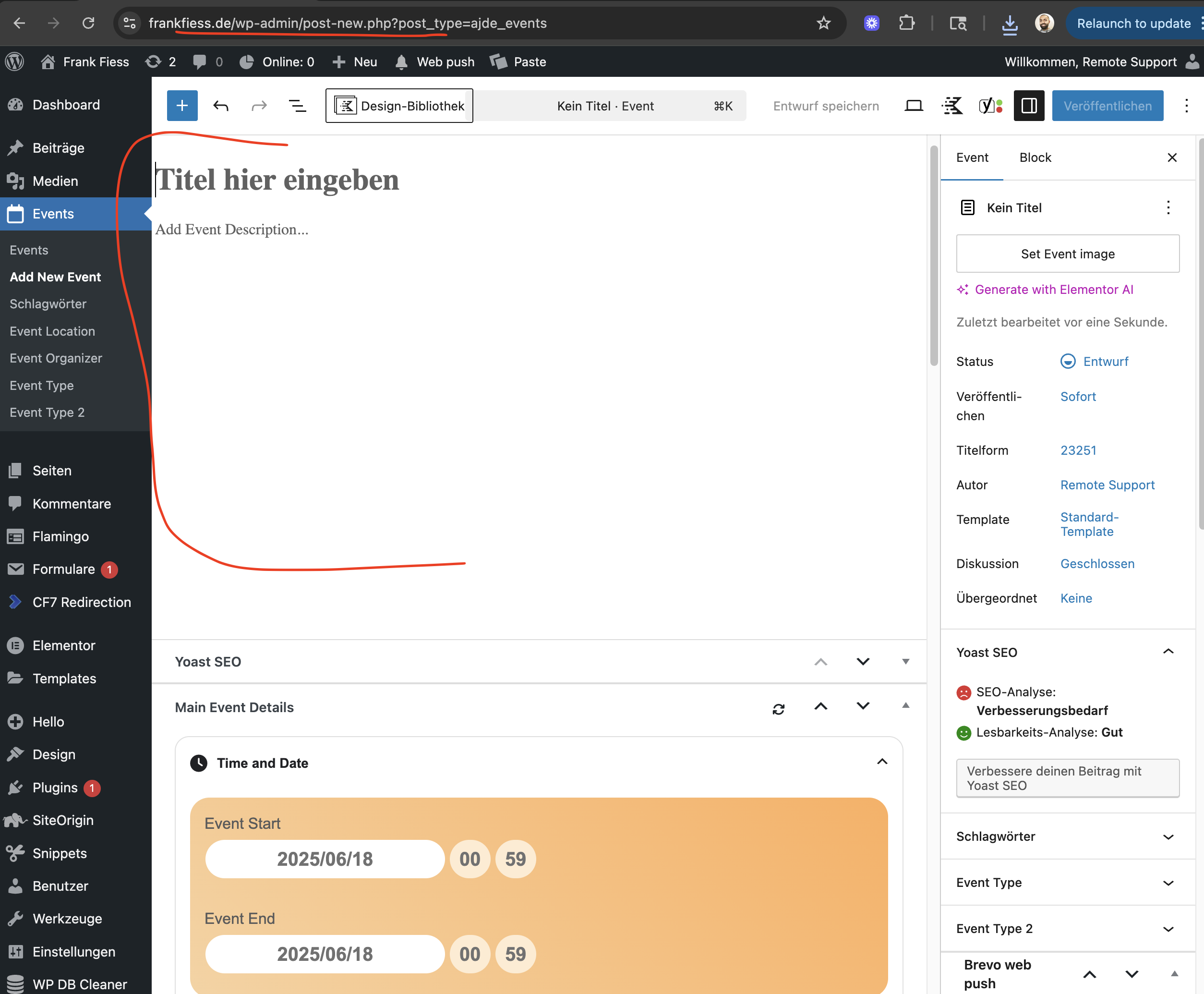
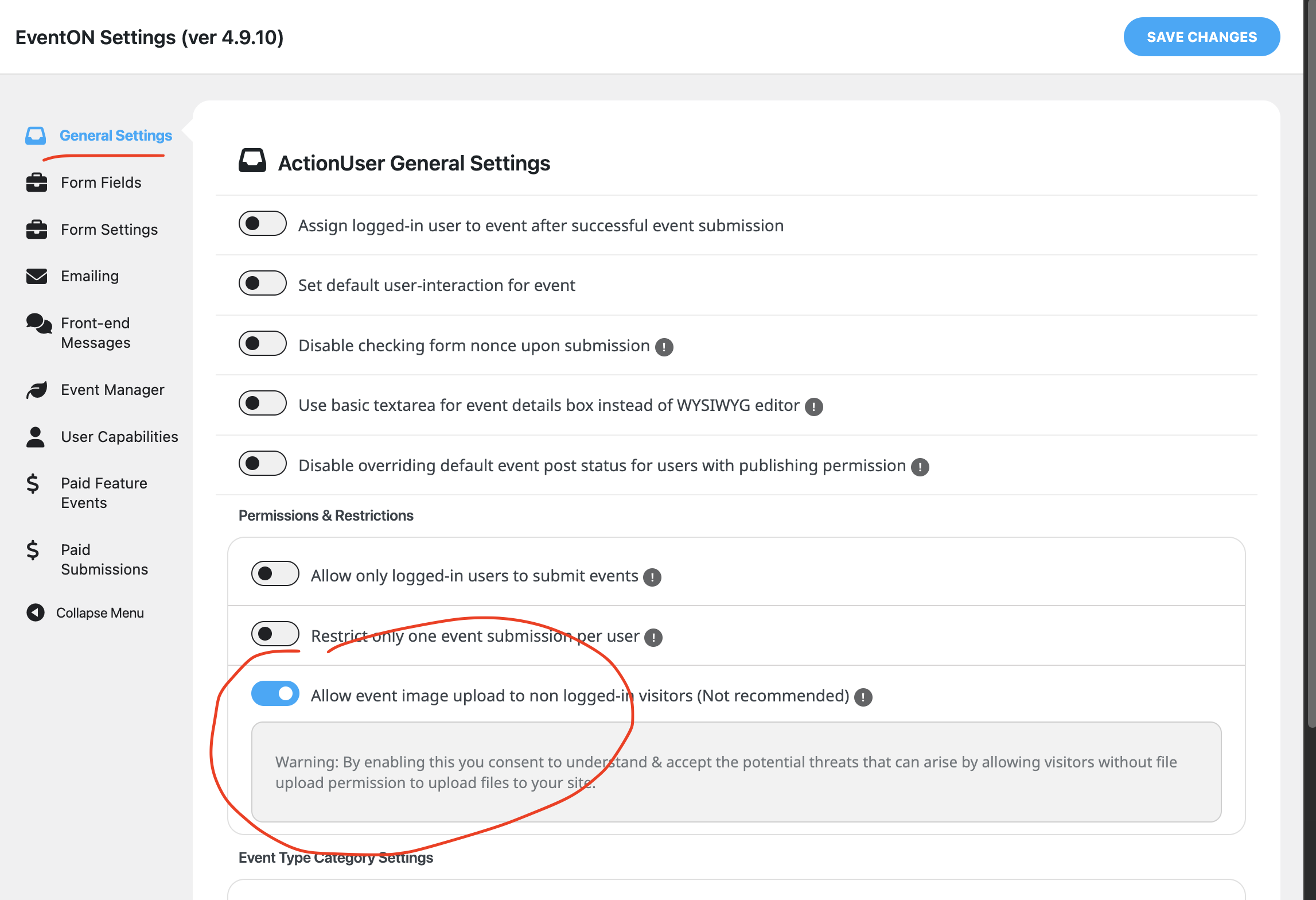
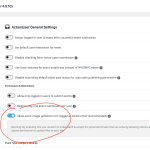
It is happening because the user is not logged in to your site. We will need a bit of time to get this implemented to support non logged in users to upload images using wordpress media manager.
In the mean time, you can restrict only loggedin users to upload images.
I have refunded for the order and the subscription is also cancelled. If you have more questions, kindly send us a new ticket and we would be more than happy to help you resolve your issues!
I have gone ahead and refunded for the event lists and items addon.