Hi,
We apologize for the delay on the second reply.
We will follow up to your request as soon as possible.
Replies for tickets on suppota
Hi,
We apologize for the delay on the second reply.
We will follow up to your request as soon as possible.
Since the amount has increased that “pay now” link will not work.
I sent you a mail. Please check
Thanks a lot for the video! Everything works fine,
fo the third question, I was referring to the backend, when you add the events.
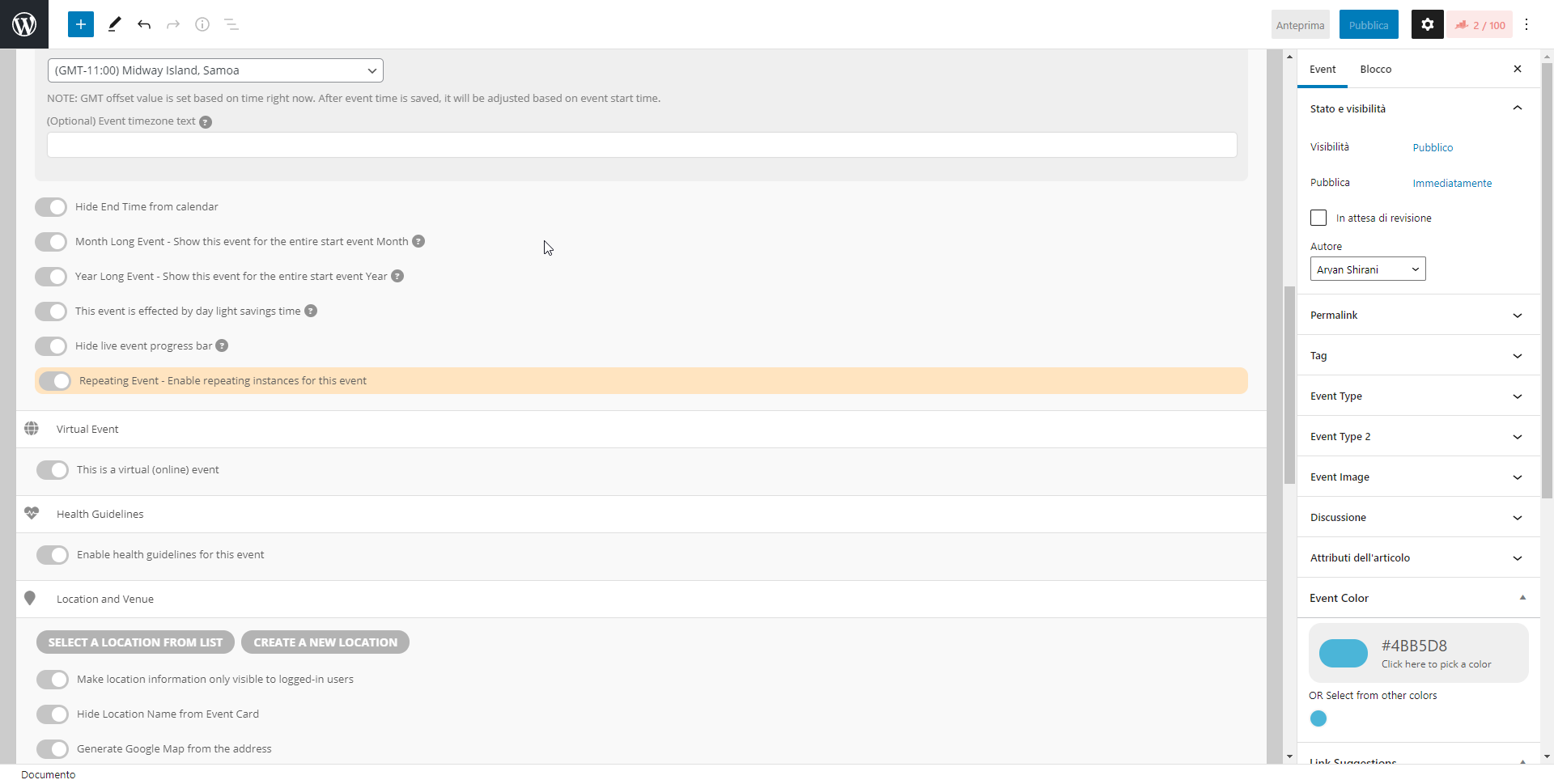
We bought this for a client, and when they need to add an event they getconfused from all options and their language is italian so how can we solve this problem ?
Thanks a lot!
You can see them in events manager page :
[evo_event_manager]

Hi,
If I do this wouldn’t that mean that there would be a filter in each column, or I would only be able to filter one column?
As I am creating an archive of the past events in the same way there needs to be a filter option that works across all the columns as there will be attached documents after each event that will be accessed by our audience.
thats not part of eventon- but if you could wp-admin access we can create an event to see whats going on with the css on your site and add some css to get rid of it
Never mind, I found the solution. Sorry.
See video below
and here is the shortcode I used
[add_eventon_list number_of_months=”24″ ux_val=”4a” show_et_ft_img=”yes” hide_empty_months=”yes” show_year=”yes”]
seem to be an elementor issue
In settings >>>.advance I turned on using older version but it did not work even added the css to customize>>>.additional css and that had no effect
Thank you for your messages, I am going to assign this ticket to Ashan and he will be able to take it from here and find you a solution. Please allow some time for him to get back to you, we greatly appreciate your patience and thank you for being a eventon customer! Also please disable any IP blocking on your site if there are any.