To update eventon to latest version: If you are unable to do autoupdate, you can go to codecanyon your account > download and get the latest eventon version as zip file. Then you can go to your website, deactivate old eventon, activate (Do not delete eventon settings & data when EventON is uninstalled) from eventon settings, delete old eventon, install new one and activate. This link will further explain the process it. Also you can follow us on twitter to get real-time announcements on updates!
you don’t have to use FTp
go to Myeventon>>>>settings
activate
Do not delete eventon settings & data when EventON is uninstalled
then go into plugins
deactivate eventon and delete it- then upload the new version and activate
User: JuanMoreno
Passdword: DYKL2QvtdnlhLkHNm6ap4(eA
so that countdown isn’t taking into account your timezone or rather its not doing it right
the event is 2pm but in your timezone its 3pm which could be 4 hours away so the countdown should be based on how long to go and not the individual events time
and events are vanishing
(hmmm I am going to asign this to the creator Ashan- sounds like a bug ish (the timezone switcher is new so there were bound to be issues)
in the mean time could you update eventon to 3.1.2 that does have some timezone fixes which “Might” fix your issue
To update eventon to latest version: If you are unable to do autoupdate, you can go to codecanyon your account > download and get the latest eventon version as zip file. Then you can go to your website, deactivate old eventon, activate (Do not delete eventon settings & data when EventON is uninstalled) from eventon settings, delete old eventon, install new one and activate. This link will further explain the process it. Also you can follow us on twitter to get real-time announcements on updates!
Hi Sammy
you would need 2 addons
https://www.myeventon.com/addons/event-tickets/ and then for the hourly options https://www.myeventon.com/addons/bookings/
We are glad your issue is resolved, if you have any further questions or concerns please create a new ticket.
If you have a moment, we would greatly appreciate if you could kindly leave us a review at codecanyon! from your account > downloads. Cheers!
eventon is purchased from codecanyon it will be in your downloads
https://codecanyon.net/downloads
Please send us wp-admin access to your site as a private message for us to further assist your situation.
Sometimes the theme doesn’t allow those font awesome fonts to appear – so how we fix it depends on whats causing it
sorry for the audio being out
long story short: in myeventon>>>langauge I changed the reschedualed word to sold out !
and thats how you would do it
We are glad your issue is resolved, if you have any further questions or concerns please create a new ticket.
If you have a moment, we would greatly appreciate if you could kindly leave us a review at codecanyon! from your account > downloads. Cheers!
we don’t know what jetengine is but most things are possible with customization
You can send us a customization job request by creating a new ticket in here and selecting Customization Request as the category.
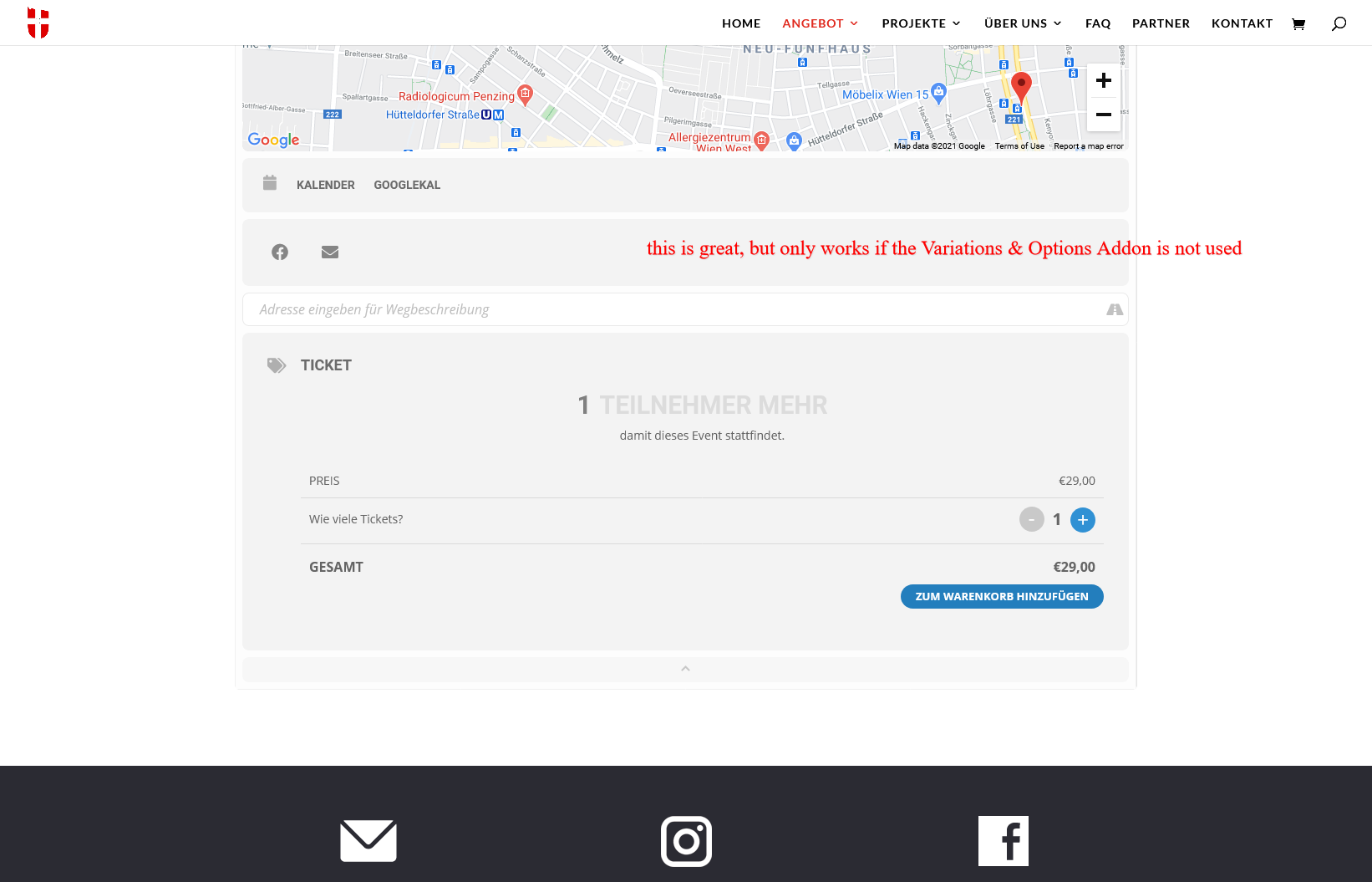
and this is how it looks without the Variations & Options enabled. But unfortunately we need Options on our tickets.