works fine now.
Thanks you 🙂
Replies for tickets on suppota
works fine now.
Thanks you 🙂
He there
See you logged in… super simple take any page.
https://citydealevent.nl/wp-admin/post.php?post=2&action=edit
this for example…. Then edit it with elementor……
make one simple adjustment in the page and then hit update ……
Hello,
Variations add-on should help in your case. It’s compatible with Bookings add-on as well: https://docs.myeventon.com/documentations/general-user-guide/ > Field Extensions.
General guide: https://docs.myeventon.com/documentations/how-to-setup-and-get-started/
Hello,
The only solution in this case is to customize the code.
Please send us a customization job request by creating a new ticket in here and selecting Customization Request as the category.
At the moment the only relatable guide on this is https://docs.myeventon.com/documentations/how-to-add-additional-fields-at-checkout/
Hello,
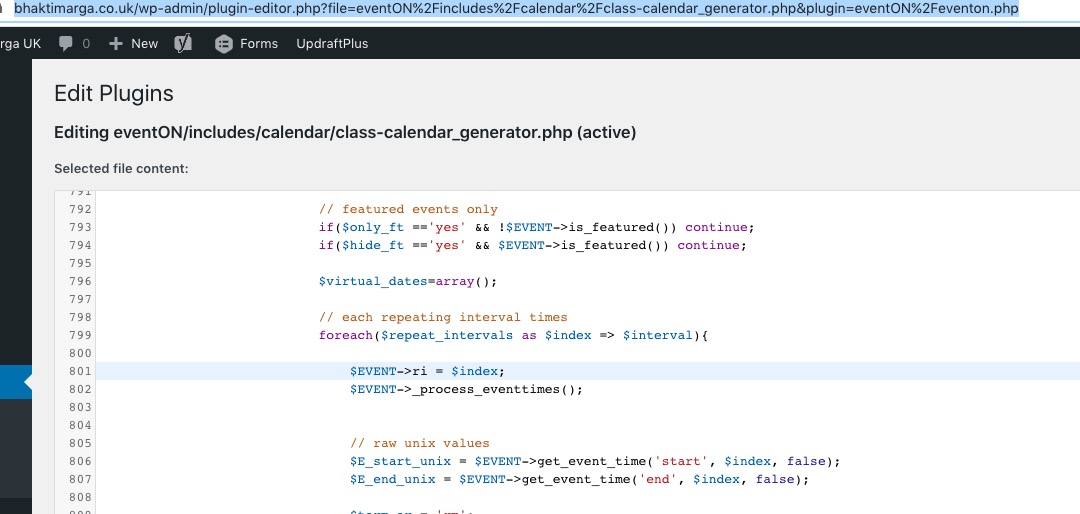
Please try applying this patch fix: https://docs.myeventon.com/documentations/how-to-apply-a-patch-fix/

Hello,
Bookings requires Ticket add-on. It seems that Tickets add-on should be enough in your case. Please try on https://dev.myeventon.com/wp-admin/
WooCommerce supports Stripe https://woocommerce.com/products/stripe/
Ashish has accepted the job for 500
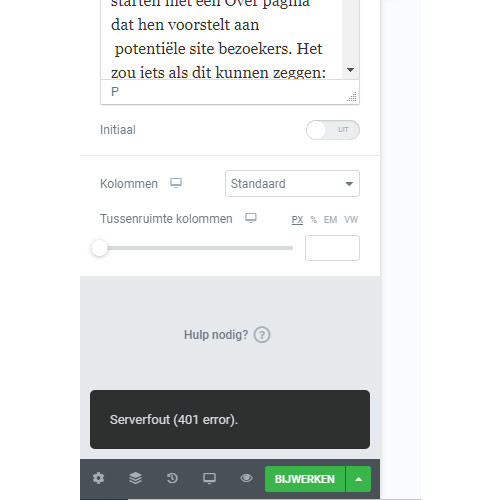
The only error I get is this one:
The same happens with disabled Virtual Events.
Could you tell us more about how can we re-create 401server error?
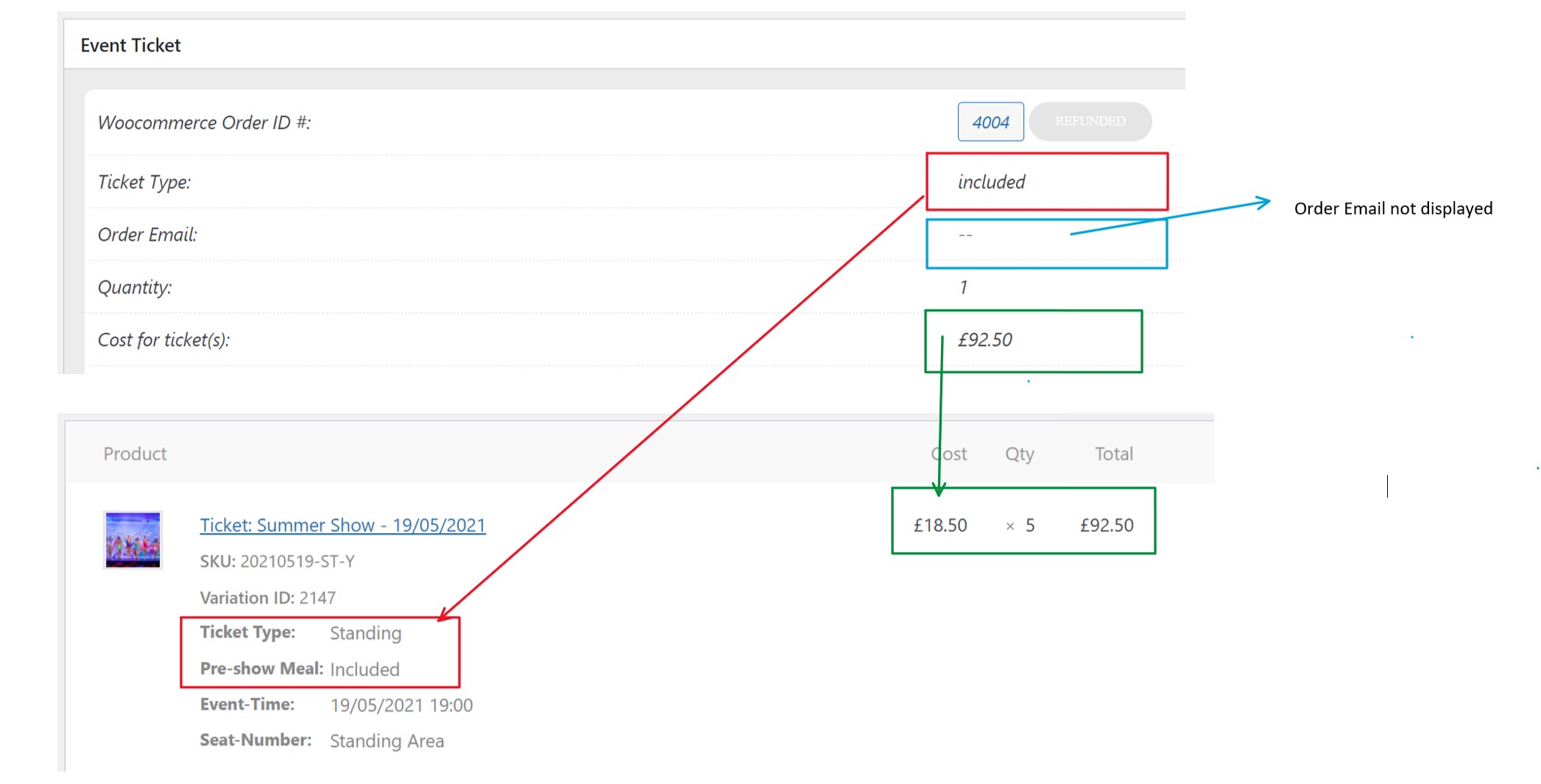
Added the fix:
Please check now and let us know.