I am sorry I do not understand
start from the beginning
are we talking about a holiday within a group of repeating events? you will have to be specific on what event you have created with or without repeating and then tell use more
Replies for tickets on suppota
I am sorry I do not understand
start from the beginning
are we talking about a holiday within a group of repeating events? you will have to be specific on what event you have created with or without repeating and then tell use more
FTP didn’t work for me:
Status: Resolving address of ftp.myheartcheck.org
Status: Connection attempt failed with “EAI_NONAME – Neither nodename nor servname provided, or not known”.
Error: Could not connect to server
Could you check?
Please send us wp-admin access to your site as a private message for us to further assist your situation.
also provide a direct link to the action user form
a screenshot or tell us what custom buttons you have made- We really provide support for action user as it is- we don’t really provide support for when it is changed by the user but we will have a look
Hello,
Please update FullCal to 1.1.12 and check once.
To update eventon addons: You can download latest eventon addons from myeventon > my account. Then you can go to your website, deactivate old addon and install new one and activate then delete the old addon. This link will further explain the process. Also you can follow us on twitter to get real-time announcements on updates!
Hello,
It seems there is an issue because of limitations of our demo environment. Please check this event: https://dev2.myeventon.com/events/seat-2/
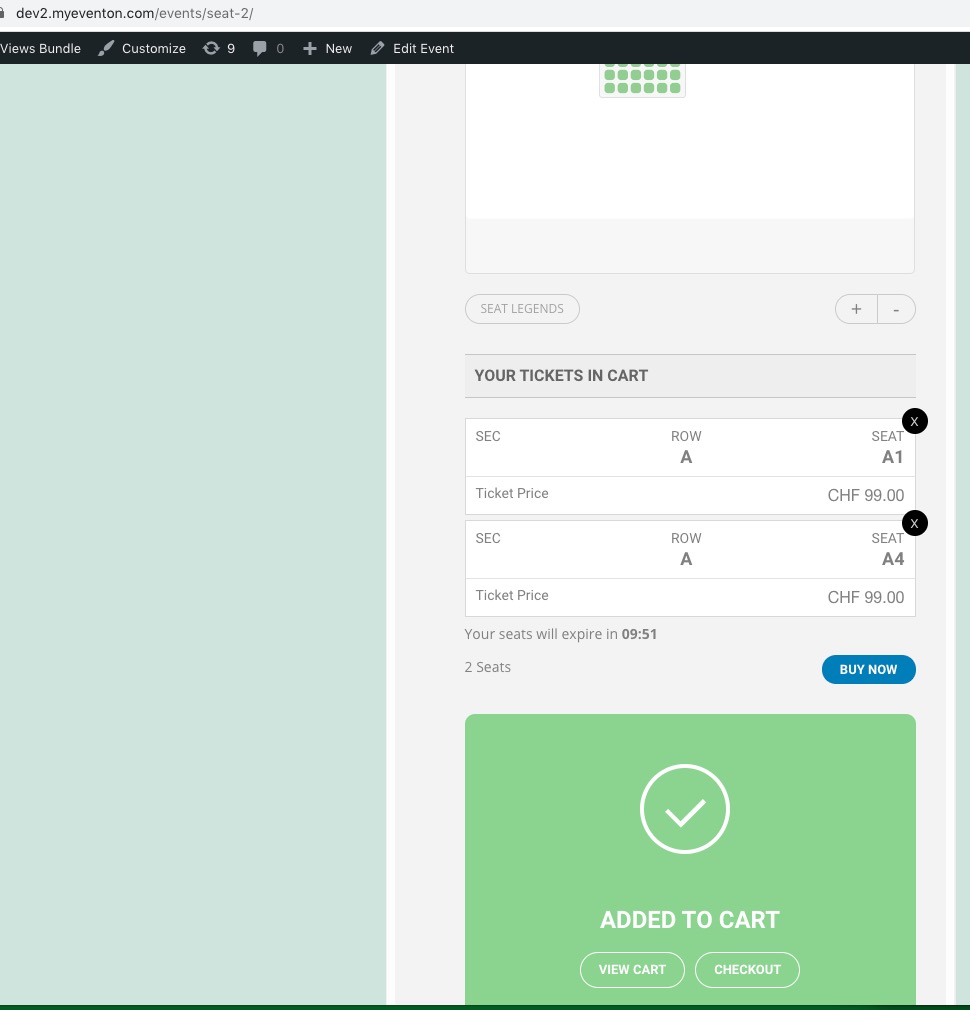
Select a seat > click “Add to Cart” > if you want to add more, repeat.
most likely your browser cache so clear both your browser cache (normally found in browser history) and wordpress
if that fails please post wp-admin access but please ensure you do in fact clear the caches (as many people say they do but don’t and then eventually clear it and it works)
scroll to the bottom of the sales page for changelog
https://codecanyon.net/item/eventon-wordpress-event-calendar-plugin/1211017?ref=ashanjay
Hello,
I went to EventON Settings > Google Map > enabled “Disable Google Maps API: Google maps javascript file only (If the API js file is already loaded with another gmaps program)” and it seems to be working now:
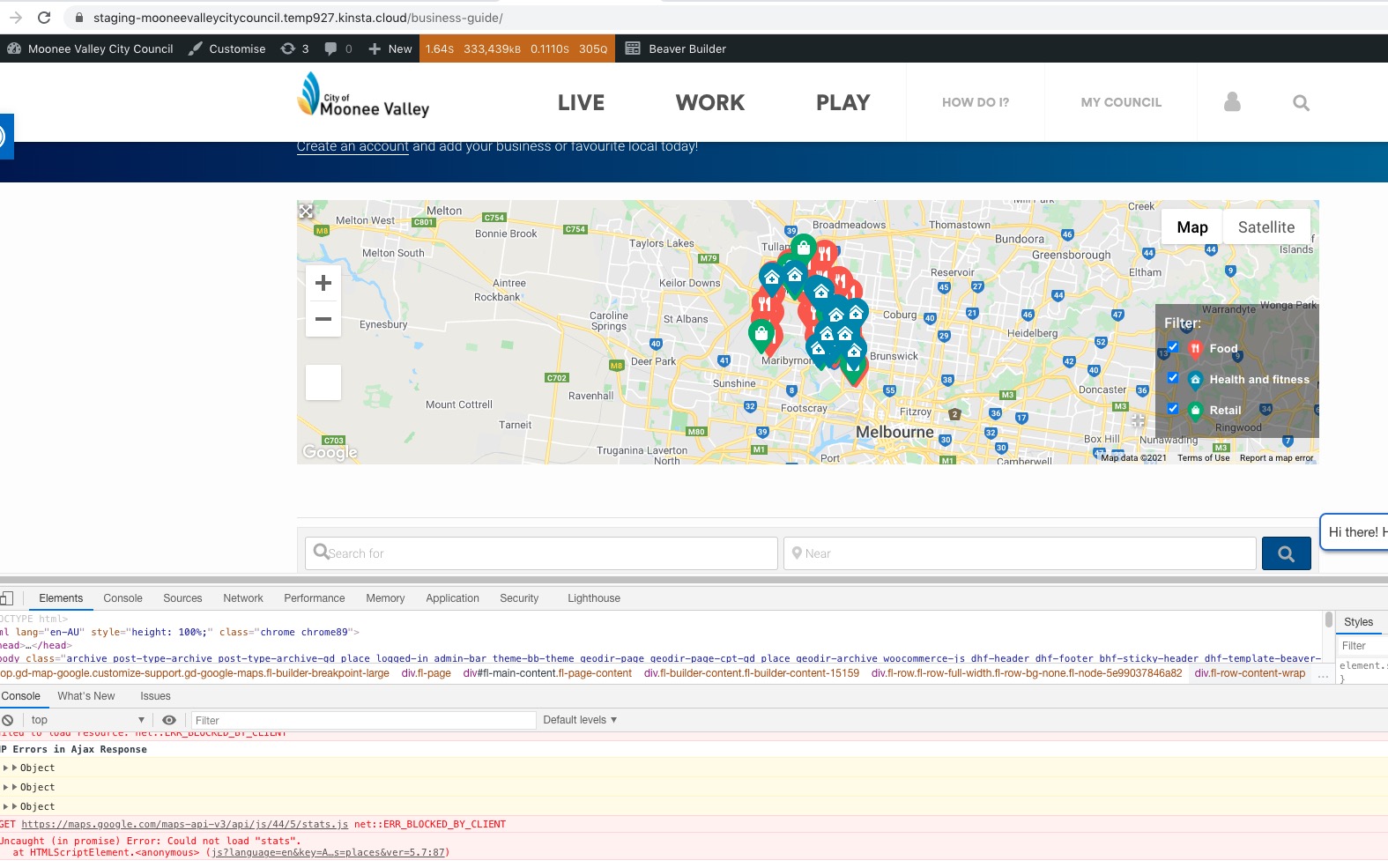
Please check and let me know.
Hello,
Unfortunately, this is not possible since CSS doesn’t have the option to change the background image opacity in this HTML structure (when the image background is not a standalone element, but parent’s element background):
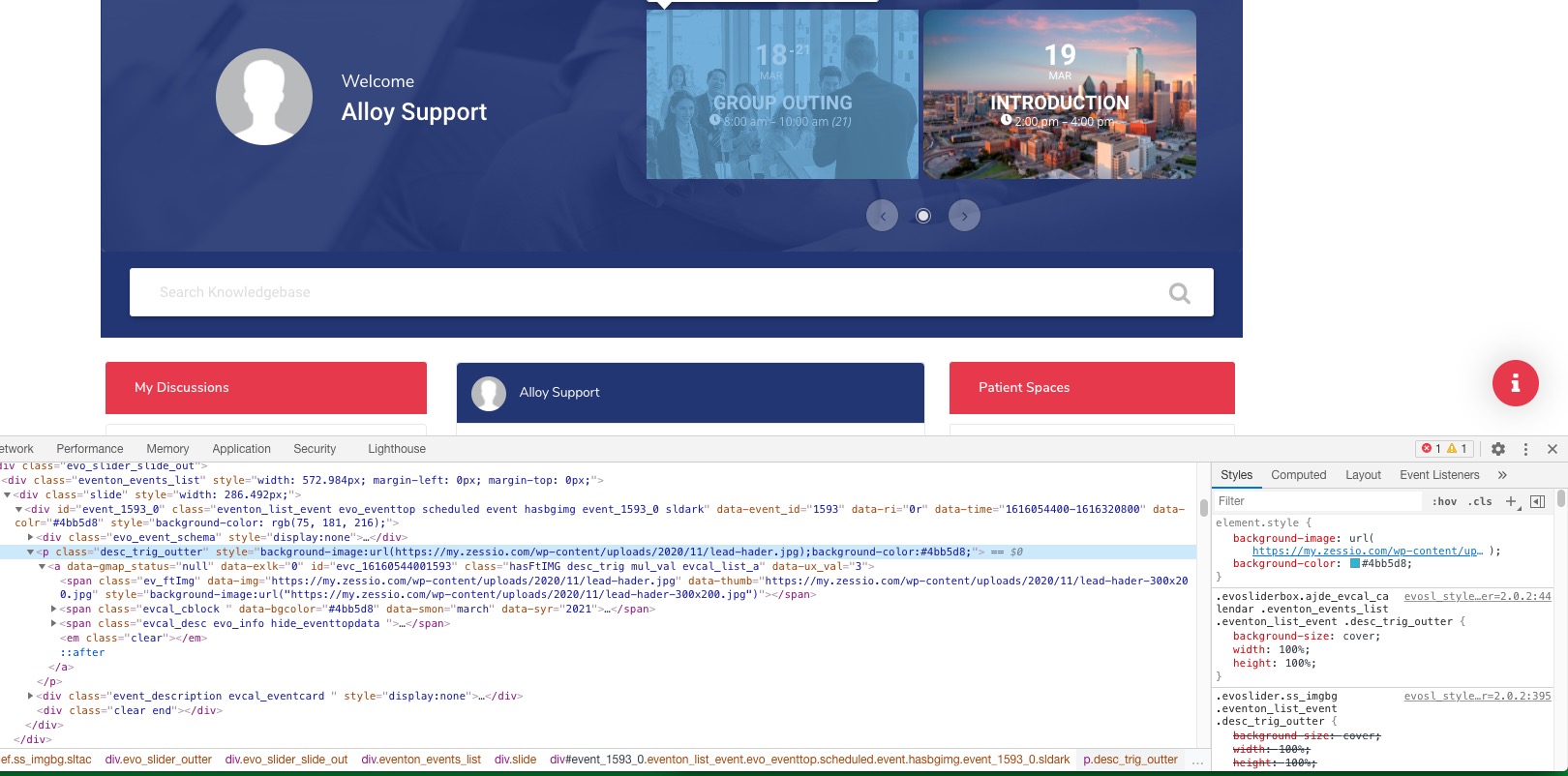
You can send us a customization job request by creating a new ticket in here and selecting Customization Request as the category.Maybe one of our developers can change the HTML layout itself.
Hi
Could I please get a reply?
Thanks
Ian