Please send us wp-admin access to your site as a private message for us to further assist your situation.
Archives: Replies
Replies for tickets on suppota
Reply to: tickets(222180)
1. Unfortunately, we don’t provide customizations of the current functionality.
3. Location pages show events assigned to the location. If you want to book, you need to find an event among others, open it and then book:
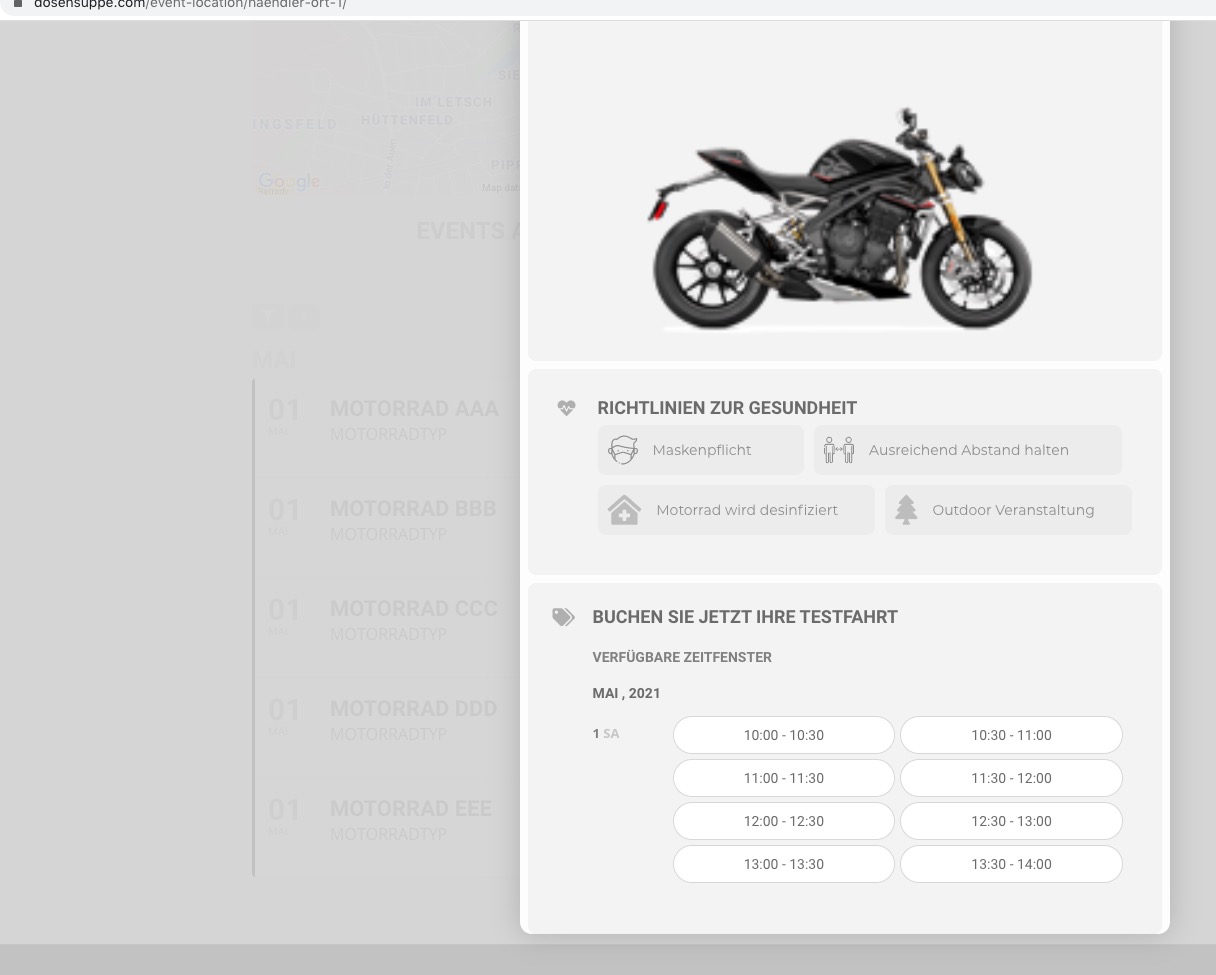
According to our Event Map design, users don’t need to go anywhere, they can just book from the map itself:
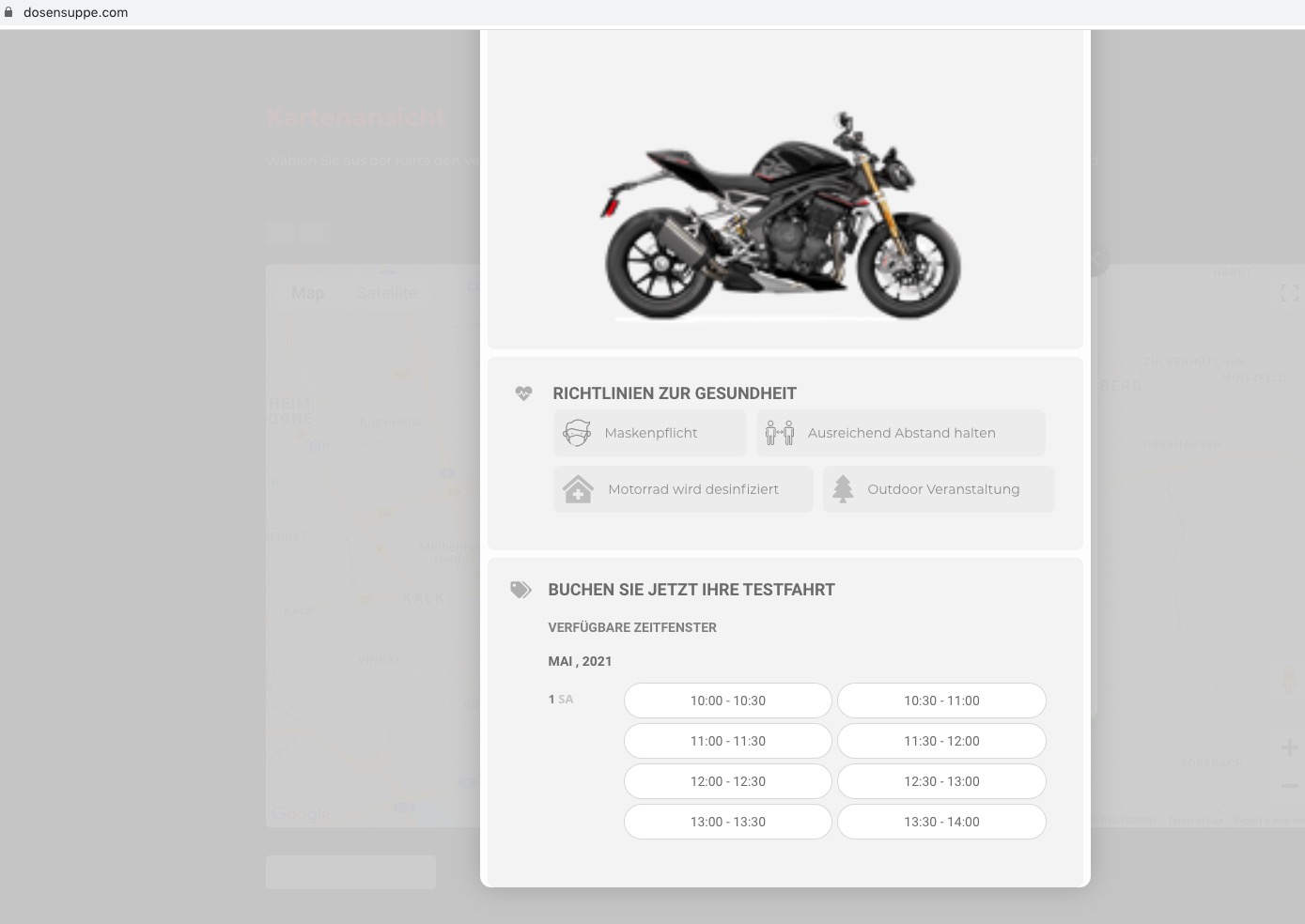
Could you tell us why do you need to send them somewhere when they can find their event by location address and then instantly book.
Reply to: tickets(225015)
Hello,
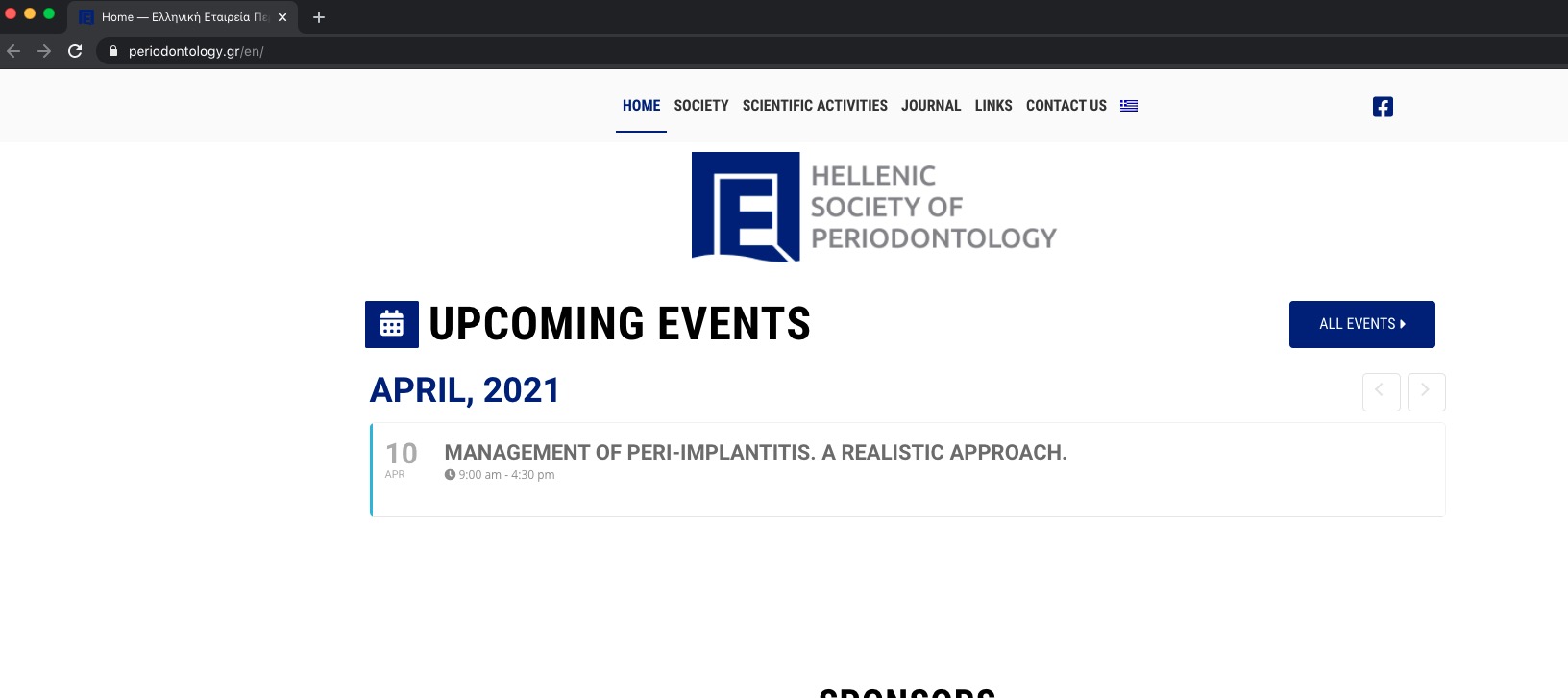
Since you are using WPML you don’t need to enable “Enable language corresponding events”. You can just follow https://docs.myeventon.com/documentations/wpml-eventon-front-end/
Your shortcode contains lang=”L2″:
[add_eventon number_of_months=”12″ lang=”L2″ hide_empty_months=”no” event_count=”20″]
So if you still want to use Corresponding Events, you need to go to Edit Event > Corresponding eventON language > select L2:
Reply to: tickets(224828)
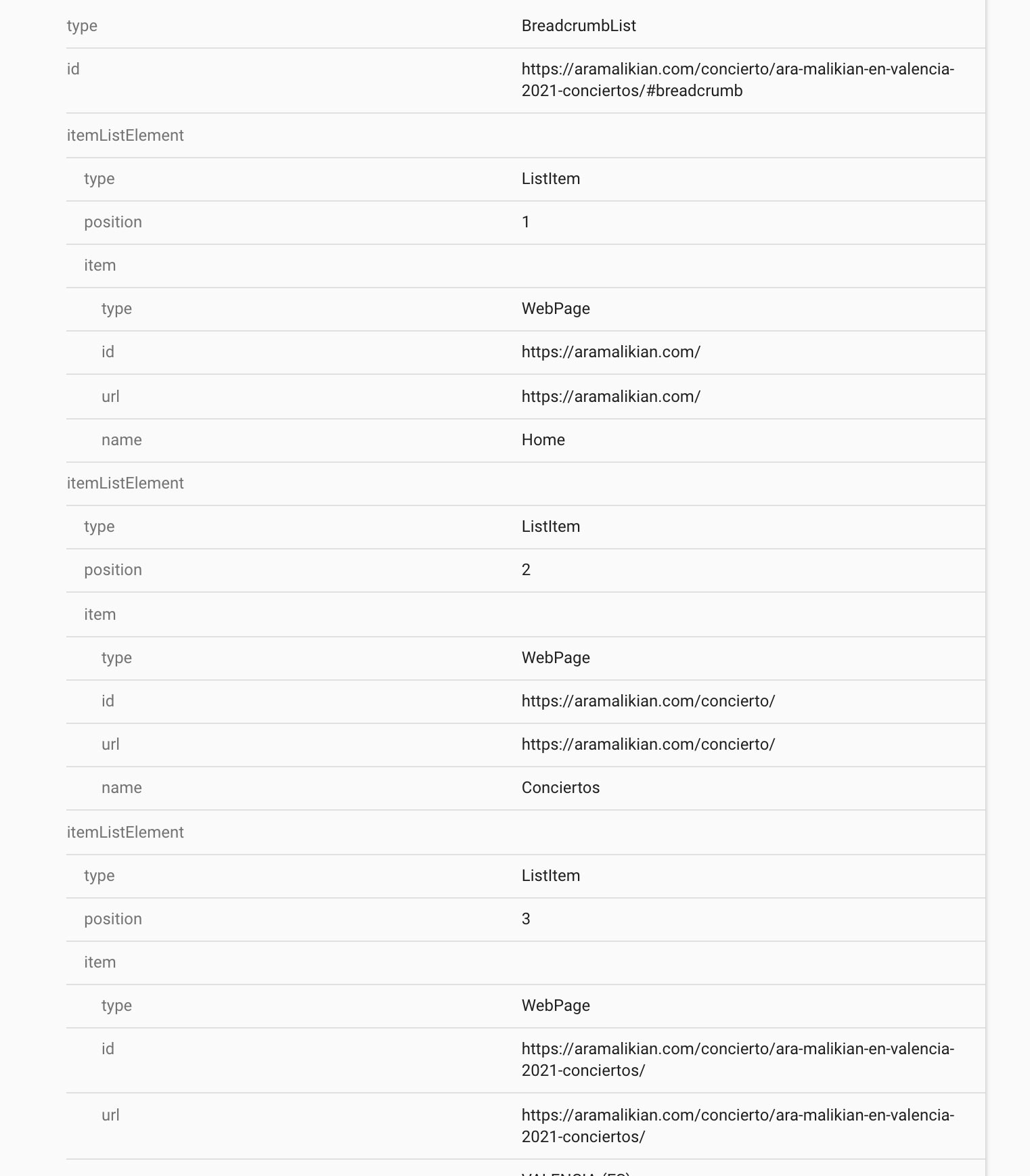
EventON doesn’t use any breadcrumbs.
The most important for SEO about events is to provide Google with Schema and JSON-LD data. And since everything is perfect in Structured Data testing tool then you shouldn’t be worried much about how it looks in Search Results since you cannot do much about it anyway.
Reply to: tickets(220300)
I checked the work of wordpress
When registering a new user, I (the administrator receives a letter) receive a letter stating that a new user has registered on the site.
I have another addition-the user’s personal account-so notifications also come from there (I wrote to my second account and a notification came to the mail of the second account that I received messages on the site)
In general, the problem with sending emails with the RSVP add-on
Can you see and solve the problem with sending ?
Reply to: tickets(225022)
Hi Joao,
You can change the font size for mobile using a media query.
@media only screen and (max-width:768px){.evcal_event_title{font-size:12px;}}
Add the code above in MyEventOn > Styles. If the code does not work, navigate to MyEventOn > Settings and enable the option to “Write dynamic styles in header”.
If the code does not work even after doing that, send in a direct link to where you have your events so that we can give you the accurate custom CSS code to use.
Reply to: tickets(224828)
Hi, good morning.
Everything looks perfect in search console.
i think is something new google is taking from breadcrums. I don´t know what will be better for SEO.
Best.
Reply to: tickets(225015)
https://periodontology.gr/wp-admin
username: eventonsupport
password: PL)R^WZPk5H3)kpOwkj55MSg
Please do not change any other settings that are not related with the plugin
Reply to: tickets(225015)
Hi Stefanos,
Please send us wp-admin access to your site as a private message for us to further assist your situation.
Reply to: tickets(222180)
- That easy? Just a simple click needs customisation… No thanks.2
- I tried the link you send me already. But it doesn’t work. How can I design the template for myself? The problem when opening the location page: There is no function. I can not book anything. And there is a header and a footer I do not need. Which file do I have to modify?