Ahh yeah you are right. My fault. What I meant is, that the font on the main page is smaller than the font on the subpage. It’s hard to read on the main page.
Archives: Replies
Replies for tickets on suppota
Reply to: tickets(226784)
Hello,
Please follow this guide: https://docs.myeventon.com/documentations/how-to-cancel-addon-subscription-before-auto-renew/
Reply to: tickets(226732)
Hello,
It seems that calendars widths are exactly the same. Could you elaborate more about were you referring to?
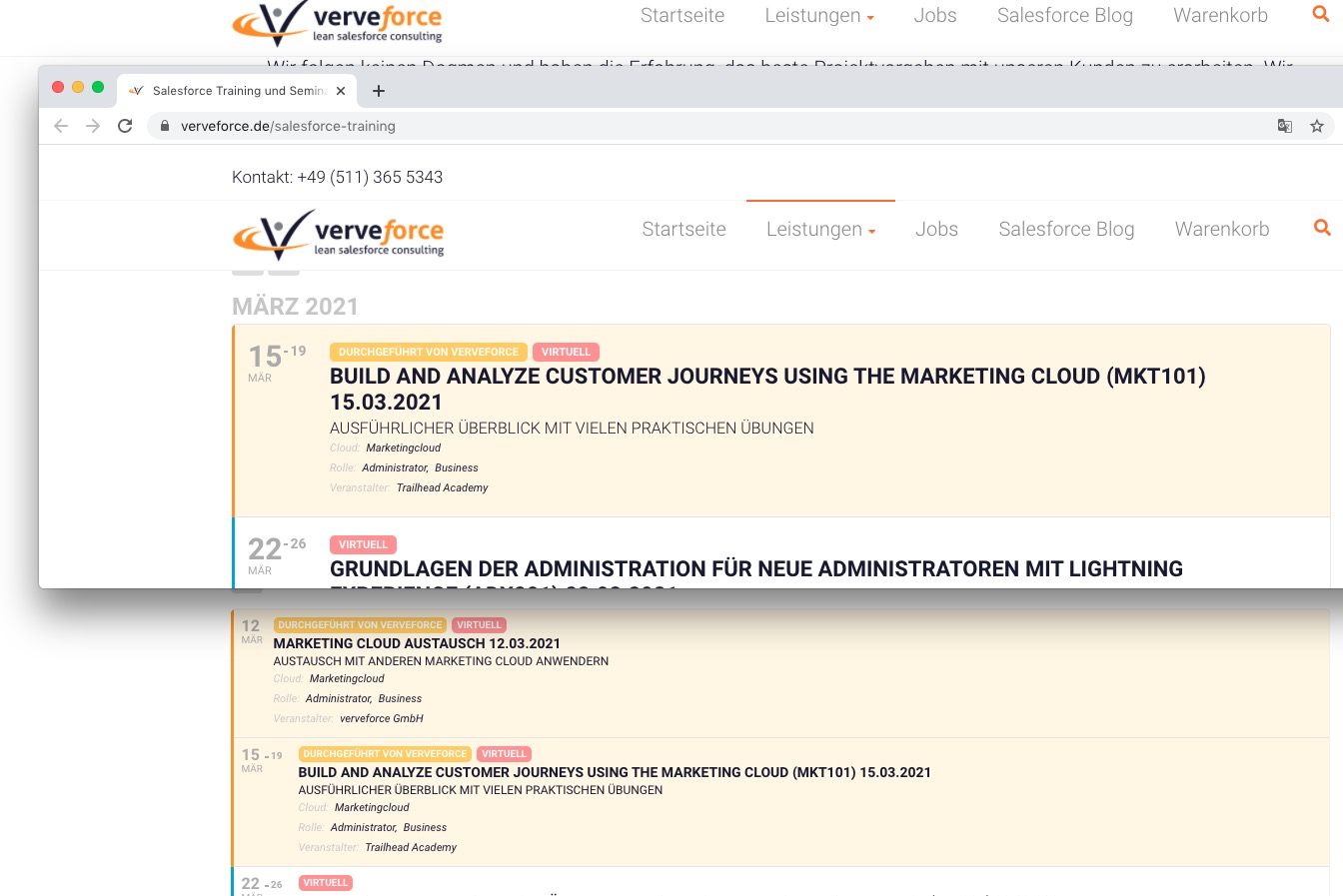
Please add this CSS code to EventON > Styles (If you don’t see any change, EventON > Scripts & Styling > turn off Write styles to header > save settings > turn on Write styles to header):
.eventon_events_list .eventon_list_event .evcal_desc span.evcal_event_subtitle, .evo_pop_body .evcal_desc span.evcal_event_subtitle { text-transform: none !important; }
Reply to: tickets(226780)
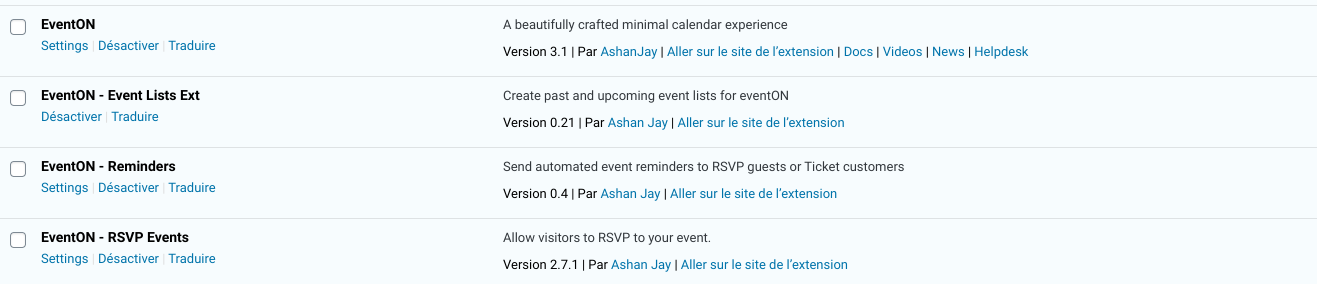
update
Reply to: tickets(226780)
https://www.academy-numerique.com/wp-admin
id : adilBackoffice
pass : vXVQjp6VtmidYKoWu)zQOuDk
Reply to: tickets(216284)
Please go to EventON Settings > RSVP > set When to close RSVP to new RSVPs to Allow until event ends.
Reply to: tickets(226780)
Hello,
Please send us wp-admin access to your site as a private message for us to further assist your situation.
Could you make sure that you are using the latest version of RSVP add-on?
Reply to: tickets(221978)
Please check this page: https://demo.myeventon.com/
You can also try Slider add-on https://www.myeventon.com/addons/event-slider/, which has similar design.
Reply to: tickets(226625)
Hello,
It adds the correct ticket on my side:
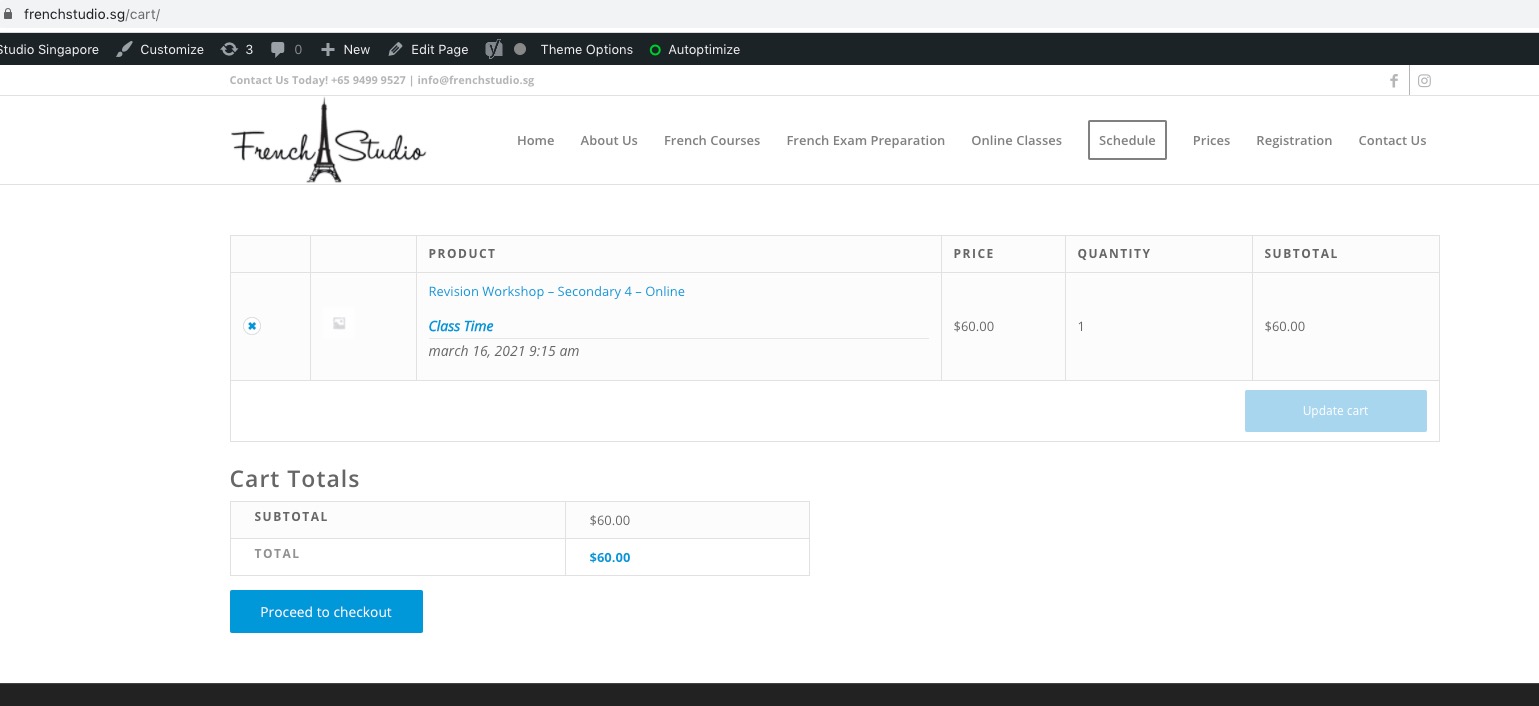
Could you try cleaning your cache, add one more time and send us a screenshot?
Reply to: tickets(225815)
Deleting add-ons doesn’t result in loosing any data. You can loose your EventON Settings and Events only if you didn’t enable “Do not delete eventon settings & data when EventON is uninstalled” before the update.