could be a cache issue- clear your browser cache but most probably clear your wordpress cache
do you have a CSS minifyer system running which (could/sometimes) can play an issue depending on your site set up
Replies for tickets on suppota
could be a cache issue- clear your browser cache but most probably clear your wordpress cache
do you have a CSS minifyer system running which (could/sometimes) can play an issue depending on your site set up
That would require customization
You can send us a customization job request by creating a new ticket in here and selecting Customization Request as the category.
alternatively try these
https://wordpress.org/plugins/login-as-user/
https://wordpress.org/plugins/login-as-customer-or-user/
this way you can have their event manager on a static page
and you simply log in as “that user” and go to that page to view their events
which would effectively do the same thing without customization
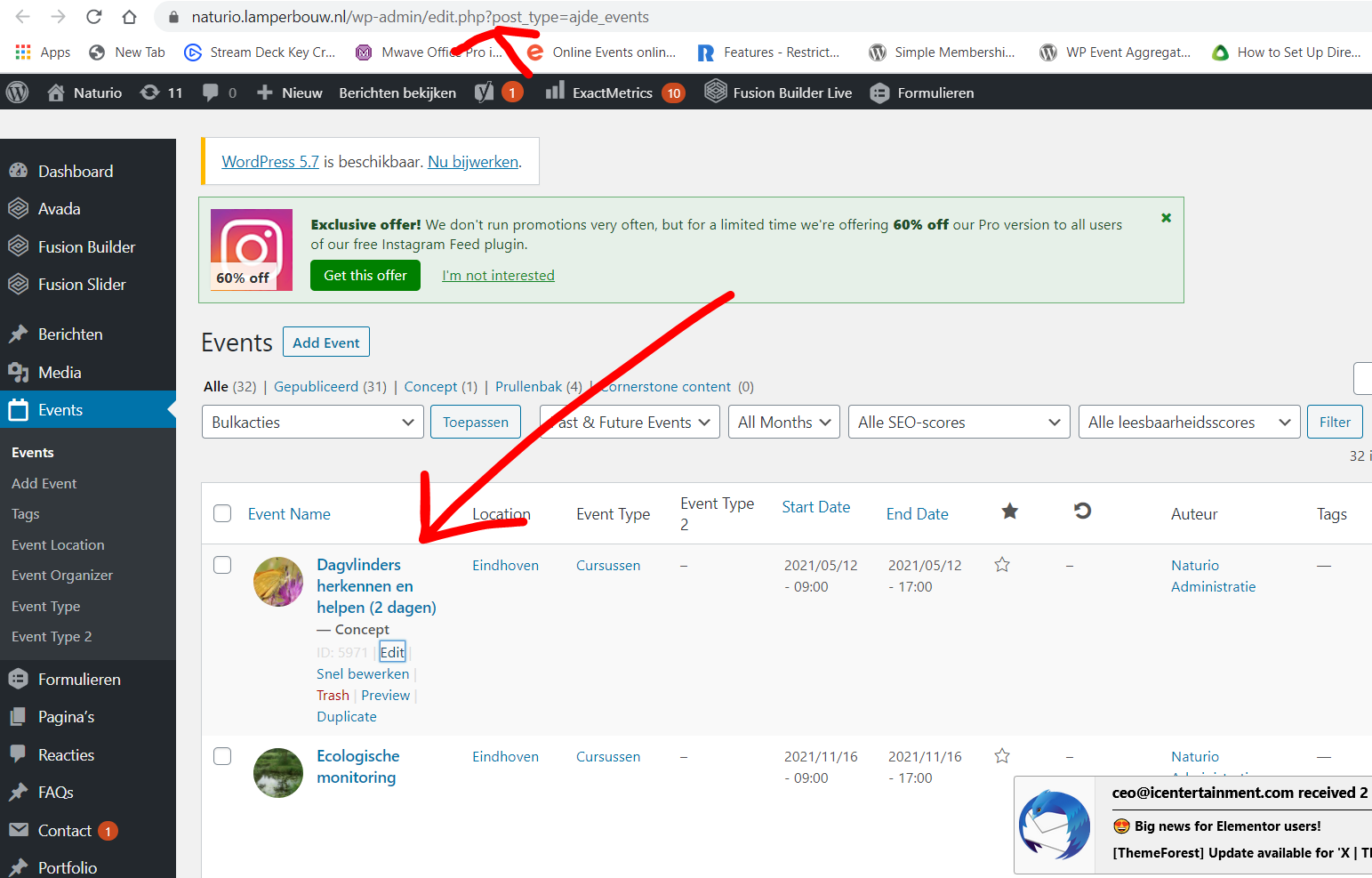
see screenshot- words fine for me- and I can click to edit events
clear your web browser cache
I am sorry, the access information you have provided did not work for us. Please check them and post the correct login information as a private message, thank you!
Please also provide the event in question
Are you duplicating events?
To add some transparency we did research into wpengine and found this which to us is a huge red flag
https://wpengine.com/support/disallowed-plugins/
So instead of making a wordpress server that works – they limit you in what you can use- no caching plugins, no mass email except their own system cache which is designed to limit how many processors you can use
then you have reviews like this:
https://www.matthewwoodward.co.uk/seo/reviews/wp-engine/
https://chester.id.au/2012/10/24/my-experience-with-wpengine/
https://www.shoutmeloud.com/wpengine-review-wordpress-engine.html
https://news.ycombinator.com/item?id=4692456
They do have positive reviews but unfortunately they have an affiliate program where as your review can earn you money. so that becomes untrustworthy
Unfortunately your server is not capable of running this plugin anymore. As we grow to the demands of customers feature requests grow and as we add them , the plugin uses more resources now we are offering a refund but we can’t do things with a server that limits plugins working.
Its terrible , we want to help everyone but we can’t help you with your current server, Somethings going on- the fact that they disallow plugins
we know of no other servers that disalow plugins
Please please stop trying to sell us on other servers. So I spent all morning troubleshooting with wpengine techs again.
—————-
We found these alerts at wpengine:
It looks like the process is getting stuck the query from this plugin file:
It gets data returned but then the request just sits there doing nothing.
WPENGINE: I thought maybe our object cache was interfering but I turned that off and it is still happening.
What is the next thing that the plugin is supposed to do after the query from the wp-content/plugins/eventON/includes/calendar/class-calendar_generator.php file? This seems to be where the process is getting stuck.
Log in didn’t work for us
[add_single_eventon id=”17070″]
See video below
Hi there,
I would advise you use the FTP method to update as explained on the documentation you have highlighted. Your client will be less likely to lose any data that way.
Could you please try the instructions mentioned in this documentation to make sure your issue is indeed coming from eventon.
Hi Ben,
Thanks for reaching out.
I am going to assign this ticket to Ashan and he will be able to take it from here. Please allow some time for him to get back to you, we greatly appreciate your patience and thank you for being a eventon customer!