Thank you for your messages, I am going to assign this ticket to Ashan and he will be able to take it from here and find you a solution. Please allow some time for him to get back to you, we greatly appreciate your patience and thank you for being a eventon customer! Also please disable any IP blocking on your site if there are any.
Archives: Replies
Replies for tickets on suppota
Reply to: tickets(223091)
Hello. I haven’t heard back after review.
Reply to: tickets(225841)
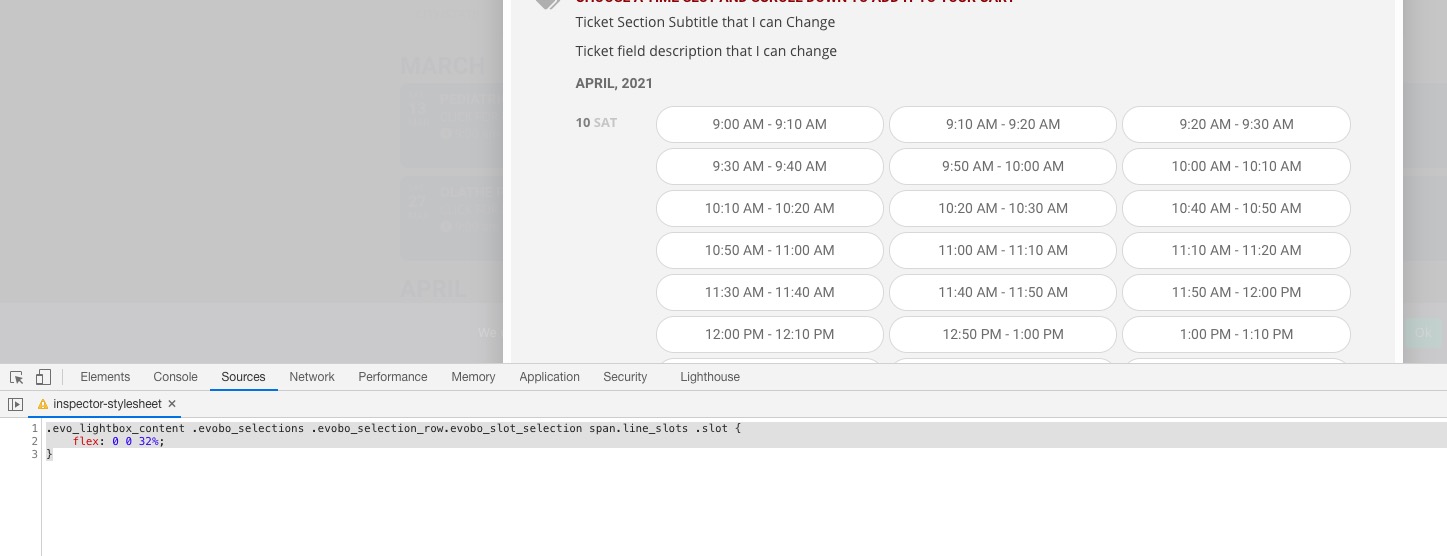
Please use this code:
.evo_lightbox_content .evobo_selections .evobo_selection_row.evobo_slot_selection span.line_slots .slot { flex: 0 0 32%; }
Reply to: tickets(226108)
Hello,
Seems to be working on my side: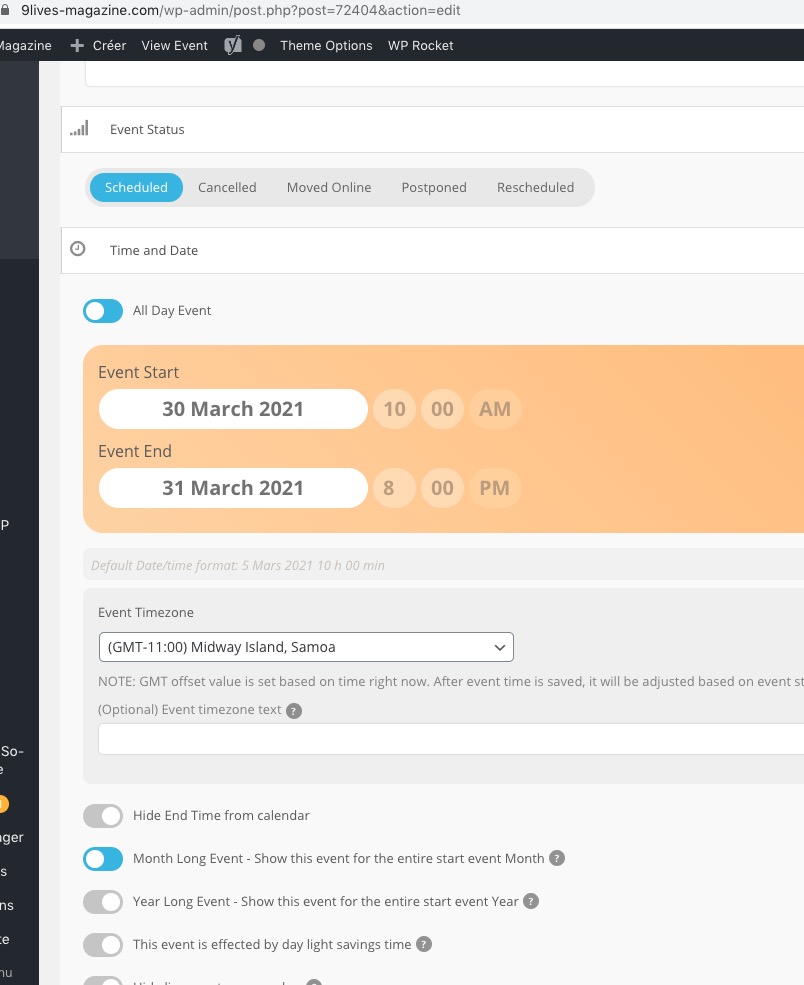
Could you try cleaning your browser cache?
About map. Please fix this issue:
Geocoding Service: You must enable Billing on the Google Cloud Project at https://console.cloud.google.com/project/_/billing/enable Learn more at https://developers.google.com/maps/gmp-get-started
Reply to: tickets(226099)
Please check my previous message. After I commented the CSS it looked exactly the same: https://helpdeskx.s3.amazonaws.com/wp-content/uploads/2021/03/09075416/Screenshot-2021-03-09-at-15.54.06.jpg
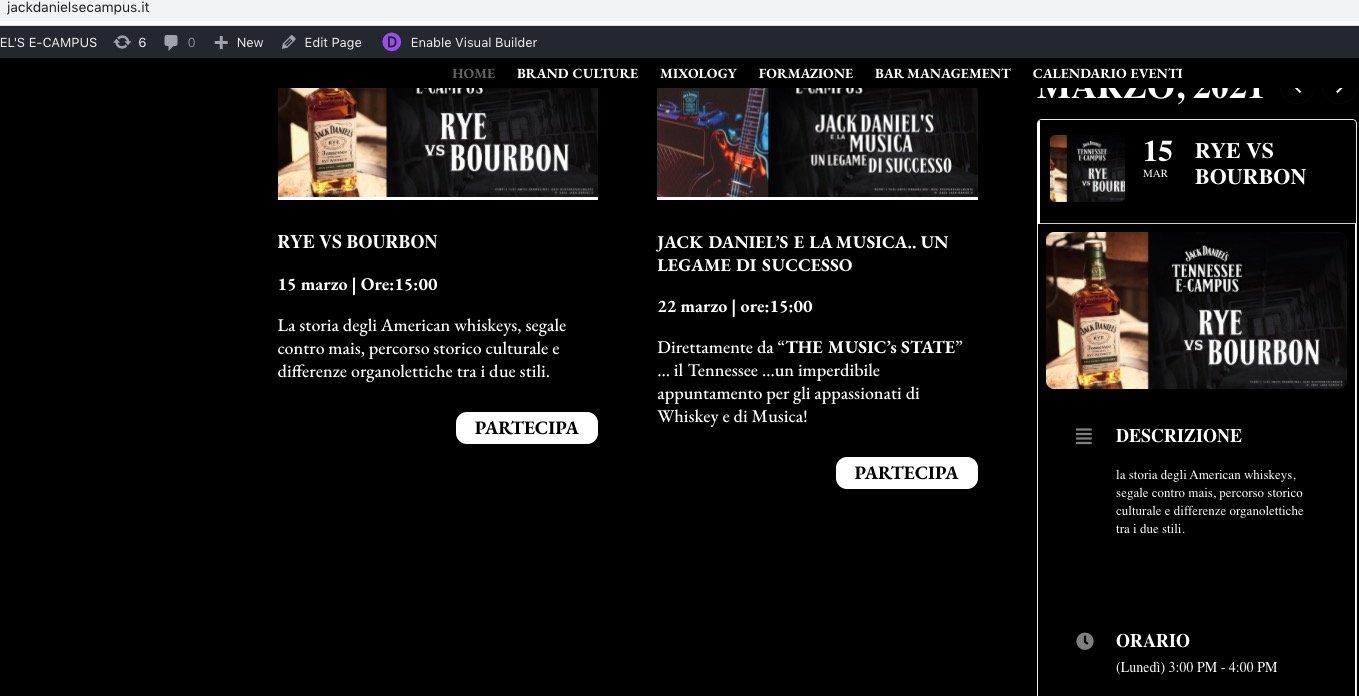
Please go to https://www.jackdanielsecampus.it/wp-admin/customize.php?et_customizer_option_set=theme > Additional CSS, and uncomment the code again.
Reply to: tickets(226185)
Hello,
Tags are similar to Event Types, so please check this guide: https://docs.myeventon.com/documentations/confused-event-type-categories/
Users can filter by tags:
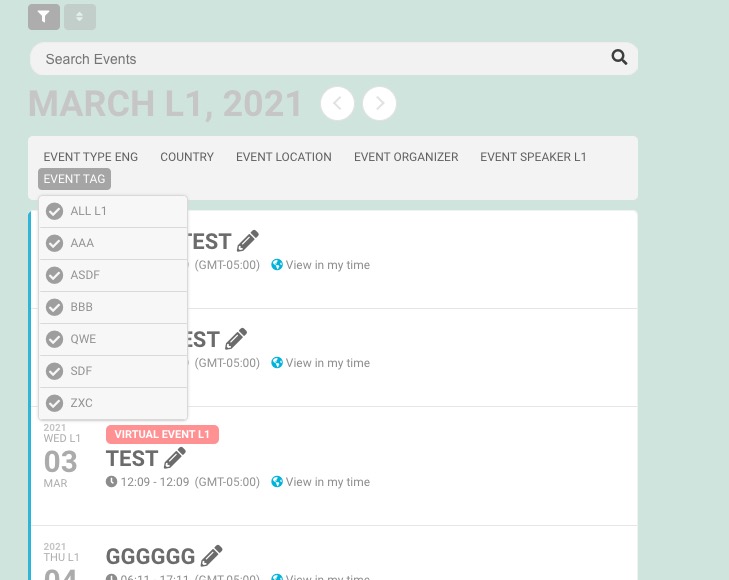
You can show them in Event Top: https://docs.myeventon.com/documentations/how-to-show-various-information-in-eventtop/
Can users who are adding events on the front end, like front end submissions, also choose event type category…
This is possible. Please try Action User add-on https://www.myeventon.com/addons/action-user/ on our demo server: https://dev.myeventon.com/wp-admin/
Can users search by event type category? Where is this on the calendar page?
Users can filter by category: https://docs.myeventon.com/documentations/confused-event-type-categories/ and https://docs.myeventon.com/documentations/how-to-use-event-types-to-do-more/
Reply to: tickets(226076)
also I cannot see the option
RSVP to past events
Reply to: tickets(226076)
Ashan when you log in and view the evetn (they only have one)
https://www.atomica.it/events/1st-p-one-championship/
it says you have RSVP’d however it does not display on the event itself and it appears as tho no one has RSVP’d
plugins are up to date
Reply to: tickets(226193)
Hello,
When Featured Image is assigned, RSS adds “enclosure” element with image URL:
https://dev2.myeventon.com/evenements-rss

Please try on https://dev.myeventon.com/wp-admin/
Reply to: tickets(226076)
Thank you for your messages, I am going to assign this ticket to Ashan and he will be able to take it from here and find you a solution. Please allow some time for him to get back to you, we greatly appreciate your patience and thank you for being a eventon customer! Also please disable any IP blocking on your site if there are any.