Hello,
Thank you for your messages, I am going to assign this ticket to Ashan and he will be able to take it from here and find you a solution. Please allow some time for him to get back to you, we greatly appreciate your patience and thank you for being a eventon customer! Also please disable any IP blocking on your site if there are any.
Hello,
Please send us wp-admin access to your site as a private message for us to further assist your situation.
Hello,
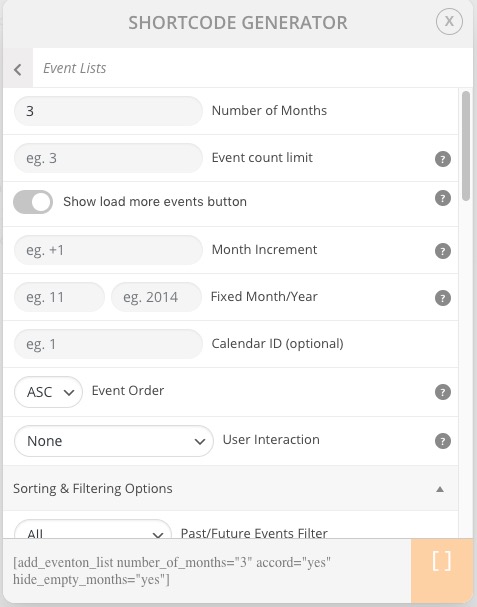
Please use Event Lists shortcode:
[add_eventon_list cal_id=”home” number_of_months=”3″ accord=”yes” hide_empty_months=”yes”]
Could you also try updating EventON to 3.1?
To update eventon to latest version: If you are unable to do autoupdate, you can go to codecanyon your account > download and get the latest eventon version as zip file. Then you can go to your website, deactivate old eventon, activate (Do not delete eventon settings & data when EventON is uninstalled) from eventon settings, delete old eventon, install new one and activate. This link will further explain the process it. Also you can follow us on twitter to get real-time announcements on updates!
Hello,
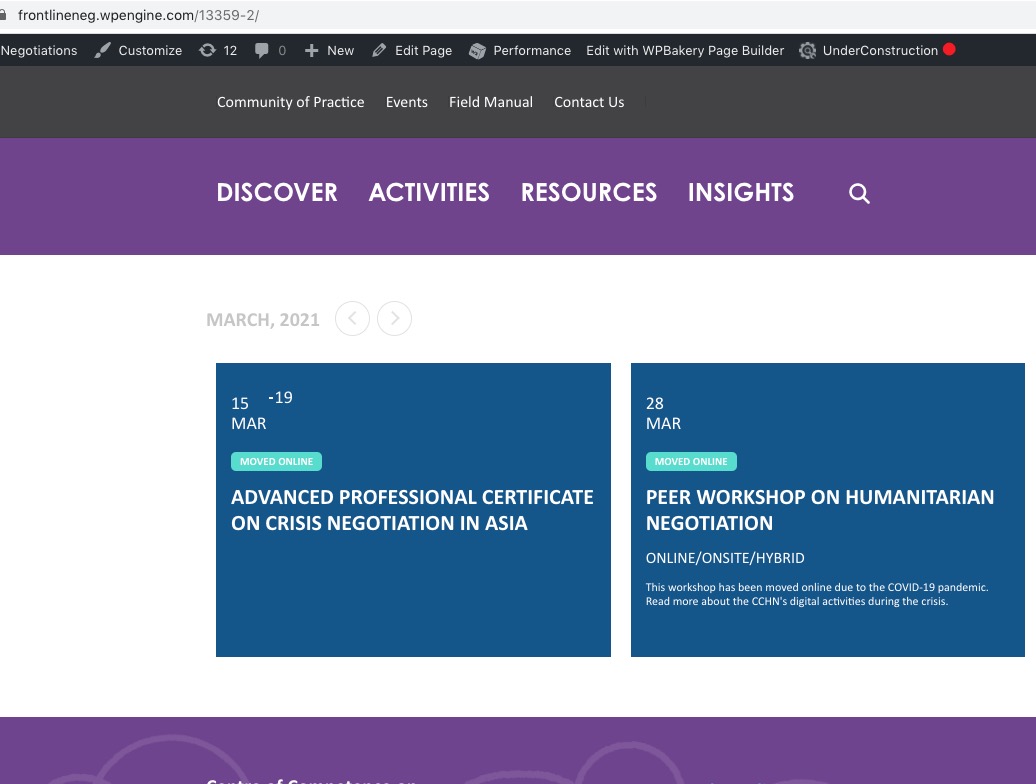
Everything seems to be working correctly on my side:

Could you show a screenshot or a video with the issue?
Hello,
Thank you for your messages, I am going to assign this ticket to Ashan and he will be able to take it from here and find you a solution. Please allow some time for him to get back to you, we greatly appreciate your patience and thank you for being a eventon customer! Also please disable any IP blocking on your site if there are any.
The issue is with this event: https://conexionespacial.com/events/falcon-9-block-5-starlink-13/
It seems that when you don’t see an event you need to go to previous (by date) event and check MASA.
It worked. Great. Thank You!

Ok just read your messages.
Standard Eventon translations (in Language) don’t work anymore… Is it normal?
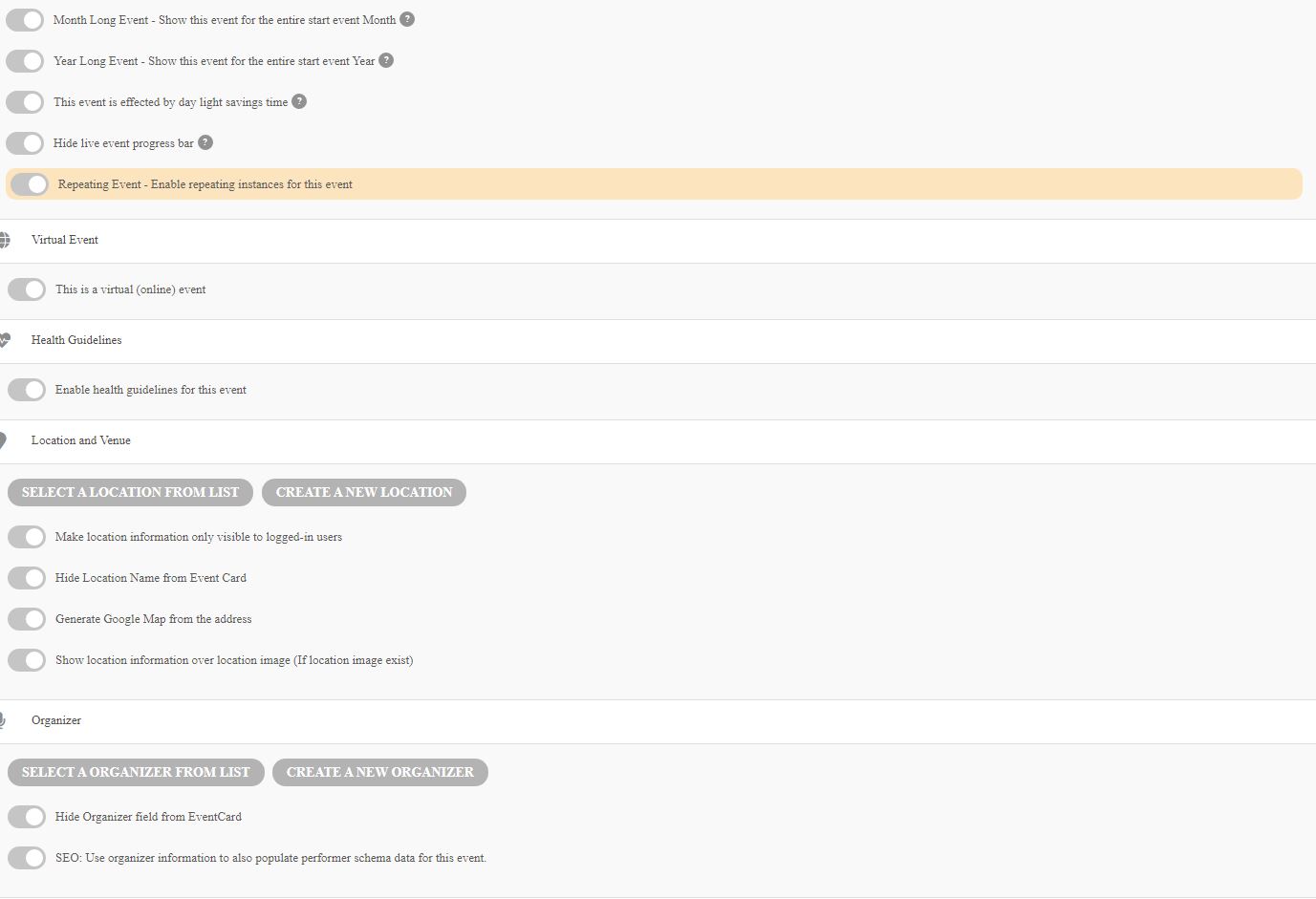
We still have this bug when adding timeslots.