Ashan,
Please check
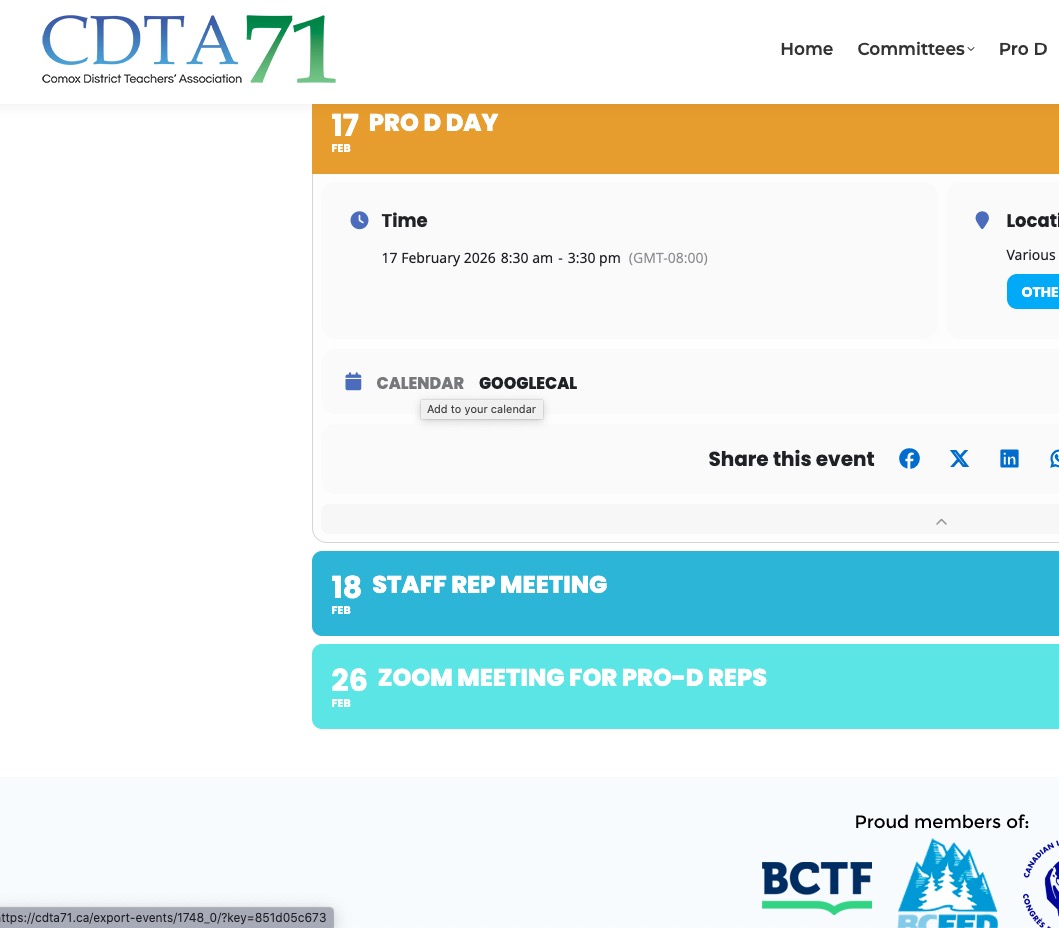
When they click on CALENDAR, they are redirected to Page Not Found:
On my side works completely fine.
Replies for tickets on suppota
Ashan,
Please check
When they click on CALENDAR, they are redirected to Page Not Found:
On my side works completely fine.
Thank you for your messages!
I am going to escalate this ticket to development to help in here. Please allow us some time to address this, and we truly appreciate your patience. Thank you for being a valued EventON customer!
Ashan,
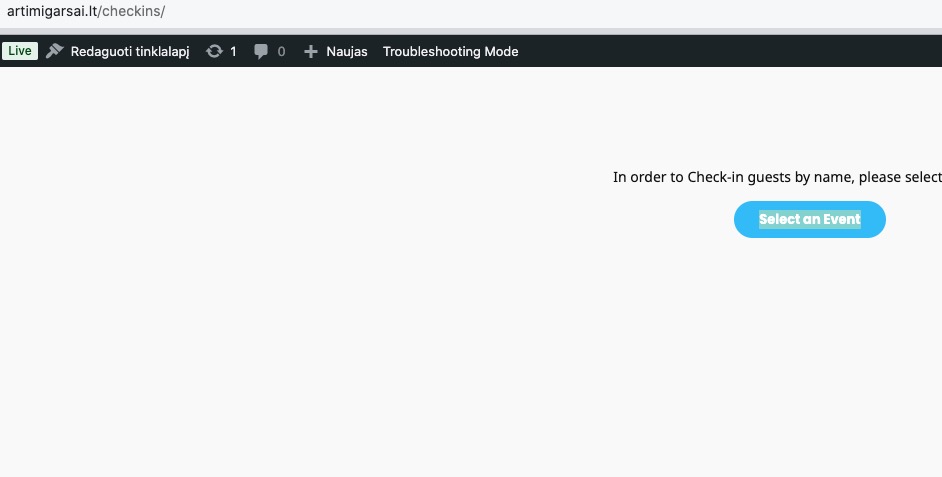
Even in Troubleshooting Mode clicking on this button does nothing:
https://www.artimigarsai.lt/checkins/
https://www.artimigarsai.lt/wp-admin/site-health.php?tab=troubleshoot
Thank you for your messages!
I am going to escalate this ticket to development to help in here. Please allow us some time to address this, and we truly appreciate your patience. Thank you for being a valued EventON customer!
Hello,
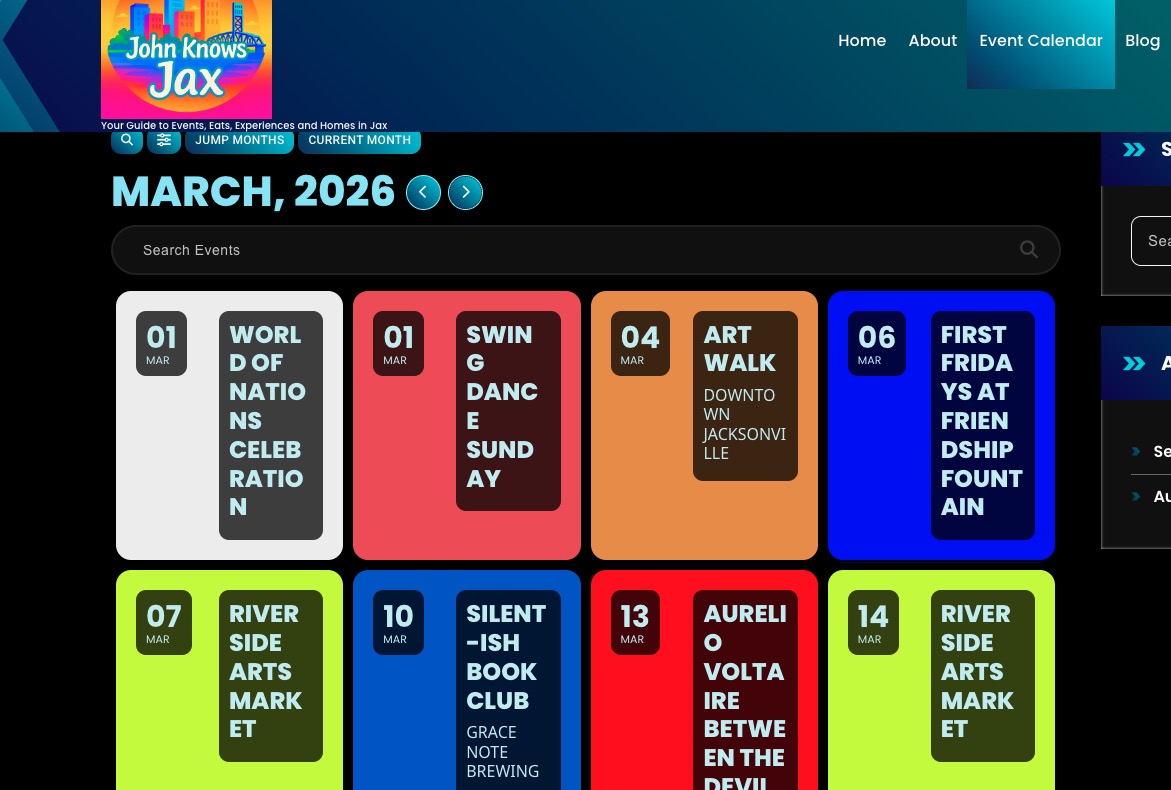
cal_id isn’t supported anymore, so please don’t it to your shortcode.
Seems to be working now after I removed the parameter:
Could you check and let me know?
Hello,
Could you let us know where did you get these shortcodes from?
[eventon_submit_form]
[eventon_au_submit_form]
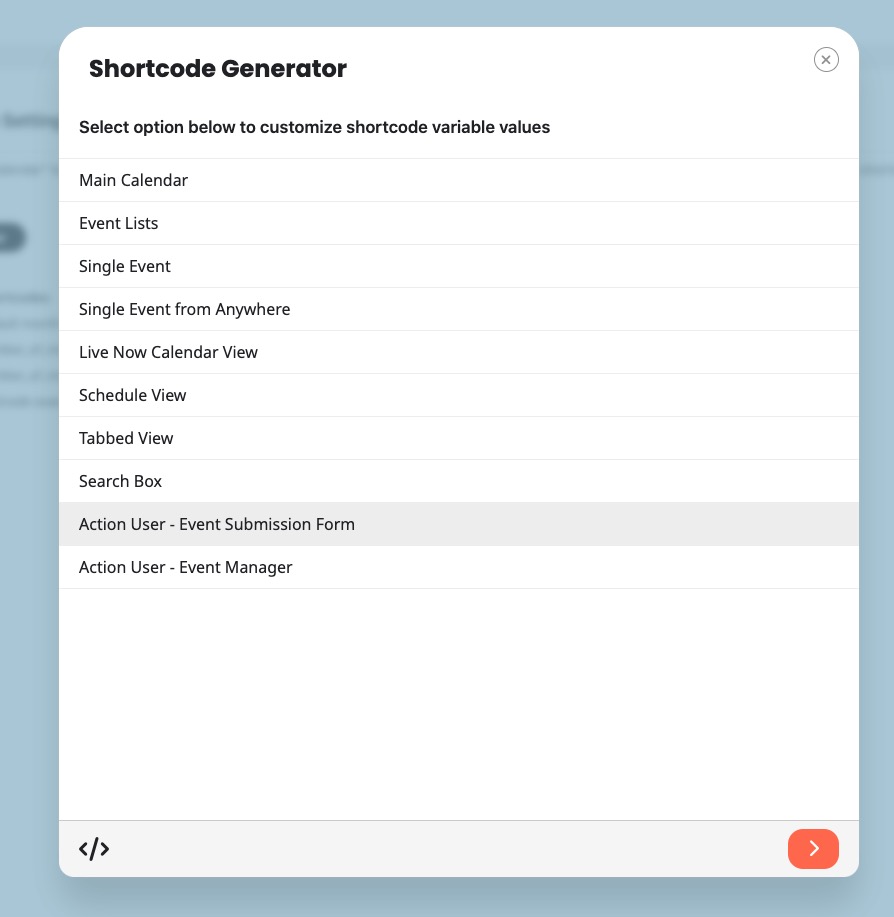
Please copy the shortcodes from EventON > Shortcodes > Generator:
More info:
https://docs.myeventon.com/documentations/shortcode-generator/
Take a look at this page:
https://carsoncarclub.com/test-2/
Hello,
I went to wp-admin > Settings > Permalinks > Save according to this guide:
https://docs.myeventon.com/documentations/single-events-page-not-working-404-error/
Now Single Event Page is working:
https://wadsworthsqstg.wpenginepowered.com/events-calendar/blackwood-brothers/
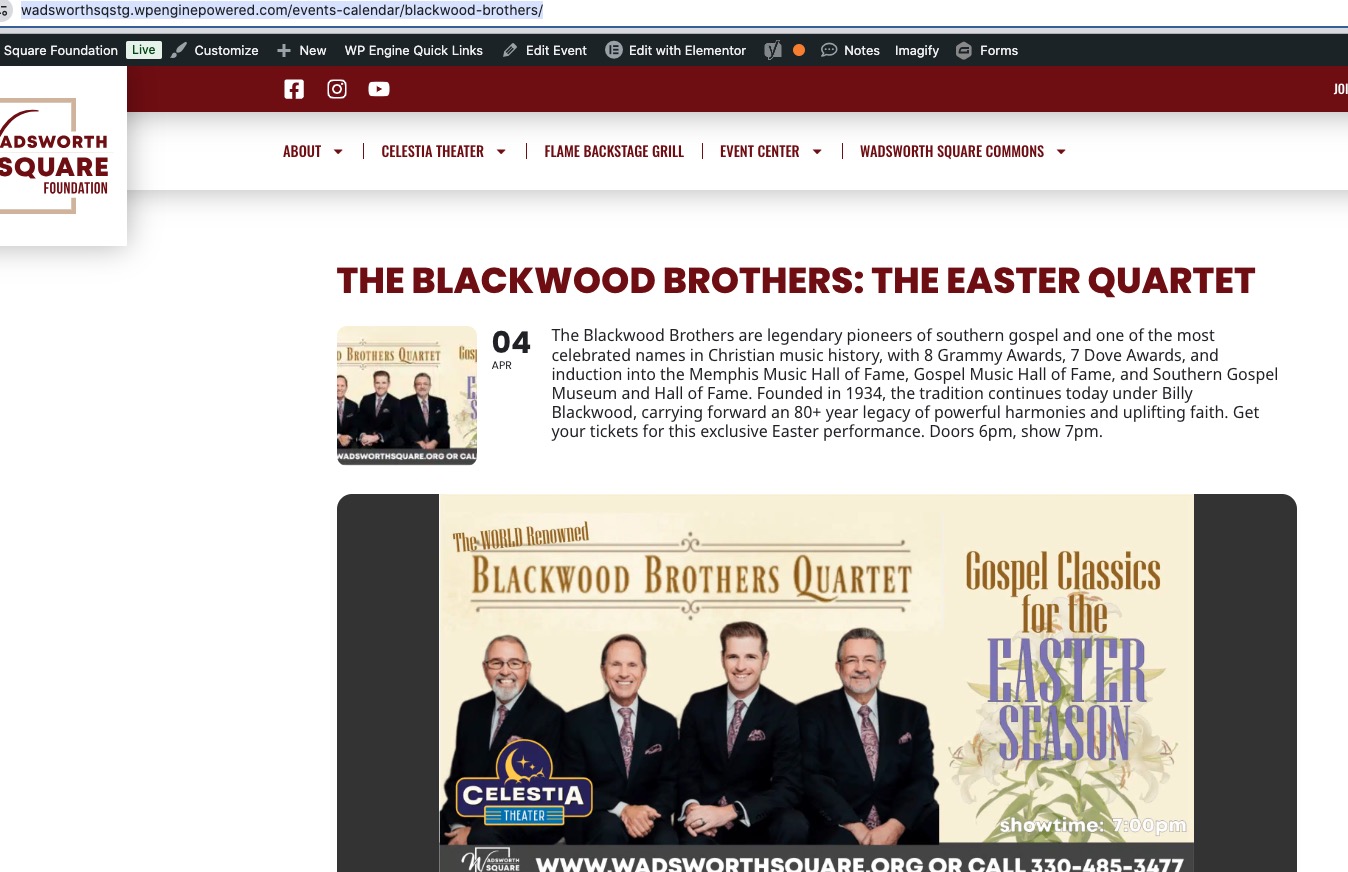
Please check and let me know.
Hello,
The only option is to make sure not to complete orders, but when the time comes, go to wp-admin > WooCommerce > Orders > Bulk action: Change Status to Completed.
How many users can be checked-in fully depends on your server’s performance.
I need to get the staging site functional again and then successfully push it to production.
If the eventon user name doesn’t work use the email dallas@dallasriffle.com