We are glad your issue is resolved, if you have any further questions or concerns please create a new ticket.
If you have a moment, we would greatly appreciate if you could kindly leave us a review at codecanyon! from your account > downloads. Cheers!
Hello,
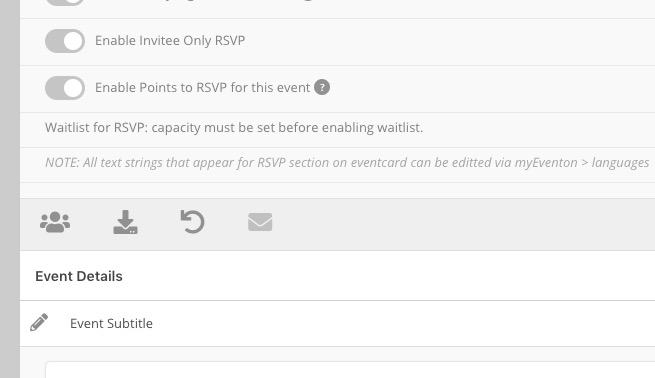
It seems that you need to use RSVP add-on, since users can sign up to events for free. In order to limit the amount of tickets you need to go to Edit Event > RSVP > Set capacity limit for RSVP. Please try it on https://dev.myeventon.com/wp-admin/
In order to send out emails please check Edit Event > RSVP > Emailing:
Moreover, when I activate “ticket option”…
Please check now https://www.sic-asso.org/events/60100/
you don’t need to look and check anything!
Unfortunately, you can’t. The only solution is to change them from Seat Editor.
everything is already working!
all notifications are already coming in .
Yes, I received notifications in the mail, too, probably at the moment when you were setting up notifications.
And I checked it myself, but now everything seems to work !
Thank you for your prompt response!
And what was the problem why didn’t the notifications come?
Hello,
The problem is in WP Rocket > FILE OPTIMIZATION > Minify and/or Combine functionalities. Could you try disabling them and check if your mobile version starts working?
Hi Jayson,
I am not sure if someone from our team did that, could it be someone from your team? Also, I am happy to hear that everything is working correctly, and yes, the plugin was recently updated to version 3.1, which I see is the version your site is running on.
Please let us know if you have any other questions or concerns, we are happy to help!
PS. This whole ticket is private now.
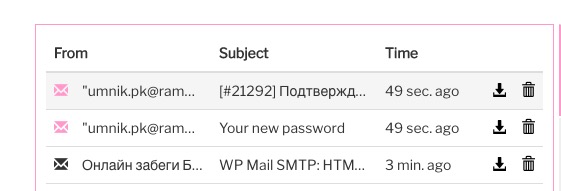
It seems that it’s working now: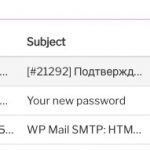
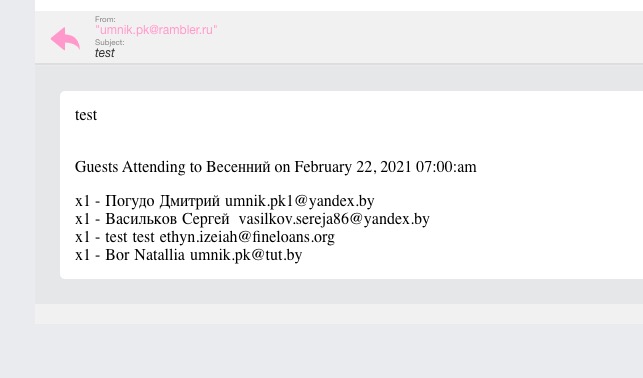
The same with Edit Event > RSVP > Emailing:
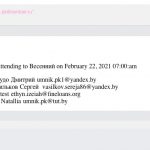
Could you check?