Dear Ashan,
I did some further testing and the issue is NOT related to Buddypress:
I have setup a barebones test environment with no plugins activated and the Twenty TwentOne theme. To test the issue, I created two blog entries:
One where I include another blog entry of the test page inside another post: http://test.fslci.org/uncategorized/eventon-test-link/
= No errors in the console
One where I include a link to your demo single page:
http://test.fslci.org/uncategorized/test-link-of-eventon-single-page-embed/
= Instead of the preview snippet based on the metadata, a whole website snapshot is displayed and I have tons of errors in the console
Now, I did some further digging and the moment I activate EventOn and share a link from my test page – really any link, like the simple blog entry above, the console throws an error which says: “Failed to parse URL parameter value: vItLETwCqd
SyntaxError: JSON Parse error: Unexpected identifier “vItLETwCqd” It still loads the preview as it should, but it also shows the error in the console which slows down the loading of the page.
So somehow, Eventon does interfere on some level with the parsing of any URLs of my page as long as Eventon is active and installed. That points to me to an even bigger issue, because that means that whenever I post a link to a WP Site which has EventOn installed, an error is thrown in the console, which then also causes my timeline of user activities to slow down!
And because I can replicate this behavior on a blank WP install, something in EventOn is causing this issue! You should be able to verify my observations easily yourself, but I can also give you access to my stage env if need be.
Kind regards, Philip
Hello,
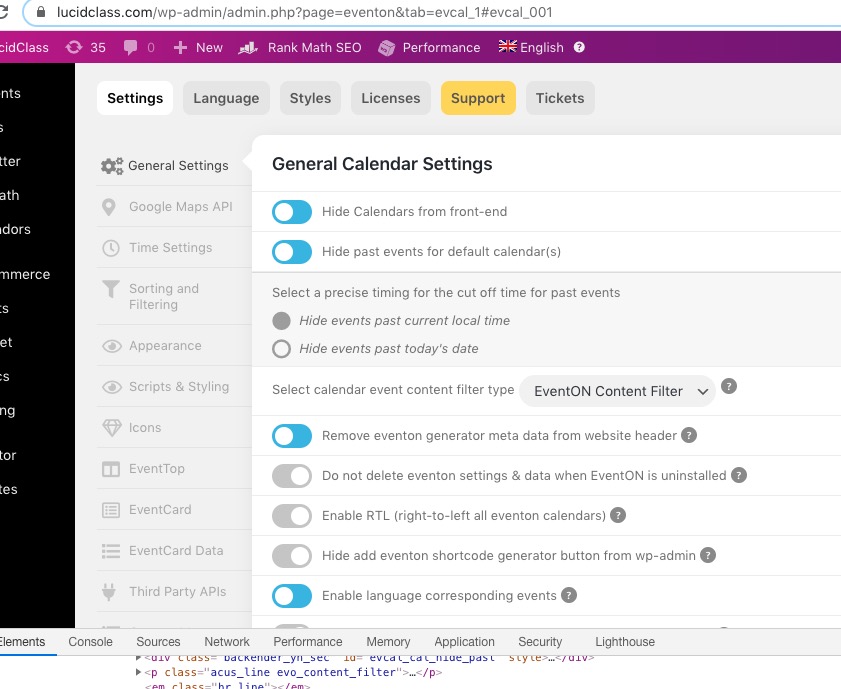
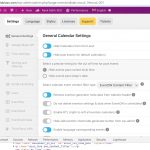
Please clean you browser cache. Here’s how it looks on my side:
Hi Basilis,
Here is the process I’m using for testing. I added a new event “Todd Test Event” for Monday June 7 5-6pm. I added a value in the trigger as 15Mn. This should equate to 15 Minutes, with the “M” signifying minute and the “n” signifying a line break (I believe the lowercase n tell it to line break). But the lines are not breaking. I save the event then view it on the site, click on “Calendar” and download the ICF file to my desktop. I double click the ICS file to add it to my calendar but the 15 minute alert is not working.
Here is the ICS code I downloaded:
BEGIN:VCALENDAR
VERSION:2.0
PRODID:-//eventon.com NONSGML v1.0//EN
BEGIN:VEVENT
UID:603cfee324ae6
DTSTAMP:20210301T094907
DTSTART:20210607T210000Z
DTEND:20210607T220000Z
TZID:America/New_York
LOCATION:
SUMMARY:Todd Test Event
DESCRIPTION: This is a test Event
URL:http://mw.modernation.com/events/todd-test-event/
BEGIN:VALARMnTRIGGER:-PT15MnACTION:DISPLAYnDESCRIPTION:nEND:VALARMnEND:VEVENT
END:VCALENDAR
As you can see, all the alarm stuff runs together. However, if I edit the ICS file, to remove the lowercase n and set the line breaks myself, this works when I add it to my calendar
BEGIN:VCALENDAR
VERSION:2.0
PRODID:-//eventon.com NONSGML v1.0//EN
BEGIN:VEVENT
UID:603cfee324ae6
DTSTAMP:20210301T094907
DTSTART:20210607T210000Z
DTEND:20210607T220000Z
TZID:America/New_York
LOCATION:
SUMMARY:Todd Test Event
DESCRIPTION: This is a test Event
URL:http://mw.modernation.com/events/todd-test-event/
BEGIN:VALARM
TRIGGER:-PT15M
ACTION:DISPLAY
DESCRIPTION:
END:VALARM
END:VEVENT
END:VCALENDAR
We somehow need to get the ICS file to have the line breaks. This is about the extent my knowledge goes when it comes to coding like this.
Hello Ashan,
my login is sviluppourlaaa@gmail.com
Thank
Please follow the instructions in this documentation to activate debug in your site to see any PHP errors recorded that can provide insight on to whats going on. Please reply with a link to debug.log file. If you are not able to do this please send us FTP access to your site so we can do this for you.
Maybe the issue is with server memory?
Ashish,
The developper theme support told us that you have to set a unique ID in order to get rid of all the warnings in Chrome Console.
It is not a theme issue. It is also the feedback of another developper.
We hope to release your job soon to our client…
Kind regards,
Arnaud.
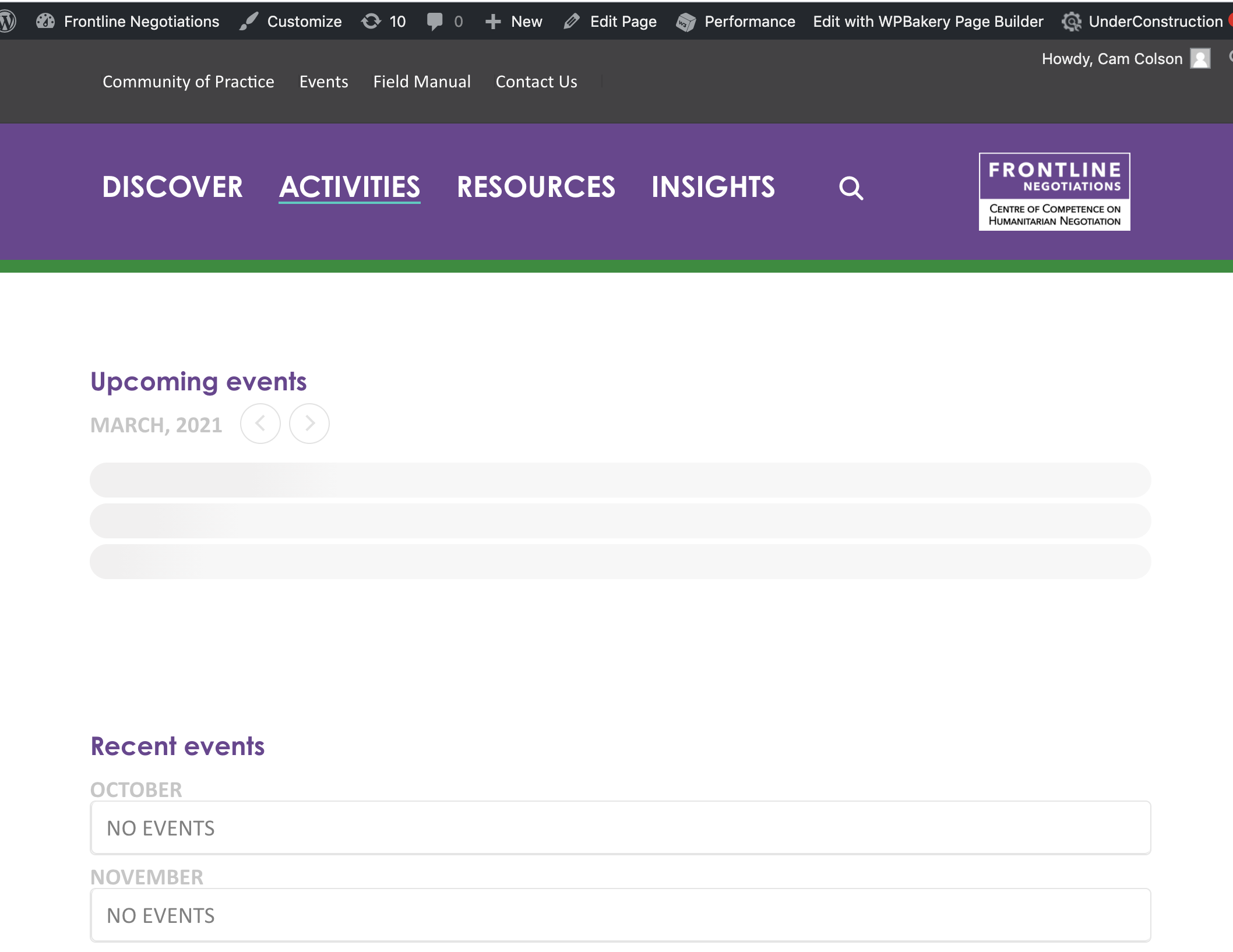
Haha oops! Wrong screen grab.
Dear Ashan,
thanks for the note. Ok, I’ll check with the Buddypress community to see if they might have a clue, but for context: If I use Youzify, which pulls a live URL preview for links, the content shows up exactly like one should assume. As in, I get the feature image shown and a snippet of the event text, like for all other WP links – so the meta data is called and displayed.
However, the moment I then try to post the link, I run into a parsing error on the console and instead of the nice preview, a live preview of the website is shown. This suggests to me, that there is some issue with parsing the URL, as the errors in the console also show up with just posting the link without Youzify active.
The Youzify support told me to check with you, now I’ll check with Buddypress, but it’s a bit weird that this issus only happens with pages generated by Eventon!
Kind regards, Philip
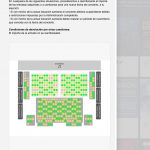
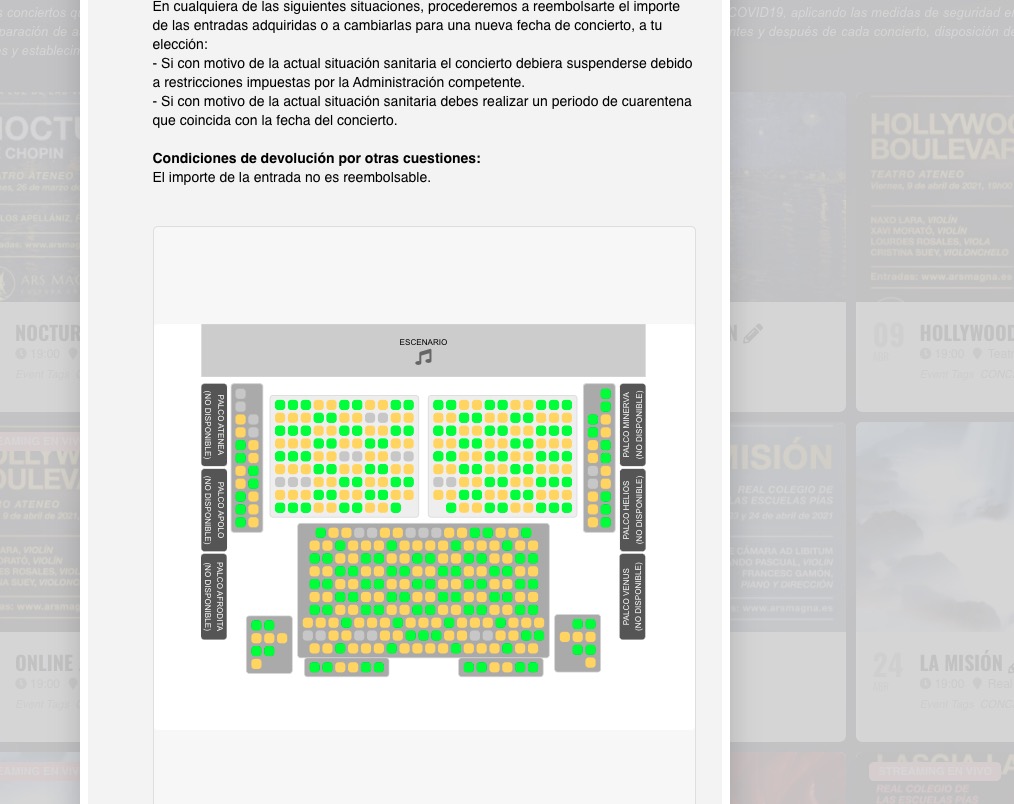
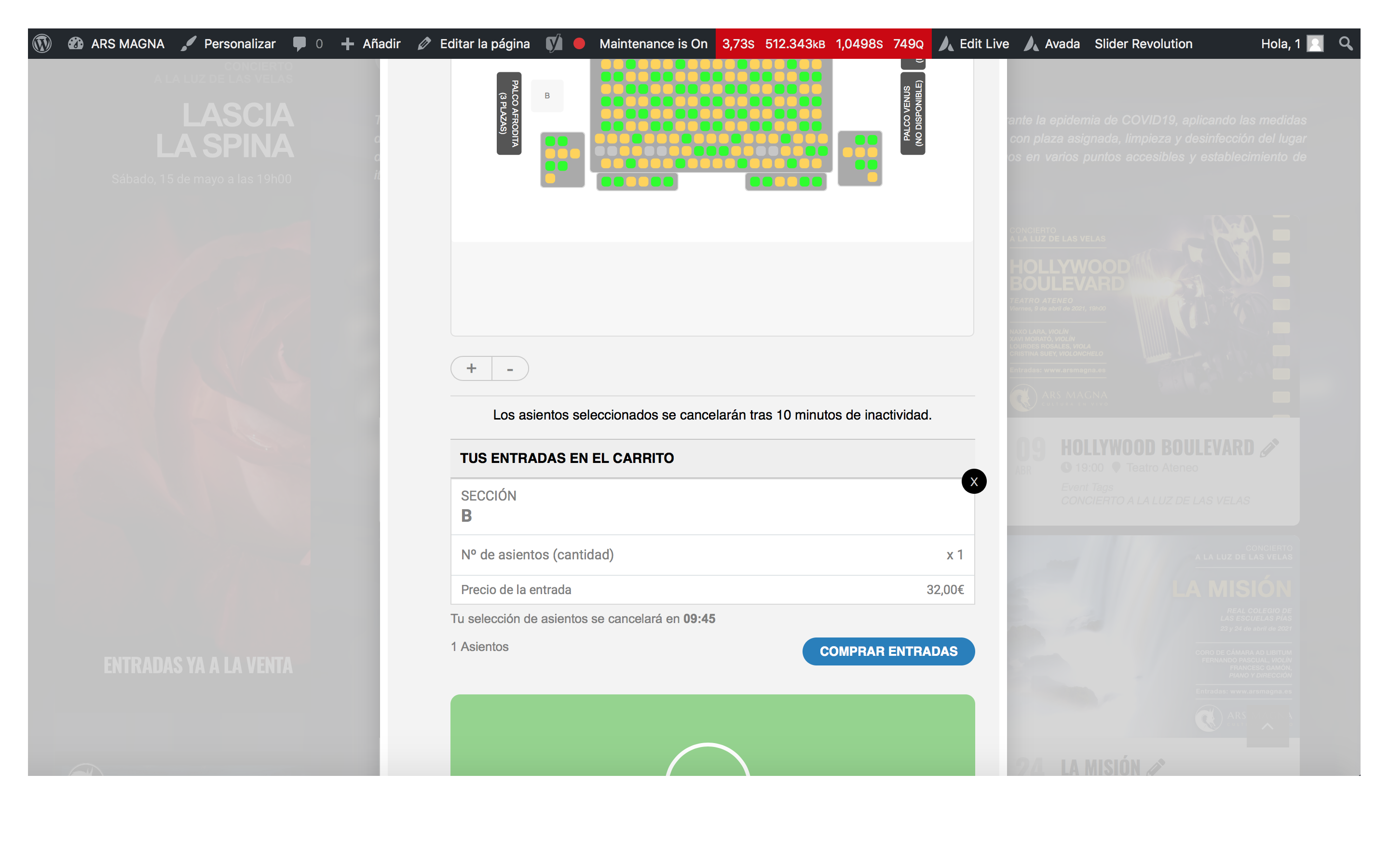
Could you also tell us the name of this event: https://helpdeskx.s3.amazonaws.com/wp-content/uploads/2021/02/27021422/Captura-de-pantalla-2021-02-27-a-las-9.35.02.png
Because I checked NOCTURNOS DE CHOPIN and it doesn’t have any Unassigned Seats: