Yes, I believe I do have completed orders. I see all the orders on my ticket / event options where I can do my checkins. You have the admin logins, please check. But I was hoping this addon will help to see all of my events in one place where I can do the chekins and keep.track of the registrations. I found I am not the only one with such a problem. You helped already someome in the helpdesk support forum and fixed the problem. Please fix mine too. Thank you.
Archives: Replies
Replies for tickets on suppota
Reply to: tickets(403599)
My apologies. Please refund Event Lists & Items on order # 222559. We originally ordered a plugin similar in name and were told a refund needed to be done. Our Director went ahead and ordered the plugin since we were expecting a refund when in fact an exchange was later done. Thank you!
Reply to: tickets(404063)
Hello,
Could you please try the instructions mentioned in this documentation?
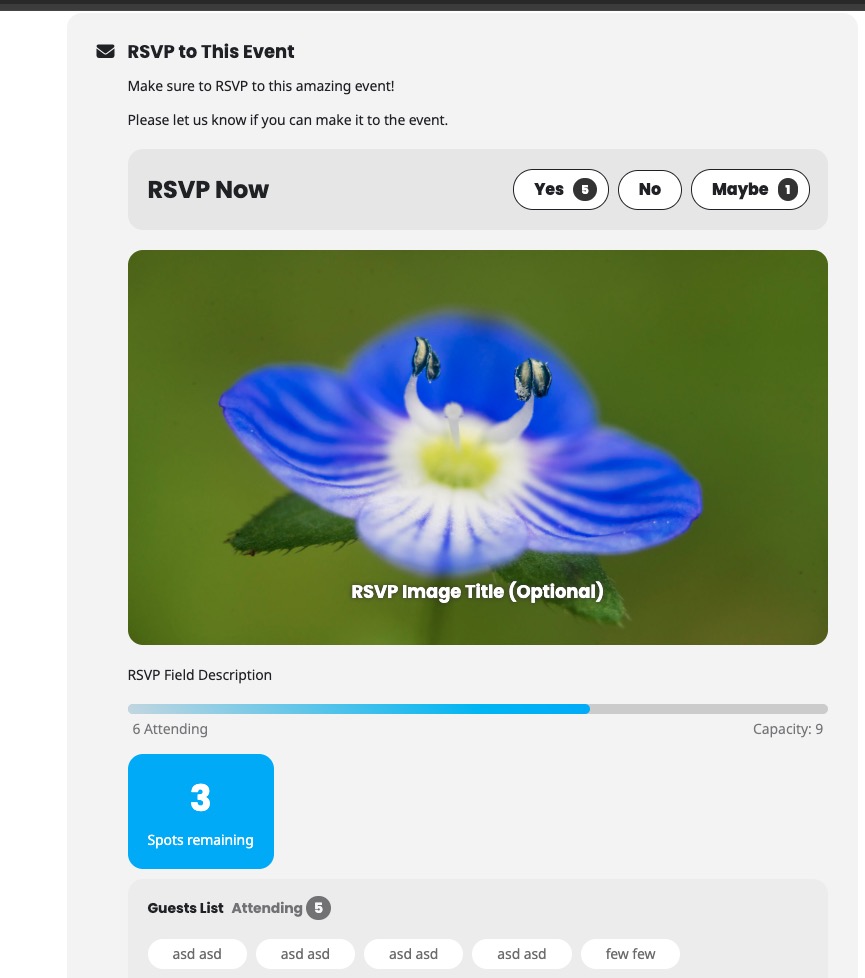
No such issue on our test site:
Reply to: tickets(403906)
You can go to EventON > Language > change ”Current Month” to anything you like. Please check and let me know.
Reply to: tickets(403850)
I use a Windows machine when I click on the link. On your demo it will still allow me to download the .ics file when I click on a calendar event in your demo, but on mine it is not allowing me to do so. It just shows that internal link that goes to a page not found.
Reply to: tickets(404055)
If you want to show only one event as repeating, then the easiest way is to create multiple events as repeats and then show them and hide repeating events by adding hide_mult_occur=”yes” to the shortcode.
No other option at the moment, I am afraid.
Reply to: tickets(403660)
Usually such issue comes from the server and it’s performance. Recreating events isn’t going to help, I am afraid.
Reply to: tickets(403539)
Hello
Yes, I’m having the same problem.
I made one purchase of PAR ticket. I also made two purchases of IMPAR tickets. (two separate purchases of one ticket each)
When I try to make another PAR ticket purchase, I get the same error.
Thank you
Reply to: tickets(403660)
We’ll check with the last comment as well, but do you think if we deleted all the events and recreated them that would help?
Reply to: tickets(403660)
debug.log file is empty for me.
However, when I go to EventON > Advanced > set ”Select event calendar WP Query method to Query only the event posts created within last 12 months, the calendar starts working, so I believe that the issue is with the memory limit on the server:
https://docs.myeventon.com/documentations/increasing-wordpress-memory-limit/
Could you check and let me know?