Just to clarify as well for the next event, if I need additional fields I just duplicate the indicated lines of code and add the name customization? In case I need to add t-shirt size, attending dinner, etc.
Archives: Replies
Replies for tickets on suppota
Reply to: tickets(221598)
Thank you so very much. The user role issue was indeed preventing the ability to upload the image.
I really appreciate the time you took to problem solve this.
You sir are a legend!
Reply to: tickets(221977)
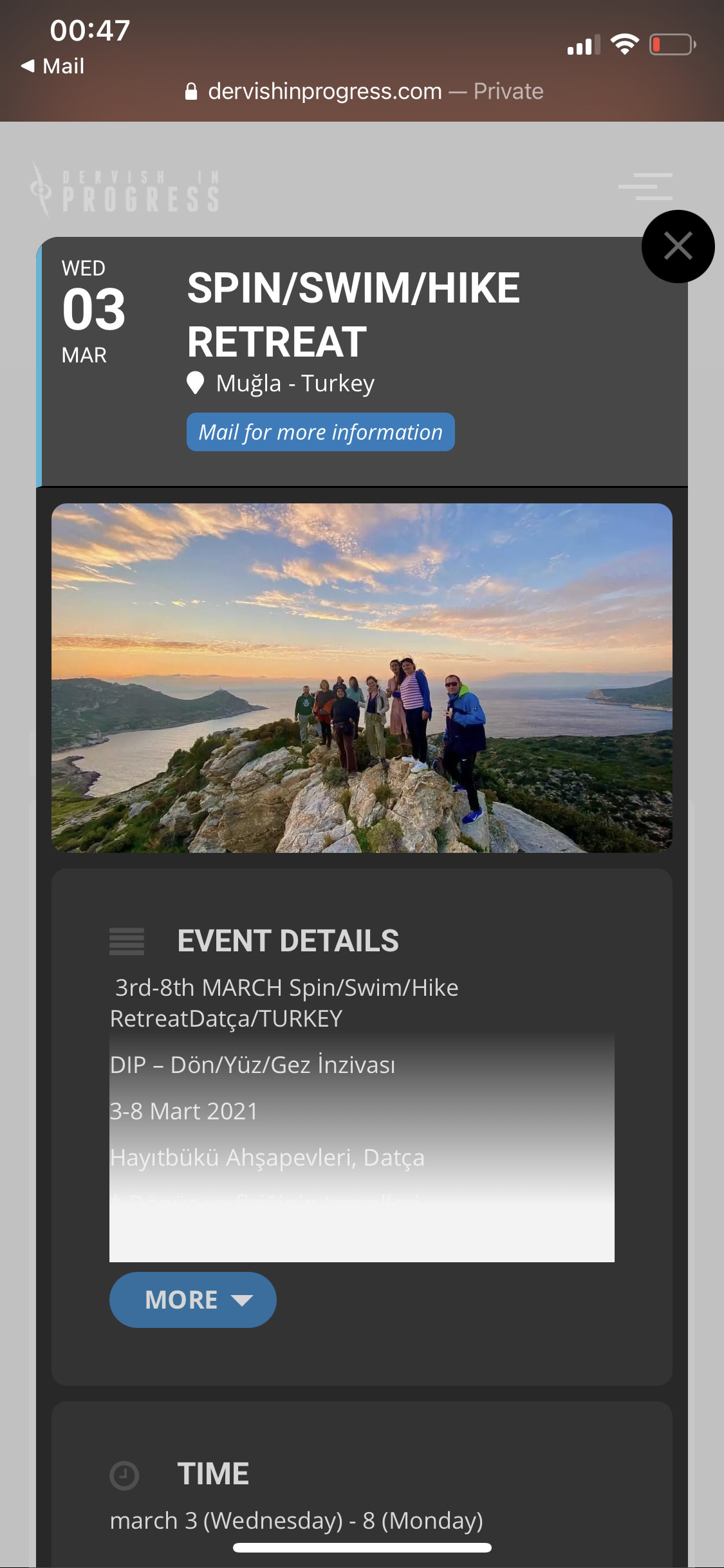
im talking about the more button in the event. More information
and cant make a screenshot i have turned it off now but if you activate the carousel for the events and click on a event it will close directly
Reply to: tickets(221978)
https://www.aflima.org.pe/artes-escenicas/?categoria=teatro&estado=actuales
Reply to: tickets(221797)
Actually, did you want me to pay it through here? I can see a pay now option
Reply to: tickets(221797)
Thanks Basilis,
Could you please let me know your details for payment? You can private email them to me too at mitchell@milkdigital.com.au
Thanks
Reply to: tickets(221937)
the site was getting slower and slower.
Could you elaborate more with links to events? Please also check our performance guide: https://docs.myeventon.com/documentations/why-my-site-and-eventon-page-loading-slow/
Customization job request is a usual suggestion, when EventON doesn’t have requested functionality.
In fact is not even documented!
Could you tell us which part are you referring to?
Reply to: tickets(221886)
Ashan,
This works for me but not for them. Could you check?
Test event on their website: https://healings.one/wp-admin/post.php?post=5306&action=edit
Reply to: tickets(221886)
Thank you for your messages, I am going to assign this ticket to Ashan and he will be able to take it from here and find you a solution. Please allow some time for him to get back to you, we greatly appreciate your patience and thank you for being a eventon customer! Also please disable any IP blocking on your site if there are any.
Reply to: tickets(221955)
Hello,
1. RSVP isn’t compatible with Formassembly. However, please note that if you need more fields you can follow https://docs.myeventon.com/documentations/set-additional-fields-rsvp/
2. RSVP allows you to add dropdown and text fields so Formassembly is not necessary, I think.
3. Only through customization. Please send us a customization job request by creating a new ticket in here and selecting Customization Request as the category.
Try RSVP add-on and other products on our demo site: https://dev.myeventon.com/wp-admin/
4. Please use this shortcode:
[add_eventon_list number_of_months=”12″ hide_empty_months=”yes” tiles=”yes” tile_bg=”1″]