Yes I tried to follow the tutorial and I know where to put the first set of code but for the Code 2 and Code 3 sections I don’t know where to place those. If you could direct to where those go and how to add multiple additional fields. Thank you.
Not sure why this isn’t a standard feature as most ticket registration usually needs more info from attendees. Perhaps something to include in future updates.
Thank you, i contaced woocommerce, but it will take some time for sure.
I played around with your demo version. I thought maybe it can work like this.
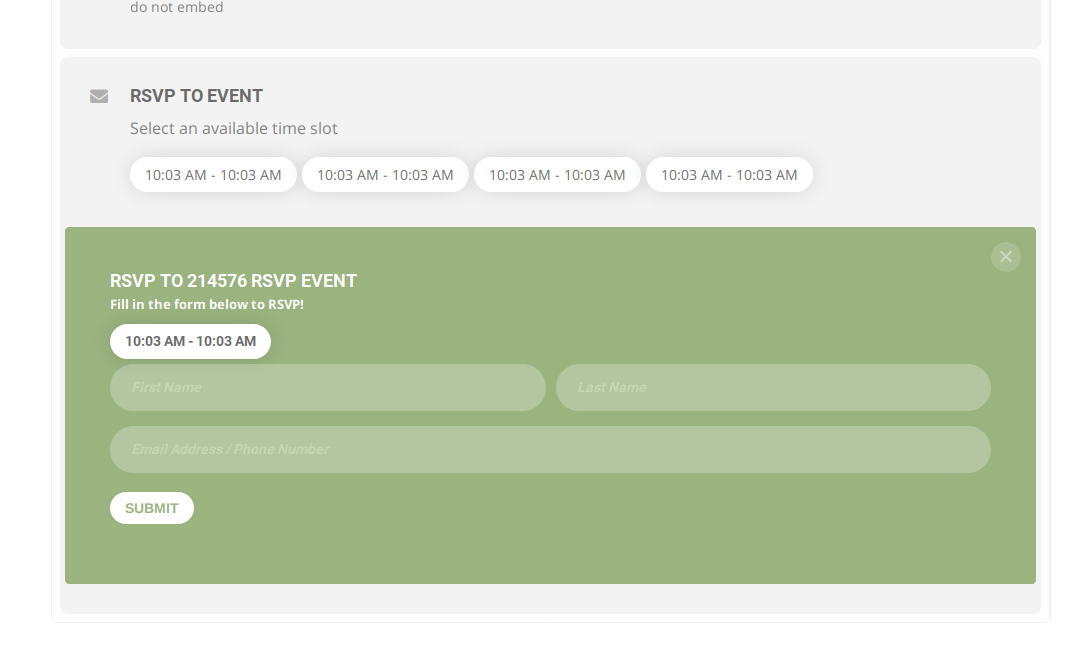
let’s assume we use RSVP. So on eventcard i can give a button RSVP. -> now I have details from the customer and the event a soon the customer fills out form. Is it possible to have this data in the woocommerce shop?I tried to create a ticket order, but could not find the RSVP data. Can eventOn pull the data of RSVP so the ticket manager can easily create an order manually only on backend? How can the seat plugin come in?
As for woocommerce I use (for another shop) the addional plugin germanize for woocommerce, with that I can create an invoice this will be sent automatically to the client. who can pay than via bankaccount.
I set up such a nice event site for my client with eventon. But for the ticket system she is checking other systems too. It would be really nice for me If eventon can drive the car home.
Ashish has accepted the job for 200
Hmmmm
I would suggest perhaps a membership plugin (there are free ones)
with membership plugins you can create additional user roles
and in your case 1 user role would be 18-34, another would be 35-44 and so on
you may wish to try something like this: https://wordpress.org/plugins/simple-membership/
in particular
UNLIMITED MEMBERSHIP ACCESS LEVELS
Set up unlimited membership levels (example: free, silver, gold etc) and protect your posts and pages using the membership levels you create.
I believe this may allow you to create 3 calendars on the one page (1 calendar for each user role) You would then use the event types (which are our version of categories) to show a calendar of only 1 event type if you needed.
Great. It seems to be ok after few tests.
Will you install this on our dev website?
One more issue about hour format, maybe you can give me a trick to set this on 24h format?
Kind regards and despite delay, great job Ashish!
see video below
Another option is to set the time as is but have the date 1 day and make it a repeating event- repeating on the next day
its an addon of an addon so you would need event tickets in order to send the reminders
tickets has a built in manual email send- so you can manually send emails out to ticket holders
reminders is an automated basic email reminder- you get up to 2 emails prior to the event and up to 2 emails after the event
Hi
Yes we will be using WooCommerce but do they need to book via the Eventon plug in?
Can the plug in be used on the event page for this?
hi – here is the login. The site is still in development stages:
http://141.136.36.107/~circleoflife/wp-login.php
username: admin
Password: Pass*2020