Hi Bart,
Thanks for reaching out!
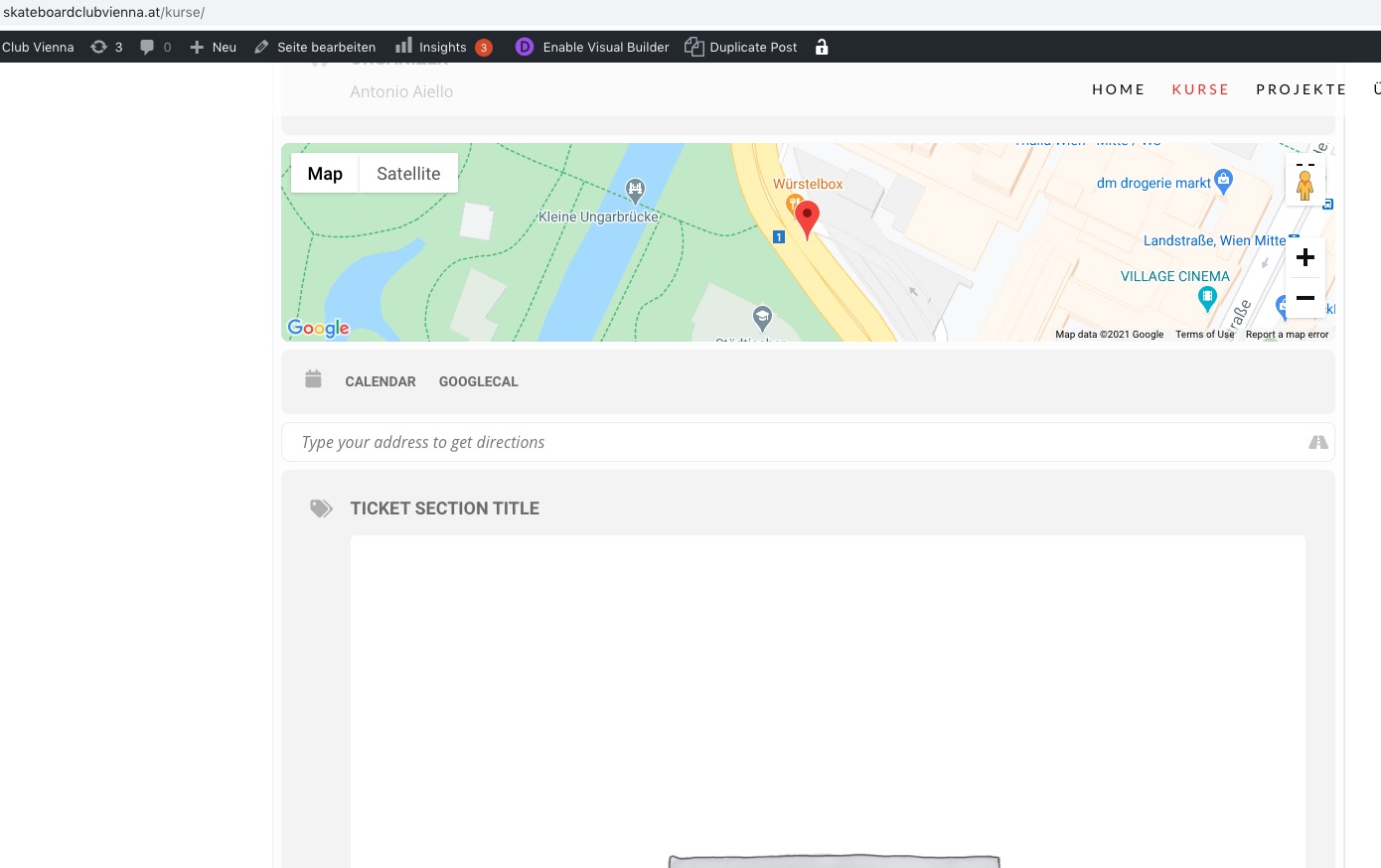
Regarding your questions, in order to make sure we are on the same page, kindly send in some relevant screenshots as well as direct links where the issues are happening so that we can take a look and advise accordingly.
Looking forward to hearing from you.
Just thinking about it, wouldn’t this age range and gender need to be part of registration form (as new field) rather than added at checkout. It needs to be specified earlier idea so that is part of their account. Would you suggest adding it to the registration instead?
Ah thats awesome thank you so much i was worried about which registration form to use.
Regarding the age ranges and gender, is this something you can do for me or should i just add that code. The idea is that visitors CAN only enter events that are restricted to those age groups. Thank you
Hello,
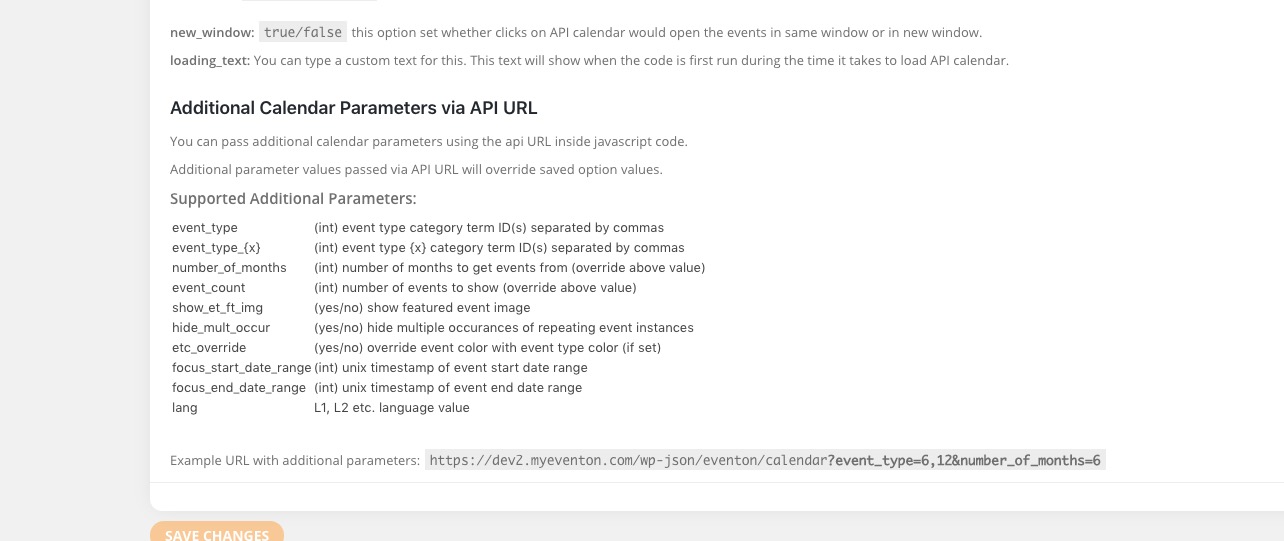
Event API only supports these parameters:
If you want to add more please send us a customization job request by creating a new ticket in here and selecting Customization Request as the category.
Hello,
After the add-on installation or update you need to go to EventON Settings and save them, otherwise it may cause such issue. We are sorry for the inconvenience.
Please check now:
Thank you for the explanation.
You could use RSVP add-on https://www.myeventon.com/addons/rsvp-events/ for 1. But again the problem is in “and an purchase button”. Could you contact WooCommerce themselves https://woocommerce.com/contact-us/ and ask if you can send a purchase button with a predefined order for users to buy?
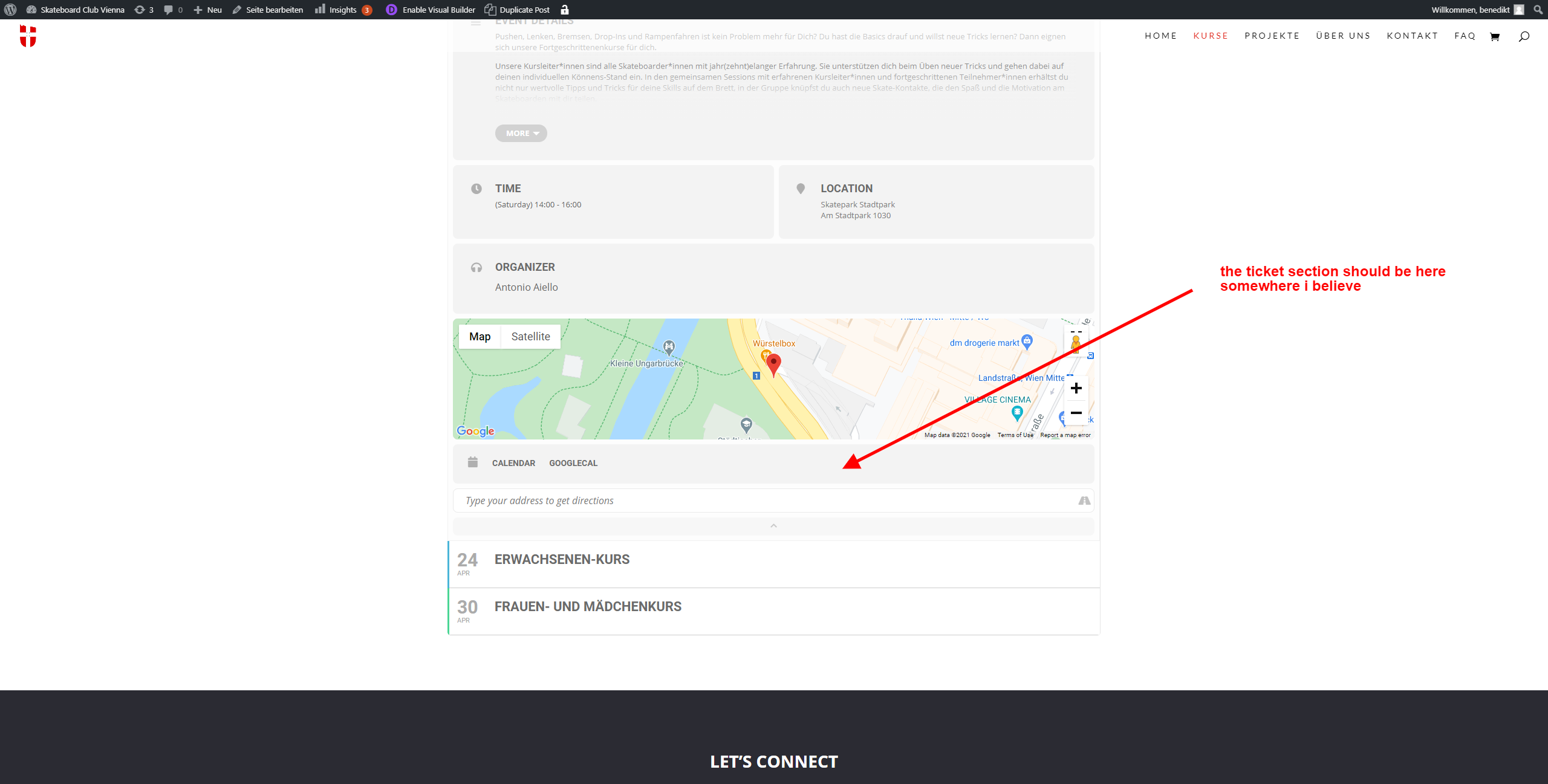
ok, thanks for the info. I actually did attache admin access to the initial ticket submission. here it is again:
https://skateboardclubvienna.at/wp-admin/
| ID: |
eventon |
| PW: |
@Rg!2tsCI$fvxKb091O*np)a |
the page with the events is here: https://skateboardclubvienna.at/kurse/
Thanks!
Best,
-Benedikt
Hello,
WordPress handles registration and loggin processes so please follow this guide: https://www.wpbeginner.com/beginners-guide/how-to-allow-user-registration-on-your-wordpress-site/#:~:text=Enabling%20User%20Registration%20in%20WordPress&text=Head%20over%20to%20Settings%20%C2%BB%20General,select%20the%20default%20user%20role.
Now when it’s ready please go to EventON Settings > Tickets > enable Show ticket purchase only for loggedin users.
I need them to choose from one of three age ranges (18-34, 35-44 and 45+) and select a gender (male or female).
Please follow this guide: https://docs.myeventon.com/documentations/how-to-add-additional-fields-at-checkout/. You can also send us a customization job request by creating a new ticket in here and selecting Customization Request as the category.
To clarify i need to know how to set up a registration form that will sync/work with EventOn to ensure tickets can only be purchased once logged in. Please help or advise! I tried contacting woocommerce about this but they were unable to help and directed me to your support.
Thank you
The thing why the ticket manager is picking the seats not the customers:
there are dinner tabels not rows. Each dinner table has got 8 seats. Customers often come with their friends let’s say 4 Person. Now my ticket manager checks which table has got 4 seats left.
The problem when the customers pick the seat themselves is, that in many cases they start a new table, so sometimes there will be two persones on one table and two on the other table. This is not good. The ticket manager will be in full control and fill all table seats before opening an new table. She told me she needs to be super flexible also due to covid. This is not like a unique cinema ticket.
For better illustration: this is an event I have already created.: https://bettfedernfabrik-oberwaltersdorf.com/veranstaltung/heilbutt-rosen/
I have orderd a custom button function here at the help desk for the live site. When it will work by clicking on the button “Ticket bestellen”. A form shall pop up with details to events and how many seats the cutomer wants to order. for the moment it is not working yet.
this wokrflow would be lovely:
- customers inquiry tickets
- ticket manger checks availabilty and picks seats
- sends an email with seat confirmation and an purchase button
In fact you do know your system better than I do, any good ideas how to go this way is highly appreciated.