reminders doesn’t work without the rsvp addon or the tickets addon
if you use the tickets addon you would also need woocommerce
Replies for tickets on suppota
reminders doesn’t work without the rsvp addon or the tickets addon
if you use the tickets addon you would also need woocommerce
can’t view the page you orovided
Please send us wp-admin access to your site as a private message for us to further assist your situation.
We are glad your issue is resolved, if you have any further questions or concerns please create a new ticket.
If you have a moment, we would greatly appreciate if you could kindly leave us a review at codecanyon! from your account > downloads. Cheers!
Ashan,
Default theme and no plugins except EventON. Still cannot click on Visual:
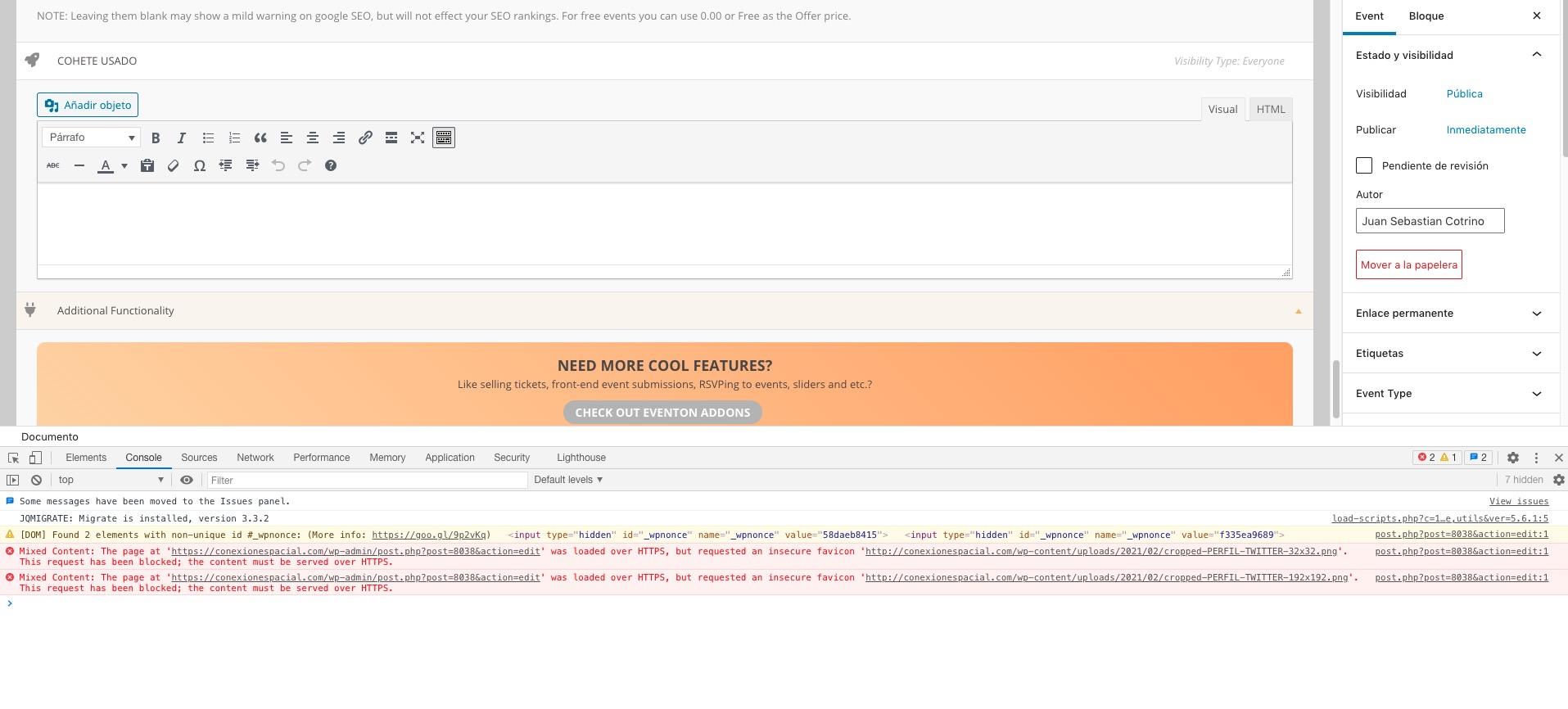
Could you check?
Hello,
thanks for your answer.
Action User do not correct work together with Yoast Duplicate Post – Plugin. After deleted this complete from my WP evrything is fine with EventOn.
Kind regards
Matthias
Thank you for your messages, I am going to assign this ticket to Ashan and he will be able to take it from here and find you a solution. Please allow some time for him to get back to you, we greatly appreciate your patience and thank you for being a eventon customer! Also please disable any IP blocking on your site if there are any.
You don’t have events on March 2nd:

Could you check and let us know?
Hello,
Thank you for your messages, I am going to assign this ticket to Ashan and he will be able to take it from here and find you a solution. Please allow some time for him to get back to you, we greatly appreciate your patience and thank you for being a eventon customer!
Maybe the best solution is to use a reservation form: https://wpforms.com/how-to-create-a-client-booking-form-in-wordpress/
…than my client (manager of tickets) confirms the seats which she picks at the seating plan…
Could you tell us why customers cannot select where they want to seat by themselves and then just pay for it? Admins can do this by using “Password protected” functionality. The problem is that WooCommerce doesn’t allow you to “Than sends a purchasing button.” since users can just remove everything from the cart and so on. By default, customers just select a ticket or product and then purchase it through the checkout process.
Hello,
In order to add more checkout fields please follow this guide: https://docs.myeventon.com/documentations/how-to-add-additional-fields-at-checkout/.
You can also send us a customization job request by creating a new ticket in here and selecting Customization Request as the category.