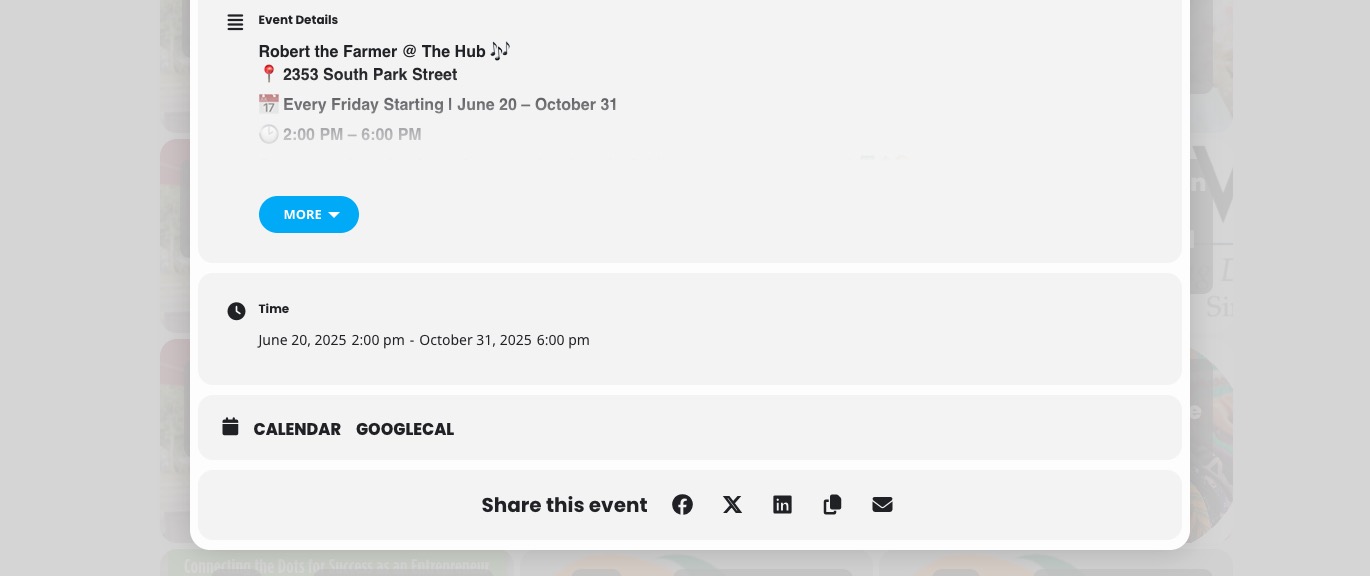
I changed tile_style to 3 and also changed EventON > Appearance > EventTop > Configure text color for colorful & Image eventtops: Auto detect white or black text color for eventtop text based on background:
https://ulgmhub.org/calendar/
Social Icons are also visible:

Could you check and let me know?
After 6 months…no response…your support is very fast!!!
I forgot, the social media icons aren’t showing up for me.
hello,
i need a little help. how can i get a design like this https://demo.myeventon.com/?view=tile-view-with-details-right-of-date
Do you have a demo file that I could import or can you help me with the settings?
At the moment, for me it looks like these events https://demo.myeventon.com/?view=basic-event-list
Thank you
Yes, now I did. Thanks. Seems the issue is resolved.
Thank you that solved the problems!
Can you also please add the event location to show up in the check-in page? Since we have multiple locations at the same day
Hi Ashan. Sorry I wasnt able to respond on this. I just tested it and it’s working now. I can see that the HTML5 scanner is new and in beta but it’s working now. Thank you
I am not familiar with jqueary and how to fix. I don’t see anywhere in documentation. How can we get this addressed?
Hello,
Please take a look at these guides:
https://docs.myeventon.com/documentations/customize-single-events-page/
https://docs.myeventon.com/documentations/how-to-customize-events-archive-page/
https://docs.myeventon.com/documentations/customize-location-organizer-archive-page/