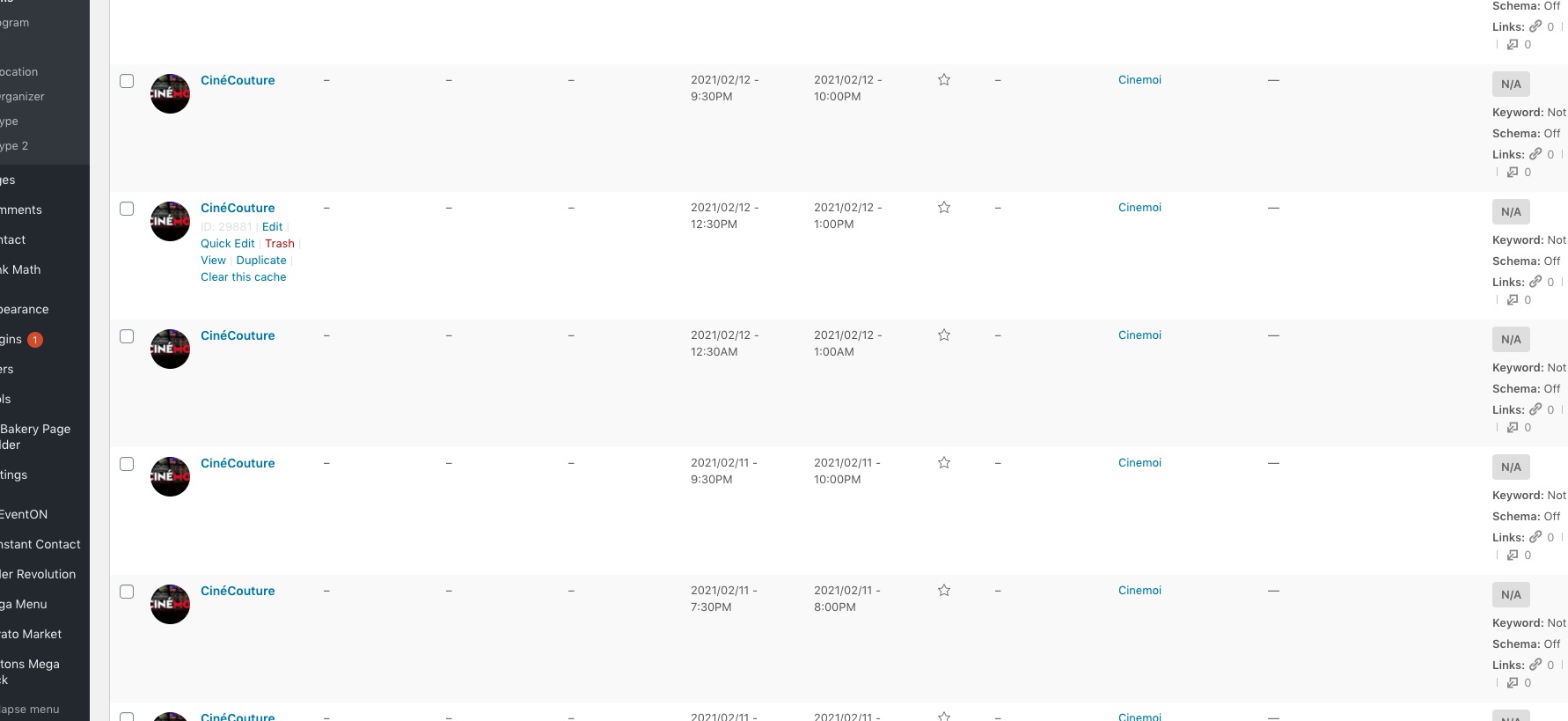
Thank you for this. I was able to determine that the date picker that is showing is coming from the UserPro plugin. Apparently this is an issue with other plugins where the UserPro plugin takes over the date picker.
I found this note from EventEspresso users where the same thing happens and they provide a function to add to the functions.php to stop UserPro styles from loading on the EE admin pages.
https://eventespresso.com/topic/plugin-conflict-with-userspro/
I’m going to open a ticket with UserPro but in the meantime, would a function be able to stop thier styles from loading on the EventON admin pages?
Thanks for your help with troubleshooting this!
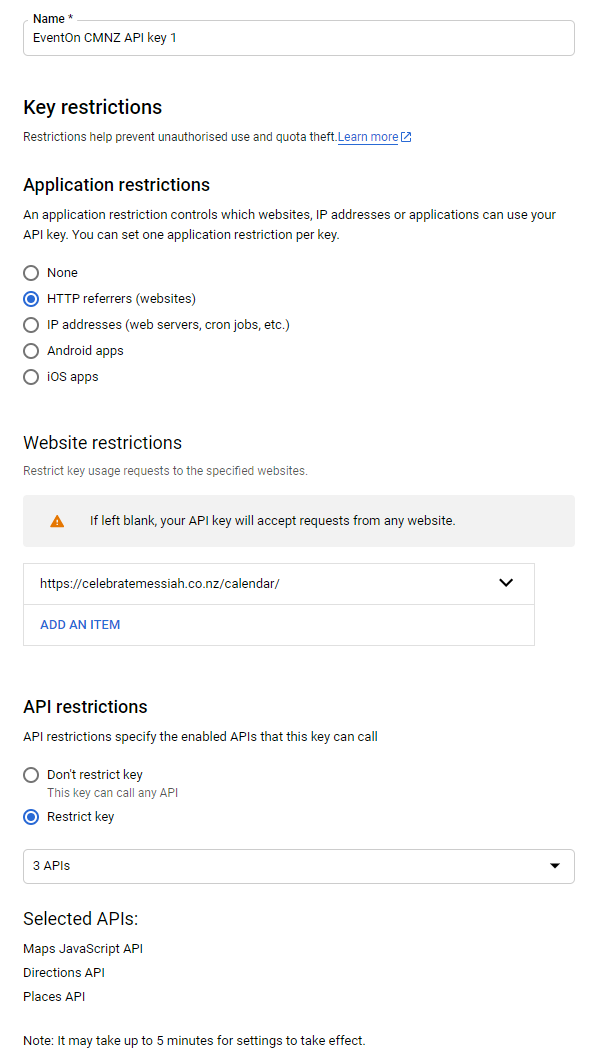
I went back into the API website restrictions and added that specific webpage, though I had already included *.celebratemessiah.co.nz/*, which I think should have covered it. It’s still not working. I uploaded a screenshot.
I have few events per day everyday. It’s not the issue.
Is for example if you go on the schedule on the front side on our website, under Feb 11 show up events for the 11, 12, 13, 14…
May I update without problems ? why you leave this ?
Ok. For me it’s ok.
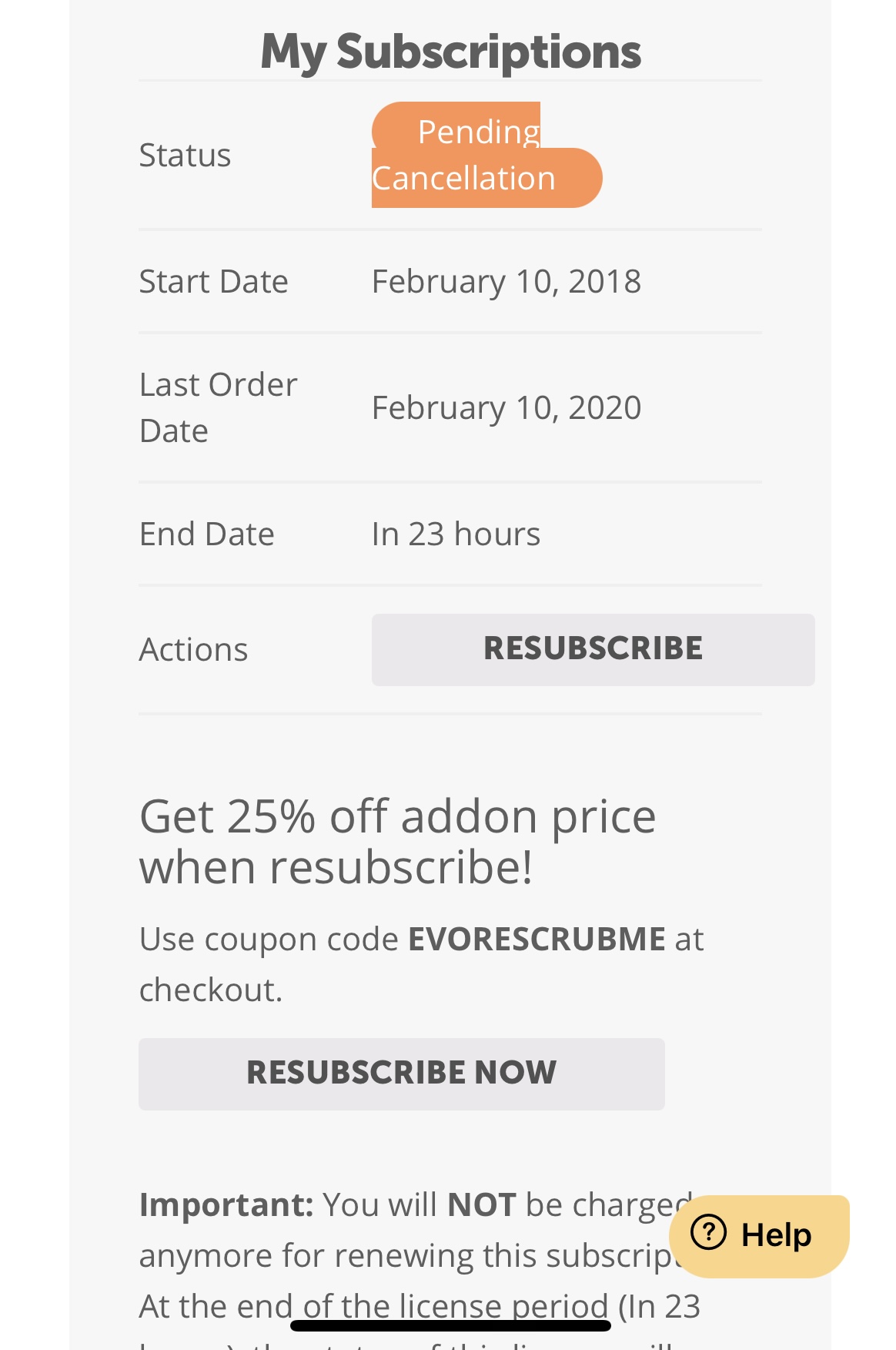
But what about this offer on my Screen? I have already send you the picture, but you could not see it, because ist was in the downpart. Here again. Pls have look. What does that mean?
„GET 25% OFF Addon price when resubscribe!“
Hello,
It seems that you have multiple events on the same day:
Could you remove/hide some of them and leave only one?
When creating a new user in WP you don’t need my email. Just use any email you like and send us login/pass.
Hello,
It seems that the best solution is to use Custom Meta Field (Multiple lines of text): https://docs.myeventon.com/documentations/setup-use-custom-meta-fields-events/
Please check and let me know.
Hello,
Please fix this error:
Google Maps JavaScript API error: RefererNotAllowedMapError
https://developers.google.com/maps/documentation/javascript/error-messages#referer-not-allowed-map-error
Your site URL to be authorized: https://celebratemessiah.co.nz/calendar/
More info https://elfsight.com/blog/2018/06/how-to-get-google-maps-api-key-guide/