I dont need a customization, I need documentation on how your plugin works. That way i can add this drop down.
Archives: Replies
Replies for tickets on suppota
Reply to: tickets(220730)
Sure ! Done already 🙂
Reply to: tickets(215045)
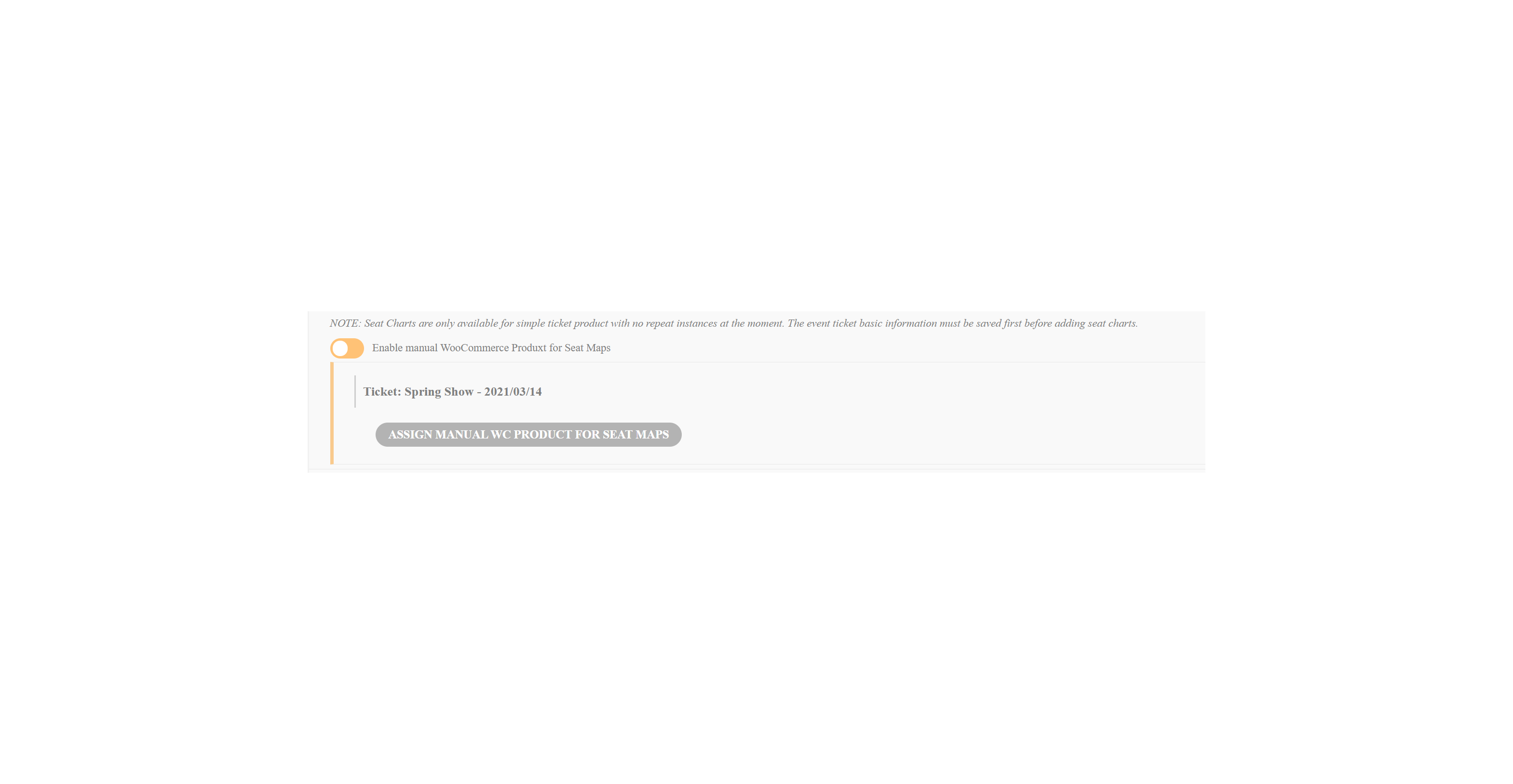
Event: https://funnygirls.show/wp-admin/post.php?post=208&action=edit
Product: https://funnygirls.show/wp-admin/post.php?post=209&action=edit
Reply to: tickets(215045)
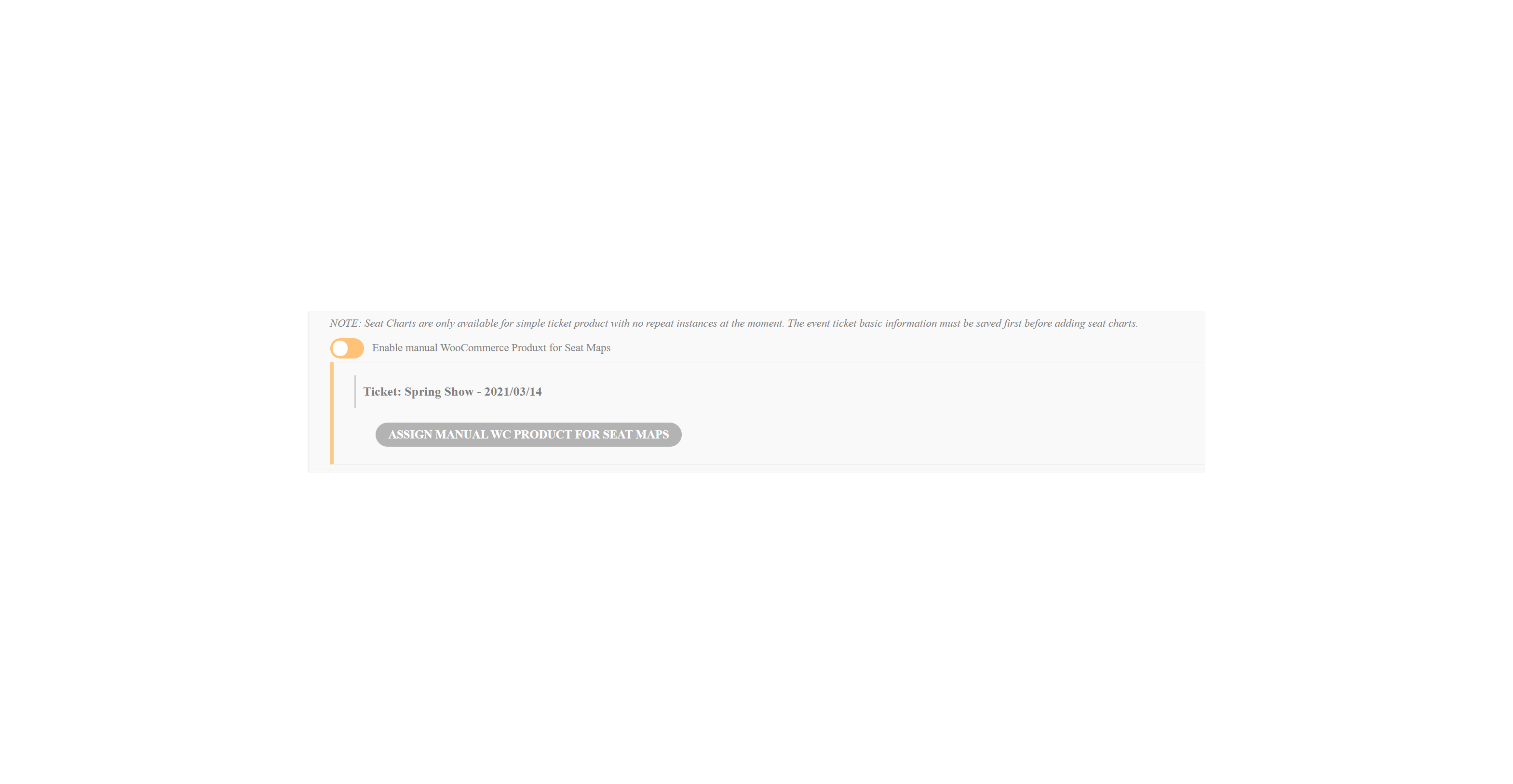
Hello,
I added the variations to the WooCommerce product and added the ‘Seat Ticket Template’ category. I then successfully assigned the product for seat maps but as you can see from the attached screen shot, the edit seat chart button is still unavailable for variable products.
Reply to: tickets(214576)
ok. So, for now you can test it on our earlier test site. We have adjusted few thins. Ignore the error/warning message.
http://ceramicpronepal.com/wp-admin
username: arnaud
password: arnaud
We have few questions.
Q. Add or delete an attendee to a single RSVP Event from ADMIN
– Does this apply to related events as well,
Q. In a « parent » event, display related events from the most recent to the oldest.
Are you referring to this screen

Q If an event is set as “hide”, do not display this event in the main event.
– Could you please show us some example.
Reply to: tickets(215969)
Hey Basilis,
unfortunately not. Can you provide a downloadlink here or can you please send me another email, Thanks.
Reply to: tickets(220958)
if you have search as part of a calendar- it will search – that calendar- so if the calendar is set to removing past events- they will not show
if you set the search as a standalone search then you can set it to search past and future
Reply to: tickets(220932)
That’s great, thank you. There was no automatic update in the plugins page so missed this. I believe the issue is now resolved.
Reply to: tickets(220300)
Tell me what I should use to implement the sale of tickets for events?
Reply to: tickets(220906)
Thank you.
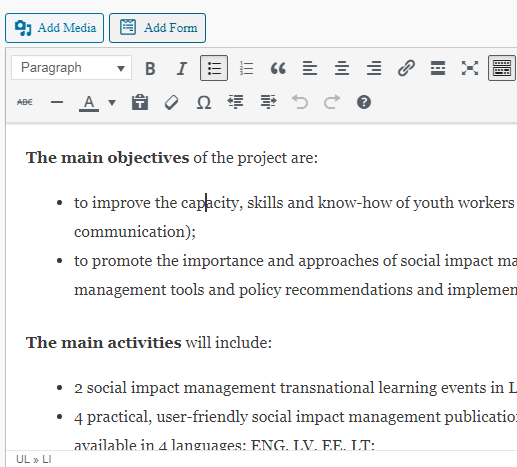
One another question. Why is the formatting not working correctly – for example, bullet points don’t show up, text size is different and so on?
You can see the outcome here: https://storiesforimpact.com/ event named “BALTIC : YOUTH : IMPACT”.
I added a picture, how it looks on the text editor.